Why Pinned Messages Are the Most Underrated Feature in Group Chats
Discover why the humble pinned message is the secret weapon for organized group communication and learn creative ways to use this overlooked feature.
Why Pinned Messages Are the Most Underrated Feature in Group Chats
Every active group chat has the same problem. Someone shares important information — an address, a deadline, a decision — and within minutes, it's buried under a cascade of memes, reactions, and side conversations. Hours later, someone inevitably asks, "Can someone send that link again?" and the cycle repeats.
Enter the humble pinned message: a feature that exists in most modern messaging apps but is criminally underused by the majority of users. If you've been ignoring the pin feature, you've been making your digital life harder than it needs to be. Let's explore why pinned messages deserve to be your new favorite tool and how to use them like a pro.
What Exactly Is a Pinned Message?
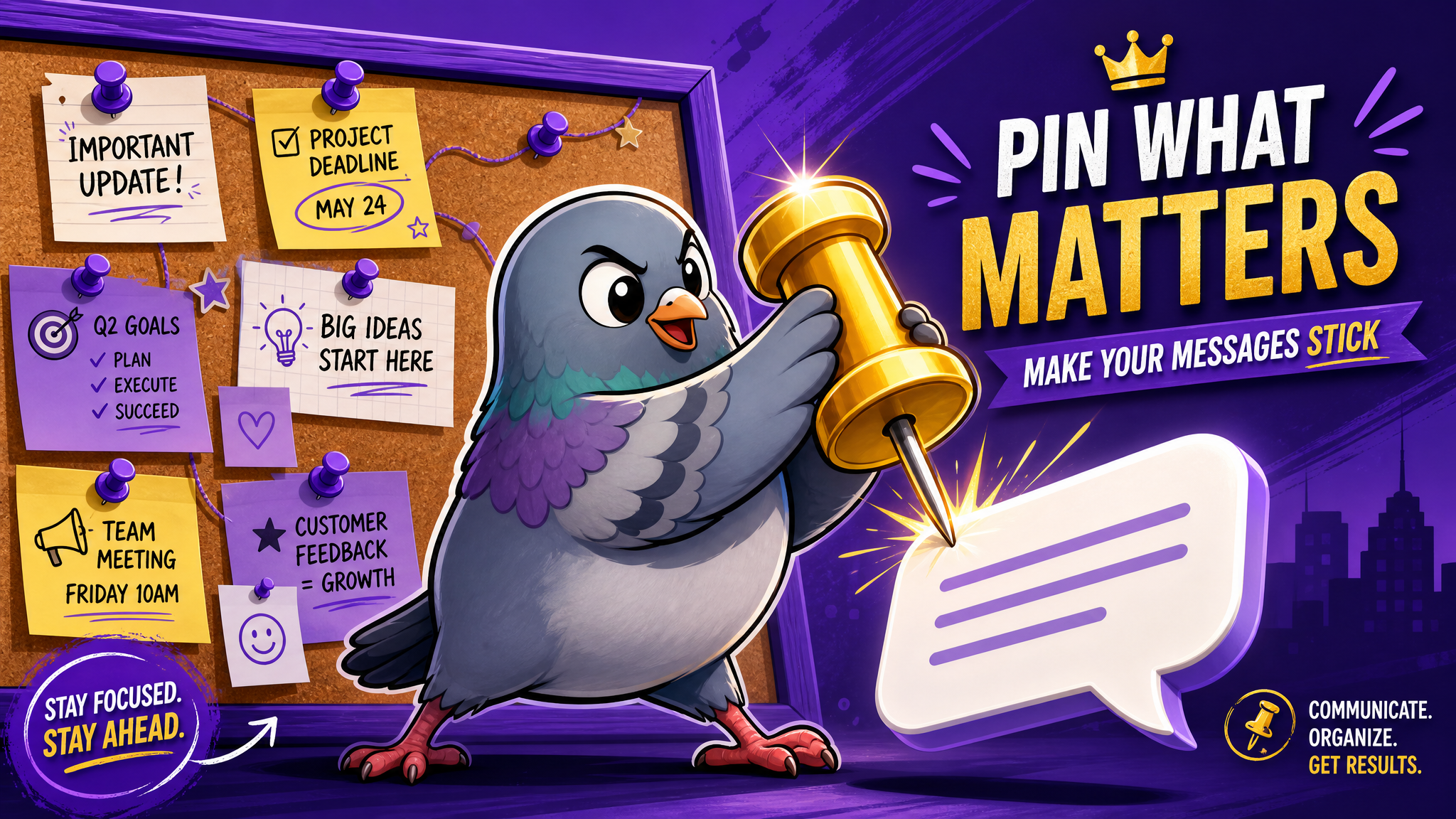
For the uninitiated, pinning a message means marking it as important so it stays easily accessible at the top of a chat, regardless of how many new messages come in. Think of it as sticking a note to the refrigerator of your group chat — it's always there when you need it, even as life swirls around it.
Most messaging apps allow you to pin at least one message, though platforms like PigeonChat support multiple pins, letting you create a curated collection of essential information that any group member can access with a single tap.
Despite being available on virtually every major platform, studies suggest that fewer than 20% of group chat users regularly pin messages. That's a staggering underutilization of a feature that could save hours of scrolling and repeated questions.
The Real Cost of Not Pinning Messages
Let's quantify the problem. In an active group chat with 20+ members, messages can number in the hundreds per day. Finding a specific piece of information means either scrolling through hundreds of messages, using search (if you remember the exact words), or — most commonly — simply asking someone to resend it.
This creates what productivity experts call "information retrieval friction." Every time someone has to ask for previously shared information, it creates a micro-interruption for the entire group. Multiply this across multiple chats, and you're looking at significant wasted time and energy.
Research on workplace productivity suggests that knowledge workers spend an average of 2.5 hours per day searching for information they need. While not all of this happens in messaging apps, a meaningful portion does. Pinned messages directly attack this problem.
The Psychology Behind Pinning
There's an interesting psychological reason why pinned messages work so well. Cognitive psychologists have long studied the concept of "cognitive offloading" — the practice of using external tools to reduce the burden on our memory and attention.
Pinned messages serve as a form of distributed memory for the group. Instead of every member needing to remember (or screenshot) important details, the information lives in a shared, accessible space. This reduces individual cognitive load and creates a single source of truth that prevents miscommunication.
There's also a social psychology element. When a message is pinned, it signals to the group that this information has been collectively deemed important. This shared acknowledgment creates alignment and reduces the kind of "I didn't see that" confusion that plagues disorganized groups.
Creative Uses for Pinned Messages You Haven't Thought Of
Most people think of pinning as something you do with addresses or meeting times. But creative users have found dozens of innovative applications:
Group rules and guidelines. Set expectations from day one by pinning the group's purpose, rules, and norms. This is especially valuable for large communities where new members join regularly.
Decision records. When the group makes a decision after a long discussion, pin the final decision. This prevents the dreaded "wait, I thought we agreed on something different" syndrome.
Running agendas. For recurring meetings or events, keep a pinned message with the next gathering's details, updating it as plans evolve.
Resource libraries. Pin links to shared documents, photos, playlists, or other resources that the group references frequently.
Emergency information. In family groups, pin important phone numbers, medical information, or emergency contacts. In travel groups, pin hotel addresses, flight details, and embassy numbers.
Welcome messages. Create a warm, informative welcome message for new group members that explains the group's purpose and key information.
Milestone tracking. For project groups, pin a progress tracker that gets updated as milestones are achieved.
Pinned Messages in Different Contexts
Family Groups: Family group chats are notoriously chaotic — and that's what makes them wonderful. But when Grandma's birthday party details get lost between memes and pet photos, everyone suffers. Pin the party details: date, time, address, what to bring. Pin the family reunion photo album link. Pin the holiday gift exchange assignments. These simple pins can prevent dozens of repetitive "when is it again?" messages.
Friend Groups: Planning a trip with friends? Pin the itinerary. Organizing a surprise party? Pin the plan (just make sure the birthday person isn't in the chat). Having a shared expense? Pin the payment details and running total. Friend groups generate an enormous volume of casual conversation, making it even more critical to pin the nuggets of actual information.
Work Teams: In professional contexts, pinned messages become even more valuable. Pin the project brief, key deadlines, client feedback, and important decisions. This creates an informal but effective documentation system that keeps everyone aligned without the overhead of formal project management tools.
Community Groups: For larger community groups — neighborhood associations, hobby clubs, alumni networks — pinned messages serve as the group's institutional memory. Pin the group's mission, upcoming events, and frequently asked questions to reduce noise and help new members get oriented quickly.
The Art of Good Pin Management
Like any tool, pinned messages work best when used thoughtfully. Here are principles for effective pin management:
Pin intentionally, not reflexively. If everything is pinned, nothing is important. Reserve pins for information that multiple people will need to reference multiple times.
Keep pins current. Outdated pins are worse than no pins — they create confusion. Regularly review and unpin messages that are no longer relevant.
Use formatting in pinned messages. A well-formatted pinned message with clear headings, bullet points, and key details in bold is far more useful than a wall of text.
Establish a pin culture. Encourage group members to suggest messages for pinning. When someone shares something important, others can react with a pin emoji or say "pin this!" to flag it for administrators.
Number your pins. When you have multiple pins, numbering them helps members reference specific ones: "Check pin #3 for the address."
How PigeonChat Elevates the Pin Experience
While most messaging apps offer basic pinning functionality, PigeonChat has taken the concept further with features designed to make pins more powerful and user-friendly.
PigeonChat supports multiple simultaneous pins, allowing groups to maintain a rich library of important information. The platform's intuitive interface makes it easy to browse, search within, and manage pinned messages without disrupting the flow of conversation.
Combined with PigeonChat's other organizational features — like channels, folders, and smart search — pinned messages become part of a comprehensive information management system that keeps your digital life organized without adding complexity.
The Future of Pinned Messages
As messaging continues to evolve, we can expect pinned messages to become even more powerful. Imagine AI that automatically suggests messages to pin based on content analysis, or smart pins that update automatically when referenced information changes.
Some platforms are already experimenting with collaborative pinboards where group members can organize pins into categories, add notes, and create shared knowledge bases that grow organically from conversation.
We might also see integration between pinned messages and other tools — imagine pinning a date that automatically creates a calendar event for all group members, or pinning a location that generates navigation links for everyone.
Start Pinning Today
If you take one thing away from this article, let it be this: start pinning messages today. It takes a second to pin something, and that single second can save your group hours of searching and asking over the coming weeks and months.
The next time someone shares an address, a deadline, a link, or a decision in your group chat, pin it. When you create a new group, start by pinning a welcome message with the group's purpose. When you're planning an event, pin the essential details before the conversation even starts.
Your group members will thank you. Your future self will thank you. And that tiny pin icon will become the most appreciated feature in your entire messaging app. Because in the beautiful chaos of group communication, sometimes the smallest features make the biggest difference.

Writer & Editor at PigeonChat
Related Articles

How chat groups help schools and universities stay organized

How chat groups support schools and universities

Why chat folders help busy groups stay organized

How chat groups support schools and universities

Why chat folders matter for busy group conversations