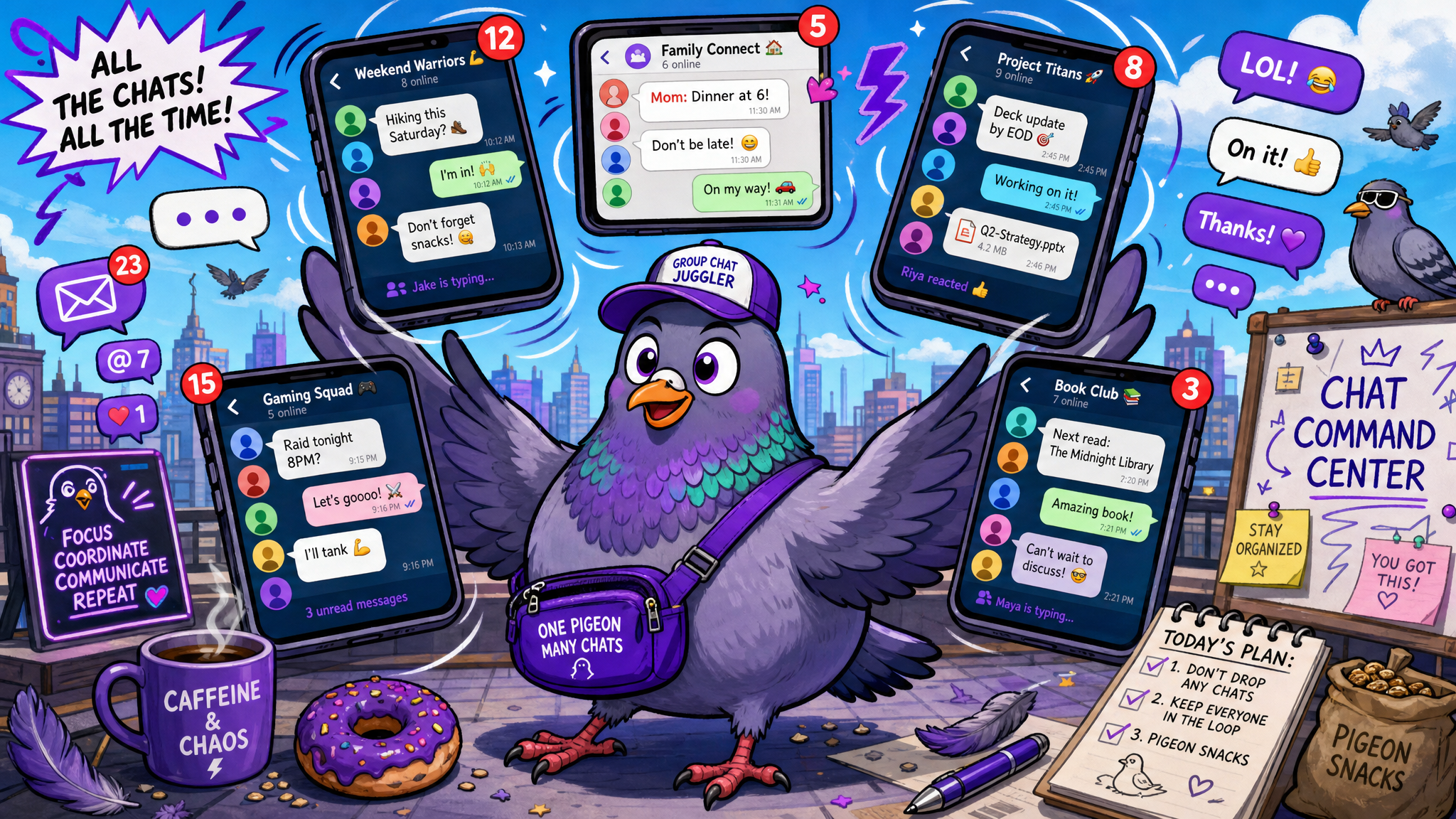
How to Manage Multiple Group Chats Without Losing Your Mind
Learn practical strategies and expert tips for managing multiple group chats effectively without feeling overwhelmed or missing important messages.
Your Phone Is Buzzing From Five Different Directions — Here's Your Survival Guide
The family chat. The work team chat. The friends-from-college chat. The neighborhood chat. The fantasy football chat. The party-planning chat. The parents-of-second-graders chat. Sound familiar? If you're like most adults in 2026, you're an active member of somewhere between 5 and 15 group chats simultaneously, and managing them all can feel like a full-time job you never applied for.
Group chats are wonderful — they keep us connected to our communities, informed about shared activities, and engaged with the people who matter. But when the volume spirals out of control, they become a source of stress, distraction, and information overload. The good news? With the right strategies, you can enjoy every group chat you're in without letting them take over your life.
The Group Chat Overload Problem
The average active messaging user is a member of 8.4 group chats, according to a 2025 Pew Research study. Among users aged 25-44, that number jumps to 12.7. Each of these groups generates anywhere from a few messages to several hundred messages per day, creating an aggregate notification volume that's genuinely overwhelming.
The cognitive cost is significant. Every notification represents a decision point: do I look at this now, later, or never? Multiplied across dozens or hundreds of daily notifications from multiple groups, this decision fatigue drains mental energy that could be spent on work, relationships, or personal well-being.
More insidiously, group chat overload creates a constant low-level anxiety — the feeling that you're always behind, always missing something, always owing a response. This anxiety persists even when you're not actively looking at your phone, creating a background hum of digital stress.
The Triage System: Not All Group Chats Are Created Equal
The first step to managing multiple group chats is accepting a radical truth: not all group chats deserve equal attention. Treating every group with the same urgency is the primary cause of group chat overwhelm.
Categorize your groups into three tiers:
Tier 1: Active Engagement. These are groups where your participation matters and where you derive genuine value. Typically your core family chat, your immediate work team, and one or two close friend groups. These get notifications on, regular checking, and timely responses.
Tier 2: Check-In Groups. These are groups you want to follow but don't need real-time updates from. Extended family, social clubs, neighborhood groups, hobby communities. Mute these and check them once or twice daily at times that work for you.
Tier 3: Archive Groups. These are groups you stay in out of obligation or because they're occasionally useful but rarely relevant. The group from a one-time event that nobody wants to leave, the alumni chat that only comes alive during reunions. Archive these (if your app supports it) and check them weekly or when specifically mentioned.
This triage alone can reduce your effective notification volume by 60-70% while ensuring you never miss anything important from the groups that matter most.
The Art of Strategic Muting
Muting is the single most powerful tool for group chat management, yet many people feel guilty about using it — as if muting a chat means they don't care about the people in it. Let's reframe this: muting a chat means you're choosing to engage with it on your terms rather than being interrupted by every single message.
Most messaging apps offer granular muting options: mute for 8 hours, 1 week, or until you manually unmute. For Tier 2 groups, "mute until I unmute" is your best friend. You'll still see the chat in your list, still see unread message counts, and still receive messages — you just won't be interrupted by each one.
Some apps also offer notification customization per group — you can set specific groups to only notify you when you're mentioned by name or when a keyword you've specified appears. This is perfect for large groups where most messages aren't relevant to you but occasional ones are.
Scheduled Check-In Windows
Rather than reactively checking group chats whenever a notification buzzes, establish scheduled check-in windows — specific times dedicated to reviewing and responding to your less-urgent groups.
A practical schedule might look like this:
Morning (with coffee): Review Tier 1 groups from overnight. Quick scan of Tier 2 for anything urgent.
Lunch break: Catch up on Tier 2 groups. Respond to anything that accumulated during the morning.
Evening wind-down: Final check of all active groups. Respond to outstanding messages. Quick scan of Tier 3 archives.
This three-times-daily approach works for most people. The key insight is that checking three times with full attention is more effective and less stressful than checking thirty times with half attention throughout the day.
The Skim and Star Method
When you do check your group chats, the skim and star method prevents you from falling into the rabbit hole of reading every single message in every conversation.
Skim: Scroll quickly through the messages you missed, reading only the first line or two of each. Your brain is remarkably good at identifying important content from brief exposure. Most group chat messages are conversational filler that doesn't require your engagement — skimming identifies the ones that do.
Star/save: When you encounter a message that requires a thoughtful response or action, star it or save it for later. Don't respond immediately unless it's truly urgent — responding to starred messages in a dedicated batch is more efficient than interrupting your skimming to compose responses.
Respond in batch: After skimming the entire chat, go back to your starred messages and respond to each one. This batch approach keeps you in a single communication mode rather than constantly context-switching between reading and responding.
Setting Boundaries Without Drama
Sometimes group chat management requires social navigation. Here's how to handle common awkward situations:
"Can I leave this group?" Sometimes, yes. If a group has fulfilled its purpose (the trip is over, the project is done, the event happened), a gracious exit message is perfectly acceptable: "Thanks everyone for a great trip! I'm going to head out of this chat. Stay in touch individually!" Most people leave groups far less often than they want to because of social guilt — but nobody is keeping track, and most people won't even notice.
"This group is too chatty." If a group you value has become overwhelming, address it gently: "Love this group, but the volume is getting hard to keep up with. Would anyone else be up for a 'highlights only' norm where we save the chat for important stuff?" You'll often find that others share your sentiment.
"I keep getting added to groups I don't want." Most apps allow you to adjust settings so that not everyone can add you to groups, or to require your confirmation before being added. Utilize these settings. For groups you've already been added to unwillingly, a polite "Thanks for thinking of me, but I'm trying to keep my group chats manageable right now" followed by a quiet exit is perfectly reasonable.
"Someone always messages me separately about group chat content." This usually means the person feels their messages get lost in the group. Acknowledge it: "I saw your point in the group — good idea!" validates them in the group space so they don't feel the need to double-message you privately.
Organizing Your Chat Interface
The visual organization of your messaging app significantly impacts how manageable multiple groups feel.
Pin your priorities. Most messaging apps allow you to pin conversations to the top of your chat list. Pin your Tier 1 groups so they're always visible without scrolling. This ensures your most important groups are accessible with zero effort.
Use folders or labels. Some messaging platforms, including PigeonChat, support organizing chats into folders — Family, Work, Friends, Communities. This categorization mirrors your triage system and makes navigating to specific groups intuitive.
Archive aggressively. If a group hasn't been active in a month or its purpose has passed, archive it. Archived chats don't disappear — they move to a separate section, decluttering your main chat list while remaining accessible if they become relevant again.
Use search instead of scrolling. Need to find information from a group chat? Use the search function rather than manually scrolling through hundreds of messages. Search by keyword, sender, or date to find exactly what you need in seconds.
The Group Chat Audit
Every three months, conduct a group chat audit. Open your chat list and for each group, ask yourself three questions:
1. Does this group still serve a purpose? If the answer is no, leave or archive.
2. Do I gain value from being in this group? Value can be informational, social, or emotional. If a group provides none of these, it's just noise.
3. Is my current engagement level appropriate? Maybe you're over-investing in groups that don't need it or under-investing in groups that deserve more attention. Adjust your tier assignments accordingly.
This quarterly audit prevents the gradual accumulation of group chats that plagues most users. Without periodic pruning, group chat lists grow indefinitely — each new group adding to the aggregate burden without any being removed.
Mental Health and Group Chat Boundaries
If group chats are contributing to anxiety, stress, or feelings of being overwhelmed, it's worth examining your relationship with them through a mental health lens.
Signs that group chats are negatively impacting your well-being include: checking messages compulsively throughout the day, feeling anxious about unread message counts, spending significant mental energy worrying about how your messages are perceived, or feeling unable to disconnect from group conversations even during personal time.
If you recognize these patterns, take proactive steps: reduce your active groups to only those that genuinely enhance your life, establish strict phone-free hours where group chats don't exist, and remind yourself regularly that you are not obligated to be constantly available to every digital community you belong to.
Thriving in Your Group Chat Ecosystem
Group chats at their best are digital campfires — places where communities gather, share warmth, and stay connected across the distances and busyness of modern life. At their worst, they're noise machines that fragment our attention and drain our energy.
The difference between these two experiences isn't the group chats themselves — it's how you manage them. With strategic muting, scheduled check-ins, clear boundaries, and periodic auditing, you can maintain rich, meaningful participation in all the groups that matter to you without sacrificing your sanity in the process.
Your groups need you present and engaged — not burned out and overwhelmed. Manage them wisely, and they'll remain one of the best parts of your digital life.

Writer & Editor at PigeonChat
Related Articles

How chat groups help schools and universities stay organized

How chat groups support schools and universities

Why chat folders help busy groups stay organized

How chat groups support schools and universities

Why chat folders matter for busy group conversations