
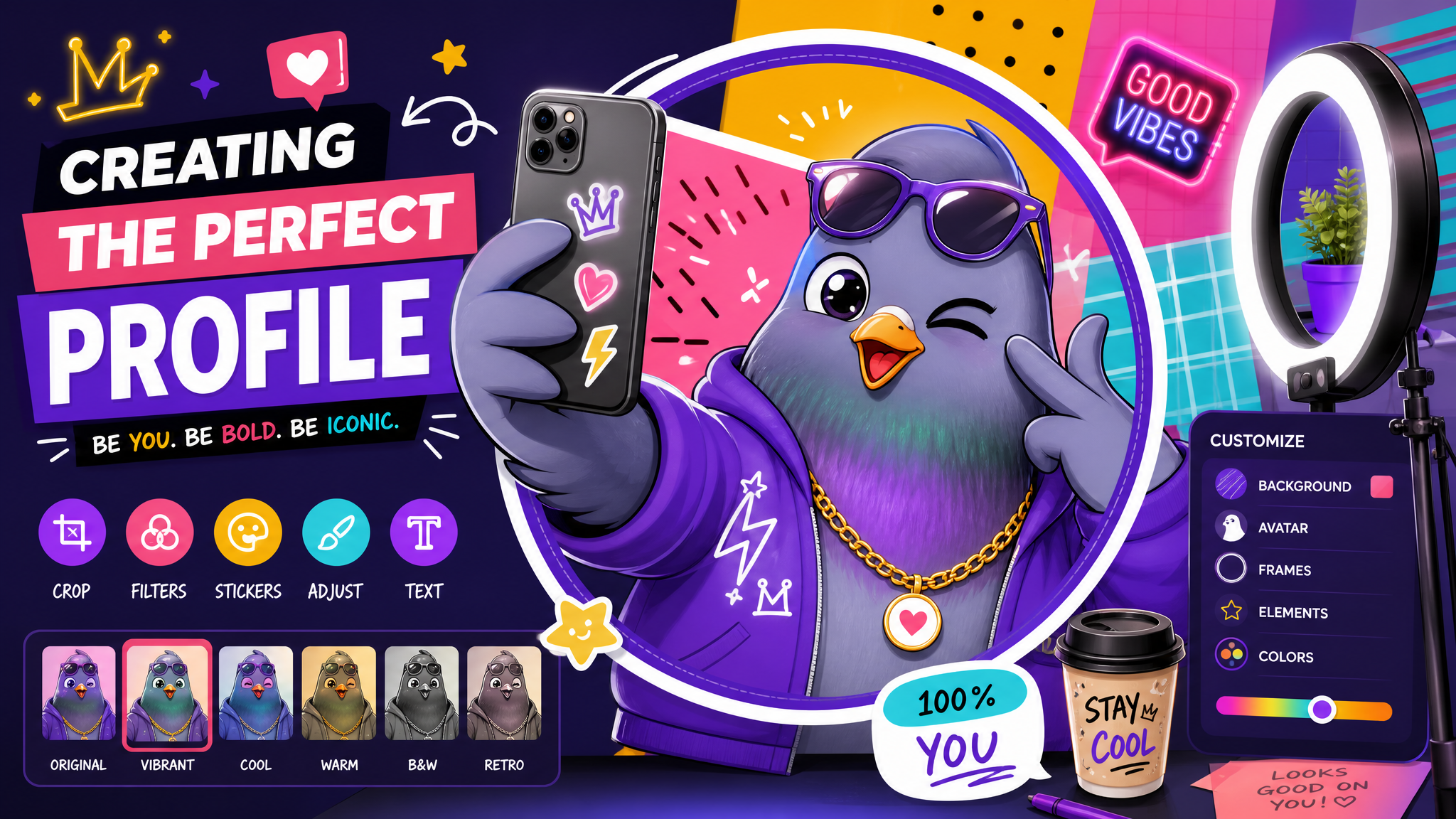
Creating the Perfect Messaging Profile: Your Digital First Impression Guide
Your profile picture, bio, and status are your digital handshake. Learn how to craft a messaging profile that's authentic, approachable, and memorable.
In the messaging world, your profile is often the first thing people see before they read a single word from you. It sets expectations, establishes trust, and communicates your personality — all in a glance.
The Profile Photo: Your Visual Identity
Your profile picture should be clear, current, and authentically you. Faces that are well-lit and slightly smiling are perceived as most trustworthy. Avoid sunglasses, group photos, or heavily filtered images.
The Bio: Say Something Real
Skip generic quotes. Use your bio to share something genuine — your interests, your humor, or what you're passionate about. Keep it concise but interesting enough to spark a conversation.
The Username/Handle
Your handle is your digital identity. Make it memorable and consistent across platforms. Avoid numbers and underscores when possible — they make you harder to find and remember.
Status Updates
Status messages are underutilized gems. They can signal your availability, share your mood, or drop a conversation starter. Change them regularly to show you're active and engaged.
Privacy Considerations
Be intentional about what's public vs. private. Not everyone needs to see your photo, last-seen status, or phone number. Most messaging apps offer granular privacy controls — use them.
Make your first impression count on Pigeon. Set up your profile and start connecting today.

Writer & Editor at PigeonChat
Related Articles

Why chat folders matter for busy group conversations

How image sharing works in private chat apps

What chat features users expect in modern private apps

Why chat folders help busy groups stay organized

How chat groups help schools and universities stay organized
