Video Calling Best Practices: Look Professional and Feel Natural on Camera
From lighting and framing to conversation skills — master the art of video calls whether for work meetings, catching up with friends, or first dates.
Video calling has gone from a novelty to a daily necessity. Whether it's a work standup, a family catch-up, or a long-distance date night, looking and feeling your best on camera makes every call more enjoyable.
Lighting Is Everything
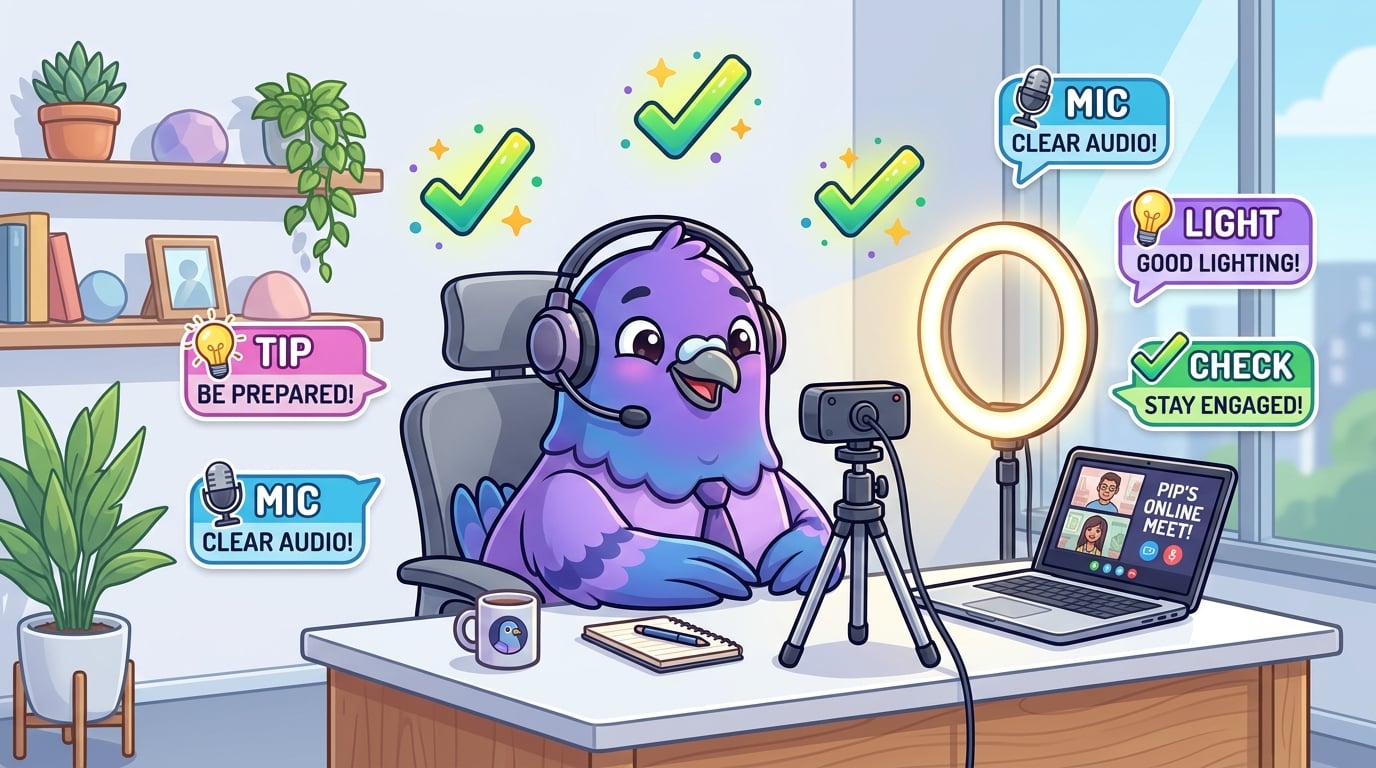
Position a light source in front of you, not behind you. Natural window light is ideal. If that's not an option, a simple ring light at eye level eliminates unflattering shadows and makes you look professional.
Camera Placement
Position your camera at eye level. Looking down into a laptop camera creates unflattering angles. Stack some books under your laptop or invest in an external webcam mounted at the right height.
The Background Matters
A clean, uncluttered background signals professionalism. You don't need a fancy setup — a blank wall, a bookshelf, or a tidy room works perfectly. Virtual backgrounds are fine but can look glitchy with movement.
Audio Quality
Poor audio ruins calls faster than poor video. Use headphones or earbuds to eliminate echo. If possible, use a dedicated microphone — even a basic one dramatically improves clarity.
Conversation Tips
- Look at the camera, not the screen, to simulate eye contact
- Use reactions and nods to show you're engaged without interrupting
- Mute when not speaking in group calls to reduce background noise
Great conversations start with great communication. Pigeon keeps you connected beautifully.

Writer & Editor at PigeonChat
Related Articles

Why chat folders matter for busy group conversations
How image sharing works in private chat apps
What chat features users expect in modern private apps
Why chat folders help busy groups stay organized

How chat groups help schools and universities stay organized