
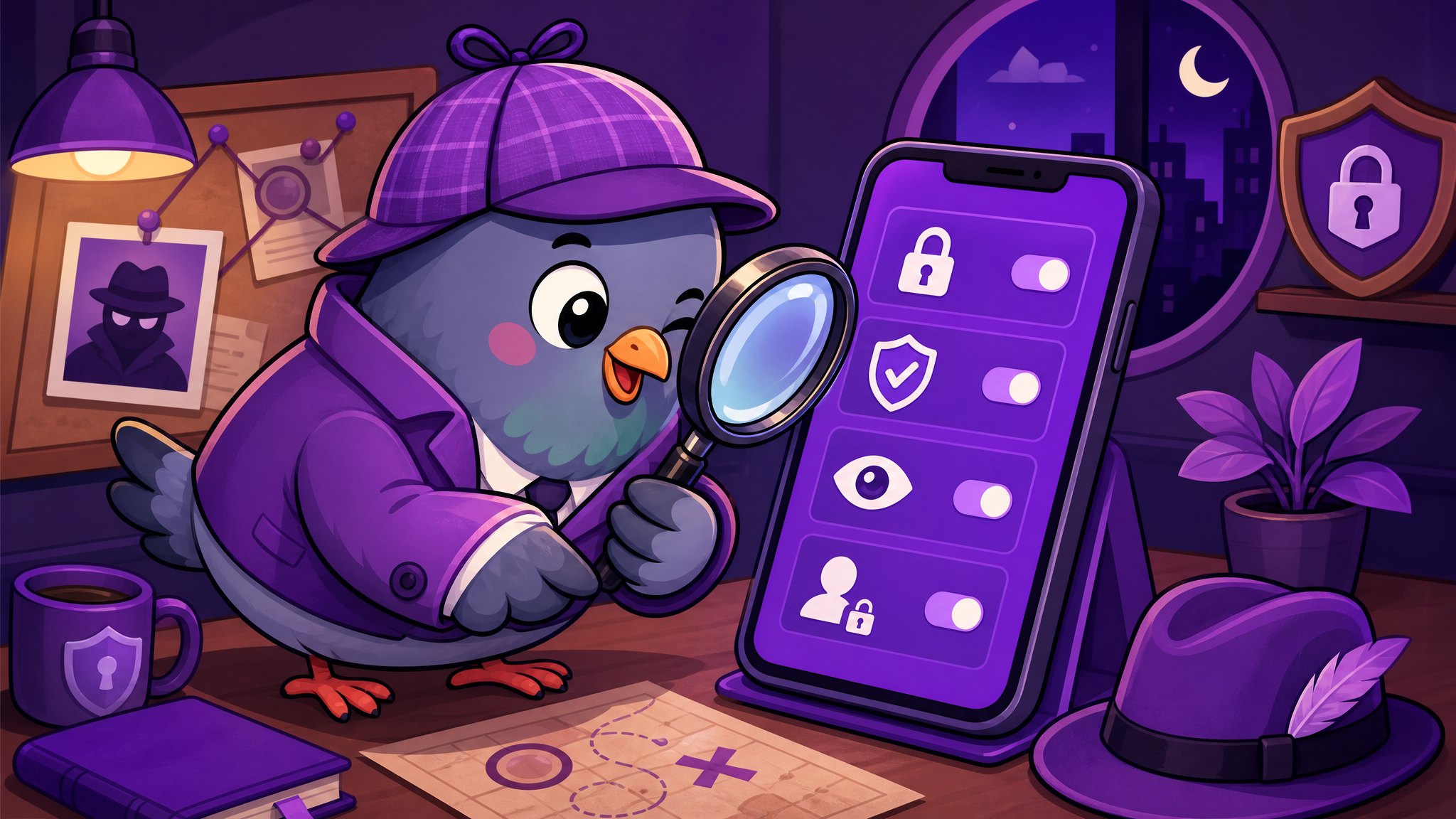
10 Essential Privacy Tips for Messaging Apps That Every User Should Know
Your messaging app knows more about you than you think. These 10 practical privacy tips will help you take back control of your digital conversations.
Your Messaging App Is a Window Into Your Life
Think about everything you have shared through messaging apps: private conversations with your partner, health concerns with friends, financial details with family, work discussions with colleagues, your daily routine, your location, your contacts, and your most vulnerable moments. Your messenger is arguably the most intimate app on your device. Protecting it is not optional — it is essential.
These ten tips will help you dramatically improve your messaging privacy, regardless of which app you use. For users on PigeonChat, we have included specific settings where applicable.
1. Use a Strong, Unique Password
Your messaging app password should be at least 12 characters long, include a mix of uppercase letters, lowercase letters, numbers, and symbols, and should not be used for any other account. Use a password manager to generate and store complex passwords. This single step prevents the vast majority of account breaches.
2. Enable Two-Factor Authentication
Two-factor authentication (2FA) adds a second verification step beyond your password. Even if someone obtains your password, they cannot access your account without the second factor. Prefer authenticator apps over SMS codes, as SIM-swapping attacks can intercept text messages.
3. Review Your Privacy Settings Today
Most messaging apps have privacy settings buried in menus that users never explore. On PigeonChat, go to your profile settings and review who can see your email, phone number, and online status. Set each to the most restrictive option that works for your needs.
4. Use Disappearing Messages for Sensitive Conversations
Not every conversation needs to exist forever. For sensitive discussions — medical, financial, legal, or deeply personal — enable disappearing messages with a short timer. This limits your exposure if your device is ever compromised.
5. Be Careful With Group Chat Invitations
Group chats expose your phone number or email to every member. Before joining a group, consider who else is in it. On PigeonChat, you can control whether strangers can add you to groups and review group invitations before accepting.
6. Audit Your Connected Devices
Check which devices are logged into your messaging account. If you see a device you do not recognise, remove it immediately and change your password. Make this a monthly habit.
7. Do Not Click Links From Unknown Contacts
Phishing attacks through messaging apps are increasingly sophisticated. Never click links from unknown contacts, and be cautious even with links from friends whose accounts may have been compromised. When in doubt, verify through a different channel.
8. Limit App Permissions
Your messaging app does not need access to your location, camera, and microphone at all times. Grant permissions only when needed, and revoke them when you are done. On Android and iOS, you can set permissions to "only while using the app" for maximum protection.
9. Avoid Public Wi-Fi for Sensitive Conversations
Public Wi-Fi networks are hunting grounds for hackers. If you must use public Wi-Fi, ensure your messaging app uses end-to-end encryption and consider using a VPN for an additional layer of protection.
10. Choose a Privacy-First Messaging App
The most impactful privacy decision you can make is choosing an app that respects your privacy by design. PigeonChat does not sell your data, does not display ads, and gives you complete control over your personal information. Start with the right foundation, and every other privacy measure becomes exponentially more effective.

Writer & Editor at PigeonChat
Related Articles

What makes an end to end encryption chat app secure

What a fully compliant EU chat app should include
Why people search for a WhatsApp alternative without a number

What end to end encryption chat really protects

Why chat folders matter for busy group conversations
