
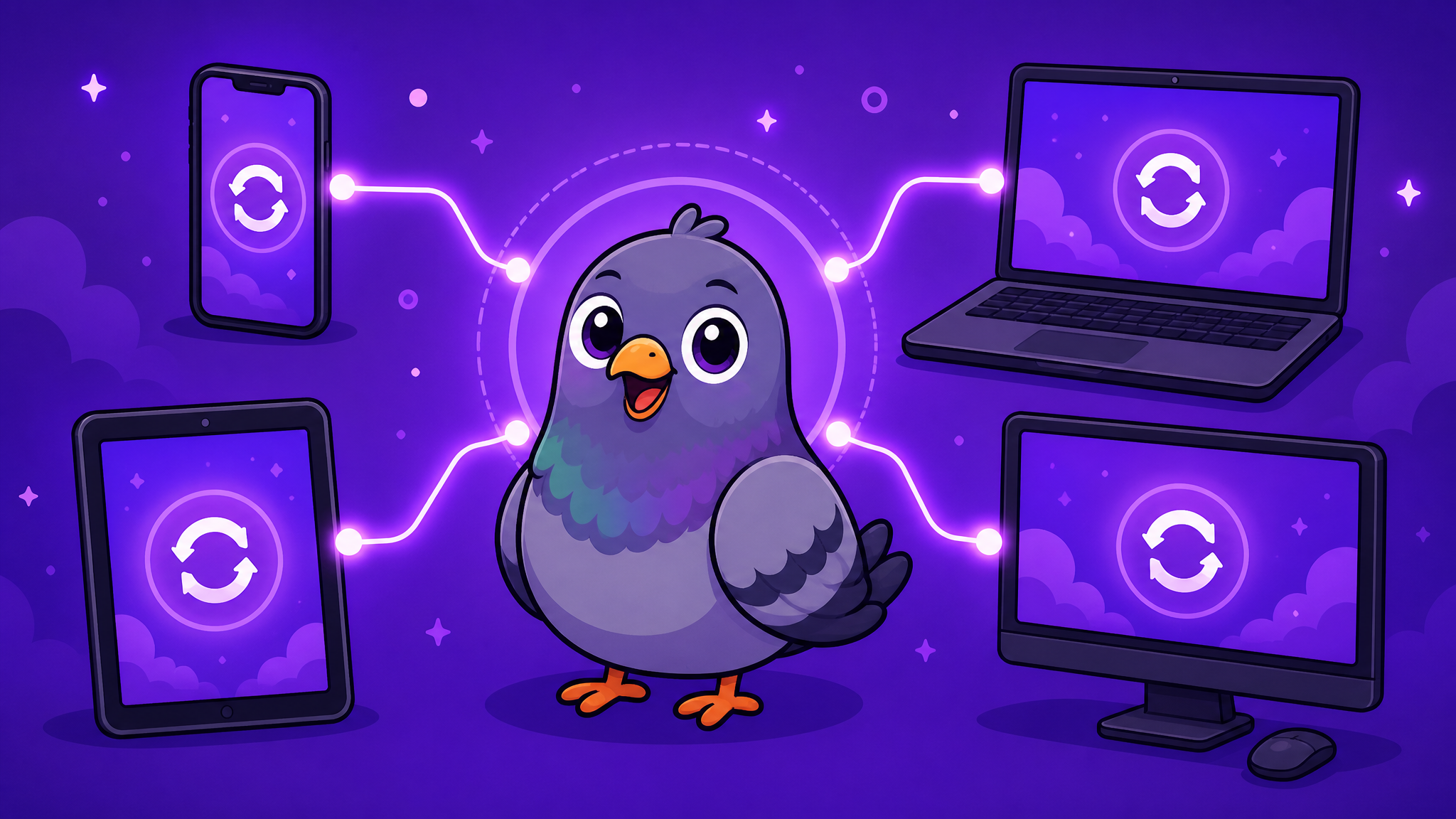
Cross-Platform Messaging: Why Your Chat App Should Work Everywhere
The best messaging experience is one that follows you across every device. Learn why cross-platform messaging matters and which apps deliver truly seamless sync.
Your Conversations Should Not Be Trapped on One Device
You start typing a message on your phone during your morning commute. You arrive at work and want to continue the conversation on your laptop. After lunch, you check messages on your tablet. Before bed, you browse stories on your phone again. This is how modern life works — we switch between devices dozens of times per day. Your messaging app should keep up.
Cross-platform messaging means your conversations, contacts, media, and settings synchronise seamlessly across every device you own. No manual transfers, no missing messages, no duplicate accounts. Just one unified experience that follows you everywhere.
The Problem With Platform Lock-In
Many popular messaging apps still treat cross-platform support as a secondary concern. Some require your phone to be online for the desktop version to work. Others lose messages when switching between devices. A few popular apps still do not even offer a web version, locking your conversations to a single device.
This platform lock-in is not just inconvenient — it is a security risk. If your only device with your messaging app is lost, stolen, or damaged, you lose access to all your conversations.
What True Cross-Platform Messaging Looks Like
A genuinely cross-platform messaging experience should include:
- Web access — Open any modern browser and sign in. No downloads, no installations. PigeonChat's web version works on Chrome, Firefox, Edge, Safari, Opera, and Brave
- Desktop applications — Native apps for Windows (and eventually macOS) that integrate with your operating system's notification system
- Mobile apps — Optimised for both Android and iOS with full feature parity
- Independent operation — Each device should work independently. Your laptop should not depend on your phone being online
- Instant sync — Messages, read receipts, and media should synchronise across all devices within seconds
Why PigeonChat Gets Cross-Platform Right
PigeonChat's web application delivers the complete messaging experience directly in your browser. There is nothing to install, nothing to update, and no minimum system requirements beyond a modern browser. Whether you are on a high-end gaming PC or a decade-old office laptop, PigeonChat works the same way. With native Android and desktop apps in development, the cross-platform experience will only get richer.
The Productivity Advantage
Cross-platform messaging is not just about convenience — it is about productivity. Typing a long message on a full keyboard is significantly faster than thumb-typing on a phone. Sharing files from your desktop is easier than navigating your phone's file system. Viewing photos and documents on a larger screen is more practical than squinting at a mobile display.
When your messaging app works everywhere, you naturally communicate more efficiently. You respond faster, share more effectively, and stay better connected with the people who matter.
The Future Is Device-Agnostic
The days of app ecosystems locked to specific hardware are ending. Users expect their digital lives to flow seamlessly between devices, and messaging is no exception. The best chat apps in 2026 and beyond will be the ones that meet you wherever you are — on whatever device you happen to have in front of you. PigeonChat is already there.

Writer & Editor at PigeonChat
Related Articles

Why people search for the best chat app UAE option

Why users search for a best chat app UAE option

Why users search for a best chat app UAE option

What makes a pigeon chat app different online

Why chat folders matter for busy group conversations
