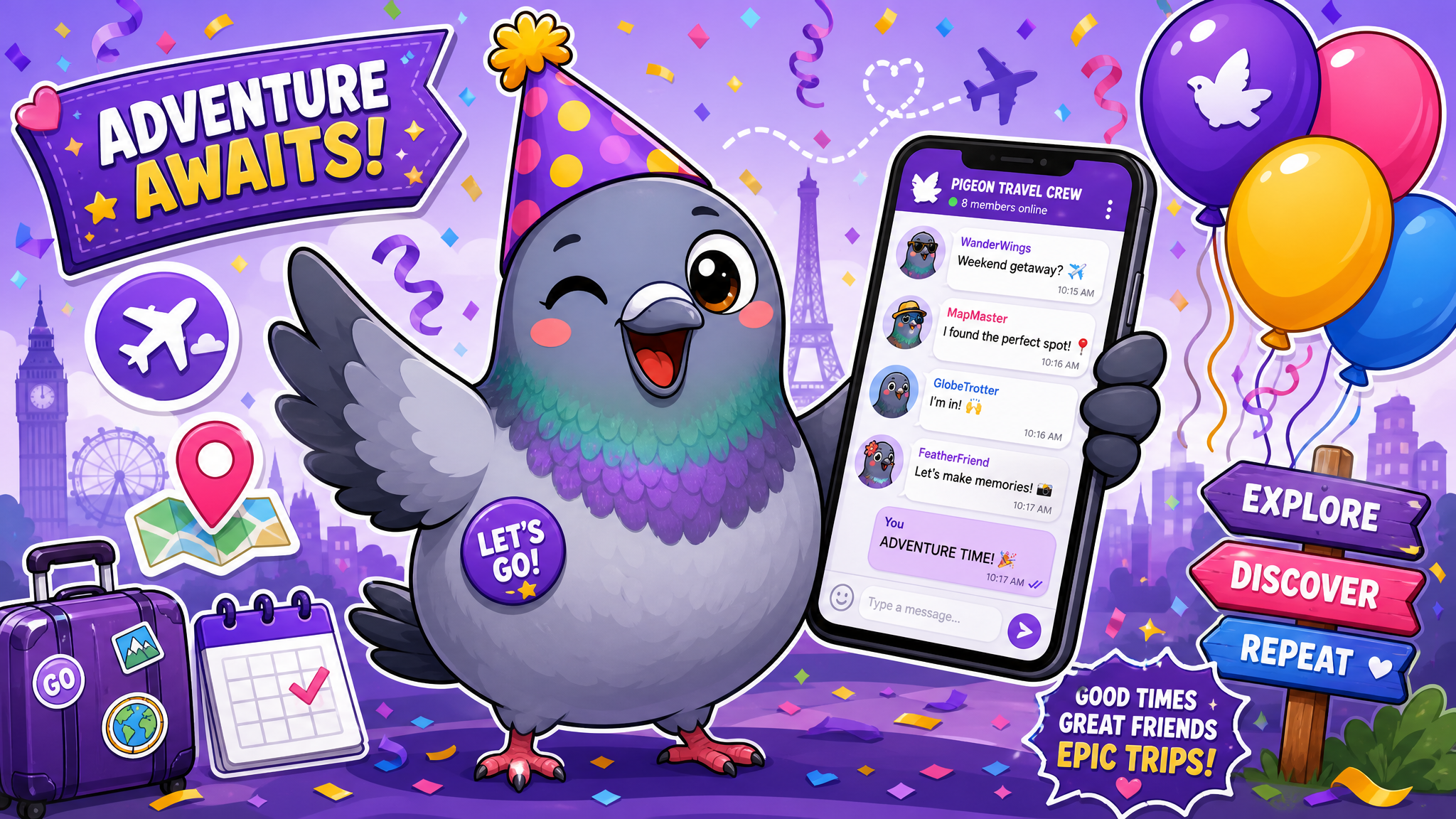
How to Plan Events and Trips Entirely Through Group Chats
From birthday dinners to international adventures — master the art of group chat event planning with polls, budgeting tips, the three-phase method, and organizational strategies that actually work.
From "Where Should We Eat?" to "Pack Your Bags" — The Group Chat Does It All
Remember when planning a dinner out required a chain of individual phone calls? When organizing a road trip meant printing MapQuest directions and hoping everyone would show up at the right time? Those days are firmly behind us. In 2026, group chats have become the command centers for everything from casual Friday night plans to elaborate destination weddings and month-long international adventures.
Whether you're coordinating a birthday surprise for ten friends or planning a multi-city Euro trip for twenty, your group chat is the most powerful planning tool at your disposal. But like any powerful tool, using it effectively requires strategy. This guide will walk you through everything you need to know about planning events and trips entirely through group chats.
Why Group Chats Are Perfect for Event Planning
Traditional event planning tools — email threads, spreadsheets, project management apps — were designed for professional settings. They're functional but sterile. Group chats, on the other hand, capture the energy and excitement that makes event planning fun.
When someone drops a stunning photo of a beach resort into the trip planning chat, the energy is palpable. Emoji reactions pile up. Ideas start flying. Within minutes, a vague "we should go somewhere warm" becomes a concrete discussion about destinations, dates, and budgets. That organic enthusiasm is impossible to replicate in a spreadsheet.
Group chats also provide a persistent, searchable record of all decisions. Months later, when someone asks, "Wait, did we decide on a Airbnb or hotel?" the answer is right there in the chat history. No more forgotten details or conflicting recollections.
Setting Up Your Planning Chat: Foundation for Success
The difference between a planning chat that delivers results and one that descends into chaos lies in the setup. Here's how to create a planning chat that actually works:
Choose a descriptive name: "Barcelona Trip Aug 2026" or "Jake's 30th Birthday Bash" immediately communicates purpose. Avoid generic names like "Fun Times" that don't convey specifics.
Set the ground rules early: In the first message, establish the chat's purpose and basic norms. Something like: "This chat is for planning our Barcelona trip. Let's keep random memes in our regular group chat so important info doesn't get buried here."
Assign a chat coordinator: Every planning chat needs a point person — someone who summarizes decisions, pins important messages, and keeps discussions on track. Without this role, important details get lost in the conversational flow.
Use pinned messages religiously: Pinned messages are the most underutilized feature in messaging apps. Pin confirmed dates, addresses, booking confirmations, and packing lists. This creates an instant reference guide that everyone can access without scrolling through hundreds of messages.
The Three-Phase Planning Method
Successful group chat planning follows a natural progression through three phases. Understanding these phases prevents the chaos of trying to book flights before you've agreed on a destination.
Phase 1: Dream and Decide (Weeks 1-2). This is the fun part — brainstorming destinations, themes, activities. Encourage everyone to share ideas freely. Use polls to narrow down options democratically. Set a clear deadline for final decisions: "We need to pick our destination by Sunday night so we can start booking."
Phase 2: Book and Organize (Weeks 3-6). With major decisions locked in, shift to logistics. Divide responsibilities: Sarah handles accommodation research, Marcus compares flight prices, Priya creates the activity shortlist. Share findings in the chat and decide together. Book things promptly once the group agrees — nothing kills group trip momentum like indecision.
Phase 3: Countdown and Coordinate (Final weeks). As the event approaches, the chat becomes a countdown hub. Share packing lists, last-minute reminders, meeting point details, and emergency contacts. This phase builds excitement while ensuring everyone is prepared.
Mastering Group Polls for Decision-Making
Polls are the secret weapon of group chat planning. When fifteen people have fifteen different opinions about restaurants, destinations, or dates, polls cut through the noise and deliver democratic decisions quickly.
For scheduling, share a simple list of potential dates and let everyone react with a checkmark for dates that work. The date with the most checkmarks wins. For destination choices, create a poll with your top three to five options and set a 24-hour deadline for voting.
Pro tip: limit poll options to a maximum of five choices. More than that creates decision paralysis, and you'll end up with votes spread so thinly that no option has clear support. If there are many contenders, run an initial poll to narrow to a shortlist, then a final poll to decide.
When using polls, always respect the results. Nothing erodes group trust faster than ignoring poll outcomes because they didn't match one person's preference. The whole point of polling is fair, democratic decision-making.
Managing Money in the Group Chat
Money is the leading cause of group planning stress, and handling it transparently through your chat can prevent awkward situations and preserve friendships.
Establish a budget range early: In Phase 1, have an honest conversation about what everyone can afford. "I'm thinking $500-800 per person for the whole trip — does that work for everyone?" This prevents the embarrassment of some people being priced out by expensive suggestions.
Track shared expenses in real time: Whenever someone pays for a group expense, they should message the chat immediately: "Paid $120 for dinner — that's $15 each for the 8 of us." This running tally prevents end-of-trip financial confusion.
Use payment apps linked in the chat: Share payment request links directly in the chat so settling up is as easy as clicking a link. No chasing people down weeks later.
Designate a trip treasurer: For larger events or trips, one person should manage the communal fund, tracking all expenses in a shared document or note linked in the chat. Transparency is key — regular updates keep everyone comfortable.
Keeping the Chat Organized When Things Get Chaotic
Large group chats can generate hundreds of messages per day, and important planning details can quickly get buried under layers of banter and memes. Here are strategies to keep your planning chat functional:
Topic threads: If your messaging app supports threads, use them. Start a thread for "Accommodation Options," another for "Activity Ideas," and another for "Food & Restaurants." This keeps discussions organized without splitting them across multiple chats.
Daily or weekly summaries: The chat coordinator should post regular summaries of decisions made and items still pending. A simple "Here's where we stand" message keeps everyone aligned, especially those who couldn't keep up with every message.
The sacred parking lot: Create a separate smaller chat — just two or three core planners — for detailed logistical discussions that would overwhelm the main group. Share final recommendations with the larger group once options have been narrowed down.
Nickname key information: When sharing booking confirmations, reservation numbers, or addresses, format them clearly and ask the coordinator to pin them. A confirmation number buried in a paragraph of text is easy to miss; one sent as a standalone message in bold is not.
Real-World Planning Scenarios
Scenario 1: Birthday Dinner for 12. Create a planning chat without the birthday person. Poll for date preferences, then research restaurants that accommodate large groups. Share menus and price ranges. Once the restaurant is booked, create a surprise coordination sub-chat for day-of logistics — who's arriving early to set up, who's bringing the cake, who's ensuring the guest of honor shows up on time.
Scenario 2: Bachelorette Weekend. Start planning at least two months out. Use Phase 1 for destination brainstorming with mood boards and inspiration photos shared in the chat. Assign a treasurer to collect deposits. Create a shared itinerary document and link it in pinned messages. Include emergency contacts and accommodation details that everyone can reference.
Scenario 3: International Group Trip. This is the ultimate group chat planning challenge. Start three to four months ahead. Address visa requirements early — share links to embassy websites and application deadlines. Create a master packing list that everyone can contribute to. Coordinate airport transfers and accommodation check-in times. Share a day-by-day itinerary with enough structure to keep the group together and enough flexibility for individual exploration.
Technology Tips for Power Planners
Modern messaging apps offer features specifically designed for group planning. Here's how to leverage them:
Location sharing: On travel days, enable live location sharing so everyone can track each other. No more "Where are you?" messages in crowded airports or unfamiliar cities.
Shared albums: Create a shared photo album linked in the chat. Everyone can upload photos throughout the event, building a collective memory archive in real time.
Voice notes for updates: When typing out detailed updates is impractical (like when you're on the go), send a voice note. It's faster for you and often clearer than abbreviated text.
Calendar integration: Share calendar events for key dates directly through the chat. One tap adds the event to everyone's personal calendar with all relevant details.
After the Event: The Afterglow Chat
The best group chats don't end when the event does. The post-event period is for sharing photos, reliving favorite moments, and — let's be honest — starting to plan the next one.
Create a shared highlights reel: ask everyone to share their single favorite photo and memory. Settle remaining finances within 48 hours while details are fresh. And if the event was a success (which, with this level of planning, it will be), start a "Where to next?" thread. The best planning chats become annual traditions.
The Group Chat Is Your Greatest Planning Tool
From intimate dinners to epic international adventures, the group chat has replaced the planning committee. It's democratic, it's fun, it's persistent, and when used effectively, it's remarkably efficient. The secret isn't the technology — it's the combination of enthusiasm, organization, and clear communication that turns a casual conversation into an unforgettable experience.
So go ahead. Start that planning chat. Drop that first destination photo. Ask the question that starts every great adventure: "Who's in?"

Writer & Editor at PigeonChat
Related Articles

How chat groups help schools and universities stay organized

How chat groups support schools and universities

Why chat folders help busy groups stay organized

How chat groups support schools and universities

Why chat folders matter for busy group conversations