Help Centre
Find answers to common questions about Pigeon.
Getting Started
How do I create a Pigeon account?
Visit pigeonchat.site and click "Sign Up". Enter your name, email, and a password. You'll receive a verification email — click the link to activate your account.
Can I sign in with Google?
Yes! Click "Continue with Google" on the login page to sign in with your Google account. No separate password needed.
How do I change my display name or profile photo?
Click the gear icon in the sidebar to open your profile settings. From there you can update your name, handle, avatar, and privacy preferences.
Messaging
How do I send photos and videos?
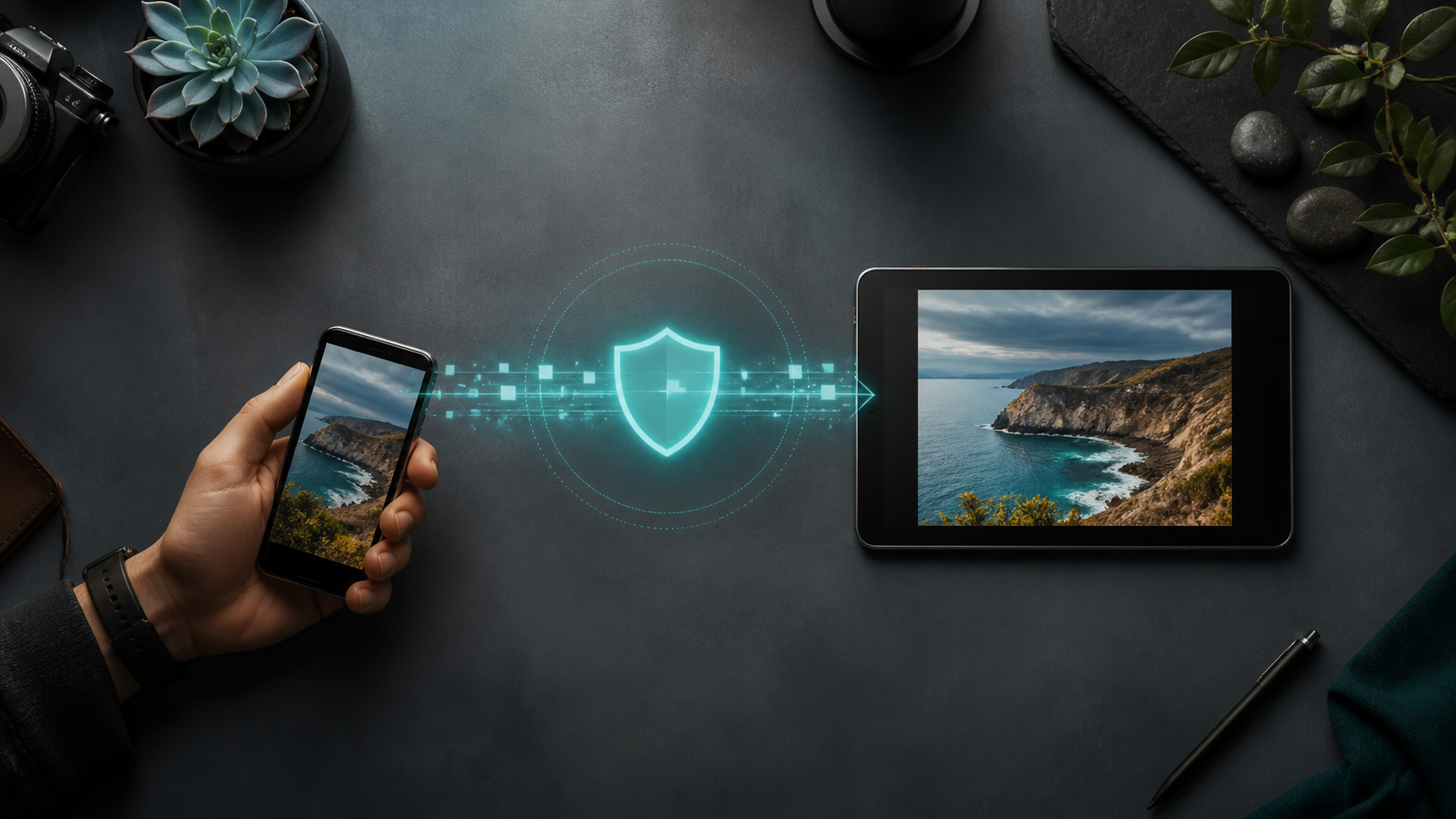
In any chat, click the paperclip icon to attach a file from your device, or click the camera icon to take a photo directly. You can also set a self-destruct timer before sending.
What are stickers and how do I use them?
Click the star icon (🌟) in the chat input bar to browse sticker packs. Free packs are available to everyone. Premium subscribers get access to exclusive adventure and elite sticker packs.
Can I edit or delete sent messages?
Long-press (or right-click) on any message you sent to see options for editing or deleting. You can delete for yourself only or for everyone in the chat.
What are disappearing messages?
When sending a photo or video, you can set a self-destruct timer. The media will automatically be deleted after the chosen time period.
Groups & Channels
How do I create a group chat?
Click the "New Group" button in the sidebar. Select members, choose a name, and optionally add a group photo.
What's the difference between groups and channels?
Groups are for private conversations between multiple people. Channels are public or invite-only spaces where admins post content for followers, with features like live sessions and media galleries.
How do I follow a channel?
Go to the Channels tab and browse Discover. Click "Follow" on any public channel. For private channels, you'll need an invite link.
Privacy & Security
How do I block someone?
Open a conversation with the person, click the menu (three dots), and select "Block". Blocked users cannot send you messages or see your online status.
Can I hide my email and phone number?
Yes. Go to Profile Settings and toggle off "Show Email" and "Show Phone". Other users will only see your name and handle.
How do I report inappropriate content?
Long-press on any message or channel post and select "Report". Provide a reason and our moderation team will review it.
Premium
What does Pigeon Premium include?
Premium unlocks exclusive sticker packs (Adventures & Elite), unlimited channel creation, priority support, and more features coming soon.
How do I subscribe to Premium?
Click on any locked premium sticker or go to your profile settings to see premium options. Payments are handled securely through Stripe.
Can I cancel my subscription?
Yes, you can cancel anytime from your profile settings. Your premium features will remain active until the end of your billing period.

Still Need Help?
Can't find the answer you're looking for? Our support team is here to help.
Contact Support