
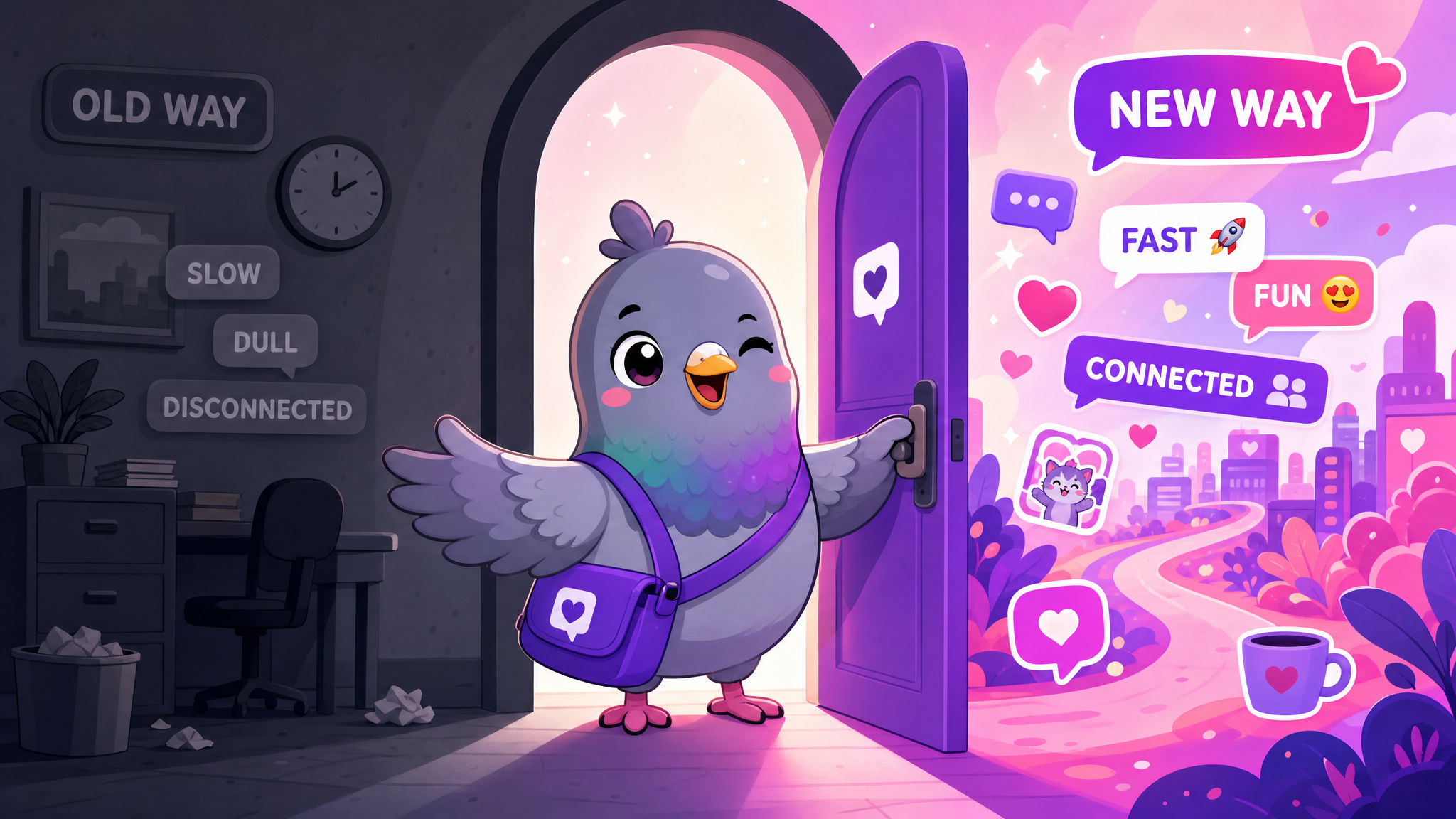
How to Switch from Signal, Messenger, or WhatsApp to PigeonChat in 2026
Thinking about switching messaging apps? This step-by-step guide shows you how to move from Signal, Facebook Messenger, or WhatsApp to PigeonChat without losing touch with anyone.
Switching messaging apps sounds harder than it actually is. The biggest barrier isn't technical — it's social. You worry about losing touch with people, missing important conversations, or ending up in the awkward position of checking three different apps for messages. We get it.
But here's the reality: every successful app migration follows the same playbook. Whether you're moving from WhatsApp, Signal, Facebook Messenger, or Telegram, the process is simpler than you think. This guide walks you through switching to PigeonChat step by step, so you can keep every relationship intact while upgrading your messaging experience.
Why People Are Switching Messaging Apps in 2026
Before we get into the how, let's quickly address the why. People switch messaging apps for many reasons:
- Privacy concerns — tired of WhatsApp sharing data with Meta, or Messenger scanning conversations
- Feature fatigue — Signal is too bare-bones, Telegram is too cluttered
- Ad overload — Facebook Messenger and Instagram increasingly push ads into your inbox
- Phone number privacy — wanting to chat without giving strangers your number
- Community building — needing channels, groups, and stories in one private platform
- Independence — preferring an app not owned by a tech giant
Whatever your reason, the switch to PigeonChat is straightforward. Let's walk through it.
Step 1: Create Your PigeonChat Account (2 Minutes)
Head to pigeonchat.site and sign up. Unlike WhatsApp, Telegram, and Signal, PigeonChat doesn't require your phone number. You only need an email address and a username.
Pro tip: Choose a username that your friends will recognise. If you're @johndoe on Instagram, use the same handle on PigeonChat so people can find you easily.
Step 2: Set Up Your Profile
Upload a profile photo, set your display name, and add a short bio. This helps your contacts recognise you when you invite them. You can also choose a custom theme to make PigeonChat feel like home right away.
Step 3: Invite Your Closest Contacts First
Don't try to move everyone at once. Start with your inner circle — the 5-10 people you message most. Share your PigeonChat username or send them an invite link. Most people are happy to try a new app when someone they trust recommends it.
Here's a message template you can copy and paste into your current app:
"Hey! I've been trying PigeonChat — it's a private messaging app with great stickers, stories, and channels, and it doesn't require a phone number. Want to give it a try? You can find me at [your username] on pigeonchat.site"

Step 4: Recreate Your Essential Groups
If you have important group chats on WhatsApp or Messenger, create equivalent groups on PigeonChat and invite the members. PigeonChat's group features include:
- Admin controls for managing members and permissions
- Read receipts so you know who's seen your message
- Typing indicators for real-time presence
- File sharing for documents, photos, and videos
- Voice messages for quick audio replies
Start with one or two key groups. Once people see how smooth the experience is, they'll naturally move more conversations over.
Step 5: Explore What PigeonChat Does Better
Part of making the switch stick is discovering what your new app does that your old one didn't. Here's what PigeonChat offers that you won't find in the same package elsewhere:
Channels (Better Than Telegram Channels)
Create public or private channels for communities, announcements, or interest groups. Unlike Telegram channels, PigeonChat channels include live sessions — real-time interactive events where channel admins can engage with their audience directly.
Stories (Like Instagram, But Private)
Share moments with your contacts through stories that disappear after 24 hours. Unlike Instagram stories, PigeonChat stories aren't part of an advertising platform, so your content isn't being analysed for ad targeting.
Stickers (More Fun Than Signal)
PigeonChat includes over 60 unique stickers featuring the adorable pigeon mascot. Unlike Signal's limited sticker selection, PigeonChat's collection covers every emotion and situation — from celebrations to commiseration.
No Phone Number Needed (Unlike All of Them)
This is PigeonChat's biggest advantage. WhatsApp, Telegram, Signal, and Facebook Messenger all require your phone number. PigeonChat uses email and usernames, so you can chat with strangers, new connections, or online communities without exposing your personal phone number.

Step 6: Run Both Apps for a Transition Period
You don't have to delete WhatsApp or Messenger on day one. Run both apps in parallel for a few weeks. Gradually, as more of your conversations move to PigeonChat, you'll naturally check the old apps less.
Some practical tips for the transition:
- Set PigeonChat as your default messaging app — this creates a habit loop
- Mute or archive old group chats once they've moved to PigeonChat
- Update your social bios with "Message me on PigeonChat: [username]"
- Use PigeonChat's web app on your desktop for work conversations
Common Concerns (And Why They're Not Deal-Breakers)
"But everyone I know is on WhatsApp/Messenger"
That's true for every new platform. But you don't need everyone to switch — just your close contacts. Most people maintain accounts on multiple messaging apps already. Adding PigeonChat to the mix is no different.
"What about my chat history?"
PigeonChat doesn't currently offer an import tool for old chats. But honestly, how often do you scroll back through years of message history? The important thing is where your next conversation happens.
"Is PigeonChat reliable enough?"
PigeonChat is a fully-featured, production-grade messaging platform with web, Android, and desktop support. It handles real-time messaging, file sharing, push notifications, and more — everything you need for daily communication.
The Bigger Picture
Switching messaging apps isn't just about features or convenience. It's a statement about what you value. When you choose PigeonChat over WhatsApp, Messenger, or Instagram DMs, you're choosing:
- Privacy over surveillance
- Independence over corporate control
- Community over algorithm
- Fun over friction
The best time to switch was yesterday. The second best time is now.
Ready to make the move? Create your free PigeonChat account and start messaging on your own terms.

Writer & Editor at PigeonChat



