
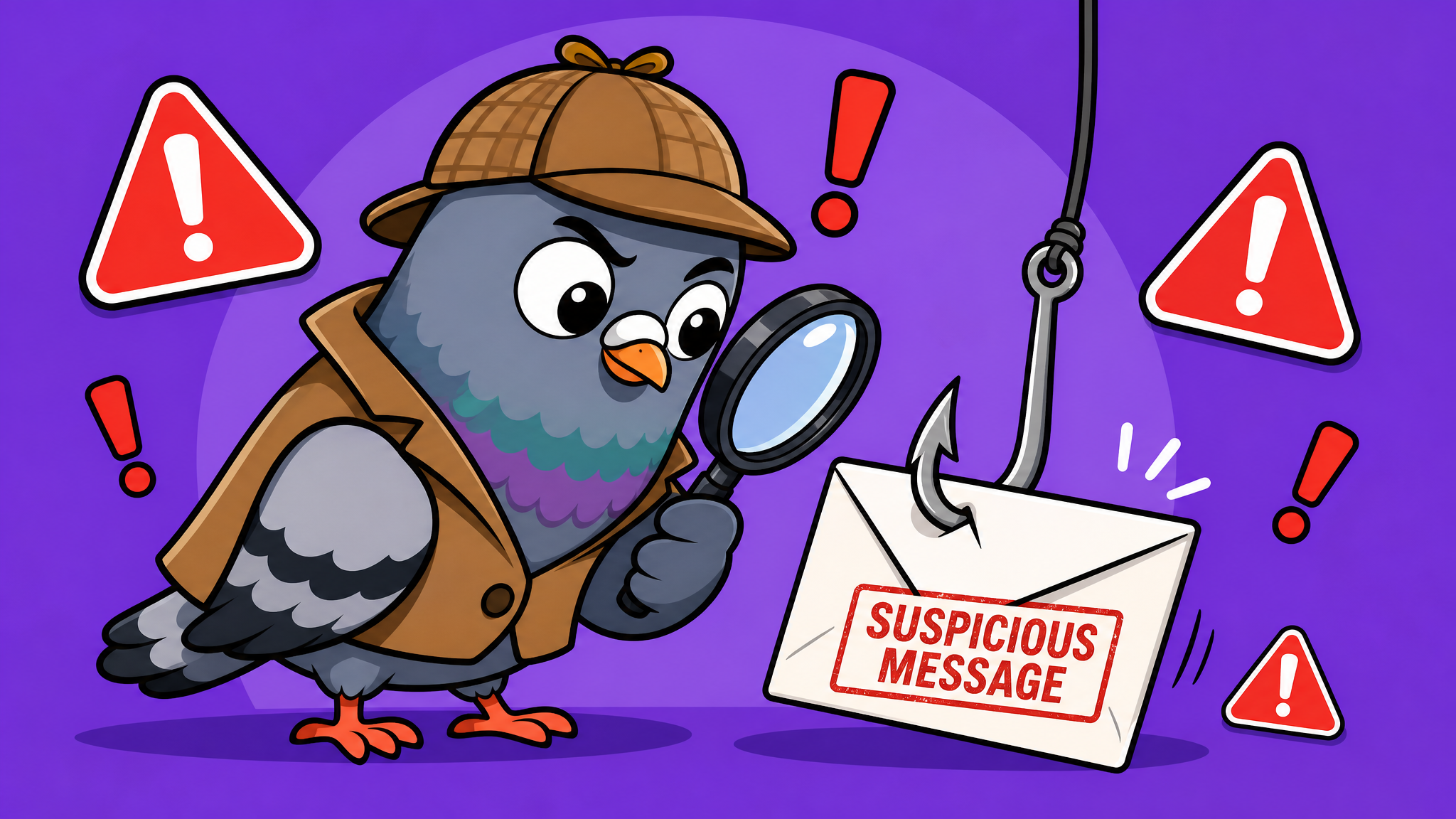
How to Spot and Avoid Phishing Scams in Messaging Apps
Phishing attacks on messaging apps are surging in 2026. Learn to identify suspicious links, fake login pages, and social engineering tactics that target your private conversations.
Phishing Has Moved to Your Inbox — and Your Chat App
Phishing used to live exclusively in email. Not anymore. In 2026, messaging apps have become the fastest-growing target for phishing attacks, with a 340% increase in SMS and chat-based phishing ("smishing") since 2023 according to cybersecurity researchers. The intimate, trusted nature of messaging makes it the perfect hunting ground for scammers.
Why Messaging Apps Are a Phishing Goldmine
Messages feel personal. When a link arrives in a chat — especially from someone you know (or think you know) — you're far more likely to click it than an email from a stranger. Scammers exploit this psychological shortcut ruthlessly. They compromise one account and use it to message that person's entire contact list with malicious links.
Shortened URLs make things worse. Unlike email, where you can hover to preview a link destination, mobile messaging hides the true URL behind services like bit.ly or t.co. By the time you realize you've landed on a fake login page, your credentials may already be captured.
The Five Most Common Messaging Phishing Tactics in 2026
1. The "Account Verification" Trap
You receive a message claiming your account needs urgent verification. The link leads to a pixel-perfect replica of a login page. Once you enter your credentials, the attacker has full access. Legitimate services never ask for passwords through chat messages — ever.
2. The Compromised Friend
A message arrives from a real contact: "Hey, check out this photo of you!" followed by a link. Your friend's account was hacked, and the attacker is using their trusted identity. If a friend sends an unusual link, verify through a different channel before clicking.
3. Prize and Giveaway Scams
"You've won a free iPhone! Claim it here." These messages create urgency and excitement. The "claim" page harvests personal data. Real companies don't distribute prizes through unsolicited messages.
4. Customer Support Impersonation
Scammers impersonate support agents from popular services. They'll ask for verification codes that were sent to your phone — codes that give them access to your accounts. No legitimate support agent will ever request your two-factor authentication codes.
5. QR Code Phishing
A relatively new vector: malicious QR codes shared in group chats or channels that redirect to credential-harvesting sites. Always verify the destination URL after scanning any QR code before entering information.
How to Protect Yourself: A Practical Checklist
- Enable two-factor authentication on every messaging app and linked email account
- Never click shortened links from unexpected messages — even from contacts you know
- Verify unusual requests through a different communication channel (call them)
- Check URLs carefully — look for subtle misspellings like "paypa1.com" instead of "paypal.com"
- Keep apps updated — security patches close vulnerabilities that phishers exploit
- Report suspicious messages using your app's built-in reporting feature
- Use a password manager — it won't autofill credentials on fake sites
What to Do If You've Been Phished
If you suspect you've clicked a phishing link and entered credentials, act immediately: change the password for the affected account, enable 2FA if not already active, check for unauthorized logins or forwarding rules, and alert your contacts that your account may have been compromised. Speed is critical — most attackers act within minutes of capturing credentials.
The Bottom Line
Phishing in messaging apps relies on trust and urgency. By pausing before clicking, verifying unexpected requests, and maintaining strong security practices, you transform yourself from an easy target into an impenetrable wall. Stay skeptical, stay safe, and remember: if a message creates a sense of panic or excitement that demands immediate action, that's exactly when you should slow down.

Writer & Editor at PigeonChat
Related Articles
What makes an end to end encryption chat app secure
What a fully compliant EU chat app should include
Why people search for a WhatsApp alternative without a number
What end to end encryption chat really protects

Why chat folders matter for busy group conversations
