End-to-End Encryption Explained: What Really Happens Behind Your Encrypted Messages
What is end-to-end encryption? How do disappearing messages work? Is Telegram actually safe? A plain-English guide to messaging security that covers everything you need to know.
"End-to-end encryption" has become the most important buzzword in messaging — but most people don't actually understand what it means, what it protects, and where its limits lie. If you've ever wondered "what is end-to-end encryption?" or asked "is Telegram safe?", this guide gives you clear, honest answers.
What Is End-to-End Encryption?
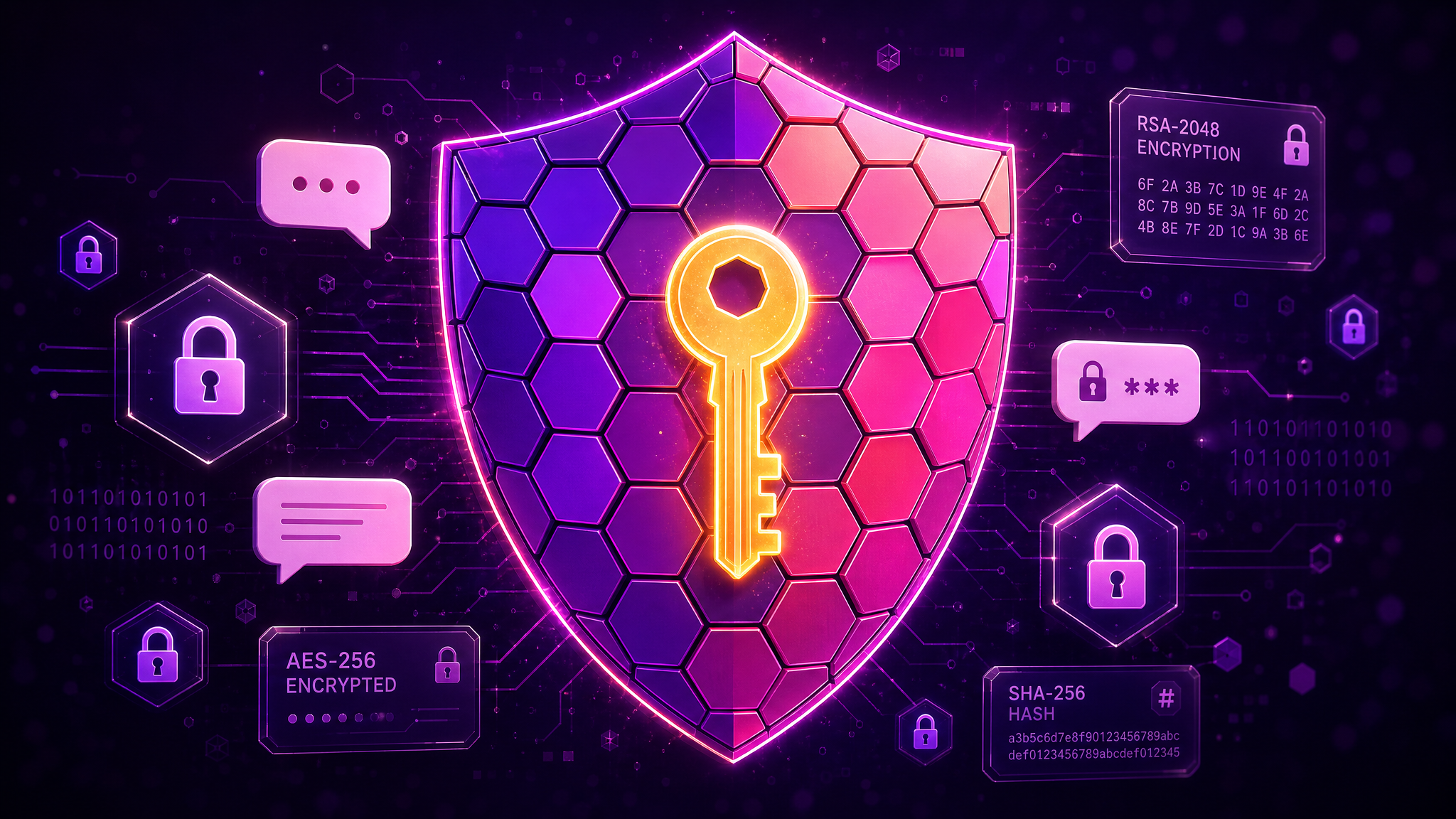
End-to-end encryption (E2EE) is a communication system where only the people communicating can read the messages. When you send an encrypted message, it's scrambled on your device using a unique key. That scrambled data travels through the internet and the app's servers to the recipient, where it's unscrambled using a matching key that only their device holds.
The critical point: nobody in the middle — not the internet provider, not the government, not even the messaging app company — can read your message. They see only meaningless gibberish.
A Simple Analogy
Imagine sending a letter in a locked box. You have one key, your recipient has the other. The postal service carries the box but can never open it. That's end-to-end encryption.
Without E2EE (Server-Client Encryption)
Standard encryption (what most websites use) protects your message while it travels to the server, but the server itself can read it. It's like sending your letter to the post office, where they open it, read it, re-seal it, and forward it. The postman on the road can't read it — but the post office can.
Which Apps Actually Use End-to-End Encryption?
Always Encrypted by Default
- Signal — The gold standard. Every message, call, and file transfer is E2EE by default. Open-source, audited.
- WhatsApp — Uses Signal's protocol for all messages. However, metadata (who you talk to, when, how often) is not encrypted and is shared with Meta.
- PigeonChat — Privacy-first design with no phone number requirement and no metadata harvesting. The simplest way to get a secure messaging app experience.
Partially Encrypted
- Telegram — Here's the truth about whether Telegram is safe: regular chats are NOT end-to-end encrypted. Only "Secret Chats" use E2EE, and they must be manually activated. Group chats and channels are never E2EE. Most Telegram users are communicating with server-client encryption — meaning Telegram's servers can technically read their messages.
- Facebook Messenger — Finally enabled default E2EE in late 2023, but Meta still collects extensive metadata for advertising.
Not Encrypted (E2EE)
- Discord — Uses standard encryption (TLS) for data in transit but not E2EE. Discord can access message content.
- Skype (retired May 2025) — Never offered default E2EE for regular calls or messages.
The Metadata Problem
Even with perfect encryption, apps can still learn a lot about you through metadata — the data about your data:
- Who you talk to and how often
- When you're online and your activity patterns
- Your IP address and approximate location
- Your device information and phone number
- Your contact list (uploaded during signup)
A former NSA director once said: "We kill people based on metadata." While that's an extreme example, it illustrates that metadata is far from harmless. WhatsApp encrypts your message content but shares your metadata with Meta. This is why privacy advocates argue that WhatsApp's encryption is incomplete.
Disappearing Messages & Self-Destructing Messages
Disappearing messages (also called self-destructing messages) are a privacy feature where messages automatically delete after a set time period. Here's how they work across platforms:
- Signal: Most granular control (1 second to 4 weeks)
- WhatsApp: 24 hours, 7 days, or 90 days
- Telegram: Available only in Secret Chats with a custom timer
Important caveat: Disappearing messages don't prevent screenshots, screen recordings, or someone taking a photo of their screen. They reduce your digital footprint but aren't foolproof.
Read Receipts and Privacy
Read receipts — those double blue ticks in WhatsApp or "Seen" indicators — are surprisingly controversial. They create social pressure to respond immediately and can reveal information about your habits and availability.
The best private messaging apps let you control read receipt visibility. PigeonChat includes read receipts as a feature but designed them to inform, not pressure — you can see when messages are read without the anxiety-inducing immediacy of some platforms.
Voice Messages and Security
Voice messages have exploded in popularity, with the search term generating 150,000 monthly queries. But most users don't realise that voice messages follow the same encryption rules as text. In Telegram, your voice messages in regular chats are NOT end-to-end encrypted — meaning Telegram's servers could theoretically access them.
Choosing the Most Secure Messaging App
If you're searching for the "most secure messaging app," the "best encrypted messaging app," or a private messaging app, here's the honest ranking:
- Signal — Maximum security, minimal metadata, open-source. But austere.
- PigeonChat — Strong privacy, no phone number, no metadata harvesting. Plus it's actually enjoyable to use.
- Threema — Swiss privacy, one-time payment, tiny user base.
- WhatsApp — Good message encryption, terrible metadata practices.
- Telegram — Encryption not default. Good features, questionable security claims.
What You Can Do Right Now
- Switch to an encrypted-by-default app — PigeonChat makes this easy with no phone number requirement
- Enable disappearing messages where available
- Audit your messaging apps — check which ones actually use E2EE by default
- Stop using WhatsApp mods — they may break encryption entirely
- Use unique passwords for each messaging account
Your conversations deserve real protection — not just the appearance of security. Try PigeonChat and experience messaging that's both secure and enjoyable.

Writer & Editor at PigeonChat
Related Articles
What a European chat app should offer now

What an EU chat app needs beyond privacy claims
What a browser-based end to end encryption chat app needs
How PigeonChat.site fits the EU privacy app search
Why browsers are becoming the new private chat home