
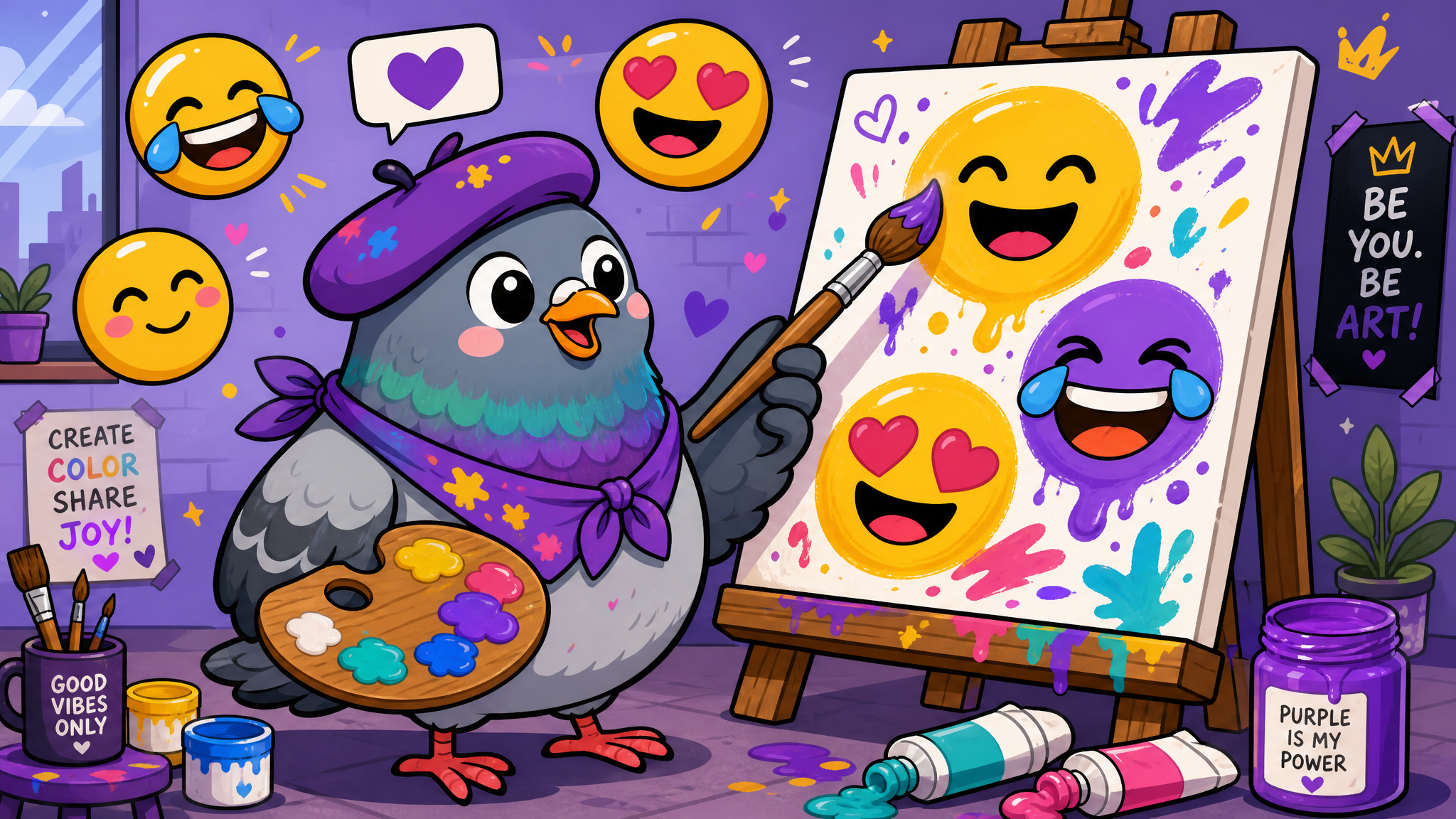
How to Design Your Own Custom Emoji Pack for Personal or Brand Use
From doodling on a tablet to launching a branded sticker pack, here's the complete guide to creating custom emojis that express what standard emoji sets can't.
When Standard Emojis Aren't Enough
Unicode has given us over 3,600 emoji. Yet somehow, there's still no emoji for that specific face your friend makes when they're pretending to be fine. No emoji that captures your cat's exact judgmental stare. No branded expression that screams "this is us." That's where custom emoji and sticker packs come in — a creative frontier that's exploded from a niche hobby into a billion-dollar design ecosystem.
Planning Your Emoji Pack
Define Your Purpose
Are these for your friend group's inside jokes? A brand's marketing kit? A community's identity? The purpose shapes everything: art style, distribution method, quantity, and format.
Choose Your Expressions
The most-used emojis fall into predictable emotional categories: happy, sad, laughing, love, angry, confused, celebrating, and agreeing/disagreeing. Start with 12-16 expressions that cover these core emotions in your unique style. You can always expand later.
Develop a Consistent Character
The best custom emoji packs center on a recognizable character. This could be a cartoon version of yourself, your pet, a mascot, or an original character. Consistency matters — the character should be instantly recognizable even at tiny sizes (24×24 pixels on some platforms).
Design Tools for Every Skill Level
Beginner (No Drawing Skills Needed)
Tools like Bitmoji, Zmoji, and Mirror let you create avatar-based emoji packs without any artistic ability. AI tools can now generate custom emoji-style characters from text descriptions. These won't be 100% original, but they're a great starting point.
Intermediate (Some Art Skills)
Procreate (iPad), Clip Studio Paint, or even Canva let you draw custom designs with template guidance. Many successful sticker creators start here — simple line art with bold colors works brilliantly at emoji scale.
Advanced (Professional Quality)
Adobe Illustrator for vector-based designs that scale perfectly, After Effects for animated stickers, or specialized tools like Lottie for creating lightweight animations. Professional sticker packs often commission illustrators — expect to pay $200-$500 for a quality 16-sticker pack.
Technical Specifications to Remember
- Size: Most platforms require 512×512px PNG files
- Format: PNG with transparency for static, APNG or GIF for animated
- File size: Keep under 500KB per sticker for fast loading
- Readability: Test at 64px — if the expression isn't clear at that size, simplify
- Bold outlines: Thin lines disappear at small sizes; use 2-3px minimum stroke weight
- Limited color palette: 4-6 colors per sticker keeps things clean and recognizable
Distribution: Getting Your Pack Out There
Once designed, you can distribute through platform-specific sticker stores (Telegram's Sticker Platform is particularly accessible), as downloadable packs within apps that support custom stickers, or as branded GIF libraries on Giphy. For brands, embedding custom stickers directly in your product creates a uniquely personal touch that users love and share organically.
The Joy of Self-Expression
Custom emoji aren't just about filling a gap in the Unicode set. They're about creating a visual language that's uniquely, authentically yours. Whether it's your friend group's in-joke mascot or your company's brand personality distilled into tiny animated squares — there's something deeply satisfying about communicating in images you created.

Writer & Editor at PigeonChat
Related Articles
Cute Stickers, Anime & Emojis: The Most Fun Messaging App in 2026
Free Cute Stickers & Anime Chat Community: Why PigeonChat Is the Fun Messaging App of 2026
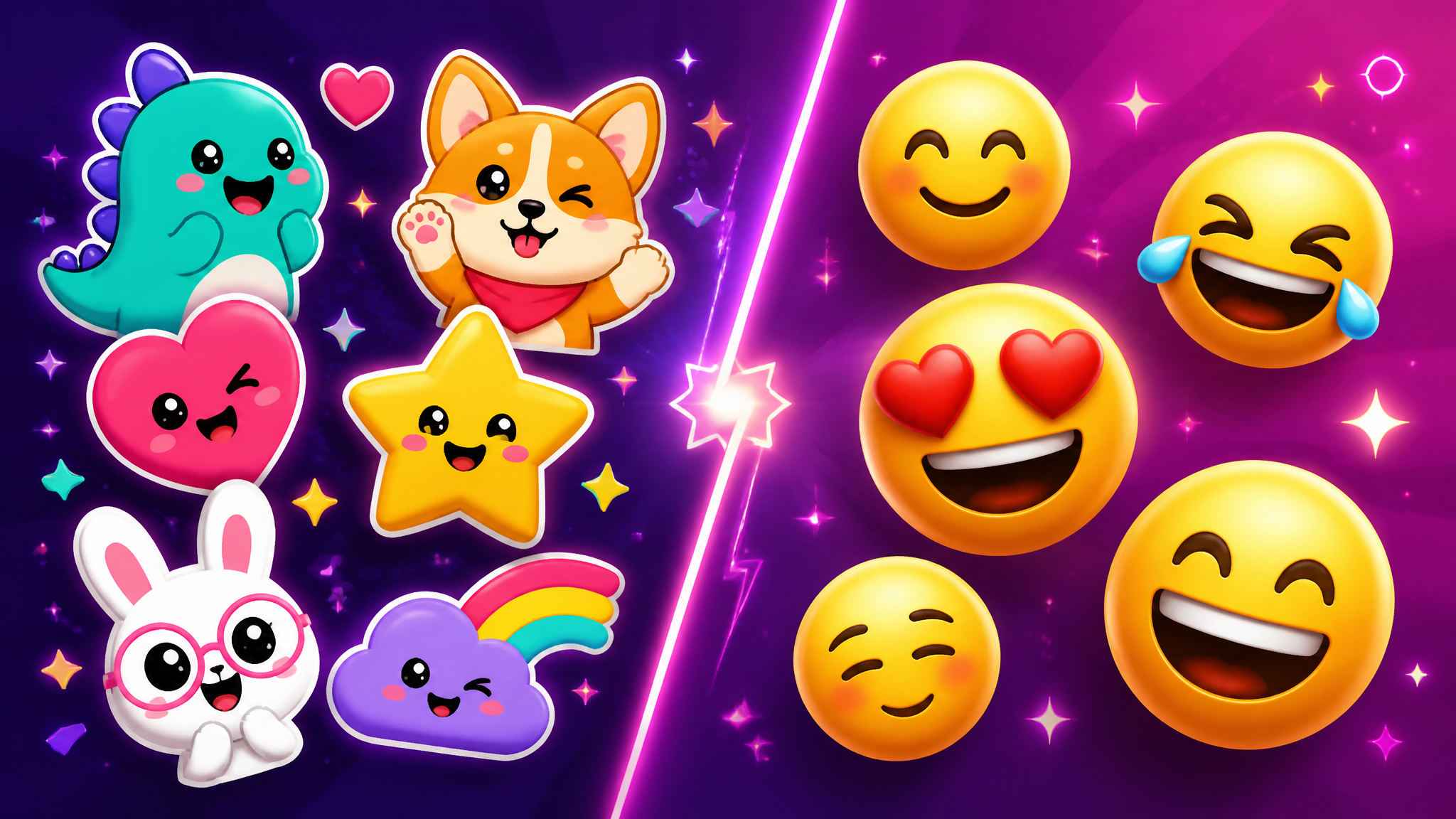
Stickers vs Emojis in 2026: Which One Actually Says It Better?
Sticker Culture in 2026: How Digital Stickers Changed the Way We Communicate

Why chat folders matter for busy group conversations
