How to Switch Messaging Apps Without Losing Your Friends
Thinking about switching to a new messaging app? Here is your complete guide to migrating conversations, convincing your circle, and making the transition smooth and stress-free.
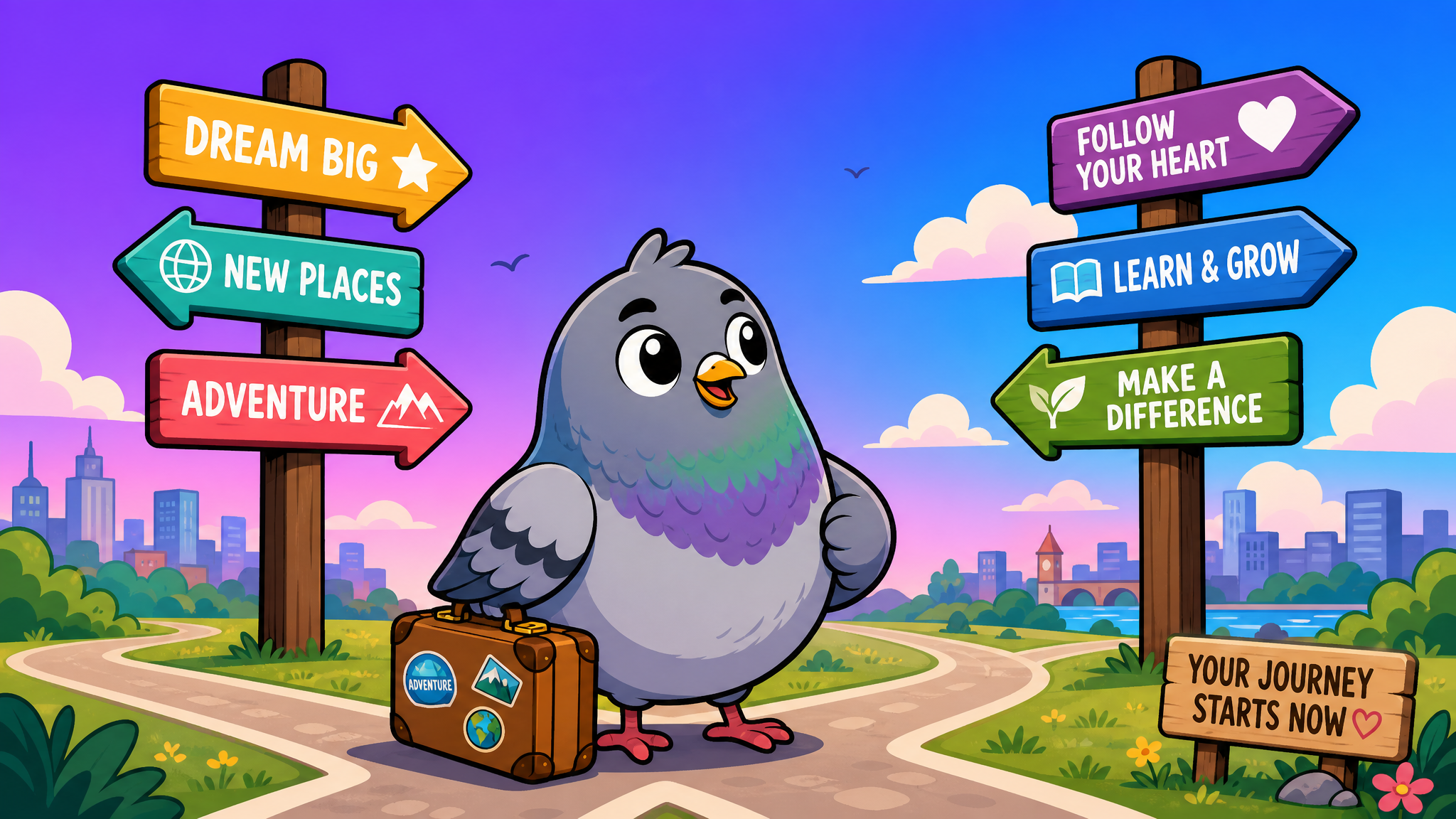
We have all been there. You discover a messaging app that is genuinely better — faster, more private, better stickers — but the thought of convincing your entire friend group to switch feels like trying to herd cats. Or pigeons.
The truth is, switching messaging apps in 2026 does not have to mean losing touch with anyone. With the right strategy, you can migrate smoothly while keeping every conversation alive. This guide walks you through the entire process, step by step.
Why People Switch Messaging Apps
Before diving into the how, let us talk about the why. According to recent surveys, the top reasons people consider switching messaging apps include:
- Privacy concerns — 67% of users worry about how their data is being used
- Feature fatigue — apps that started simple have become bloated with features nobody asked for
- Better alternatives exist — newer apps offer superior experiences without legacy baggage
- Group dynamics — sometimes your friend circle naturally gravitates toward a new platform
- Cost — premium features on some apps are getting increasingly expensive
Whatever your reason, the important thing is that switching should feel like an upgrade, not a compromise.
Step 1: Choose Your New Home Wisely
Not all messaging apps are created equal. Before you commit to a switch, evaluate your new app against these criteria:
Must-Have Features
- End-to-end encryption — your conversations should be private by default
- Cross-platform support — works on iOS, Android, and desktop
- Media sharing — photos, videos, and files without aggressive compression
- Group chats — because most of your conversations probably happen in groups
- Stickers and reactions — because plain text is so 2010
Nice-to-Have Features
- Custom themes and dark mode
- Voice and video calling
- Status or story features
- Read receipts you can control
- Channel or community features
Apps like PigeonChat check all these boxes while keeping the experience refreshingly simple — no algorithmic feeds, no ads, just pure messaging.
Step 2: Export Your Important Conversations
Most messaging apps let you export your chat history. Here is how to preserve your digital memories:
- Identify your most important chats — you probably do not need to export every conversation
- Use the built-in export feature — most apps support exporting to text or HTML format
- Save your media separately — photos and videos often need to be downloaded individually
- Back up to cloud storage — keep a copy in Google Drive, iCloud, or another cloud service
Pro tip: Focus on conversations with sentimental value. You do not need to bring three years of meme sharing to your new app — you will create new memories there.
Step 3: The Art of Convincing Your Friends
This is the hardest part, and it requires a bit of social strategy. Here are proven approaches:
The Soft Launch
Do not announce you are switching. Instead, start by inviting your closest friends to try the new app for a specific purpose — maybe a trip planning group or a shared interest. Once they experience the benefits firsthand, they will be more open to using it regularly.
The Group Migration
Pick one active group chat and suggest moving it to the new platform. Frame it as trying something new rather than abandoning the old app. Once one group makes the leap, others tend to follow.
The Feature Sell
Show, do not tell. Send screenshots of cool features — custom stickers, better group management, privacy controls. When people see what they are missing, curiosity does the heavy lifting.
The Gradual Transition
Keep both apps installed during the transition period. Slowly shift your primary conversations to the new app while maintaining presence on the old one. Over time, the new app naturally becomes your go-to.
Step 4: Set Up Your New Profile
First impressions matter, even digitally. When you set up your profile on the new app:
- Use a recognizable profile photo — the same one from your old app helps friends identify you
- Set a status that signals you have moved — something like "Find me here now!" works great
- Customize your notification settings immediately — nothing kills a new app experience faster than notification overload
- Explore the sticker packs — personalize your messaging style right away
Step 5: Create Your Essential Groups
Recreate your most active group chats on the new platform:
- Family group — usually the easiest to migrate since family will follow
- Close friends group — your inner circle is likely supportive of the switch
- Work or hobby groups — these often have natural migration triggers
- Interest-based groups — gaming squads, book clubs, fitness buddies
Step 6: Handle the Holdouts Gracefully
Not everyone will switch, and that is okay. Here is how to handle it:
- Keep the old app for specific people — some friends or family members will never switch, and that is fine
- Do not be pushy — nobody likes being pressured into downloading yet another app
- Lead by example — keep using the new app as your primary, and people will eventually follow
- Be patient — digital migrations take time, sometimes months
Common Mistakes to Avoid
Going Cold Turkey
Deleting your old app immediately is a recipe for lost connections. Keep it installed for at least a month after your transition.
Trying to Move Everyone at Once
Start small. A successful migration with five close friends is better than a failed attempt with fifty acquaintances.
Forgetting About Media
Those years of shared photos, voice notes, and videos do not automatically transfer. Save what matters before you reduce your usage of the old app.
Not Exploring the New App
Take time to learn the features of your new app. Many people switch and then use only basic texting, missing out on stickers, reactions, channels, and other features that make the experience richer.
The Future of App Switching
The good news is that switching messaging apps is getting easier every year. Interoperability standards are improving, and newer apps are designed with migration in mind. The days of being locked into one platform are ending.
The best messaging apps understand that earning your loyalty is better than trapping you. That is why platforms like PigeonChat focus on making the experience so good that you want to stay, not because you have to.
Ready to Make the Switch?
If you have been thinking about trying a new messaging app, there has never been a better time. Start with your closest friends, take it slow, and remember — the goal is not to replace every conversation overnight. It is about finding a messaging home that truly fits how you communicate.
The pigeon may be one of the oldest messengers in history, but sometimes the wisest move is embracing something new while honoring what came before.

Writer & Editor at PigeonChat
Related Articles

Why chat folders matter for busy group conversations

How image sharing works in private chat apps

What chat features users expect in modern private apps

Why chat folders help busy groups stay organized

How chat groups help schools and universities stay organized