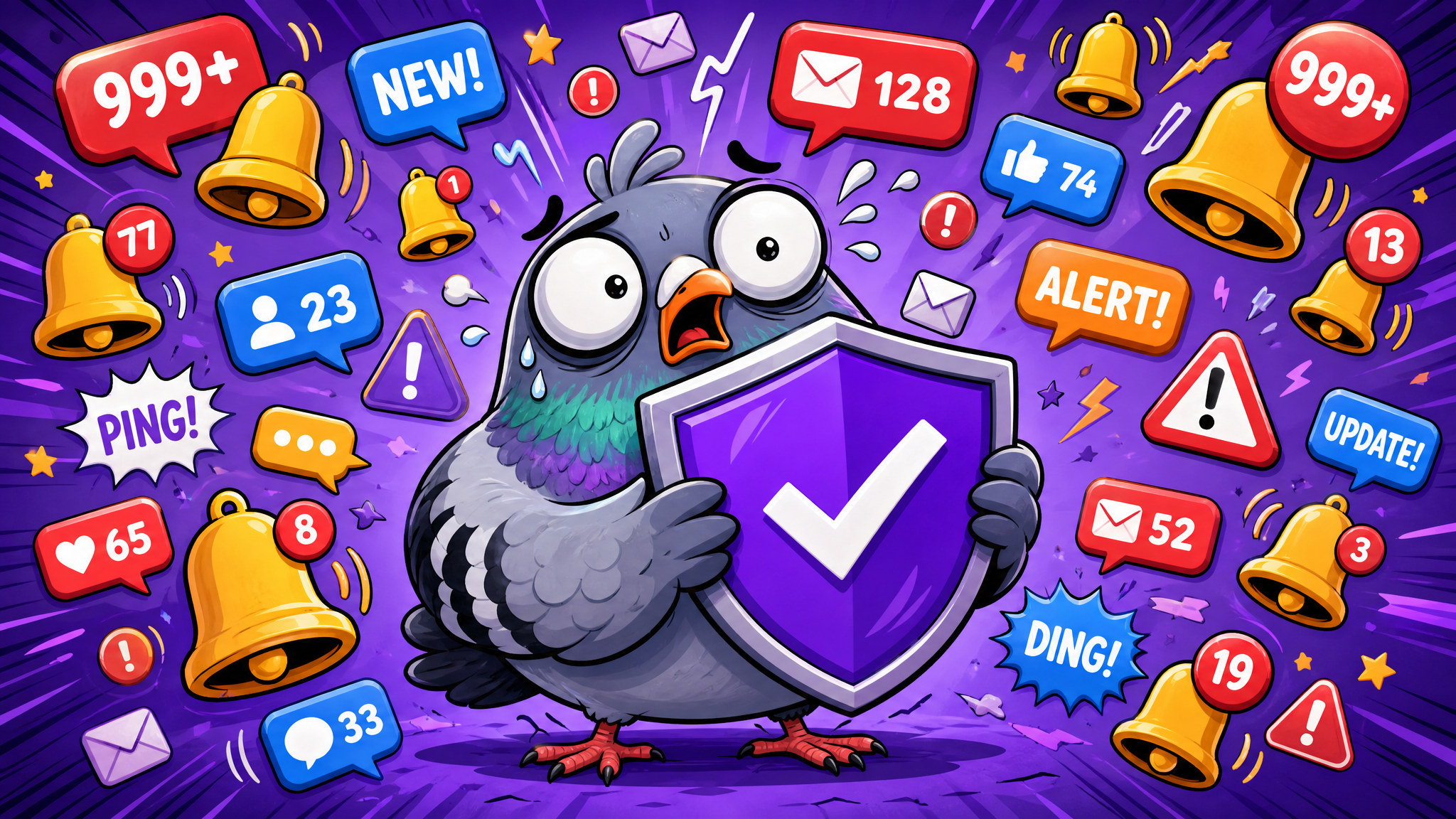
The Ultimate Guide to Messaging App Notifications: Take Back Control
Drowning in notifications? Learn how to audit, categorize, and manage your messaging alerts with smart strategies — from batch processing to focus modes — and reclaim your peace of mind.
Your Phone Buzzes 80 Times a Day — Here's How to Reclaim Your Peace
Ding. Buzz. Ping. The average smartphone user receives between 60 and 80 notifications per day, with messaging apps accounting for the lion's share. What was designed as a helpful alert system has evolved into a relentless barrage of interruptions that fragments our attention, spikes our anxiety, and drains our productivity.
But here's the thing — you don't have to live this way. With smart notification management, you can stay connected to the people and conversations that matter while silencing the noise that doesn't. This is your ultimate guide to taking back control of your messaging notifications.
Understanding the Notification Problem
Before we fix notifications, we need to understand why they've become such a problem. Messaging apps are designed to maximize engagement, and notifications are their primary weapon. Every ping triggers a small dopamine hit — a neurological reward that keeps us reaching for our phones even when we don't need to.
Research from the University of California, Irvine, found that it takes an average of 23 minutes and 15 seconds to fully regain focus after an interruption. If you receive just 10 notifications during a workday, that's potentially nearly four hours of lost productive focus. The cumulative impact on our cognitive performance is staggering.
Beyond productivity, constant notifications contribute to what psychologists call "continuous partial attention" — a state where we're never fully present in any single activity. We're always half-listening for the next buzz, half-anticipating the next message. This chronic state of divided attention has been linked to increased stress, poorer sleep quality, and diminished relationship satisfaction.
The Notification Audit: Your First Step
Taking control starts with awareness. Before changing any settings, spend three days simply tracking your notifications. Most smartphones have built-in screen time tools that show you exactly how many notifications you receive, from which apps, and at what times.
After your audit, categorize your notifications into three buckets:
Essential: Messages from close family, urgent work communications, time-sensitive alerts. These deserve immediate attention.
Important but not urgent: Friend group chats, social updates, newsletters. These can wait for a designated check-in time.
Noise: Promotional messages, app reminders to "come back," social media likes and follows. These should be eliminated entirely.
Most people are shocked to discover that 70-80% of their notifications fall into the "noise" category. That's the low-hanging fruit for immediate improvement.
Mastering Do Not Disturb: Beyond the Basics
Do Not Disturb (DND) mode is the most powerful notification tool most people barely use. Modern smartphones offer incredibly granular DND settings that go far beyond simple on/off switches.
Scheduled DND: Set automatic quiet hours — perhaps from 10 PM to 7 AM for sleep, or from 9 AM to 12 PM for deep work. Your phone silently collects notifications during these periods and presents them as a digest when you're ready.
Priority contacts: Configure DND to allow calls and messages from specific contacts to break through. Your partner, children, or boss can always reach you while everything else waits.
Focus modes: Both iOS and Android now offer customizable focus modes — Work, Personal, Sleep, Exercise — each with its own notification rules. Your phone can even switch modes automatically based on time, location, or which app you open.
The key insight is that DND isn't about disconnecting — it's about choosing when and how you connect. You're not missing messages; you're batching them for more efficient processing.
App-Level Notification Settings: The Deep Dive
Every messaging app offers its own notification settings, and most users never explore beyond the defaults. Here's what to look for and configure:
Per-conversation settings: Most messaging apps allow you to mute specific conversations while keeping others active. That 50-person group chat that generates 200 messages a day? Mute it and check it once or twice daily on your own terms.
Notification sounds: Assign different sounds to different contacts or apps. You'll develop an intuitive sense of which notifications need immediate attention based on the sound alone, without even looking at your screen.
Preview settings: Disable message previews on your lock screen. This serves dual purposes: privacy protection and reduced temptation. When you can't see the content of a message, the urge to immediately respond diminishes significantly.
Badge counts: Those little red numbers on app icons are designed to create anxiety. Consider disabling badge counts entirely — you'll check your messages when you decide to, not when a number guilts you into it.
The Batch Processing Method
Email productivity experts have long advocated for batch processing — checking email at set intervals rather than responding to every message as it arrives. The same principle applies beautifully to messaging notifications.
Here's a practical batch processing schedule that many find effective:
Morning check (8:00 AM): Review overnight messages, respond to anything urgent, star items that need thoughtful replies later.
Midday review (12:30 PM): Catch up on group chats, respond to starred messages, clear notification backlog.
Afternoon check (4:00 PM): Final work-related message sweep, respond to personal messages from the day.
Evening wind-down (7:00 PM): Quick scan for anything important, then notifications off until morning.
This four-times-daily approach might seem extreme at first, but most people who try it report feeling more connected, not less. When you do check messages, you're fully present and engaged rather than giving half-hearted responses between other tasks.
Setting Expectations with Your Contacts
One of the biggest barriers to notification management is social pressure. We fear that slower responses will be perceived as rude, disinterested, or uncaring. Addressing this proactively is essential.
Consider a brief status message or bio update: "I check messages at 8 AM, 12:30 PM, 4 PM, and 7 PM. For emergencies, call me directly." Most people not only respect this boundary but admire it. Many will even adopt similar practices themselves.
For work contexts, discuss communication expectations with your team. Establish clear guidelines about which messages require immediate responses and which can wait. Many forward-thinking companies now have explicit "response time expectations" built into their communication policies.
Remember: true urgency is rare. The vast majority of messages that feel urgent in the moment can wait an hour or two without any negative consequences. Training yourself — and your contacts — to recognize this distinction is liberating.
Notification Management for Different Life Contexts
At work: Prioritize team channels and direct messages from managers. Mute social groups, promotional channels, and non-essential updates. Consider using a separate messaging profile or app for work communications.
While studying: Enable strict focus mode. Only emergency contacts should break through. Studies show that even a single notification during a study session can reduce comprehension by up to 20%.
During family time: Silence work notifications entirely. Be fully present with the people in front of you. Your out-of-office response exists for a reason — use it.
While sleeping: Use the most restrictive DND settings. No notification is worth disrupting your sleep cycle. If someone truly needs you in an emergency, they can call — and your phone can be configured to allow repeated calls through.
While exercising: Unless you're expecting something genuinely urgent, leave your phone in your bag. Your workout is your time. Messages will be there when you finish.
Smart Replies and Quick Actions
For the notifications you do choose to receive, smart replies and quick actions can dramatically reduce the time spent responding. Most modern messaging apps offer suggested replies based on the message content — "Thanks!", "On my way", "Sounds good" — that let you respond with a single tap.
You can also create custom quick replies for your most common responses. If you frequently receive the same types of messages, having pre-written thoughtful responses ready to deploy saves time while maintaining personal touch.
Apps like PigeonChat are leading the way in intelligent notification management, offering AI-powered suggestions that help you communicate efficiently without sacrificing the quality of your conversations.
The Psychology of Letting Go
The hardest part of notification management isn't the technical setup — it's the psychological adjustment. Many people experience genuine anxiety when they first silence their notifications. This is normal and temporary.
The anxiety stems from FOMO (Fear of Missing Out) and what psychologists call "nomophobia" — the fear of being without mobile phone contact. Recognizing these feelings as learned responses rather than genuine needs is the first step to overcoming them.
Start gradually. Silence notifications for one hour, then two, then an entire morning. Each time you check your messages after a quiet period and find that nothing catastrophic happened, you reinforce the understanding that constant connectivity isn't necessary for safety or success.
Within two weeks, most people report that their relationship with notifications has fundamentally shifted. The compulsive checking subsides, replaced by intentional engagement. And paradoxically, their communication quality improves because they're responding thoughtfully rather than reactively.
Building Your Personal Notification Strategy
There's no one-size-fits-all approach to notification management. Your ideal setup depends on your role, relationships, and personal preferences. But the principles are universal: audit your current state, categorize by importance, eliminate noise ruthlessly, batch process the rest, and communicate your boundaries clearly.
The goal isn't to disconnect from the people you care about — it's to connect with them more meaningfully by removing the digital noise that dilutes every interaction. When your phone only alerts you to things that truly matter, every notification becomes a welcome signal rather than an unwanted interruption.
Take control of your notifications today. Your focus, your relationships, and your peace of mind will thank you.

Writer & Editor at PigeonChat
Related Articles

Why chat folders matter for busy group conversations

How image sharing works in private chat apps
What chat features users expect in modern private apps
Why chat folders help busy groups stay organized

How chat groups help schools and universities stay organized