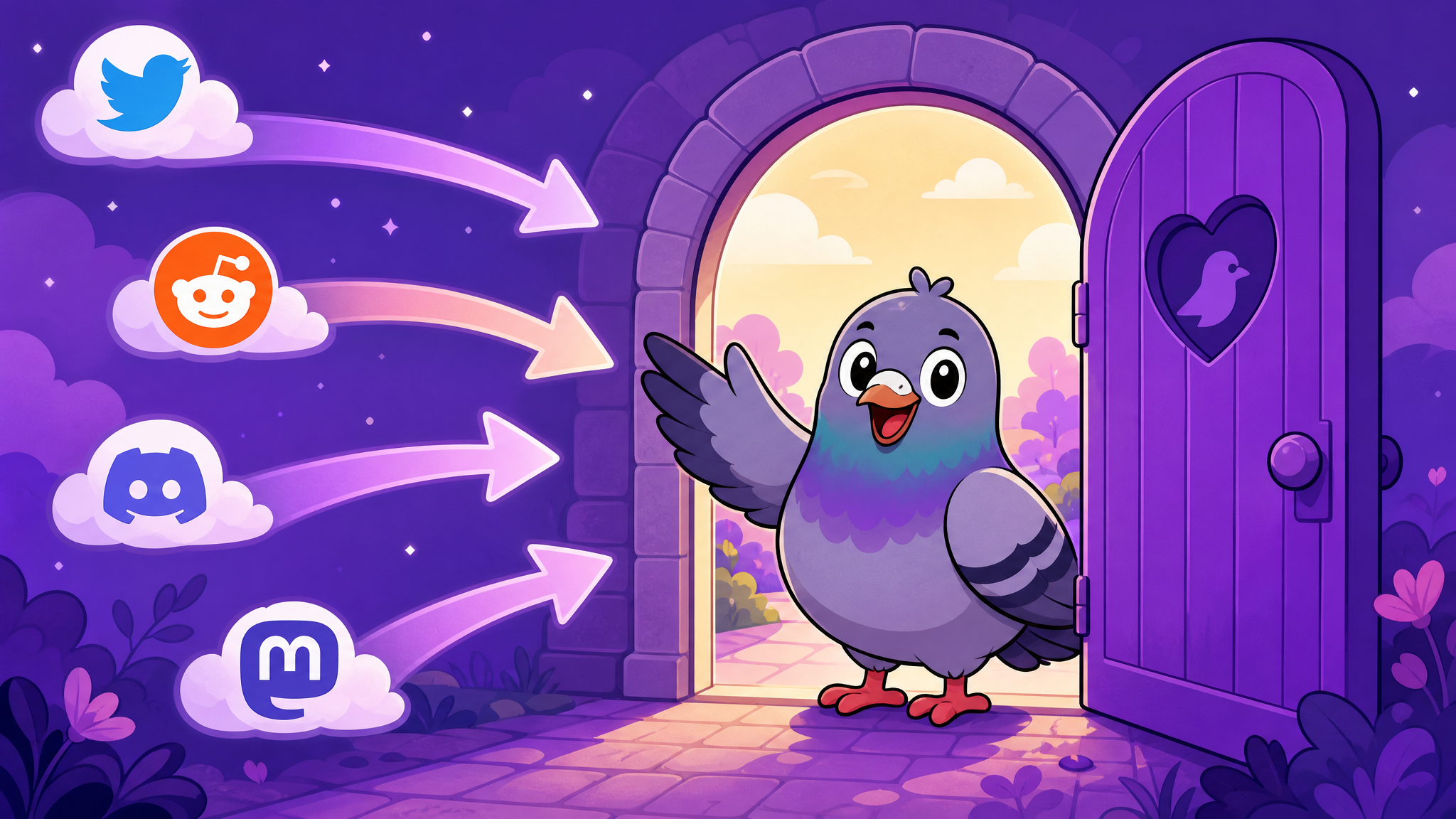
How to Switch Messaging Apps Without Losing Your Friends: A Step-by-Step Migration Guide
Thinking about switching to a better messaging app but worried about losing connections? This practical guide makes the transition smooth and painless.
The App Loyalty Trap
You know your current messaging app is not great. Maybe it mines your data, maybe the interface feels dated, maybe group chats are a nightmare to manage. But switching feels impossible because "everyone is already on it." This is the app loyalty trap — and it is exactly what keeps people stuck on platforms that do not serve them well.
The truth is, switching messaging apps is far easier than you think. You do not need everyone to move at once. You do not need to delete your old app. And you definitely do not need to lose any friendships in the process. Here is how to do it right.
Step 1: Choose Your New Home Wisely
Before inviting anyone, make sure your new app is genuinely better than what you are leaving. Evaluate it on the criteria that matter to you: privacy, features, speed, cross-platform support, and user experience. PigeonChat excels across all of these categories, offering a complete messaging experience with channels, stories, stickers, group chats, and robust privacy controls — all in a warm, intuitive interface.
Step 2: Start With Your Inner Circle
Do not try to move everyone at once. Start by inviting your five to ten closest contacts — the people you message most frequently. Send them a personal message explaining why you are switching: "Hey, I have been trying PigeonChat and it is really great. The stickers are amazing and I love the privacy features. Want to try it?"
Personal invitations are far more effective than mass broadcasts. People switch for people, not for features.
Step 3: Make the New App Your Default
Start every new conversation on your new app. When someone messages you on the old platform, reply — but suggest continuing on PigeonChat. "Hey! I am mostly on PigeonChat now. Want to chat there instead?" This gradual shift moves conversations organically without pressuring anyone.
Step 4: Recreate Your Most Important Groups
Group chats are the hardest to move because they require collective action. Start with groups where you have admin privileges or strong influence. Create the group on PigeonChat, add the members who have already switched, and share an invitation link for the rest. Sweeten the deal by highlighting features the old app lacks — like PigeonChat's premium stickers, channels, or better admin controls.
Step 5: Keep Both Apps Running — Temporarily
The biggest mistake switchers make is going cold turkey on their old app. Instead, run both apps simultaneously for a few weeks or months. Check your old app less frequently and respond with a gentle redirect. Over time, the volume on your new app will naturally increase as more contacts join.
Step 6: Be Patient and Persistent
App migration is a marathon, not a sprint. Some friends will switch immediately. Others will take months. A few might never switch — and that is okay. You can always keep the old app installed for those holdouts while conducting 90 percent of your messaging on the platform that actually respects you.
Why the Effort Is Worth It
Switching messaging apps is an investment in your digital wellbeing. Better privacy means your conversations stay yours. Better features mean more enjoyable communication. A better user experience means less friction in your daily life. Every person who switches makes the network stronger for everyone. Be the first mover in your circle — you will be surprised how many follow.

Writer & Editor at PigeonChat
Related Articles

Why chat folders matter for busy group conversations

How image sharing works in private chat apps

What chat features users expect in modern private apps

Why chat folders help busy groups stay organized

How chat groups help schools and universities stay organized