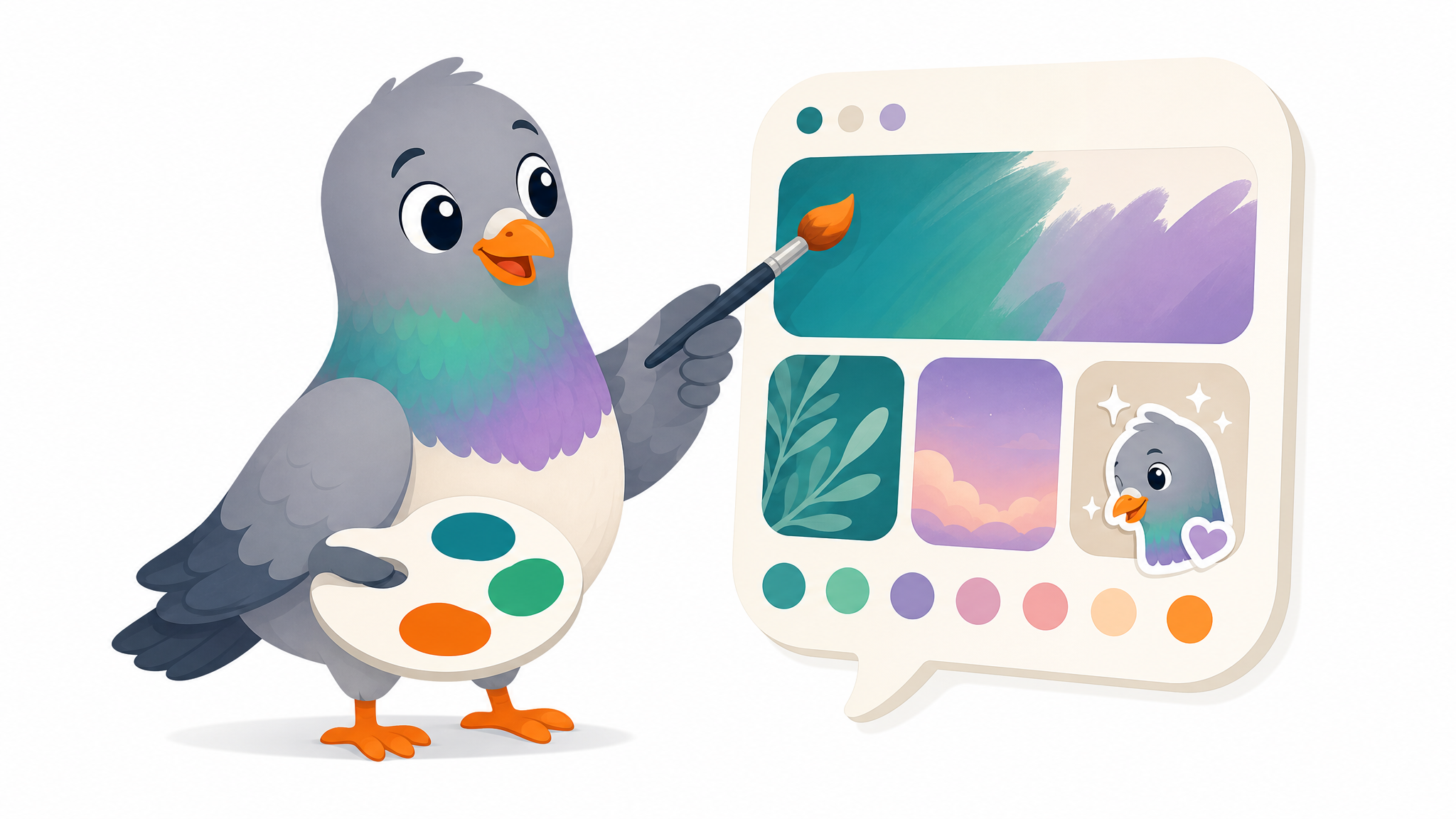
Customize Your Chat: Themes, Wallpapers & Stickers (2026)
Make your messaging app truly yours. A practical guide to themes, wallpapers, stickers, and personalization that make every conversation feel personal in 2026.
Your messaging app is one of the most personal tools you own. You spend hours in it every day, sharing your thoughts, feelings, and relationships. So why do so many people leave it looking like the bland default it shipped with? Customisation isn't just decoration — it's a way to make your digital space feel like yours, to express your personality, and to make every conversation a little more delightful.
In 2026, personalising your chat app is easier and more powerful than ever. From themes and wallpapers to custom stickers and reactions, there's a whole toolkit for making your messaging experience uniquely you. This practical guide walks you through the options and how to use them well.
Themes: Set the Mood
The theme is the overall look of your app — its colours, contrast, and feel. The most common choice is between light and dark mode, but it goes deeper than that. A dark theme is easier on the eyes at night and saves battery on many phones. A light theme feels crisp and clean in daytime. Some apps offer accent colours or full colour palettes, letting you tune the whole vibe to your taste.
The best approach is to choose a theme that's comfortable for how you actually use your phone — and don't be afraid to switch with the seasons or your mood.
Wallpapers: Make Each Chat Distinct
Chat wallpapers are a small touch with a big effect. Setting a custom background for a conversation makes it feel special and personal. Many people use this thoughtfully: a calm, soft wallpaper for a partner's chat; a fun, vibrant one for a friend group; a clean, neutral one for work conversations. Different wallpapers also help you instantly recognise which chat you're in — a subtle but genuinely useful benefit.
Stickers: Your Visual Vocabulary
Stickers are where personalisation gets really fun. A great sticker pack becomes part of how you communicate — your way of saying hello, celebrating, commiserating, or making someone laugh. Animated stickers add even more life and personality. Over time, certain stickers become "yours" with particular friends, forming a private visual language full of meaning and inside jokes.
Using Stickers Well
- Find a pack that matches your personality and humour.
- Use stickers to add warmth and tone that text can lose.
- Let recurring stickers become shared jokes with close friends.
- Don't overdo it — a well-timed sticker lands better than a constant stream.
Reactions: Quick, Expressive, Clutter-Free
Reactions let you respond to a message with a single tap — a heart, a laugh, a thumbs-up. They're perfect for busy group chats, where they let everyone engage without flooding the conversation with one-word replies. They add an emotional layer to your messaging while keeping things tidy.
Personalisation Strengthens Relationships
Here's the deeper truth about customisation: it's not just about you. The themes, stickers, and reactions you share with others become part of your relationships. A custom sticker that only your group gets, a wallpaper that matches your partner's chat, a reaction that's become "your" thing — these shared aesthetics quietly deepen your connections. Personalisation turns a generic utility into a space full of meaning.
How PigeonChat Lets You Make It Yours
PigeonChat puts personalisation front and centre. Choose from comfortable light and dark themes to suit your mood and environment, set custom wallpapers to make each conversation feel distinct, and express yourself with a charming collection of stickers starring our pigeon mascot. Instant reactions let you respond with feeling while keeping busy chats clutter-free.
Best of all, you get to make your space delightful without giving anything up — PigeonChat's privacy-first foundation means all your personalised, expressive conversations stay completely private. Your chat should feel like a place you enjoy being, and PigeonChat gives you the tools to make it exactly that.
The Bottom Line
Customising your chat app is a small effort with a big payoff. Themes set the mood, wallpapers make each conversation distinct, stickers give you a visual vocabulary, and reactions add expression without clutter. Together, they transform a generic inbox into a personal space that reflects who you are and deepens your connections. Take a few minutes to make your messaging app truly yours — you'll enjoy every conversation a little more.

Writer & Editor at PigeonChat
Related Articles

How chat folders change the way busy chats stay organized
Chat features that make private apps easier to use
Why chat folders matter for busy group conversations
Why chat folders matter for busy group conversations
What a European chat app should offer now