
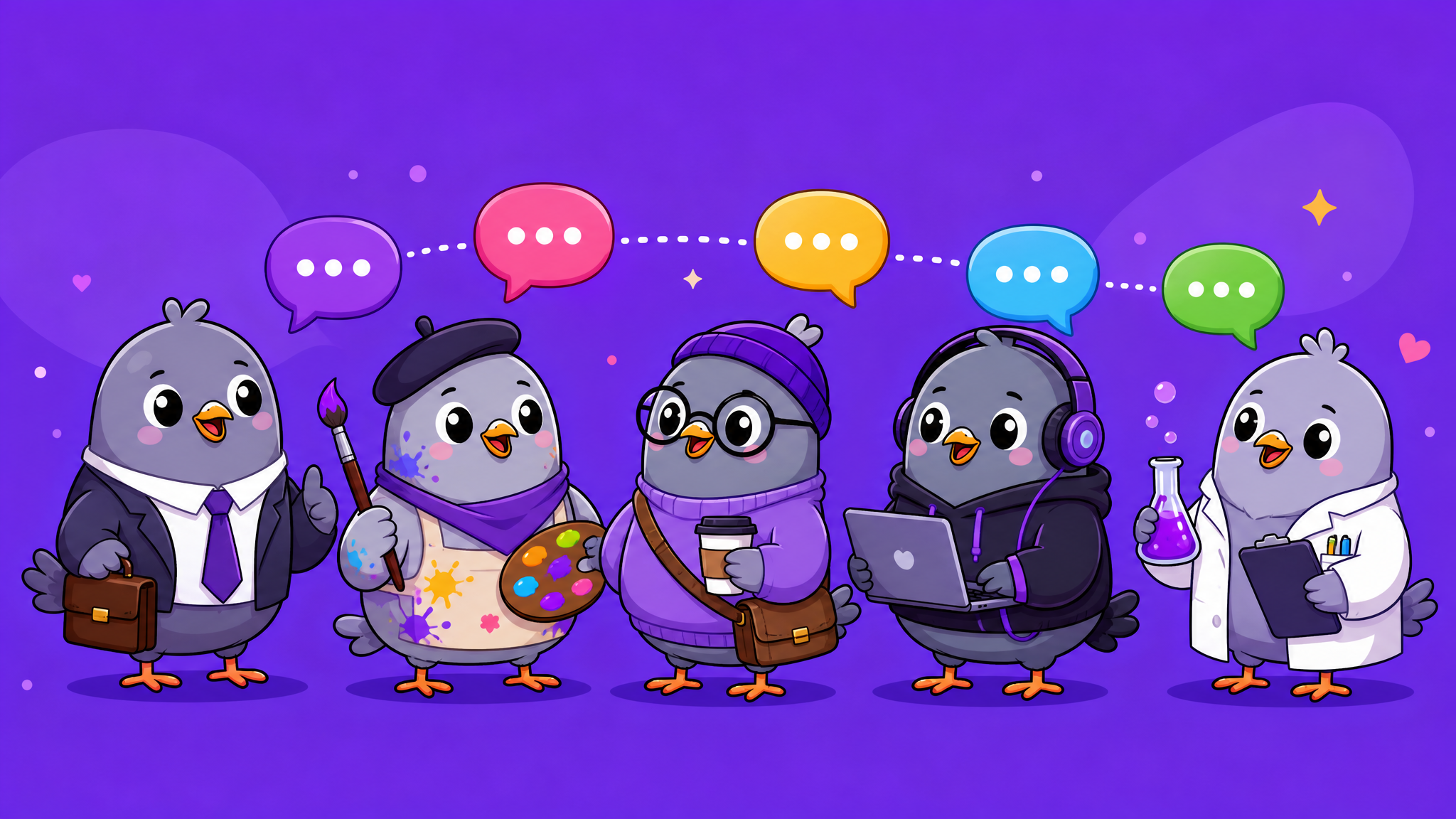
Best Messaging App for Teams and Remote Work in 2026
Remote teams need more than email. Discover why the right messaging app can transform your team communication, boost productivity, and keep everyone aligned.
Email Is Not Enough for Modern Teams
If your team still relies primarily on email for day-to-day communication, you are working at a disadvantage. Email was designed for formal, asynchronous correspondence — not for the quick questions, real-time updates, and collaborative discussions that modern teams need. Messaging apps fill that gap, providing the speed and informality of conversation with the permanence and searchability of written communication.
But not all messaging apps are suitable for teams. Here is what separates a genuine team communication tool from a personal messenger pressed into service.
What Teams Actually Need From a Messaging App
Through years of remote work evolution, the essential requirements for team messaging have become clear:
- Organised conversations — Multiple groups for different topics, projects, and teams. Not one massive thread where everything gets lost
- Admin controls — Role-based permissions, posting restrictions, and moderation tools to keep conversations productive
- Search and archival — The ability to find past decisions, shared files, and specific messages without endless scrolling
- File and media sharing — Drag-and-drop sharing of documents, images, videos, and voice notes
- Cross-platform access — Team members work on phones, laptops, tablets, and desktops. The app must work on all of them
- Privacy and security — Sensitive business discussions need proper protection. No data mining, no third-party access
Why PigeonChat Works for Teams
PigeonChat was not built exclusively for enterprise teams — it was built for everyone who communicates. But its feature set happens to be remarkably well-suited for team use:
Group chats with granular admin controls let team leads moderate discussions, pin important updates, set reminders for deadlines, and manage members efficiently. Channels provide broadcast-style communication for announcements and company updates. Voice messages capture nuance that text cannot, reducing misunderstandings. Message search makes every conversation a searchable archive.
The Human Side of Team Messaging
The best team communication tools do not just move information — they build culture. PigeonChat's stickers, stories, and reactions add warmth to digital interactions. A thumbs-up reaction on a colleague's message takes half a second but builds rapport. A funny sticker in response to a stressful deadline lightens the mood. Stories let team members share personal moments that build connection beyond work tasks.
Avoiding Messaging App Burnout
The dark side of team messaging is notification overload. To prevent burnout:
- Create an #announcements group that is admin-only for posting — this is the only group that should require everyone's immediate attention
- Encourage asynchronous communication — not every message needs an instant reply
- Use mute and notification scheduling features to protect focused work time
- Lead by example — if managers respond instantly to everything, the team feels pressured to do the same
The Right Tool Changes Everything
The difference between a team that communicates well and one that does not is often just the tool they use. A messaging app that is fast, organised, feature-rich, and respectful of boundaries can transform a scattered, email-dependent team into a cohesive, responsive unit. PigeonChat provides the foundation — your team provides the communication culture that makes it work.

Writer & Editor at PigeonChat
Related Articles
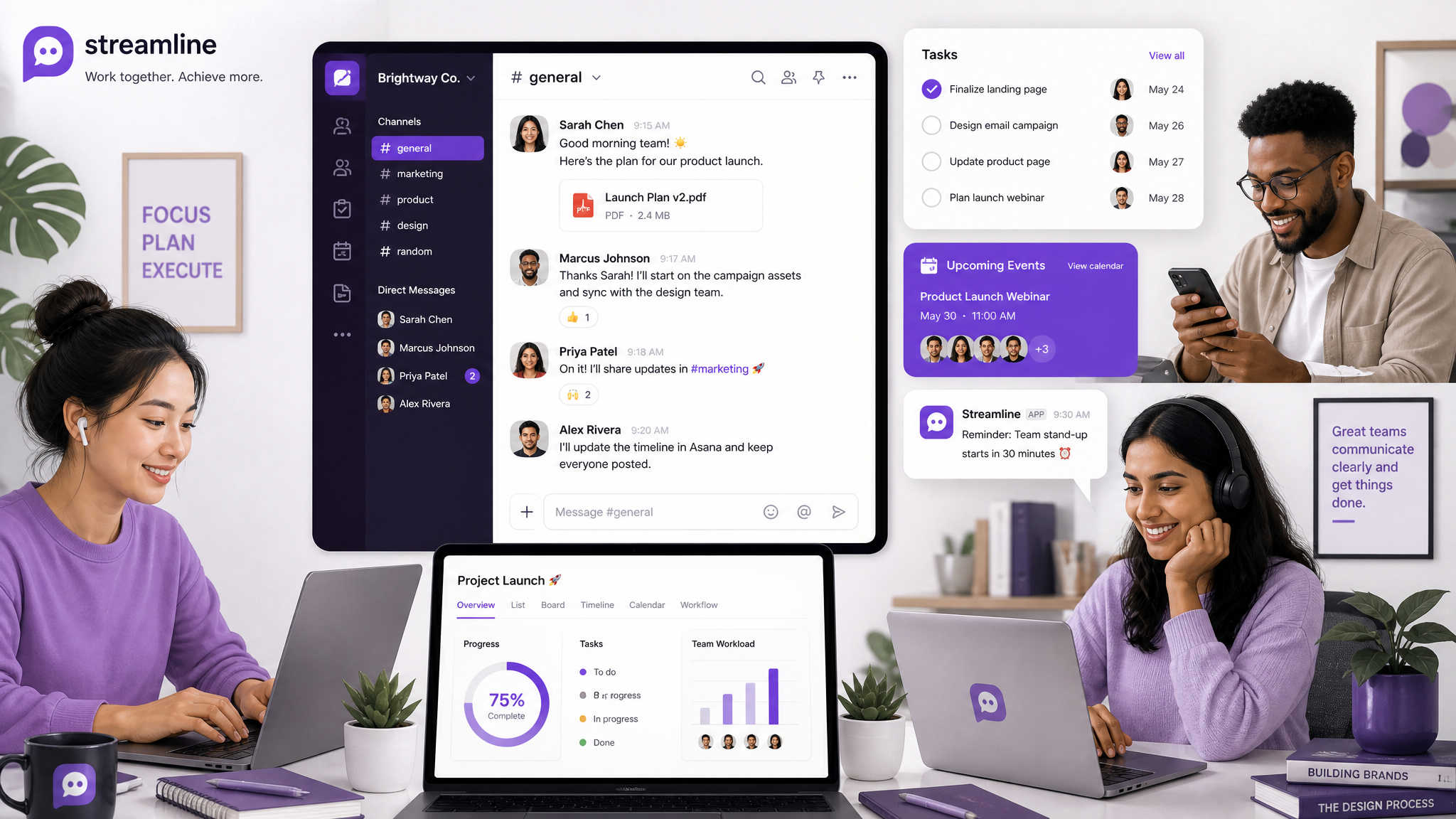
Best Free Team Chat App for Small Businesses and Remote Teams in 2026

Best Free Team Chat Apps for Small Businesses in 2026

The Best Slack Alternatives in 2026: Free Team Chat Apps

Best Business Group Chat Apps in 2026: How Teams Actually Communicate

Why chat folders matter for busy group conversations
