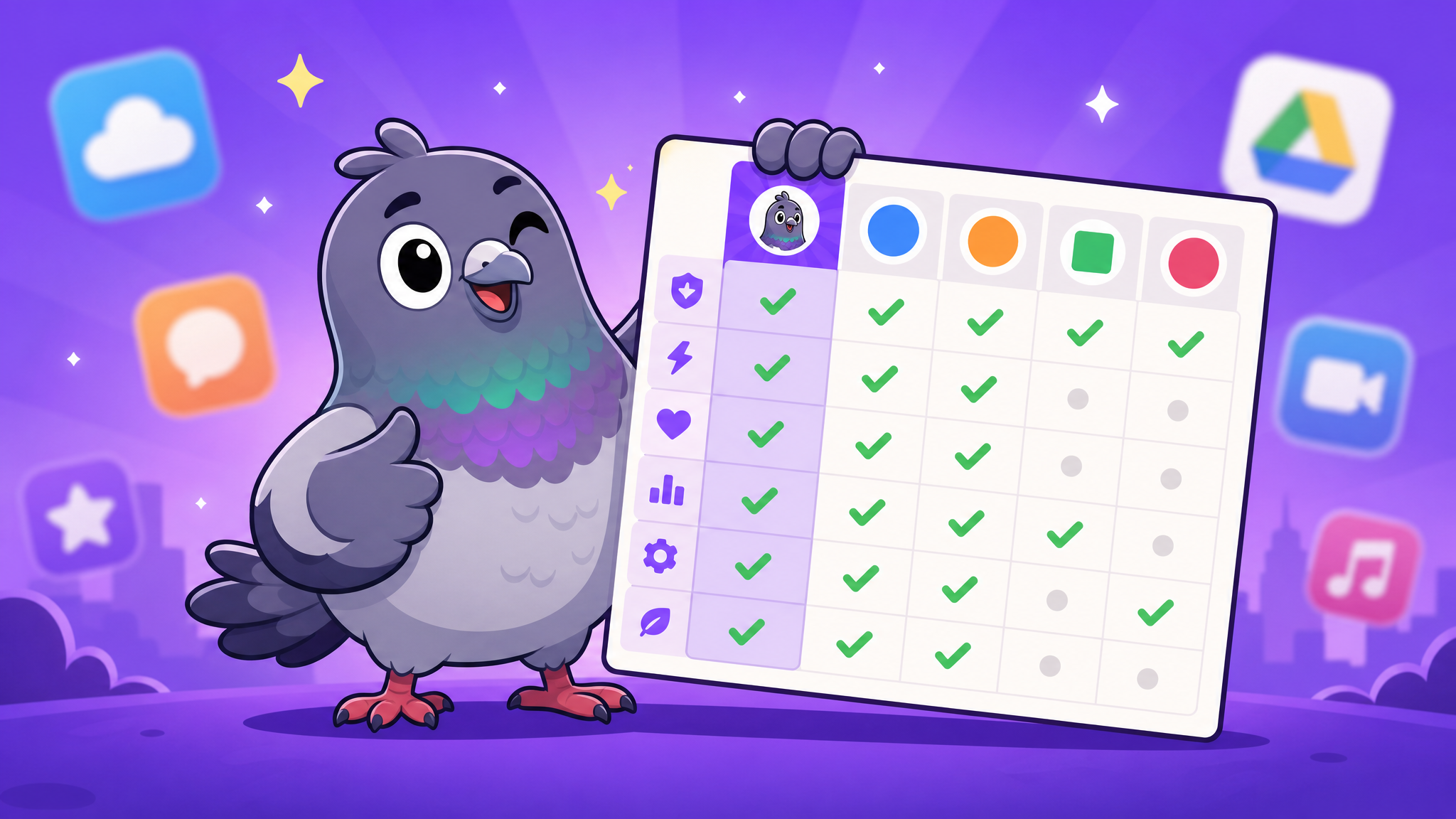
Messaging App Features Comparison 2026: What to Look For Before You Download
Not sure which messaging app has the features you need? This comprehensive comparison breaks down what every major messenger offers — and where they fall short.
Why Features Matter More Than You Think
Choosing a messaging app based on popularity alone is like buying a car because your neighbour drives one. The features that matter depend on how you communicate: are you a group chat organiser, a voice note enthusiast, a privacy advocate, or someone who just wants to send memes? This guide breaks down the essential features of modern messaging apps so you can make an informed choice.
Core Messaging Features: The Basics
Every messaging app should nail the fundamentals. Here is what "basic" looks like in 2026:
- Text messaging with rich formatting (bold, italic, links)
- Media sharing — photos, videos, documents, and voice messages
- Read receipts and typing indicators — know when your message has been seen
- Message editing and deletion — fix typos and remove messages for everyone
- Search — find specific messages, links, and media across all conversations
If an app cannot deliver these basics flawlessly, it is not worth your time regardless of its advanced features.
Group Chat Features: Where Apps Really Differentiate
Group chats are where messaging apps show their true capabilities. The best apps offer:
Admin controls — Assign multiple admins, control who can post, pin important messages, and set group rules. PigeonChat excels here with comprehensive admin tools including banning, restricting, and role management.
Group size — Some apps limit groups to 256 members. Others support thousands. For communities, channels with unlimited followers are essential.
Polls and scheduling — Built-in polls and shared calendars transform group chats from chaotic message threads into productive collaboration spaces.
Privacy and Security Features
In 2026, privacy features are not optional extras — they are necessities:
End-to-end encryption should be enabled by default, not hidden in settings. Disappearing messages with customisable timers let you control how long your data exists. Granular privacy settings let you choose who sees your profile, status, and contact information.
PigeonChat offers all of these alongside media expiry options, block and report functionality, and privacy controls that put you firmly in charge of your digital footprint.
Entertainment and Expression Features
Messaging is not just about exchanging information — it is about connection and expression:
Stickers and emoji — PigeonChat leads here with hundreds of hand-crafted, animated stickers in both free and premium packs.
Stories — Share moments that disappear after 24 hours. Not every app offers stories, but those that do add a social dimension to private messaging.
Channels — Follow creators, news sources, and communities with media-rich content streams. PigeonChat's channel feature includes live sessions with real-time chat participation.
Cross-Platform Availability
The best messaging app is the one you can access everywhere. Check for native apps on Android and iOS, desktop applications for Windows and Mac, and a web version that works in any modern browser. PigeonChat currently offers a full-featured web experience with native apps in development.
The Bottom Line: Choose for Your Needs
There is no single "best" messaging app for everyone. But there are apps that try to be great at everything — and PigeonChat is one of them. With its combination of robust group features, privacy-first design, expressive stickers, community channels, and a clean user experience, it covers more ground than most competitors. Download it, explore the features, and decide for yourself.

Writer & Editor at PigeonChat
Related Articles

Why chat folders matter for busy group conversations

How image sharing works in private chat apps

What chat features users expect in modern private apps

Why chat folders help busy groups stay organized

How chat groups help schools and universities stay organized