
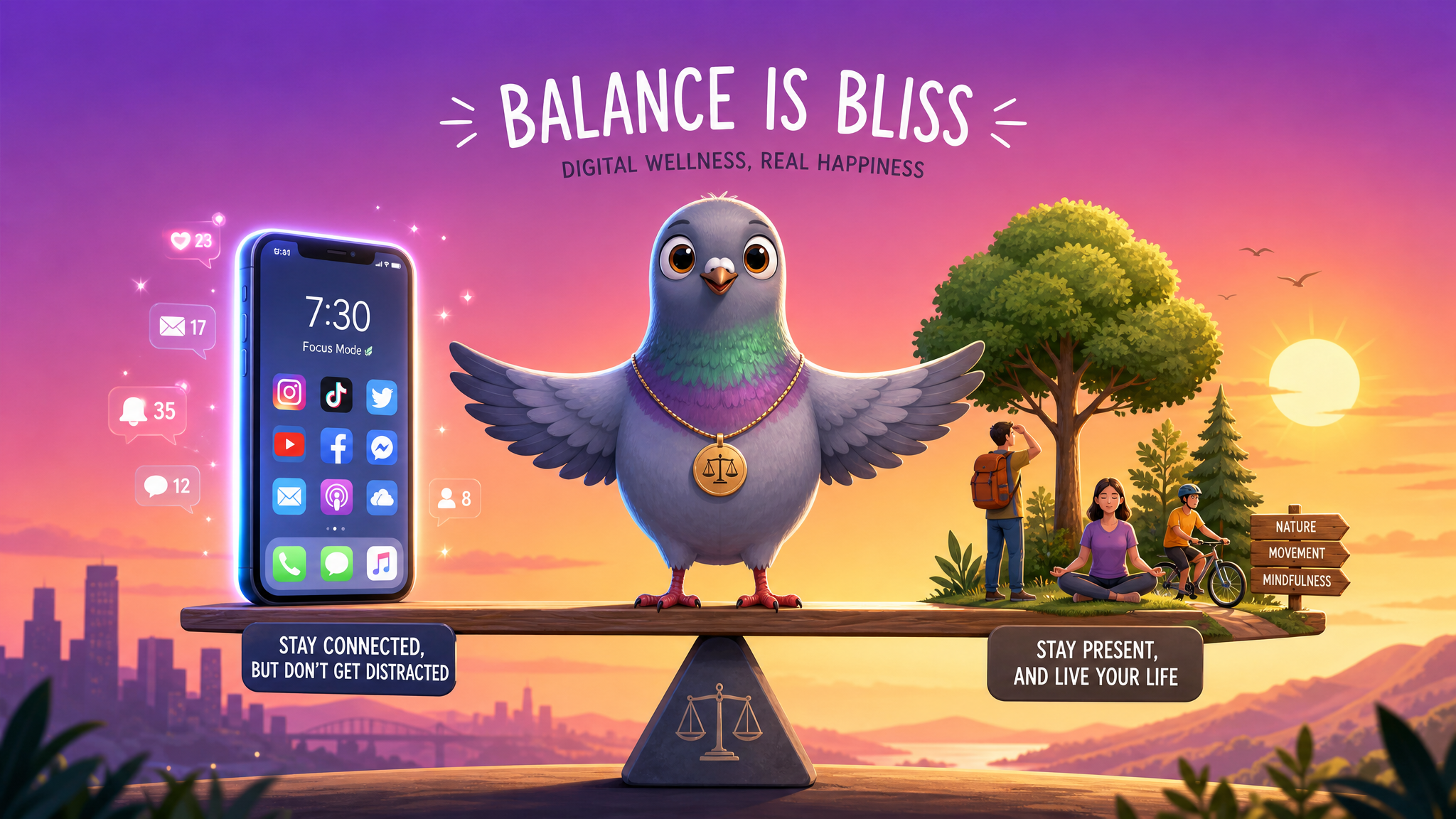
Digital Wellness: Managing Screen Time Without Missing Out — The Complete 2026 Guide
Screen time isn't inherently bad, but unmanaged screen time is. This comprehensive guide explores evidence-based strategies for achieving digital balance — staying connected without letting your devices control your life.
Let's start with an uncomfortable truth: the average person in 2026 spends 7 hours and 4 minutes per day looking at screens. That's nearly half of our waking hours — more time than we spend eating, exercising, socializing in person, and pursuing hobbies combined.
But here's the nuance that most "digital detox" articles miss: not all screen time is created equal. An hour spent video-calling your grandmother across the world is fundamentally different from an hour mindlessly scrolling a social media feed. An hour researching a passion project is different from an hour refreshing notifications.
True digital wellness isn't about demonizing screens or counting minutes. It's about being intentional with how we use technology — maximizing the connections, knowledge, and joy that digital tools can provide while minimizing the anxiety, comparison, and distraction they can cause.
This guide provides a complete, evidence-based framework for achieving that balance.
Understanding Your Screen Time: Quality vs. Quantity
Before implementing any changes, it's crucial to understand the difference between active and passive screen time.
Active Screen Time (Generally Beneficial)
- Meaningful communication: Video calls, thoughtful messaging conversations, connecting with distant friends and family
- Creative work: Writing, designing, coding, making music, editing photos
- Intentional learning: Online courses, researching topics you care about, reading long-form articles
- Purpose-driven entertainment: Watching a specific movie or show you've chosen, playing a game intentionally
- Productivity: Managing tasks, calendars, finances, and projects
Passive Screen Time (Generally Harmful)
- Mindless scrolling: Opening social media "just to check" and emerging 45 minutes later
- Notification-driven usage: Picking up your phone every time it buzzes without intention
- Comparison browsing: Scrolling through others' curated highlight reels and feeling inadequate
- Rage-reading: Consuming content that makes you angry or anxious (news doom-scrolling, comment sections)
- Auto-play traps: Watching video after video because the algorithm keeps serving content
Research from the University of Pennsylvania found that it's not total screen time but passive social media scrolling specifically that most strongly correlates with increases in depression, anxiety, and loneliness. Active, intentional digital engagement actually improves wellbeing.
The Science of Digital Overload
Dopamine and the Notification Loop
Every notification, like, and new message triggers a small release of dopamine — the neurotransmitter associated with reward and pleasure. This creates a feedback loop: your brain learns to associate checking your phone with a potential reward, leading to compulsive checking behavior even when you don't expect anything important.
Research by Dr. Anna Lembke at Stanford University's addiction medicine division has shown that this pattern mirrors the neurological mechanisms of other addictive behaviors. The unpredictability of rewards (sometimes there's an exciting message, sometimes there's nothing) makes it more addictive, not less — the same principle that makes slot machines compelling.
Cognitive Fatigue and Decision Depletion
Each piece of digital information requires a micro-decision: read or ignore? Respond now or later? Care about this or not? These micro-decisions accumulate throughout the day, contributing to decision fatigue — the deterioration of decision-making quality after a long session of making decisions.
By evening, many people feel mentally exhausted not because they did demanding intellectual work, but because they made thousands of tiny decisions about digital information throughout the day.
Sleep Disruption
The relationship between screen time and sleep is well-documented:
- Blue light from screens suppresses melatonin production, delaying sleep onset
- Mental stimulation from engaging content keeps the mind active when it should be winding down
- Anxiety-inducing content (news, work messages, social media drama) activates the stress response, making relaxation difficult
- People who use screens within 30 minutes of bedtime report 45% worse sleep quality than those who don't
The Digital Wellness Framework: 5 Dimensions of Balance
Dimension 1: Time Awareness
You can't manage what you don't measure. Start by honestly tracking your screen time:
- Use built-in tools: iOS Screen Time and Android Digital Wellbeing provide detailed breakdowns of your usage by app, category, and time of day.
- Identify patterns: When do you use your phone most? Morning? Late night? During work? Identify the times when usage is least intentional.
- Set awareness triggers: Some apps can notify you after a set amount of time in a specific app. Not to stop you, but to make you conscious of time passing.
Dimension 2: Intentional Communication
Messaging is one of the most valuable uses of screen time — when it's intentional. Here's how to make your digital communication more meaningful:
- Batch your messaging: Instead of checking messages every 5 minutes, set 3-4 designated times per day to read and respond to messages thoughtfully.
- Prioritize depth over breadth: One meaningful conversation is worth more than 50 quick reactions. When you do message, be fully present.
- Use the right medium: Quick logistics? Text. Emotional conversations? Voice note or call. Complex topics? Video chat. Matching the medium to the message improves communication quality.
- Practice digital empathy: Remember that tone is lost in text. When in doubt, assume positive intent. Use emojis and stickers to add emotional context that text alone can't convey — this is one reason PigeonChat offers such a rich sticker library.
Dimension 3: Notification Sovereignty
Your phone's default notification settings are designed to maximize your engagement with apps, not your wellbeing. Take back control:
- Audit every app: Go through your notification settings app by app. For each one, ask: "Does this notification improve my life, or just demand my attention?"
- The 3-tier system:
- Tier 1 (Immediate): Phone calls, messages from family/partner (sound + vibration)
- Tier 2 (Timely): Work apps, close friends (silent notification, no sound)
- Tier 3 (Batch): Social media, news, shopping (notification summary 2x daily)
- Use Focus modes: Create different notification profiles for Work, Sleep, Exercise, and Family time. Your phone should adapt to your life, not the other way around.
Dimension 4: Environment Design
Design your physical and digital environments to support healthy habits:
- Phone-free zones: Designate spaces in your home where phones don't go — the bedroom, the dining table, the bathroom. Use a physical alarm clock instead of your phone.
- Home screen curation: Remove social media and addictive apps from your home screen. Keep only tools (calendar, messaging, maps) on the first screen. Make time-wasting apps require effort to access.
- Grayscale mode: Color is a key driver of digital engagement. Switching your phone to grayscale mode makes it significantly less compelling to look at.
- Physical alternatives: Keep a physical book on your nightstand instead of your phone. Use a paper notebook for to-do lists. Buy a wristwatch so you don't check your phone for the time.
Dimension 5: Mindful Consumption
Choose what you consume digitally with the same care you'd choose what you eat:
- Curate your feeds: Unfollow accounts that make you feel anxious, inadequate, or angry. Follow accounts that educate, inspire, or genuinely entertain you.
- Choose creation over consumption: For every hour spent consuming content, try to spend 30 minutes creating something — a message to a friend, a photo, a note in your journal, a sketch.
- Apply the "newspaper front page" test: Before sharing or forwarding content, ask: "Is this information accurate? Is it helpful? Would I be comfortable if this appeared on the front page of a newspaper with my name attached?"
- Practice the 10-second pause: Before opening a social media app, pause for 10 seconds and ask: "Why am I opening this? What am I looking for?" If you don't have a specific answer, put the phone down.
Digital Wellness for Families
Modeling for Children
Children learn digital habits primarily by watching their parents. If you scroll through your phone at dinner, they'll do the same. The most effective digital parenting strategy is modeling the behavior you want to see:
- Put your phone away during family time
- Use messaging to send encouraging notes to your kids (modeling positive digital communication)
- Share what you're doing on your phone when your children ask — demystify screen time by making it transparent
- Acknowledge when you catch yourself using your phone mindlessly and verbalize the correction: "I just caught myself scrolling without purpose. I'm going to put this down."
Age-Appropriate Guidelines
| Age Group | Recommended Approach |
|---|---|
| Under 6 | Minimal screens. Prioritize interactive apps over passive video. Co-use all digital media. |
| 6-12 | Introduce messaging for family communication. Set clear time limits. Discuss online safety. Use parental controls. |
| 13-17 | Gradually increase autonomy. Focus on digital literacy over restriction. Have open conversations about online experiences. Model healthy habits. |
| 18+ | Personal responsibility. Use self-monitoring tools. Seek help if digital habits feel out of control. |
When Screen Time Becomes a Problem: Warning Signs
Digital wellness exists on a spectrum. Here are signs that your screen habits may have crossed from manageable to concerning:
- Phantom vibrations: You feel your phone vibrate when it hasn't — a sign your nervous system is hyper-tuned to digital stimuli
- First and last thing: Your phone is the first thing you look at in the morning and the last thing at night, every single day
- Anxiety when separated: You feel genuinely anxious or uncomfortable when you can't access your phone for extended periods
- Neglected responsibilities: Screen time is interfering with work, relationships, sleep, or physical health
- Loss of interest: Activities you previously enjoyed (reading, exercise, hobbies) have been replaced by screen-based activities
- Inability to stop: You regularly intend to use your phone for "5 minutes" and find yourself still scrolling 30+ minutes later
- Mood dependence: Your mood is significantly affected by what happens on your phone — a liked post elevates you, an unanswered message deflates you
If several of these resonate, consider speaking with a mental health professional who specializes in digital wellness. There's no shame in seeking help — our brains simply weren't designed for the level of digital stimulation we now encounter daily.
A 7-Day Digital Wellness Challenge
Ready to start? Here's a gentle, practical challenge that doesn't require going cold turkey:
| Day | Challenge |
|---|---|
| Day 1 | Track your screen time without changing anything. Just observe and note patterns. |
| Day 2 | Turn off all non-essential notifications. Keep only calls and messages from close contacts. |
| Day 3 | No phone for the first 30 minutes after waking. Start your morning phone-free. |
| Day 4 | Designate a phone-free zone in your home (bedroom or dining area). Stick to it all day. |
| Day 5 | Batch your messaging — check and respond to messages only 3 times today. |
| Day 6 | Replace 30 minutes of scrolling with an offline activity: a walk, a book, cooking, or a real conversation. |
| Day 7 | Reflect on the week. What felt hard? What felt freeing? Choose 2-3 practices to continue permanently. |
How PigeonChat Supports Digital Wellness
We believe messaging apps have a responsibility to support — not undermine — user wellbeing. Here's how PigeonChat is designed with digital wellness in mind:
- No addictive algorithms: We don't use engagement-maximizing algorithms. Your chat list shows conversations, not algorithmically-ranked content designed to keep you scrolling.
- Granular notification controls: Customize notifications per conversation, mute group chats, and set custom schedules.
- No read receipt pressure: Read receipts are optional and can be disabled without any negative social signal.
- Meaningful stickers and reactions: Our sticker packs encourage expressive, joyful communication rather than mindless engagement.
- Privacy by default: End-to-end encryption for all messages means you can communicate authentically without worrying about surveillance.
Digital wellness isn't about using technology less — it's about using it better. The goal isn't to become a digital hermit, but to become the intentional architect of your digital life. Use your phone as a tool that serves your goals and relationships, not as a slot machine that exploits your attention.
Start your digital wellness journey today with mindful messaging on PigeonChat.

Writer & Editor at PigeonChat
Related Articles
Building Healthy Digital Boundaries: A Complete Guide to Mindful Messaging in the Always-On Age

What a European chat app should offer now

Why browsers are becoming the new private chat home

PigeonChat.site in the UAE chat app search
