
PigeonChat App
Install PigeonChat on any device — no app store needed. Use it like a native app with one tap.
PigeonChat works as a full installable app on your phone, tablet, or computer. Add it to your home screen and enjoy the complete messaging experience — just like a native app, but without waiting for app store approval.
📲 Install PigeonChat as an App
No app store required. Install it directly from your browser in under 30 seconds.
- 1Open pigeonchat.site in Chrome
- 2Tap the ⋮ menu (top right)
- 3Tap "Install app" or "Add to Home screen"
- 4Done! PigeonChat appears on your home screen
- 1Open pigeonchat.site in Safari
- 2Tap the Share button (square with arrow)
- 3Scroll down, tap "Add to Home Screen"
- 4Tap "Add" — that's it!
The installed app runs fullscreen, gets its own icon, and feels like a native app. All your chats, stickers, and features are there.
Why PigeonChat Web?
Because the best messaging app is the one that's always one click away.
Instant Access
No app store. No download queue. No storage worries. Type the URL, sign in, and you're chatting within seconds. It's as easy as opening a web page — because that's exactly what it is.
Any PC, Any Spec
Got a budget laptop? A decade-old office desktop? A Chromebook? If it can open a browser, it can run PigeonChat. We've optimised for speed even on modest hardware.
Any Browser You Love
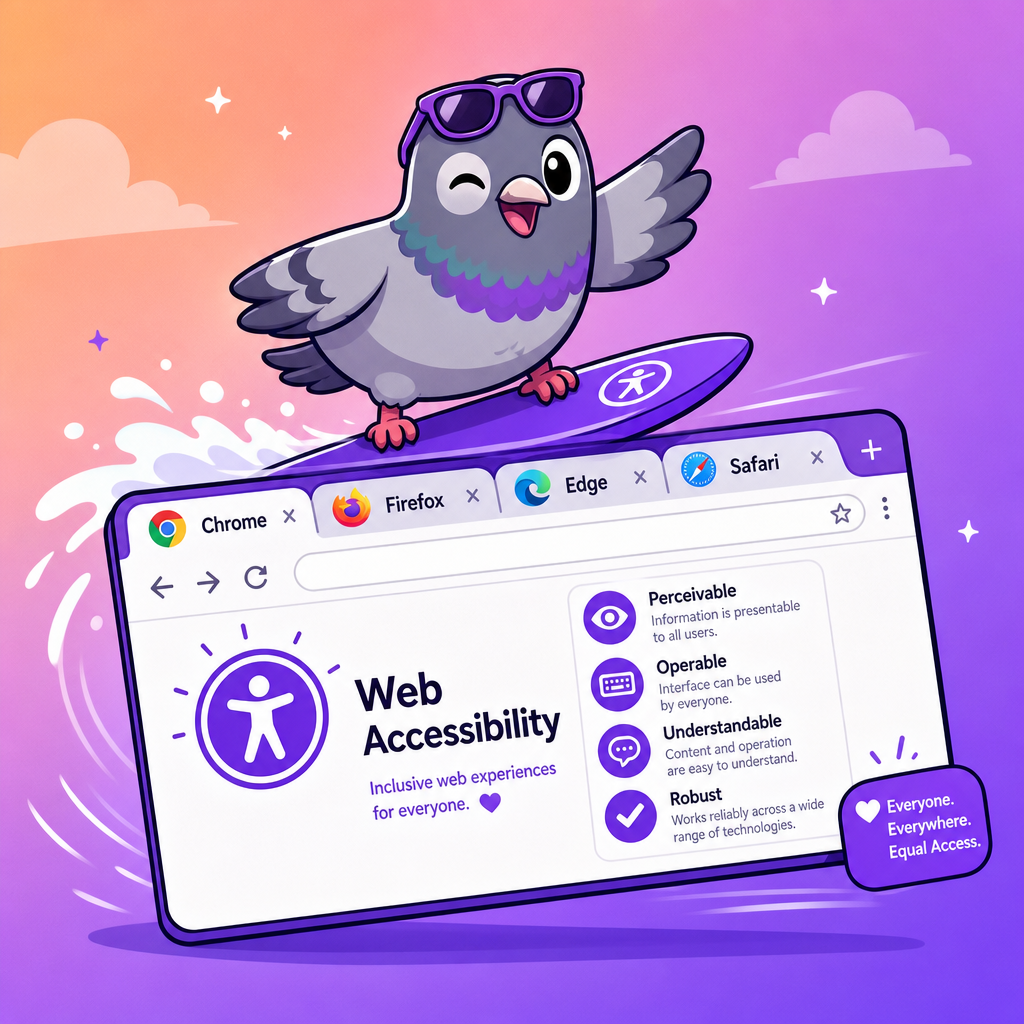
Chrome, Firefox, Edge, Safari, Opera, Brave — pick your favourite and PigeonChat works beautifully. No browser discrimination here.
Always Up to Date
No manual updates. No restart required. Every time you open PigeonChat Web, you're on the latest version with the newest features automatically.
Perfect for the Office
Keep conversations flowing alongside your work. No need to install anything on your company PC — just open a browser tab and stay connected with your team.
Secure by Default
Your session stays private. Log out when you're done, and nothing is left behind on the computer. Perfect for shared or public computers.
Stay Connected at the Office
You're in the middle of a spreadsheet, a quick message comes in from your partner. With PigeonChat Web, there's no need to pick up your phone — just glance at the browser tab, reply in seconds, and get back to work.
It's the kind of multitasking that actually works. Your chats live right alongside your work browser, email, and documents. No app switching, no phone unlocking — just seamless communication that fits your workflow.
Message On the Go
Visiting a friend? At a café? Borrowing someone's laptop? Open any browser, log into PigeonChat, and you're instantly connected to all your conversations. No installations needed.
When you're done, just close the tab. Your session ends cleanly, nothing is stored locally, and your privacy stays intact. It's messaging freedom at its finest.
Supported Browsers
PigeonChat Web works beautifully on all major browsers. Pick yours.
Google Chrome
Version 90+
Mozilla Firefox
Version 88+
Microsoft Edge
Version 90+
Apple Safari
Version 14+
Opera
Version 76+
Brave
Version 1.24+
Minimum Requirements
Operating System
Any
Windows, macOS, Linux, ChromeOS
Browser
Modern
Released after 2021
RAM
2 GB+
Runs on almost anything
Internet
Any
Wi-Fi, ethernet, or mobile data
Ready? It's Just One Click Away
No downloads. No waiting. Open PigeonChat in your browser right now and start messaging the people who matter.
Open PigeonChat →