
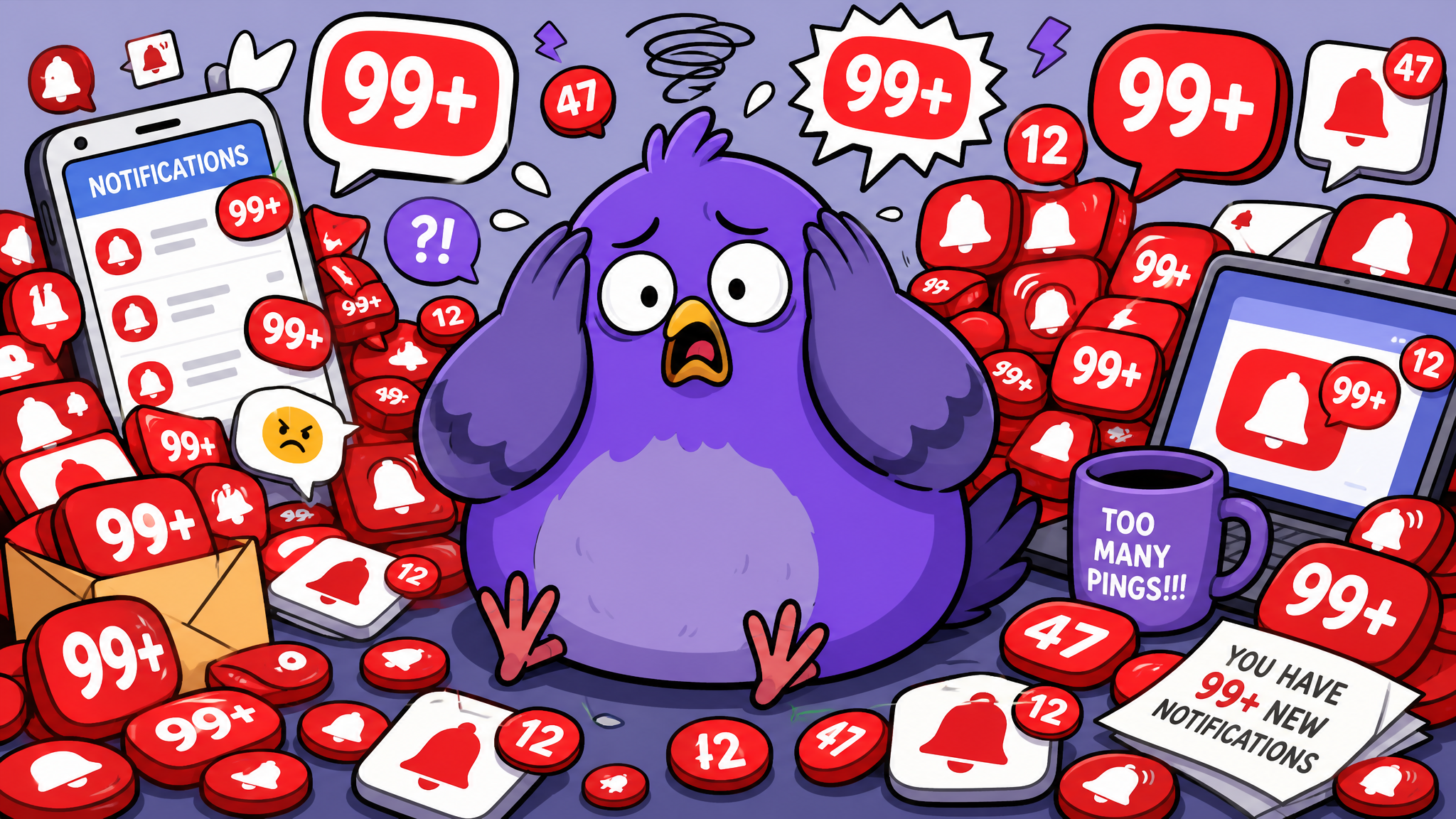
Notification Anxiety: Understanding and Overcoming the Ping Panic
That spike of dread when your phone buzzes has a name: notification anxiety. Learn what causes it, how it affects your mental health, and science-backed strategies to reclaim calm.
When the Buzz Becomes a Burden
Your phone vibrates. Instantly, your heart rate increases slightly. A micro-dose of cortisol enters your bloodstream. You reach for the device even though you were mid-conversation, mid-thought, mid-sentence. This isn't conscious behavior — it's a conditioned response, and for millions of people, it's become a source of chronic low-level anxiety that never fully resolves because the notifications never stop.
The Science Behind Notification Anxiety
Notification anxiety is a form of anticipatory stress. Your brain treats each unread notification as an open loop — an unresolved task that occupies working memory. Psychologist Bluma Zeigarnik discovered in the 1920s that incomplete tasks create mental tension. Now multiply that by the 80+ notifications the average smartphone user receives daily, and you get a brain that's constantly in a low-grade state of alert.
Neuroimaging studies show that notification sounds activate the same brain regions as threat detection. Your amygdala — the brain's alarm system — doesn't distinguish between a message from your boss and a promotional notification from a shopping app. Every buzz gets the same fight-or-flight micro-response.
Signs You May Have Notification Anxiety
- You feel compelled to check your phone within seconds of any notification
- A growing number of unread messages causes genuine distress
- You experience "phantom vibrations" — feeling your phone buzz when it hasn't
- You feel guilty or anxious about not responding quickly enough
- You check your phone first thing in the morning and last thing at night
- Silence from your phone feels uncomfortable rather than peaceful
Seven Strategies to Reclaim Your Peace
1. Notification Audit
Go through every app's notification settings. Be ruthless. Does a shopping app really need to ping you? Disable notifications for everything that isn't genuinely important. Most people can safely disable 80% of their notifications with zero negative impact.
2. Schedule Notification-Free Windows
Use your phone's Focus or Do Not Disturb modes to create daily windows of silence. Start with one hour. Gradually extend. The world doesn't end, and your anxiety level drops measurably.
3. Change Your Notification Sound
If your current notification sound triggers anxiety, change it. This breaks the Pavlovian association. Some people find that switching to silent + vibrate reduces the urgency feeling significantly.
4. Batch Your Responses
Instead of responding to each message as it arrives, check messages at designated times. This transforms notifications from interruptions into tasks you process on your schedule.
5. Communicate Your Boundaries
Tell close contacts: "I check messages at 9 AM, 1 PM, and 6 PM. For emergencies, call me." People adapt quickly, and most will respect your boundary.
6. Practice the Pause
When you hear a notification, deliberately pause for 30 seconds before checking. This breaks the automatic response loop and returns you to a state of conscious choice.
7. Remove Badge Counts
Those red circles with numbers create visual pressure. Turn off badge notifications for messaging apps. You'll still check your messages — but you won't be visually nagged into doing so every time you glance at your phone.
From Reactive to Intentional
Notification anxiety thrives on reactivity. Every strategy above moves you from reactive to intentional — from being controlled by your phone to being in control of it. The notifications aren't going away, but your relationship with them can fundamentally change. And that change starts with a single decision: the next time your phone buzzes, pause.

Writer & Editor at PigeonChat
Related Articles
What browser chat changes for people who hate installs
How digital wellbeing changes the way people chat
Why digital wellbeing matters in chat app design
Why digital wellbeing is becoming a chat app feature

Why chat folders matter for busy group conversations
