Work-Life Balance in the Always-On Era: Setting Boundaries with Professional Messaging
Struggling to disconnect from work messages? Learn evidence-based strategies for setting healthy boundaries with professional messaging while maintaining career success and personal wellbeing.
It's 10:47pm. You've just settled into bed with a book when your phone buzzes. It's a message from your manager about tomorrow's presentation. Then another buzz — a colleague asking about a deadline. Then a group chat notification about a project update. Within five minutes, you're sitting up in bed, laptop open, anxiety rising, and your evening of rest has evaporated.
Sound familiar? You're not alone. In 2026, the always-on culture of professional messaging has become one of the most significant threats to work-life balance, mental health, and long-term career sustainability. A survey by the Chartered Institute of Personnel and Development found that 74% of UK workers regularly check work messages outside working hours, and 43% feel unable to fully disconnect from work, even during holidays.
The Hidden Cost of Always-On Messaging
Burnout Epidemic
The World Health Organisation officially classified burnout as an occupational phenomenon in 2019, and by 2026, burnout rates have reached historic highs. The inability to mentally disconnect from work — driven largely by constant messaging — is a primary contributor. Research from the Finnish Institute of Occupational Health shows that workers who check messages after hours more than twice per evening are 2.3 times more likely to experience burnout symptoms.
The Illusion of Productivity
Being constantly available doesn't make you more productive — it makes you less effective. Neuroscience research demonstrates that the brain needs periods of disengagement to consolidate learning, generate creative insights, and restore executive function. Workers who maintain clear boundaries between work and personal time actually produce higher-quality work during their working hours.
Relationship Strain
When you're physically present with family or friends but mentally tethered to work messages, neither sphere gets your full attention. Partners of "always-on" workers report 37% lower relationship satisfaction compared to those whose partners maintain clear work boundaries. Children of parents who frequently check work messages during family time show higher rates of attention-seeking behaviour.
Sleep Disruption
Evening work messaging disrupts sleep through multiple mechanisms: the blue light from screens suppresses melatonin, the cognitive stimulation of work content activates stress responses, and the anticipation of messages creates a hypervigilant state that's incompatible with restful sleep. Chronically poor sleep impairs cognitive function, emotional regulation, and physical health.
Setting Boundaries That Work
The Communication Contract
The most effective boundary-setting starts with explicit agreements. Have a conversation with your team about messaging expectations:
- Core hours: When is everyone expected to be available for messaging? (e.g., 9am-6pm)
- Response expectations: What's the expected response time during and outside working hours?
- Emergency protocol: What constitutes a genuine emergency that warrants after-hours contact? Through what channel?
- Weekend and holiday norms: Is weekend messaging acceptable? Under what circumstances?
Put these agreements in writing and revisit them quarterly. Research shows that teams with explicit communication contracts have 28% lower burnout rates and 15% higher job satisfaction.
The Separation Strategy
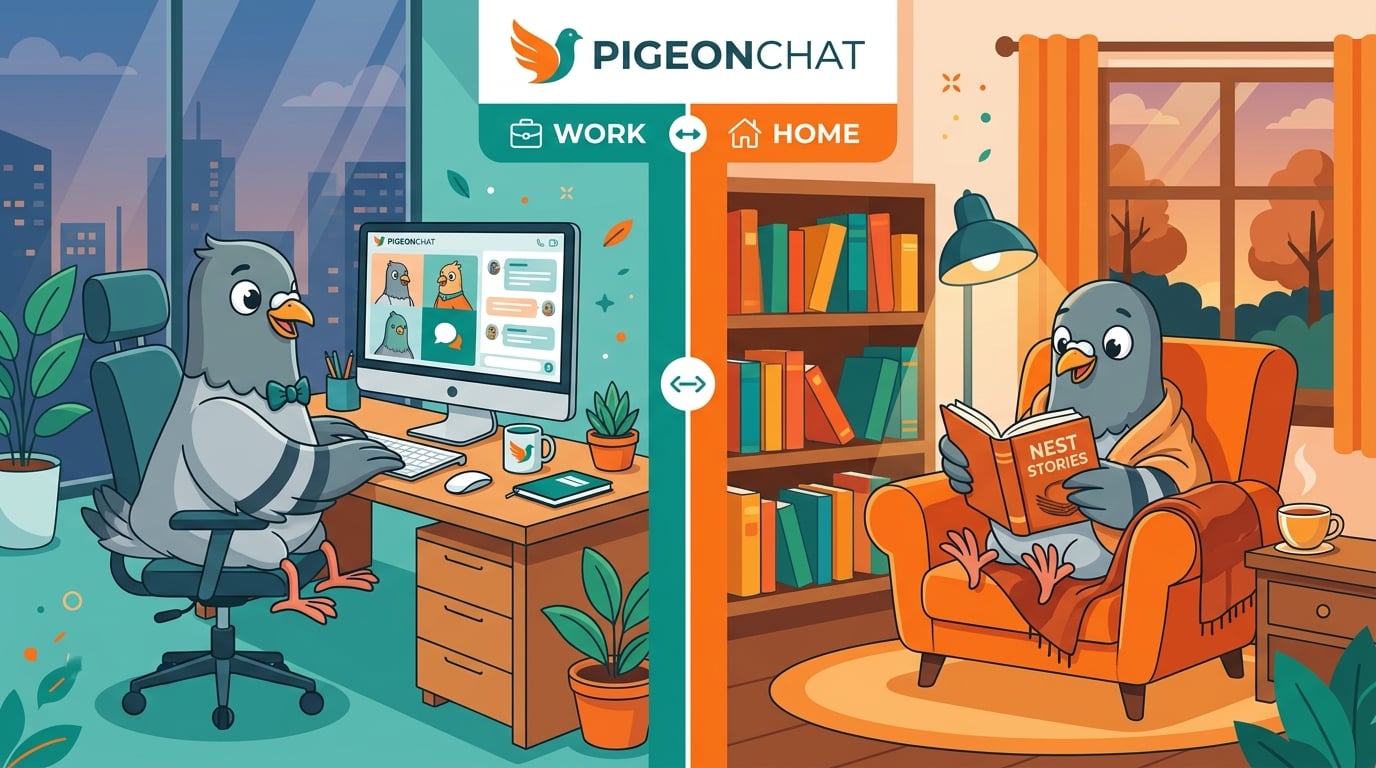
Use different platforms or channels for work and personal communication. This creates a psychological boundary that makes it easier to "switch off" from work. When your personal messaging app — like PigeonChat — contains only personal conversations, opening it doesn't trigger work anxiety.
The Notification Architecture
Design your notification settings strategically:
- Work apps: Notifications on during work hours, completely off outside work hours
- Personal apps: Notifications on for close contacts, muted for group chats during work
- Schedule-based: Use do-not-disturb schedules that automatically activate at your chosen boundary times
- Priority contacts: Allow breakthrough notifications only for genuine emergencies
The "Closing Ritual"
Create a daily ritual that signals the end of your working day. This could be:
- Sending a final summary message to your team
- Setting your status to "offline" or "away"
- Physically putting your work phone in a drawer
- A short walk to create a mental transition between work and personal time
Psychologists call this a "shutdown ritual" — and research shows it reduces work-related anxiety outside working hours by up to 40%.
For Managers: Leading the Boundary Revolution
Model the Behaviour
If you're a manager or team leader, your behaviour sets the norm. If you send messages at midnight, your team will feel pressured to respond at midnight — regardless of what your policy says. Lead by example:
- Don't send messages outside working hours (use scheduled sending if you must draft them)
- Explicitly praise team members who maintain healthy boundaries
- Never penalise someone for not responding outside core hours
- Take your own holidays and visibly disconnect
Create Structural Supports
- Implement "no-meeting" days to reduce overall digital communication load
- Use asynchronous updates (like daily standups in a shared channel) instead of real-time check-ins
- Establish clear escalation paths for genuine emergencies that don't rely on messaging
- Celebrate outcomes, not availability: Reward quality of work, not hours of perceived availability
For Students: Preventing Future Work-Life Imbalance
If you're still a student, you have a unique opportunity to build healthy digital habits before entering the workforce:
- Practice separation now: Keep academic group chats and social chats on different platforms or in clearly labelled folders
- Set study hours: Create defined periods for academic messaging and protect your leisure time
- Learn to say "I'll respond tomorrow": Getting comfortable with delayed responses now will serve you throughout your career
- Build tech-free hobbies: Invest time in activities that don't involve screens — these become essential stress buffers in professional life
The Productivity Paradox
Here's the counterintuitive truth: disconnecting from work messaging makes you better at your job. The science is clear:
- Workers who fully disconnect during evenings show 23% higher creative problem-solving the next morning
- Taking genuine breaks from work messaging reduces errors by 31%
- Employees with strong work-life boundaries are 21% more engaged during working hours
- Teams with explicit messaging boundaries report 45% higher collaboration quality
You don't have to sacrifice career success for personal wellbeing — in fact, protecting your wellbeing enhances your professional performance.
Choosing the Right Tools
The platforms you use shape your behaviour. For personal messaging, choose an app that:
- Supports your boundaries: Robust do-not-disturb features, notification controls, and status settings
- Respects your time: No algorithmic engagement hooks designed to keep you scrolling
- Protects your privacy: Your personal conversations should stay personal
- Enhances genuine connection: Features that support meaningful communication, not superficial interaction
PigeonChat was designed for exactly this purpose: warm, private, meaningful messaging that enhances your personal relationships without competing for your attention during work hours. Because the best messaging app is the one that helps you connect deeply when you choose to, and disconnect completely when you need to.
Your time off isn't a luxury — it's a necessity. Protect it fiercely.

Writer & Editor at PigeonChat
Related Articles
Best Free Team Chat App for Small Businesses and Remote Teams in 2026

Best Free Team Chat Apps for Small Businesses in 2026

The Best Slack Alternatives in 2026: Free Team Chat Apps

Best Business Group Chat Apps in 2026: How Teams Actually Communicate
What a European chat app should offer now