
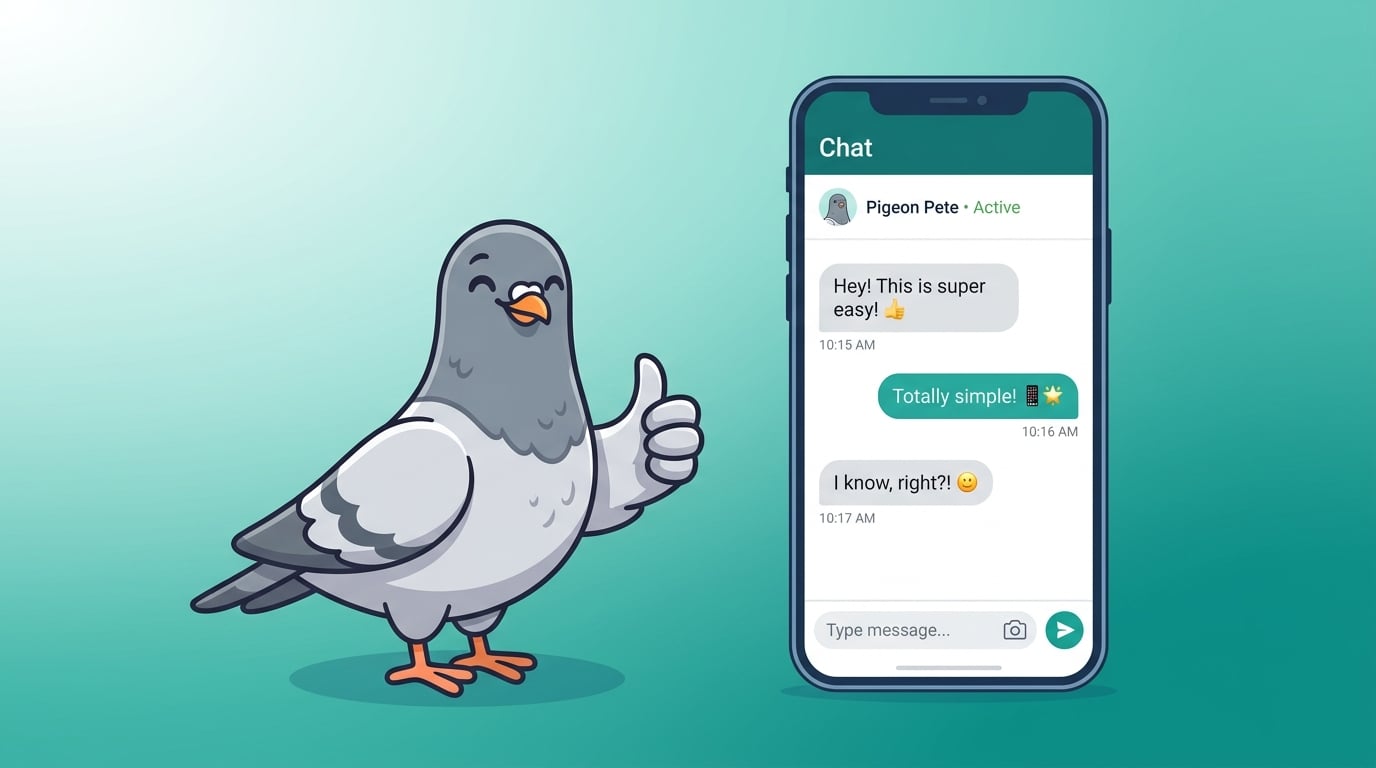
Easiest Chat App to Use in 2026: Why Everyone Loves PigeonChat
Complexity is not a feature. PigeonChat is the easiest chat app to use in 2026 — intuitive enough for your grandparents, powerful enough for tech enthusiasts.
Why Ease of Use Is the Most Underrated Feature
When people evaluate messaging apps, they often focus on feature lists, encryption standards, and platform availability. But there is one factor that matters more than any of these: how easy the app is to actually use. The best features in the world are worthless if people cannot find them, understand them, or use them without frustration.
In 2026, with dozens of messaging apps competing for attention, PigeonChat has distinguished itself by being the easiest chat app to use — without compromising on features or security. It is an achievement that sounds simple but is extraordinarily difficult to pull off.
The Problem With Most Messaging Apps
Most messaging apps fall into one of two traps:
The Feature Creep Trap: Apps like Telegram and WeChat have accumulated so many features over the years that new users face a steep learning curve. Nested menus, hidden settings, and overwhelming options make simple tasks unnecessarily complex. Power users might eventually master the interface, but casual users — the majority — feel lost.
The Bare Bones Trap: Some apps go in the opposite direction, stripping features to the minimum in the name of simplicity. While they are easy to learn, they are frustrating to use long-term because they lack functionality that users have come to expect. Nobody wants to use a messaging app that cannot even handle basic group chat management.
PigeonChat avoids both traps through a design philosophy called "progressive disclosure" — the right features appear at the right time for the right user.
Progressive Disclosure: PigeonChat's Design Secret
When you first open PigeonChat, you see exactly what you need: your conversations, a compose button, and a search bar. That is it. You can start messaging within seconds of installing the app, with zero learning curve.
As you use the app, additional features reveal themselves naturally. Swipe on a message to reply. Long-press to react. Tap a contact's name to see call options. Each interaction teaches you something new without ever feeling like a tutorial. Within a few days of casual use, you have discovered the full power of the app — not because you read a manual, but because the design guided you there intuitively.
Designed for Every Generation
PigeonChat is genuinely usable by everyone — from tech-savvy teenagers to grandparents who are just getting comfortable with smartphones. This is not marketing speak; it is a design commitment backed by extensive usability testing across age groups, technical skill levels, and cultural contexts.
For First-Time Smartphone Users
Large tap targets, clear icons, readable fonts, and straightforward navigation make PigeonChat accessible to people who are new to smartphones. The setup process takes less than two minutes and requires no technical knowledge.
For Busy Parents
Quick replies, voice messages, and smart notifications let you stay connected with family and school groups without spending excessive time in the app. Group management is intuitive — creating, naming, and inviting members takes seconds.
For Professionals
PigeonChat handles professional communication with message scheduling, read receipts, file sharing, and organised channels. The interface stays clean even with high message volumes, helping you stay productive.
For Power Users
Keyboard shortcuts on desktop, customisable notifications, chat folders, and advanced search satisfy users who demand granular control. These features are available but never forced on casual users.
Setup in Under Two Minutes
Compare PigeonChat's setup process with competitors:
- Download the app
- Enter your phone number or email
- Verify with a code
- Choose a display name
- Start chatting
No Facebook account required (unlike Messenger). No QR code scanning from your phone (unlike WhatsApp Web). No complex profile setup. No permission requests that feel invasive. Just five simple steps and you are in.
Accessibility Built In
Ease of use extends to accessibility. PigeonChat supports screen readers, dynamic text sizing, high contrast modes, and voice-driven navigation. Users with visual, motor, or cognitive differences can use the app comfortably. Accessibility is not an afterthought — it is part of the core design process.
Switching Is Easy Too
The easiest chat app should also be the easiest to switch to. PigeonChat's contact discovery instantly shows you which friends are already on the platform. Inviting others is as simple as sharing a link. The interface is familiar enough that WhatsApp, Telegram, and Messenger users feel at home immediately — but cleaner and more logical.
Simple Does Not Mean Simplistic
PigeonChat proves that ease of use and powerful features can coexist. Behind the clean interface lies a full-featured messaging platform: end-to-end encryption, channels, stories, stickers, voice and video calls, group management, file sharing, and more. You get all the power without any of the complexity. That is the PigeonChat promise.
Try PigeonChat Today
If you have ever felt overwhelmed by your messaging app, or helped a family member struggle with one, you owe it to yourself to try PigeonChat. It is the easiest chat app in 2026 — and the only one that does not ask you to choose between simplicity and substance. Download PigeonChat and experience messaging the way it should be.

Writer & Editor at PigeonChat
Related Articles

Why people search for the best chat app UAE option

Why users search for a best chat app UAE option

Why users search for a best chat app UAE option

What makes a pigeon chat app different online

Why chat folders matter for busy group conversations
