How to Share Files Safely Over Messaging Apps: A Complete Security Guide
Sharing documents, photos, and videos over chat is effortless — but is it safe? Here's how to send files securely without exposing your data or your devices.
File sharing has become so seamless that we barely think about it. A contract, a holiday photo album, a tax document, a funny video — we drag, drop, and send without a second thought. But that effortlessness hides a real question: when you share a file over a messaging app, where does it actually go, who can access it, and how safe is it really?
The answer depends enormously on which app you use and how you use it. Files often contain some of the most sensitive information we own — identity documents, financial records, private images — and treating them carelessly can have serious consequences. This guide walks you through how to share files safely, without giving up the convenience that makes messaging so useful.
Why File Sharing Deserves Extra Caution
A text message is fleeting and usually low-stakes. A file is different. It's a self-contained package of data that can be saved, copied, forwarded, and stored indefinitely. Once you send a file, you lose a great deal of control over where it ends up. That makes the moment of sending it the most important moment to get right.
Files also carry hidden risks beyond their visible contents. A document can contain metadata revealing who created it and when. An image can embed location data showing exactly where it was taken. And a file from an untrusted source can carry malware designed to compromise your device. Understanding these risks is the first step to managing them.
Risk 1: Where Your Files Are Stored
When you send a file, it doesn't teleport magically to the recipient. It usually passes through the app's servers. The crucial question is: how is it protected along the way and once it arrives?
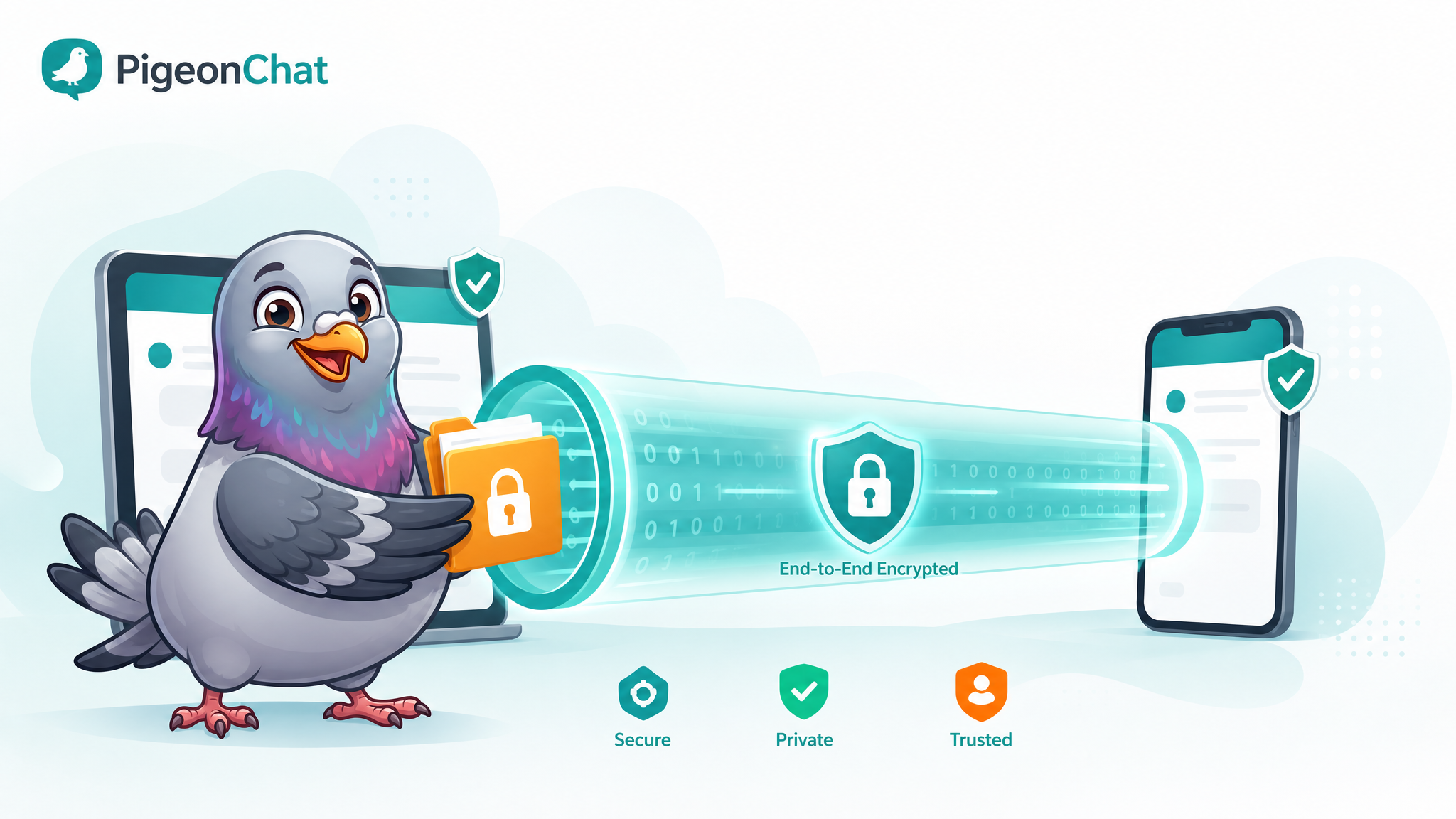
In apps with end-to-end encryption, your file is scrambled before it leaves your device and can only be unscrambled by the intended recipient. Not even the app provider can open it. In apps without strong encryption, your file may sit on a server in a readable form, accessible to the company and potentially exposed in a data breach.
This is why the app you choose matters so much. Sharing a sensitive document through an encrypted service is fundamentally safer than sending it through one that treats your data casually.
Risk 2: Hidden Metadata
Every file carries invisible information about itself. Photos often embed the exact GPS coordinates where they were taken, the device used, and the precise time. Documents can reveal author names, edit history, and software details. When you share a file, you may be sharing far more than you intend.
Before sending a sensitive photo or document publicly or to someone you don't fully trust, consider stripping its metadata. Many devices now offer an option to remove location data when sharing images. For documents, you can use built-in tools to inspect and remove hidden properties. A few seconds of cleanup can prevent unintended exposure of your home address or daily routine.
Risk 3: Malware and Malicious Files
Not every file is what it claims to be. A file disguised as a harmless document or image can carry malicious code designed to infect your device, steal your data, or hijack your accounts. This is a favourite tactic of scammers.
Protect yourself with these habits:
- Never open files from unknown senders. If you didn't expect it and don't trust the source, don't open it.
- Be cautious even with files from contacts. A friend's account may be compromised. If a file seems out of character, verify before opening.
- Watch for strange file types. A "photo" that's actually an executable program is a major red flag.
- Keep your device updated. Security patches close the holes that malicious files try to exploit.
Risk 4: Losing Control After Sending
Once a file leaves your hands, the recipient can do almost anything with it — save it, forward it, store it forever. You can't unsend a memory. This is why the decision of what to share, and with whom, is so critical.
For genuinely sensitive material, consider tools that limit exposure. Disappearing messages can remove a shared file after it's been viewed, reducing how long it lingers. And for the most sensitive documents, ask yourself whether a messaging app is even the right channel at all — sometimes a dedicated secure service is more appropriate.
A Practical Checklist for Safe File Sharing
Before you hit send on anything important, run through these quick questions:
- Is this app encrypted? Confirm your file will be protected in transit and at rest.
- Does this file contain hidden data? Strip metadata from sensitive photos and documents.
- Do I trust the recipient? Only share sensitive files with people you genuinely trust.
- Am I sure of who I'm sending to? Double-check the recipient — sending to the wrong chat is a common and costly mistake.
- Should this disappear after viewing? Use self-destructing options for highly sensitive content.
- Is a messaging app even the right tool? For extremely sensitive material, consider a more specialised secure channel.
Best Practices for Receiving Files
Safe sharing is a two-way street. When you're on the receiving end:
Pause before opening anything unexpected. The vast majority of file-based attacks rely on the recipient acting without thinking. That brief pause is your strongest defence.
Verify suspicious files through another channel. If a contact sends something that seems off, send them a quick message or call to confirm they actually meant to.
Save important files somewhere permanent. If a received document genuinely matters, move it to secure, organised storage rather than leaving it buried in a chat thread where it could be lost or deleted.
How PigeonChat Keeps Your Files Safe
At PigeonChat, we treat your files with the same seriousness as your most private conversations. Files you share are protected by strong encryption, so they stay safe in transit and away from prying eyes. Our disappearing-message feature lets you share sensitive content that doesn't linger longer than necessary. And our privacy-first foundation means we never treat your shared files as data to be harvested or sold.
We also keep the experience clean and intuitive, so making the safe choice never feels like extra work. Sharing a file securely should be as easy as sharing one carelessly — and with the right app, it is.
The Bottom Line
File sharing is one of the most powerful things messaging apps let us do, but power deserves care. Choose an encrypted app, strip hidden metadata from sensitive files, never open attachments from untrusted sources, and think carefully about what you share and with whom.
None of this requires technical expertise — just a moment of awareness before you send. Build these habits, and you'll enjoy all the convenience of instant file sharing with none of the regret. Your documents, photos, and personal data deserve nothing less.

Writer & Editor at PigeonChat
Related Articles

What a European chat app should offer now

What an EU chat app needs beyond privacy claims
What a browser-based end to end encryption chat app needs
How PigeonChat.site fits the EU privacy app search
Why browsers are becoming the new private chat home