
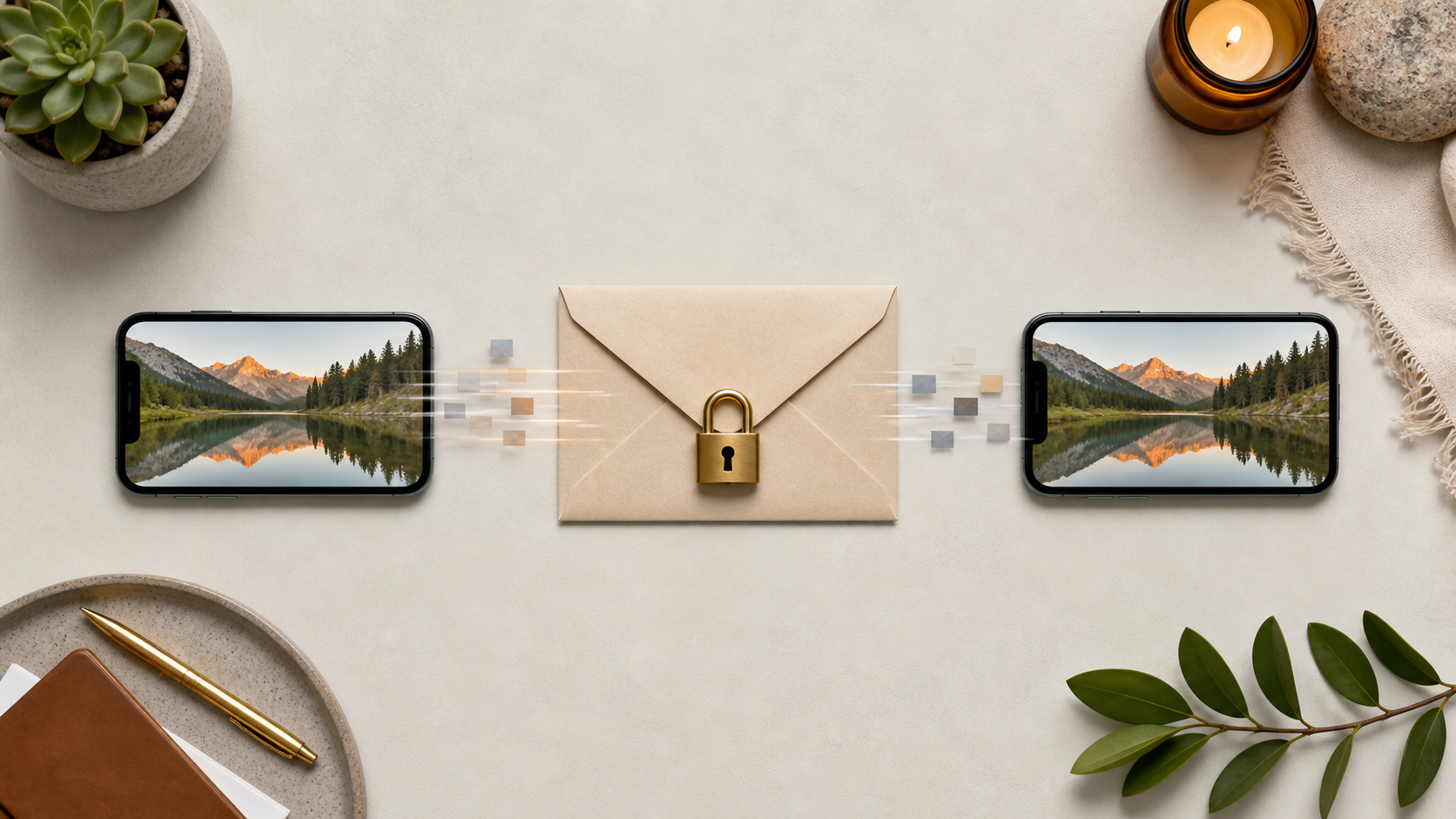
How image sharing works in private chat apps
Private image sharing is more than sending photos fast. Learn what secure apps do to keep media controlled, encrypted, and usable.
Sharing images in a private chat app sounds simple on the surface. You tap the gallery icon, choose a photo, and send it. Under the hood, though, there is a careful balance to strike between convenience, privacy, security, and performance. Good image sharing should feel instant for the user while keeping the content protected from the wrong people at every step.
That balance is especially important in encrypted private chats, where the app cannot rely on reading message contents on its servers. The way media is uploaded, encrypted, stored, synced, and displayed has to be designed with privacy in mind from the start. If you are evaluating chat features, it helps to understand what should happen behind the scenes and what trade-offs are normal.
This guide explains how secure private image sharing can work without making the experience awkward. Even if you never sign up to a service like PigeonChat, the same principles apply to any app that claims to offer private image sharing.
How image sharing works in private chat apps
At a high level, image sharing usually follows four steps: select the image, process it on the device, upload the encrypted file, then let the recipient download and decrypt it. In a privacy-focused app, the server should act like a transport layer, not a reader of your content. That means it can move data around, but not inspect the actual image.
The key design choice is where encryption happens. For private image sharing, encryption should happen on the sender’s device before the file leaves it. The recipient then decrypts the image locally after it arrives. This keeps the image protected both in transit and while it is stored on the server.
There is usually also metadata to think about. File name, size, timestamp, and who sent the image may all be needed for delivery and display. A good app minimises this data, or handles it in ways that do not expose more than necessary. That is one of the less visible but important chat features in encrypted private chats.
What secure media sharing needs to protect
When people talk about privacy, they often think only about the image itself. In practice, secure media sharing needs to protect several layers of information. The image content matters, but so do details such as who shared it, when it was shared, and whether it was forwarded or downloaded.
For example, an app can encrypt the image and still leak too much through thumbnails, preview URLs, or public caching. It can also undermine privacy if notifications reveal image content on the lock screen. So the real question is not just whether the image is encrypted, but whether every related flow respects private image sharing as a whole.
- Encrypt the image before upload, not after it reaches the server
- Limit metadata to what is needed for delivery and display
- Avoid public links or shared CDN paths for private content
- Make previews and notifications privacy-aware by default
- Handle forwarding, saving, and expiry in a way users can understand
These points sound technical, but they are really about trust. If the app makes it easy to share an image privately and just as easy for that image to escape its intended context, the privacy promise is not very strong. A useful private chat app should make the safe path the default path.
Encryption, uploads, and storage
In well-designed encrypted private chats, the image file is turned into encrypted data on the sender’s device using a session key or message key. The server receives only the encrypted blob and a small amount of routing information. When the recipient opens the message, their app fetches the blob and decrypts it locally.
This model can work well for media sharing because it separates transport from trust. The app can still support reliable delivery, retries, and synchronisation across devices, but it does not need to know what the image contains. That is a practical compromise that keeps the user experience smooth without exposing the content to the service operator.
Storage strategy matters too. Some apps keep encrypted files only briefly and delete them after delivery or after a user-defined expiry. Others retain them for longer to support multi-device access or delayed opening. Either way, secure design should make retention policies clear, because “private” means different things to different users.
Making private image sharing easy to use
Privacy fails when the secure option is too awkward. If sending a picture takes too many steps, people start using less safe workarounds. Good chat features remove that friction by handling the complexity invisibly. The user should not have to think about encryption keys, file conversions, or server storage formats.
There are several usability touches that make a big difference. Automatic compression can reduce upload times. Progress indicators help users know when a file is still sending. Clear states such as “sent”, “delivered”, and “opened” help people trust the system without exposing more than they need to see.
It also helps when the app treats images and text consistently. If the same conversation is protected with end-to-end encryption, the image should follow the same rules as the message that accompanied it. PigeonChat follows this kind of principle in its own design, but the broader lesson is simple: security should feel like part of the conversation, not a separate workflow.
Common privacy pitfalls to avoid
Many apps advertise private image sharing while leaving gaps in the implementation. A few of the most common problems are predictable, and once you know them, they are easier to spot. The danger is not only deliberate misuse, but also ordinary engineering shortcuts that create avoidable exposure.
One frequent issue is thumbnail leakage. Another is storing decrypted images in a place other apps can read. Some systems also leave copies in backups, temporary folders, or analytics pipelines. In secure media sharing, those edges matter just as much as the encrypted payload.
Watch for these warning signs:
- Public or guessable image URLs
- Server-side image processing that requires access to plain content
- Persistent thumbnails or cached previews outside the protected chat
- Backups that include decrypted media without clear user control
- Notification previews that reveal image details unexpectedly
If a service cannot explain how it prevents these issues, it is reasonable to be cautious. Privacy is not only a headline feature. It is a chain of decisions, and the chain is only as strong as its weakest link.
How to assess chat features before you trust them
If you are comparing apps, do not stop at the marketing page. Look for plain-language explanations of how image sharing works, where encryption happens, and what metadata is retained. A service that understands privacy should be able to describe its media sharing model clearly, without relying on vague claims.
It is also worth checking whether the app gives you control over retention, downloads, forwarding, and device access. Those are practical safeguards, not just advanced settings. In encrypted private chats, the best chat features are the ones that help you keep control without making you become a security expert.
Finally, think about your own habits. If you need to share sensitive screenshots, identity documents, or personal photos, choose an app that treats private image sharing as a first-class feature rather than an add-on. A service like PigeonChat can be a useful reference point for that kind of design, even if you are mainly looking to understand the pattern rather than pick one product.
Frequently asked questions
Is private image sharing the same as end-to-end encryption?
Not quite. End-to-end encryption usually means only the sender and recipient can read the message or file contents. Private image sharing is broader. It includes the encryption itself, but also thumbnails, notifications, storage, backups, and metadata handling. A chat app can encrypt images well and still get the rest wrong.
Can a private chat app still support image previews?
Yes, but previews need to be handled carefully. Ideally, thumbnails should be generated on the device and stored in encrypted form, or created only after the recipient decrypts the file locally. The important point is that a preview should not force the server to inspect the image content.
Why do some apps limit file size for media sharing?
Limits are often about reliability, storage cost, and speed rather than privacy alone. Large files are slower to encrypt, upload, and sync, especially on mobile connections. Smaller limits can also reduce strain on devices and servers. The best apps balance practicality with secure media sharing, rather than chasing large uploads for their own sake.
In the end, image sharing in private chat apps works best when privacy is built into the flow from the start. If encryption, storage, and usability are designed together, users get something rare: a simple experience that does not quietly give up control. That is the standard worth looking for in any private messaging tool.
Ready to try PigeonChat?

Writer & Editor at PigeonChat
Related Articles

What makes an end to end encryption chat app secure

What a fully compliant EU chat app should include

Why people search for a WhatsApp alternative without a number

What end to end encryption chat really protects

Why chat folders matter for busy group conversations
