
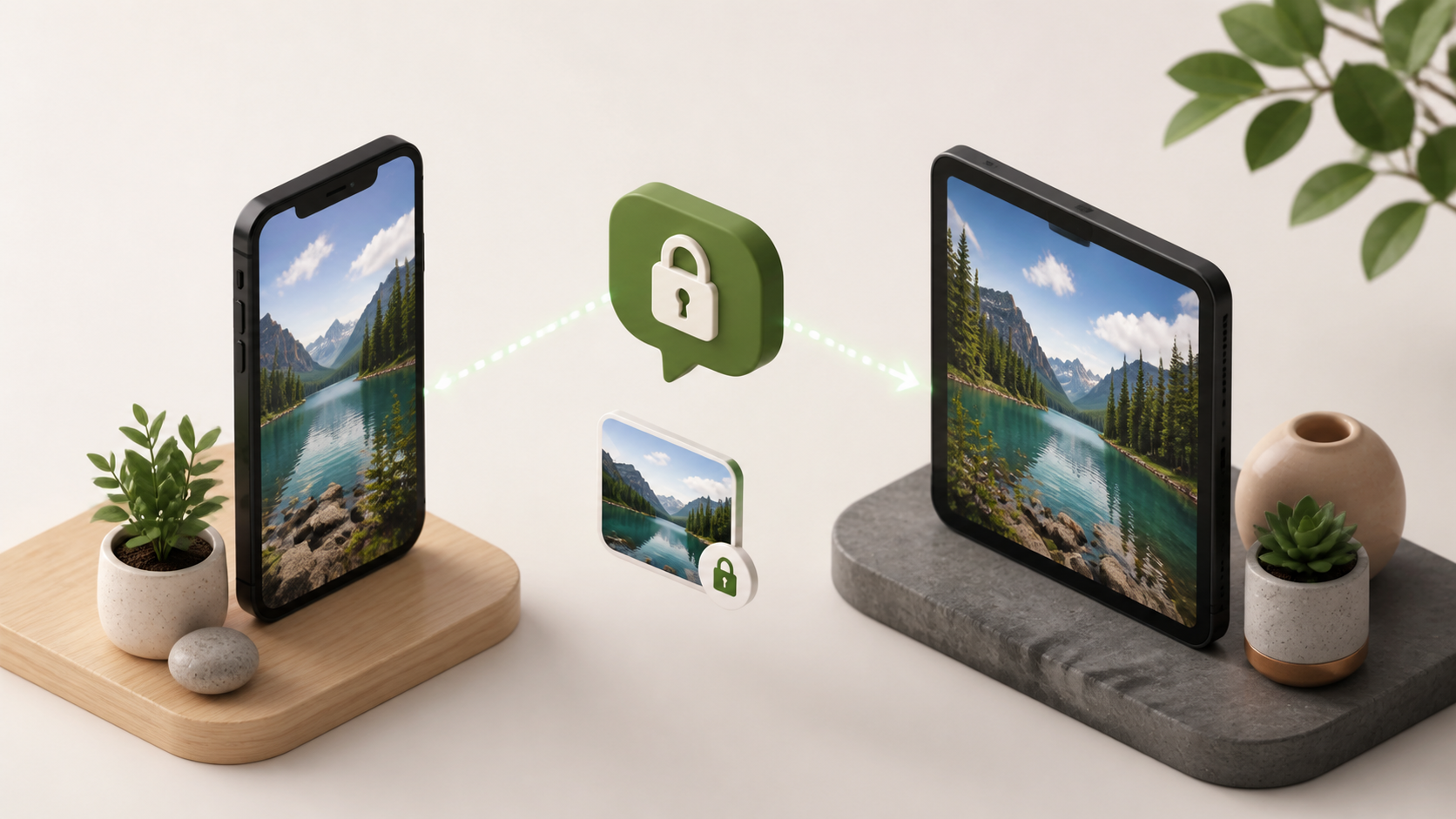
How image sharing works in private chat apps
See how image sharing works in private chat apps, what encryption changes, and what to check before sending photos to groups or contacts.
When people talk about image sharing in private chat apps, they often jump straight to encryption. That matters, but it is only part of the story. A photo can be protected in transit and still be handled poorly by the app itself, or left exposed through thumbnails, backups, notifications, or careless device settings.
Good image sharing in private chat is really a combination of secure transport and thoughtful design. The transport layer keeps the message and file contents away from prying eyes, while the app controls how the image is stored, previewed, forwarded, downloaded, and deleted. If either side is weak, privacy suffers.
This is why chat features matter as much as the cryptography underneath. An end to end encryption chat can still reveal a lot through its interface choices, so it helps to understand what actually happens when you send a picture. Services like PigeonChat tend to frame privacy as a whole-product problem, not just an encryption setting.
What happens when you send a photo
In a typical private chat app, your image is first prepared by the app on your device. That might mean compressing it, resizing it, generating a preview, or extracting metadata such as camera details. The app then sends the image data over a secure connection to the service, which forwards it to the recipient.
If the app uses end to end encryption, the server cannot read the image content in a usable form. It can still see some surrounding information, such as who is talking to whom, when the message was sent, and possibly the size of the transfer. That distinction is important. Encryption protects the file itself, but not always every detail around it.
On the receiving side, the app decrypts the image and displays it locally. If the design is careful, the file is not stored forever unless the user chooses it to be. If the design is careless, copies may remain in caches, downloads folders, or cloud backups long after the conversation has moved on.
Secure transport is necessary, but not sufficient
Secure transport is the foundation of private chat. Without it, image sharing can be intercepted, altered, or harvested in transit. With it, the contents of a photo are protected while moving between devices and servers. That is the baseline most privacy-conscious users should expect.
But a secure link alone does not guarantee privacy. An app can still leak through notifications that show a full preview on the lock screen, through automatic saving to the camera roll, or through sync features that copy files into a broader cloud ecosystem. None of those problems are fixed by encryption alone.
This is why you should look at the full path an image takes. Ask whether the app keeps the original file on the device, whether it creates separate copies, whether thumbnails are encrypted, and whether deleted images are actually removed from reachable storage. Those design details shape real-world privacy just as much as the encryption protocol.
Privacy settings that affect image sharing
Many people only notice privacy settings after something goes wrong. A friend forwards a sensitive picture, a notification appears on a shared laptop, or an image remains visible in a desktop app after a message is deleted. Thoughtful controls reduce those surprises.
Useful chat features for private image sharing often include disappearing messages, screenshot warnings, download controls, and per-chat media permissions. Some apps let you disable automatic saving. Others let you set images to expire after viewing. The best options are the ones that are easy to understand and easy to find.
- Disable automatic saving to the device gallery where possible.
- Use view-once or expiring media for sensitive photos.
- Turn off lock-screen previews for chat notifications.
- Check whether desktop clients store local copies or thumbnails.
- Review forwarding controls if you want to limit accidental sharing.
It is also worth checking whether the app lets you manage contacts and permissions at a conversation level. A strong private chat setup should not force you to choose between convenience and control every time you send a picture.
Metadata, thumbnails and backups
A photo contains more than what you see on the screen. Image files can include metadata such as time, location, device model, and editing history. In a private context, that information may be as sensitive as the visible content. Many apps strip some metadata automatically, but not all do, and the behaviour can vary by platform.
Thumbnails are another subtle issue. Apps often generate smaller previews to make chats feel fast. That is useful, but those previews may persist in caches or backups. If a device is shared, repaired, or lost, those leftovers can become a privacy problem. The same applies to notification previews and recent-apps screenshots on some systems.
Backups deserve special attention. A message may be encrypted in transit, but then copied into a cloud backup that is governed by different rules. If you want tighter control, check whether the app allows encrypted backups, local-only storage, or a way to exclude media from automatic backup systems.
What to look for in a private chat app
If you are comparing services, do not focus only on whether they mention encryption. Look at how they handle the whole image lifecycle from capture to deletion. A practical privacy review asks how much control you have over storage, forwarding, retention, and device-level exposure.
Here is a simple checklist that can help you judge image sharing more clearly:
- Is the app an end to end encryption chat by default, or only in certain modes?
- Can you stop images being saved automatically to your phone or computer?
- Are notifications privacy-safe by default?
- Does the app offer expiring media or view-once controls?
- Are backups encrypted, local, or optional?
- Does the app explain what metadata it keeps or removes?
These questions are useful even if you never plan to use a particular service. They help you recognise whether a product treats privacy as a marketing line or as an actual design principle. PigeonChat and other privacy-focused apps are most convincing when they make these trade-offs explicit.
Frequently asked questions
Is end to end encryption enough for private image sharing?
No. It is essential, but it only protects the contents of the message while it is being transmitted and processed. The app may still expose images through notifications, local storage, backups, screenshots, or poor deletion behaviour. For real privacy, you need both encryption and careful app design.
Why do some private chat apps still save my photos on the device?
They may do it for convenience, faster loading, offline access, or backup compatibility. The problem is that this can leave copies in galleries, caches, or media folders after the chat is deleted. A better app should make saving optional and explain where files are stored.
What is the safest way to share a sensitive image in chat?
Use a trusted private chat app, choose a disappearing or view-once option if available, disable lock-screen previews, and avoid automatic backups where possible. If the image is especially sensitive, consider whether it needs to be shared at all, and whether another secure method would be more appropriate.
In the end, image sharing in private chat apps is about trust, but also about mechanics. A secure transport layer keeps outsiders out, while thoughtful product design reduces the chances of accidental exposure from the inside. If you understand both parts, you can judge privacy features more clearly and choose tools that respect how sensitive your photos really are.
Ready to try PigeonChat?

Writer & Editor at PigeonChat
Related Articles

What makes an end to end encryption chat app secure

What a fully compliant EU chat app should include

Why people search for a WhatsApp alternative without a number

What end to end encryption chat really protects

Why chat folders matter for busy group conversations
