
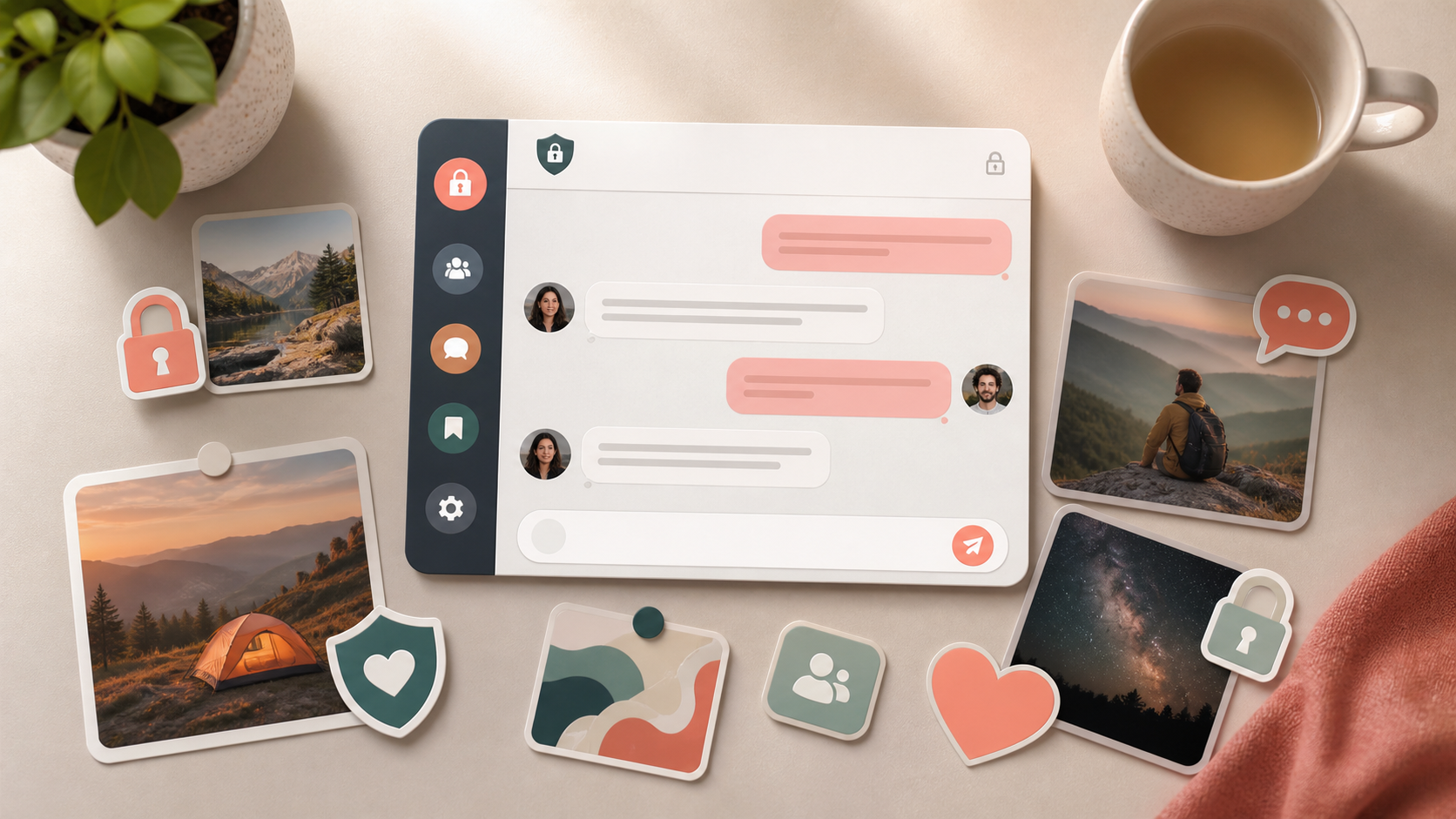
What chat features matter most in private apps
From stickers to stories, public channels, and AI tools, here’s which chat features matter most when privacy is still the priority.
When people talk about private chat app features, the conversation often jumps straight to encryption. That matters, of course, but it is only part of the picture. A genuinely useful private chat app also needs to help you decide who can find you, who can reply, what gets shared beyond a conversation, and how much of your activity is visible by default.
The best private chat apps balance useful social features with strong control. You should be able to enjoy the things that make messaging feel lively, such as stickers, stories, or group spaces, without losing the privacy settings that keep conversations appropriately bounded. That balance is what separates a thoughtful product from one that simply calls itself private.
If you are choosing an app for yourself, a team, or a community, it helps to think in terms of chat features rather than branding. The right mix is about privacy, usability, and trust. Even if you never sign up to something like PigeonChat, the same principles will help you judge any private chat app more clearly.
Start with the privacy controls that shape everyday use
The first question to ask about any private chat app features is simple: who can see what? Good apps make privacy settings easy to understand and easy to change. That includes who can message you, who can add you to groups, whether your profile is searchable, and whether your online status is visible.
Strong control does not need to feel complicated. The best apps let you make sensible choices without digging through a maze of menus. For example, you may want direct messages from contacts only, while allowing broader access to a public profile or a community space. A clear separation between private and public areas is often more important than any single advanced setting.
Look for features that reduce accidental oversharing, such as message previews you can disable, read receipts you can turn off, and controls for forwarding. These are small details, but they shape how private a conversation feels in day-to-day use.
Useful social features should not weaken privacy
Not every private chat app has to be sparse or serious. Many people want a bit of personality in their conversations, which is where things like stickers, reactions, voice notes, and custom themes come in. These features can make a chat feel more human and less clinical.
The key is whether these touches stay inside the privacy model. Stickers are harmless if they are just a fun way to respond. They become more questionable if using them requires broad tracking or exposes your behaviour to people you do not expect. The same applies to typing indicators, reaction histories, and link previews. They should serve the conversation, not create extra visibility by default.
When evaluating private chat app features, ask whether the app treats social polish as an add-on or as a trade-off. A good design lets you enjoy expressive tools without turning your messaging habits into public signals.
- Stickers and reactions - useful for tone, especially in busy group chats
- Voice notes - convenient when typing is awkward, but should be easy to delete or restrict
- Custom notifications - help you stay responsive without exposing full message content
- Message editing and deletion - important for correcting mistakes in private conversations
- Media controls - let you decide whether photos and files are saved automatically
Group spaces, public channels, and the boundary between private and public
Many apps now mix one-to-one chat with larger spaces such as groups or public channels. This can be genuinely useful. Public channels can help communities share updates, and groups can support projects, clubs, or families. But every extra layer of reach should come with its own privacy boundaries.
Public channels are the clearest example. They can be great for broadcasting information, but they should be visibly separate from private conversations. Users should know whether channel membership is public, whether their comments are anonymous, and whether their activity is searchable. If an app blurs those lines, it becomes harder to tell what is actually private.
This is one reason thoughtful apps place public channels alongside private chats rather than folding everything into one feed. The structure matters. When privacy is clear at the product level, users do not need to constantly second-guess which parts of their activity are exposed.
Stories, status updates, and disappearing content need careful design
Stories and status updates can feel lightweight, but they have a strong effect on privacy. They encourage quick sharing, yet they also create a layer of semi-public presence. In a private chat app, that can be useful if it is tightly controlled and clearly optional.
If an app offers stories, ask who can view them, whether that audience can be customised, and whether the content expires as promised. Good design makes the audience visible at the point of posting, not buried in settings afterwards. It should also be easy to know whether someone has viewed your story and whether you can revoke access.
Disappearing content is another feature that sounds private but depends on implementation. Messages may vanish from the interface while still being forwarded, screenshotted, or saved elsewhere. That does not make the feature useless, but it does mean users should understand what it can and cannot protect. Honest privacy design always beats vague reassurance.
Search, media handling, and account recovery matter more than people expect
Some of the most important private chat app features are the least flashy. Search, for instance, can be a convenience or a privacy risk depending on how it is built. Search within a conversation can help you find old details, but search across the whole network may reveal more than users intended.
Media handling deserves the same scrutiny. Photos, documents, and voice notes often carry more personal information than text. A good app lets you decide whether media is stored locally, backed up, or downloaded automatically. It should also make it easy to review what has been shared, not just what is still visible in the chat window.
Account recovery is another overlooked area. If you lose access to your device, you do not want to lose your identity or your conversations unless that is a deliberate security choice. The best apps explain recovery options clearly, including what happens if you change phone number, lose a device, or reinstall the app.
What to check before you trust a private chat app
Before you commit to a platform, it helps to do a quick practical review. You do not need to be a security expert. You only need to ask whether the app gives you enough control to match your normal use.
As a rule of thumb, a good private chat app should make the privacy model visible rather than hidden. You should be able to tell what is private, what is public, and what can be reshared. If those answers are hard to find, the app may be placing convenience ahead of control.
- Can you control who can contact you?
- Are read receipts, online status, and typing indicators optional?
- Do stickers, stories, and public channels have clear audience settings?
- Can you delete messages or media, and does deletion actually mean something?
- Is it obvious how backups, search, and account recovery work?
It also helps to notice what the app emphasises in its onboarding. If the first thing it shows you is content discovery or public channels, then privacy may be secondary. If it starts with contact controls, audience settings, and straightforward permissions, that is usually a better sign. PigeonChat takes that kind of approach seriously, but the broader lesson applies to any app you use.
Frequently asked questions
Are stickers and reactions compatible with privacy?
Yes, as long as they stay inside the conversation and do not create extra tracking or exposure by default. Stickers and reactions are mainly social polish. They become a privacy concern only when they reveal too much about your activity or require broad permissions that are not necessary for the feature to work.
Do stories belong in a private chat app?
They can, if the app makes the audience and expiry rules very clear. Stories are inherently more visible than direct messages, so they should be treated as a separate layer rather than part of private chat itself. The important thing is choice: you should know exactly who can see them before you post.
What matters more, encryption or user controls?
Both matter, but they solve different problems. Encryption protects the content of messages in transit and often at rest, while user controls decide who can reach you, see your presence, or reshare your content. A private chat app feels trustworthy when both layers are handled well.
In the end, the best private chat app features are the ones that let you communicate naturally without exposing more than you intended. That means sensible defaults, clear audience controls, and social tools that stay friendly without becoming intrusive. If an app gets those basics right, privacy feels like part of the experience rather than an obstacle to it.
Ready to try PigeonChat?

Writer & Editor at PigeonChat
Related Articles

Why chat folders matter for busy group conversations

How image sharing works in private chat apps

What chat features users expect in modern private apps

Why chat folders help busy groups stay organized

How chat groups help schools and universities stay organized
