
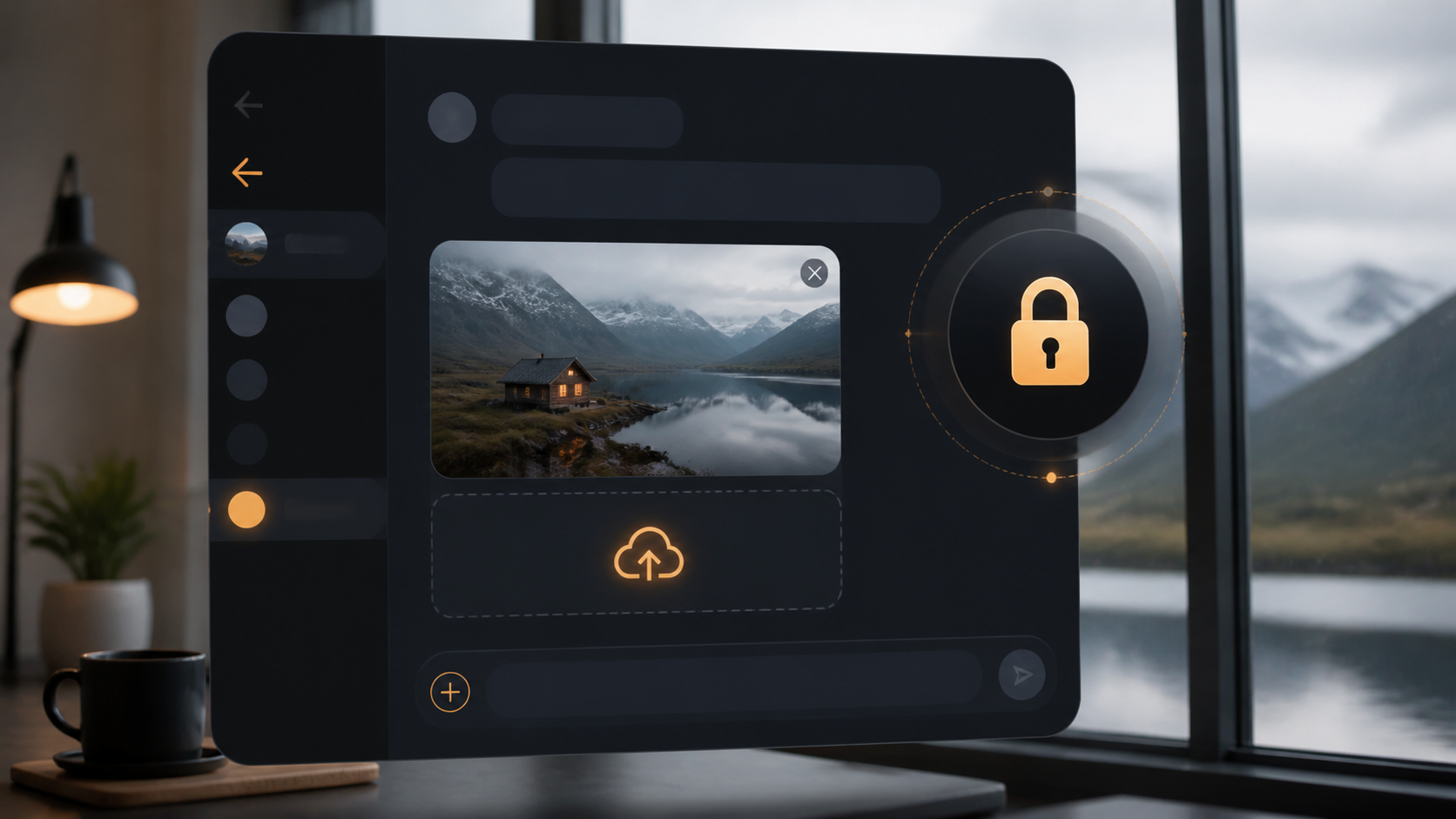
How image sharing works in private chat apps
Image sharing is useful in private chat, but users still want control over visibility, forwarding and storage of shared media.
Image sharing is one of the most useful parts of any messaging app. A quick photo can explain a problem faster than a paragraph, capture a moment that would be hard to describe, or help people coordinate without a long back-and-forth. In a private chat, though, the convenience should not come at the cost of control.
That is where the design of the app matters. Good private chat apps try to make image sharing simple for the sender and respectful of the recipient, with sensible defaults for storage, forwarding, and access. The best experience feels effortless, but it is built on clear rules about who can see what, when, and for how long.
If you are choosing a private chat app, or just trying to understand how encrypted private chats handle media, it helps to know what is happening behind the scenes. You do not need deep technical knowledge, only a practical sense of the trade-offs between convenience, privacy, and control.
What image sharing means in a private chat
In a private chat, image sharing usually means sending photos, screenshots, or other image files directly to another person or a small group. The basic idea is simple: you choose an image, attach it, and the app delivers it through the conversation.
What changes from app to app is how that image is handled after you send it. Some apps store media on their servers for a while, others minimise retention, and some build in controls like disappearing messages or limited forwarding. These chat features shape how private the experience really is.
The important point is that privacy is not just about whether a message is encrypted. It is also about how the app treats attachments, previews, downloads, backups, and cached copies on devices.
How encrypted private chats handle images
In encrypted private chats, the app typically encrypts the image before it leaves your device and decrypts it only on the recipient’s device. This helps protect the content while it is being transmitted and, in many designs, while it sits on the service provider’s systems.
That said, encryption does not make an image invisible everywhere. Your device may keep a local copy, the recipient’s device may save a version automatically, and operating system features like notifications or screenshots can create additional copies. Privacy is always a chain, not a single switch.
Some apps also create previews or thumbnails. These can improve usability, but they may be stored differently from the full image. If you care about privacy, it is worth checking how previews are generated and whether they are covered by the same protections as the original file.
Storage, backups, and what happens after sending
The most practical question is often not how the image gets sent, but what happens afterwards. Does the app keep the file so you can re-download it later? Does it sync across devices? Does it preserve media in cloud backups? These choices affect both convenience and exposure.
If an app supports multi-device access, it may need to keep copies available for a period of time. That can be useful, but it also means you should understand the retention policy. A well-designed private chat app should explain whether images are stored temporarily, encrypted at rest, or deleted after delivery.
For readers who want to keep things simple, a good rule is to treat every shared image as potentially persistent. Even in an app like PigeonChat, which aims to make private sharing straightforward, it is wise to assume recipients can save or forward an image unless the app clearly says otherwise.
Control features that make image sharing safer
Useful privacy controls do not need to be complicated. In fact, the best chat features are often the ones that are easy to understand at a glance. A few well-chosen tools can make image sharing much more manageable without making the app awkward to use.
- Disappearing messages - useful when you want the image to exist only for a short time.
- View-once media - helpful for reducing casual re-sharing, though not foolproof.
- Forwarding controls - limit how easily an image can be passed to other chats.
- Download indicators - let you know when the recipient has saved a copy.
- Permission settings - restrict who can send you media in the first place.
None of these features is a perfect shield. A recipient can still take a screenshot or photograph the screen with another device. But sensible controls can reduce accidental sharing and make deliberate misuse less convenient.
If your priority is privacy, choose apps that make the default behaviour conservative. A private chat should not assume you want images to live forever, circulate freely, or remain searchable by anyone who never took part in the conversation.
Practical trade-offs between convenience and privacy
There is always a balance to strike. The more seamlessly an app handles images across devices and backups, the more it may need to store metadata or retained copies. The stricter the privacy model, the more limits you may feel when trying to access media later.
For many people, the right balance is not maximum secrecy, but predictable control. That means clear expiry rules, visible download settings, and straightforward explanations of where images are stored. Good design should help you make informed choices, not bury them in menus.
It also helps to think about context. A family photo, a work document, and a sensitive personal image do not all need the same level of protection. The best private chat apps support that reality with flexible settings rather than one rigid approach to every message.
Good habits for sharing images privately
Even the best app cannot compensate for poor habits. A little caution goes a long way, especially when sharing images that could identify you, your location, or other people in the frame.
Here are a few practical habits that make image sharing safer in any private chat:
- Check the image before sending for location data, names, or visible notifications.
- Use the most privacy-friendly setting available for sensitive media.
- Assume a recipient can save, forward, or screenshot what they receive.
- Keep backups and cloud sync settings in mind if you want the image to disappear later.
- Review app permissions for photos, files, and notifications.
These steps are not about being paranoid. They are about using chat features intentionally so you keep the convenience of messaging without handing over more control than necessary.
Frequently asked questions
Are images in private chat always encrypted?
Not always. Many private chat apps encrypt images in transit, and some also encrypt stored media, but implementations vary. If encryption matters to you, look for clear documentation on end-to-end encryption and how attachments are handled.
Can the recipient still save an image from an encrypted private chat?
Yes, often they can. Encryption protects the transfer and storage model, but it does not stop someone from saving a file once they can view it. Some apps offer view-once or disappearing media to reduce copying, but no system can fully prevent screenshots or external capture.
What should I look for in image sharing chat features?
Look for clear retention rules, simple controls for disappearing media, transparent backup settings, and sensible default privacy options. If an app explains how image sharing works in plain language, that is usually a good sign.
Private messaging should make it easy to share useful images without giving up your sense of control. The right app keeps the process simple, the rules understandable, and the privacy model honest about its limits. That way, image sharing stays practical, whether you are sending a quick snapshot or something more sensitive.
Ready to try PigeonChat?

Writer & Editor at PigeonChat
Related Articles

Why chat folders matter for busy group conversations

How image sharing works in private chat apps

What chat features users expect in modern private apps

Why chat folders help busy groups stay organized

How chat groups help schools and universities stay organized
