
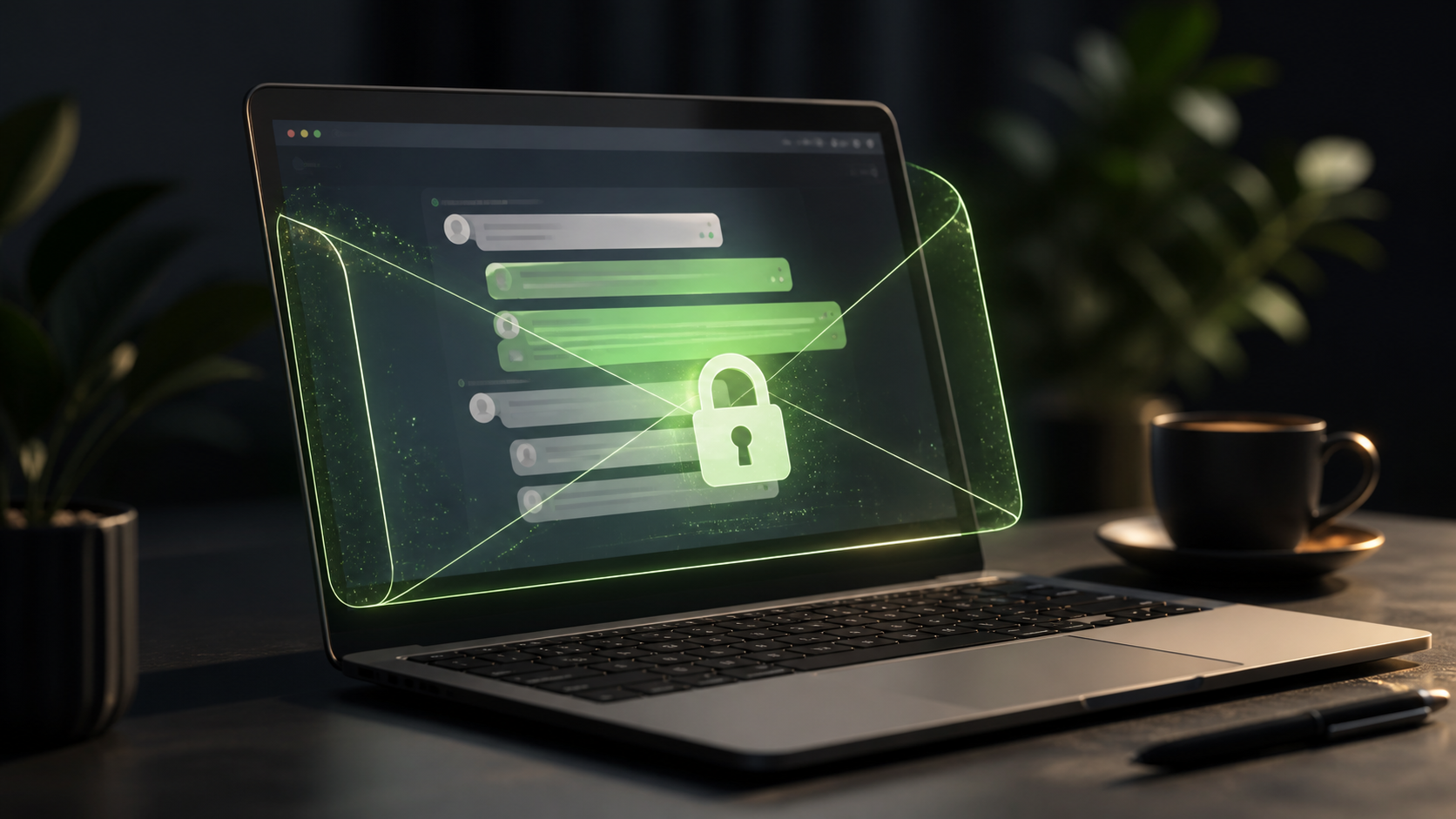
How end to end encryption chat works in browser
Learn how browser-based encrypted chat works, what end to end encryption protects, and what users should check before trusting any app.
End to end encryption chat is one of the simplest ways to make private messaging feel safe without making it feel complicated. In a well-designed browser chat, your message is encrypted on your device before it leaves your screen, then only the intended recipient can decrypt it. The service in the middle can help move the message along, but it should not be able to read the content.
That basic idea matters because secure communication is often misunderstood. People assume that if a chat app says it is private, everything is automatically hidden. In practice, browser chat security depends on how keys are handled, what data is exposed to the server, and how carefully the interface guides the user through the secure parts without asking them to become a cryptography expert.
The good news is that encrypted private chats can stay easy to use. Tools like PigeonChat show that a browser-based experience does not have to mean weak protection. When the architecture is right, you can get strong privacy, fast access, and a familiar chat flow all in one place.
What end to end encryption chat means in a browser
In an end to end encryption chat system, the message is turned into unreadable ciphertext before it leaves the sender’s browser. The browser holds the keys needed to encrypt and later decrypt the message, while the server mainly acts as a relay. That means the server can store, forward, and sync messages, but it should not be able to read their contents.
This is different from ordinary web messaging where the server can often inspect message text at some stage. In secure browser chat, the sensitive part happens locally. The browser performs the cryptographic work, so the website itself does not need to see the plain message to deliver it.
For the user, this should feel straightforward. You open the chat, type a message, send it, and the other person reads it in plain text on their side. The complexity stays behind the scenes, which is exactly what makes a browser-first encrypted private chats experience practical.
How the encryption flow works step by step
The typical flow starts when two people establish trust in each other’s public keys or shared session state. A public key can be shared openly, while a private key stays on the user’s device. Once the browser knows who it is talking to, it can encrypt outgoing messages so that only the matching private key can unlock them.
When you send a message, the browser usually creates a fresh encrypted payload for that specific conversation. The server receives the encrypted blob and passes it along. If someone intercepts the traffic or looks at the stored data, they only see encrypted text, not the original message.
When the recipient opens the chat, their browser uses the correct private key to decrypt the message locally. That local-only decryption is the core value of end to end encryption chat. The service can support delivery, but it cannot become an accidental reader of your conversations.
Why browser chat security depends on key handling
Strong cryptography is only part of the story. Browser chat security also depends on where keys live, how they are created, and how they are protected from exposure. If keys are mishandled, the encryption layer can still be undermined by poor implementation, a compromised device, or a misleading interface.
In a browser app, keys may be generated on the client, stored securely in the browser’s available storage, or derived from a login or recovery process. The important point is that the private material should remain under the user’s control as much as possible. If the server holds the decryption key, the chat is no longer truly end to end encrypted.
Good browser chat security also avoids unnecessary data collection. Even if the message body is protected, metadata such as who talked to whom, when a session was active, or how often people connect may still exist. A careful product design tries to minimise this, because privacy is not only about message text.
- Encrypt messages locally before they leave the browser
- Keep private keys off the server wherever possible
- Use secure transport in addition to message encryption
- Limit stored metadata and session history
- Make key verification clear for users who need stronger assurance
Why secure browser chat can still be simple to use
People often imagine encryption as something that adds friction, but that does not have to be true. A good e2e chat app PigeonChat-style experience should hide the complexity while keeping the privacy guarantees intact. Users should not need to learn new security jargon just to have a normal conversation.
That means sensible defaults matter. Automatic key generation, clear sign-in flows, and visible security indicators all help. If the app explains trust in plain language, people are more likely to use it correctly. A secure tool that feels confusing is often used poorly, which defeats the purpose.
Browser chat has another advantage: there is nothing to install for many use cases. You can open a link, start talking, and still benefit from encrypted private chats. For teams, families, or communities that want privacy without app sprawl, that simplicity is a real strength.
Common limits and trade-offs to understand
End to end encryption protects message content, but it does not make a chat service magically invulnerable. If a device is compromised, an attacker may read messages after they are decrypted. If someone takes a screenshot or copies text elsewhere, encryption cannot stop that either. Privacy tools reduce exposure, but they do not remove every risk.
Another trade-off is recovery. If private keys are lost, access to old chats may be lost too. Some services offer recovery methods, but each added convenience can introduce extra trust or extra risk. It is worth asking what the product stores, what it can recover, and what happens if you change devices.
Here are a few practical questions to keep in mind when evaluating encrypted private chats:
- Does the browser generate and protect the keys locally?
- Can the server read message contents at any point?
- What metadata is retained, and for how long?
- Is there a clear way to verify the other party’s identity or key?
- What happens if you lose access to your device or browser profile?
How to judge a private browser chat product
If you are comparing tools, look for transparency in how they explain encryption. A trustworthy product should be able to describe, in plain language, what is protected, what is not, and where the trust boundaries sit. Vague claims about “military-grade security” are less useful than a clear account of the design.
You should also look at usability. A secure chat that people avoid is not much help. The best browser chat security comes from systems that make the safe path the easy path, so users do not need to choose between privacy and convenience.
For teams and everyday users alike, a solid end to end encryption chat setup should feel ordinary in use and strong under the hood. That balance is what makes browser-based messaging appealing, whether you are talking about personal conversations or private work discussion.
Frequently asked questions
Is end to end encryption enough to make a chat completely private?
No. It protects message content in transit and at rest on the server, but it does not cover everything. Metadata, device security, screenshots, and account recovery all matter too. End to end encryption is a major layer of privacy, but it works best alongside careful product design and sensible user habits.
Can a browser chat really be secure if it runs in the browser?
Yes, if it is built correctly. The browser can generate keys, encrypt messages locally, and decrypt them only on the receiving side. The critical point is that the server should not receive plain text or private keys. Many people prefer browser chat because it combines access and convenience with strong encryption when implemented well.
What should I look for in an e2e chat app PigeonChat or any similar service?
Look for clear explanations of key handling, honest statements about what the server can and cannot see, and a simple interface that does not hide important trust decisions. It is also sensible to ask how encrypted private chats are stored, whether metadata is minimised, and how browser chat security is maintained over time. If a product is genuinely secure, it should be able to explain itself without needing marketing language.
End to end encryption chat works in the browser because the browser can do the sensitive work locally while the server handles delivery. That model keeps the experience simple, which is why it can be both practical and private. If you remember one thing, it is this: good browser chat security is less about fancy promises and more about where the message is decrypted, who holds the keys, and how well the service respects the boundary between transport and content. PigeonChat is one example of how that can be done in a way that stays approachable for normal use.
Ready to try PigeonChat?

Writer & Editor at PigeonChat
Related Articles

What makes an end to end encryption chat app secure

What a fully compliant EU chat app should include

Why people search for a WhatsApp alternative without a number

What end to end encryption chat really protects

Why chat folders matter for busy group conversations
