
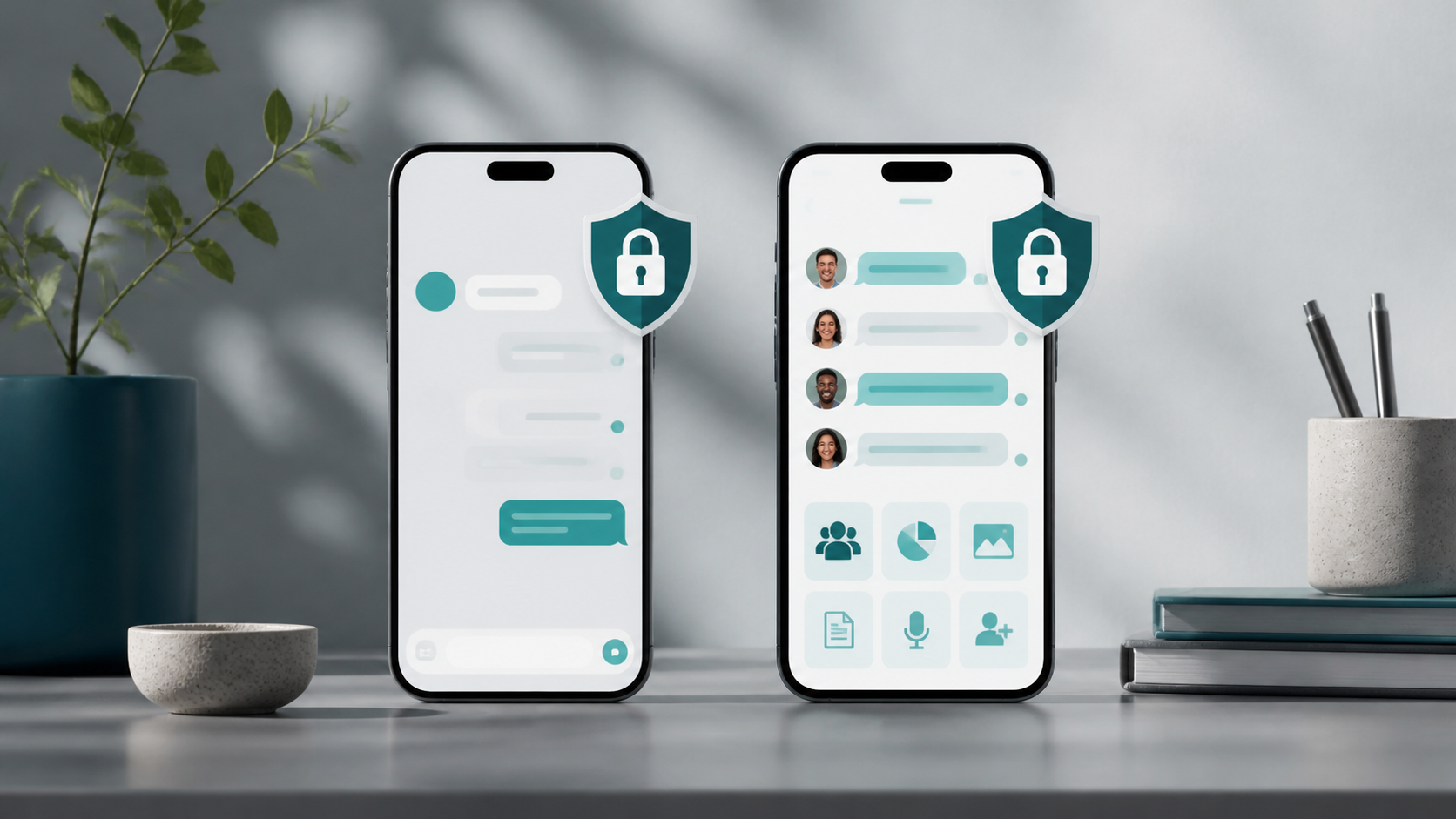
What makes a true Signal alternative chat app
A real Signal alternative should balance privacy, usability, browser access, and group tools without adding unnecessary friction.
Choosing a true Signal alternative chat app is less about copying a familiar privacy label and more about understanding the product itself. A service can speak confidently about security and still make awkward trade-offs in account setup, message access, device support, or recovery. If you are comparing a signal alternative chat app to Signal, it helps to look at how the whole experience is designed, not only how encryption is marketed.
That matters because people use private messaging in different ways. Some want a straightforward private chat app for everyday conversations. Others want something that works quickly on shared devices, in a browser based chat setting, or without tying everything to a phone number. A sensible comparison asks what the app lets you do, what it asks you to give up, and whether those choices match your needs.
This is the kind of thinking we try to encourage at PigeonChat: judge the system, not the slogan. Security branding is easy to repeat. Good product design is much harder to fake.
Start with the core job the app is meant to do
Before you compare features, decide what problem you are actually solving. If your goal is private one-to-one messaging with a small group, you need a different product than if you are coordinating work across devices, moving between personal and shared machines, or communicating in short bursts without installing a heavy app.
A true alternative should make its intended use case obvious. If an app is built for simple private chat, it should feel simple. If it supports browser based chat, that should be reliable rather than an afterthought. If it is meant to replace Signal for your routine conversations, it should avoid making basic actions feel harder than they need to be.
When people search for signal alternative chat, they often focus on whether the app is “as secure as Signal”. That is only part of the question. The better question is whether the product design supports the way you actually communicate.
Look beyond security branding
Security language can be persuasive, but it is not the same thing as a well-made messaging product. End-to-end encryption is important, but so are identity handling, device management, backup behaviour, and how much metadata the service needs to function. An app can mention privacy in every paragraph and still make everyday use clumsy or confusing.
A practical comparison should include the basics: how accounts are created, whether a phone number is required, what happens when you switch devices, and how much friction appears when you send or receive messages. If the app claims to be a private chat app, it should be clear about what is protected and what is simply convenient.
Also pay attention to transparency in language. Good products explain trade-offs plainly. Weak ones rely on vague phrases that sound reassuring but do not tell you much. If you cannot tell how the service works from its own explanation, that is a sign to slow down.
- Does the app clearly explain its privacy model?
- Can you use it without exposing more personal data than necessary?
- Are device changes and message history handled in a predictable way?
- Is the user experience straightforward enough for ordinary use?
- Does the service make its limitations easy to understand?
Assess account design and identity choices
Identity design is one of the most important differences between chat apps. Some systems centre on a phone number, which can be convenient but may not suit everyone. Others use usernames, invite links, or account-based access, which can be better for privacy or shared workflows. There is no single best answer, but there is often a best fit for a given situation.
For a signal alternative chat, ask how much personal information is required to get started. A good design reduces unnecessary exposure. It should also make it easy to understand who you are talking to, how contacts are added, and how to avoid confusion when people use multiple devices or aliases.
This is where product design matters as much as technical claims. Even a well-encrypted service can be awkward if it ties identity too tightly to a single device or makes onboarding needlessly brittle. A better private chat app will balance ease of use with sensible limits on personal data.
Evaluate browser based chat and device flexibility
Browser based chat can be a real advantage, especially for people who work across laptops, desktops, or shared machines. It removes the need to install software everywhere and can make the service feel lighter and more accessible. But browser access should be secure, consistent, and well thought through rather than bolted on as a convenience feature.
When assessing a browser based chat option, consider whether it behaves like a first-class product. Does it work smoothly across modern browsers? Is the session handling sensible? Can you recover access if you move devices? A browser interface should not feel like a weak copy of the main app.
It is also worth checking whether the desktop, mobile, and browser experiences behave coherently. Good messaging products do not force you to relearn the basics every time you switch context. If you are comparing Signal with alternatives, consistency across devices is a major part of the user experience.
Judge the everyday details that shape trust
In practice, trust is built through small details. Message sending should feel predictable. Notifications should be understandable. Search should work properly. Conversation threads should not become confusing when media, links, and replies are added. These may sound ordinary, but they are often what determine whether people keep using an app.
Look at how the product handles errors and edge cases. What happens if a message fails? Can you tell whether something has been delivered? Are contacts easy to manage? Does the interface support clear conversation flow, or does it bury important actions behind too many taps?
For a Signal alternative chat app, reliability and clarity are part of the privacy story. A service that is technically secure but frustrating to use will push people back to less suitable tools. A strong private chat app should respect the user’s time as well as their data.
How to compare options without getting distracted
A useful comparison process is to start with your own priorities, then test each app against them. You do not need a long checklist of jargon. You need a few practical questions that reflect real use. That keeps the comparison grounded and avoids being swayed by slogans or feature lists that do not matter to you.
Try comparing apps across these areas:
- Ease of setup and account creation
- Whether a phone number is required
- Quality of browser based chat, if you need it
- How device changes and logins are handled
- Clarity of the privacy and security explanation
- How natural the app feels in daily use
If you approach the search this way, you will quickly see that not every “secure messenger” is truly comparable. Some are built for teams, some for casual contact, some for browser access, and some for strict phone-linked use. The right choice is the one whose design fits your communication habits.
Frequently asked questions
Is a Signal alternative chat app automatically less secure?
Not automatically. Security depends on the product’s design choices, how clearly it explains them, and how well those choices fit the way you use the app. A good alternative may suit your needs better than Signal in some areas, while being less suitable in others. The key is to evaluate the whole design, not the label.
What should I check first in a private chat app?
Start with account requirements, device support, and how the app handles everyday messaging. If you need browser based chat, test that early. If you care about reducing personal data exposure, check whether a phone number is required. The most important thing is whether the app works naturally for your routine conversations.
Why does browser based chat matter so much?
Because it changes how flexible the service is. Browser access can make messaging easier on shared or temporary devices, and it can reduce friction when moving between machines. But it should be part of a coherent product, not a weak extra. A strong browser based chat experience is a sign that the app has been designed with real usage in mind.
The best way to choose is to stay concrete. Ignore the loudest privacy claims and look for a product that fits your habits, keeps its promises in plain language, and makes private communication feel calm rather than complicated. That is what separates a genuine Signal alternative from something that merely borrows the phrase.
Ready to try PigeonChat?

Writer & Editor at PigeonChat
Related Articles

Viber, Telegram, and Messenger compared for private chat

Signal alternative chat app: what users actually want

What a true WhatsApp alternative should include

WhatsApp, Signal, Viber, and Telegram compared

Why chat folders matter for busy group conversations
