
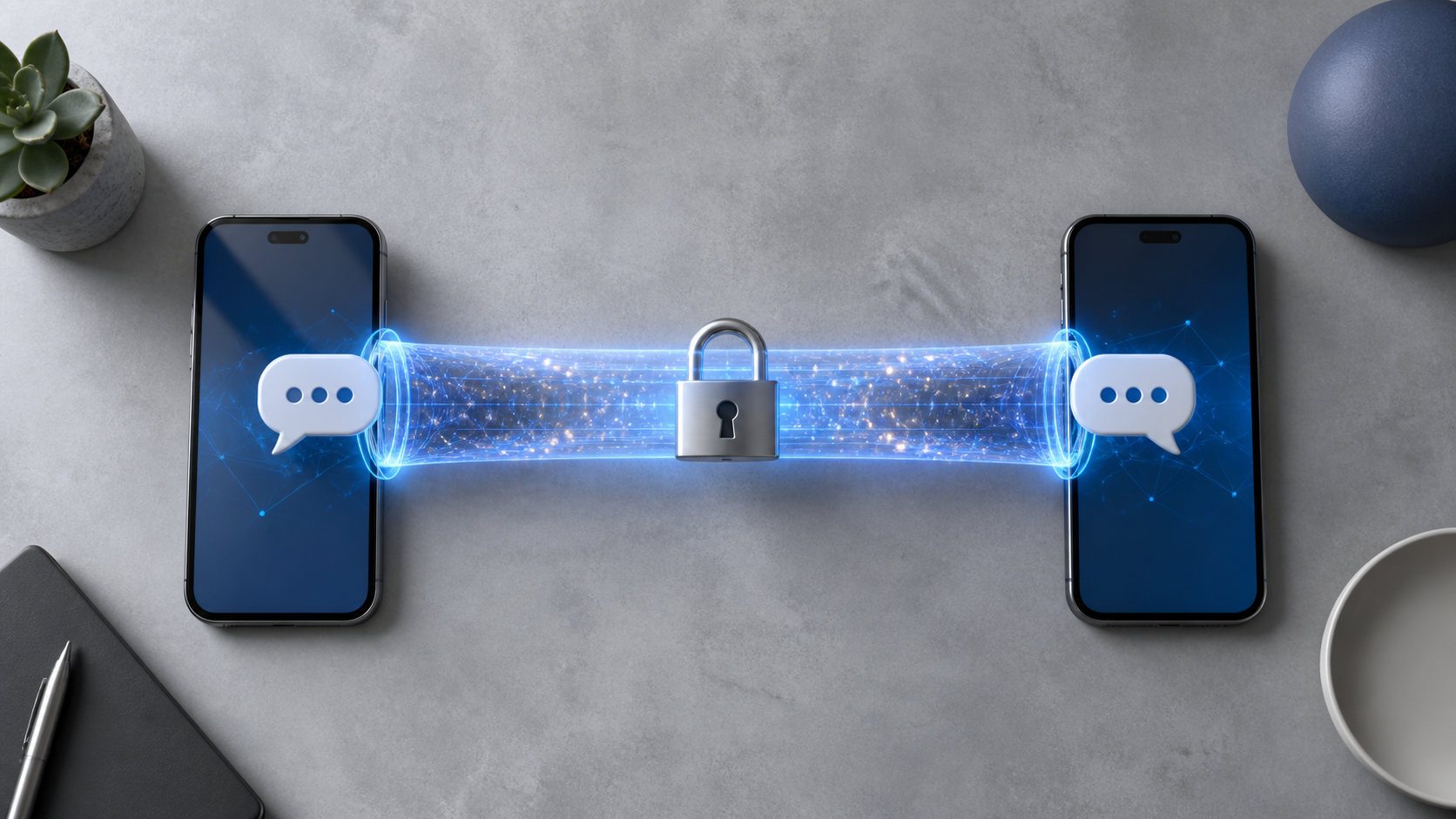
What an end to end encryption chat app should offer
Learn the features that matter in an end to end encryption chat app, from device access and account setup to secure sharing and chat control.
When people talk about an end to end encryption chat app, they often focus on the headline feature: messages that only the sender and recipient can read. That matters, of course. End to end encryption is the foundation of private conversation, and it is a major step up from ordinary cloud-based messaging.
But encryption alone is not enough. A secure app also needs to support safe account habits, sensible sharing controls, and a design that helps people avoid mistakes. If the app is awkward to use, easy to misconfigure, or vague about what is stored where, encrypted chats can still end up exposed in practice.
So when you compare options, look beyond the word "encrypted". A good secure messaging tool should make it easy to protect your account, verify who you are talking to, and share information without creating avoidable risk.
What end to end encryption actually protects
End to end encryption chat means the message content is encrypted on your device and only decrypted on the recipient’s device. In a well-designed system, the service provider cannot read the message text while it is in transit or stored on its servers. That is the core promise people usually want from secure messaging.
However, this protection is narrower than many users assume. It usually covers message content, but not every piece of data around the conversation. Metadata, such as who you contacted, when you contacted them, and from which device, may still exist depending on the app’s architecture and settings.
That is why a useful conversation about encrypted chats has to include the full picture. Privacy is not only about content secrecy. It is also about account security, contact verification, device hygiene, and how safely you handle links, files, screenshots, and forwarding.
Safe account setup matters as much as the crypto
If an attacker gets into your account, end to end encryption cannot help much. They do not need to break the encryption if they can simply access messages from your logged-in device or intercept account recovery steps. This is one reason safe onboarding is a basic requirement, not a bonus feature.
Look for strong authentication options, clear recovery flows, and warnings around changing phone numbers, email addresses, or trusted devices. A good app should make it obvious when a new login happens and should give you a straightforward way to review active sessions.
It is also worth being cautious with account recovery. Convenient recovery can be helpful, but it can also create a weak point if it is too easy to reset access. Good secure messaging design balances usability with careful identity checks.
What an e2e chat app should offer beyond encryption
A strong end to end encryption chat app should help people avoid common mistakes. That means clear security settings, visible verification tools, and sensible defaults rather than buried options that only technical users understand. If you have to study the app to use it safely, the design is working against you.
- Device and session management that is easy to review
- Identity verification or safety number checks for important contacts
- Optional disappearing messages for sensitive discussions
- Clear controls for message forwarding, screenshots, and file sharing where possible
- Transparent explanations of what is encrypted and what is not
- Thoughtful backup options that do not quietly weaken privacy
For example, encrypted backups can be useful, but only if the app explains how they work and what trade-offs they involve. The same goes for multi-device support. You want convenience, but not at the cost of silently expanding access in ways you did not expect.
Some people searching for a signal alternative chat app are not really after a clone. They are looking for a product that respects the same principles while making safe behaviour easier. That is a fair expectation. The best secure tools reduce the number of dangerous decisions users have to make.
Sharing habits can weaken even strong encryption
Most privacy failures do not come from cryptography breaking. They come from ordinary habits: forwarding the wrong message, sharing sensitive files into the wrong group, keeping old devices logged in, or using a chat app as if it were a secure document vault. Encryption does not prevent those mistakes.
That is why good guidance matters. A thoughtful app should encourage users to pause before they share. It should make it easy to send sensitive content to the right person, but not so easy that one tap sends it to a large audience by mistake. PigeonChat, for example, is a reminder that privacy tools are most useful when they support disciplined sharing rather than assuming users will always get it right.
When you evaluate a platform, ask a simple question: does it help me be careful? If the answer is yes, it is more likely to support real-world privacy, not just technical encryption.
How to judge secure messaging in practice
If you are comparing apps, start with the basics. Read what the service says it encrypts, what it retains, and which features may create exceptions. Then check whether those claims are explained in plain language. A trustworthy app should not hide crucial details behind marketing phrases.
You should also think about your own use case. A journalist, a small team, and a family group may all need different levels of caution. A secure messaging app should support those differences without forcing everyone into the same workflow. Good defaults are helpful, but flexibility matters too.
If you are trying a new product, including an e2e chat app pigeonchat.site style alternative, start with non-sensitive conversations first. Test the login process, device switching, and backup behaviour before you depend on it for something important. Privacy tools are easiest to assess when you are not under pressure.
Common mistakes that make encrypted chats less safe
Even with strong end to end encryption, several habits can undermine security. Most of them are avoidable, which is encouraging. A careful user can reduce risk dramatically just by paying attention to the basics.
Here are some of the most common mistakes:
- Using weak phone or email recovery options that are easy to take over
- Leaving old devices logged in and unattended
- Sharing sensitive messages into large groups without thinking
- Trusting a contact without verifying their identity first
- Assuming cloud backups are private without checking the settings
- Sending files that include hidden metadata or identifiable details
None of these problems require sophisticated attacks. They are usually the result of convenience outrunning caution. That is why the best secure messaging products teach good habits through design, not just documentation.
Frequently asked questions
Is end to end encryption enough on its own?
No. It protects message content during transmission and storage, but it does not automatically secure your account, your devices, your backups, or your sharing habits. A private conversation depends on the whole setup, not just the encryption layer.
What should I look for in a secure messaging app?
Look for clear encryption details, strong login protection, device and session controls, contact verification, sensible backup options, and sharing features that are easy to use safely. The best apps make secure behaviour the default rather than an expert-only setting.
How do I reduce risk when sharing sensitive information?
Share only with the people who need it, verify their identity if the conversation matters, and check whether the app offers disappearing messages or stricter sharing controls. Also remember that screenshots, forwarding, and insecure backups can create copies outside the encrypted chat itself.
In the end, encrypted messaging is necessary, but it is not the finish line. The most useful secure tools help people protect accounts, verify contacts, and share carefully in everyday life. That is what turns encryption from a technical feature into practical privacy.
Ready to try PigeonChat?

Writer & Editor at PigeonChat
Related Articles

What makes an end to end encryption chat app secure

What a fully compliant EU chat app should include

Why people search for a WhatsApp alternative without a number

What end to end encryption chat really protects

Why chat folders matter for busy group conversations
