
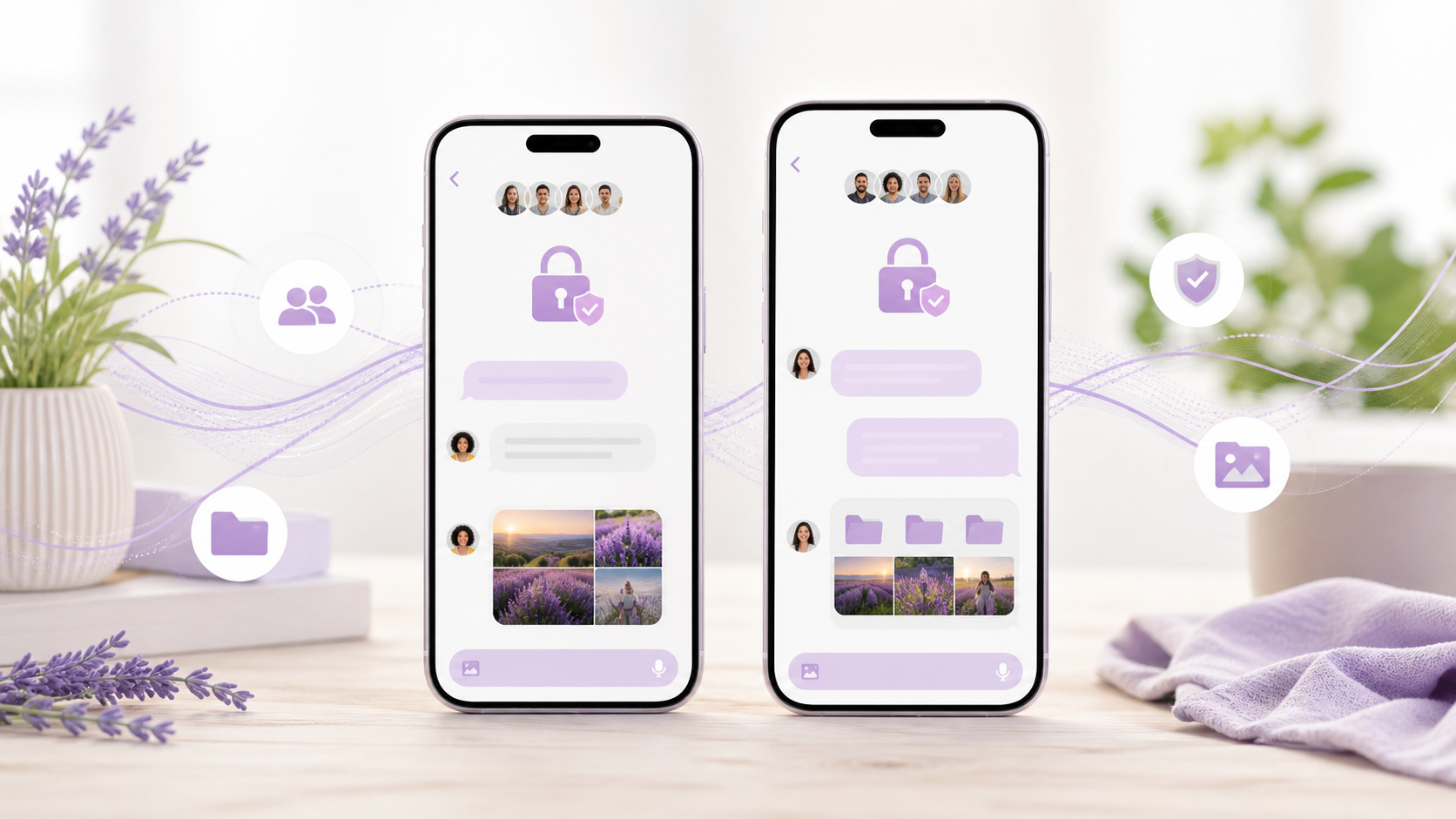
Signal alternative chat app features users compare
Compare the features people expect from a Signal alternative chat app, including encryption, groups, folders, and easy image sharing.
When people compare a Signal alternative chat app, they are usually not looking for gimmicks. They want a private chat app that feels dependable in daily use, with the right balance of security, convenience and a small amount of friction where it matters. That means looking beyond the headline promise of end to end encryption chat and into the everyday details that shape the experience.
In practice, the best comparison often comes down to chat features that affect real conversations. Can you send images without the quality falling apart? Does the app make it easy to move between phone and desktop? Is it simple enough for family, friends or a work group to adopt without constant explanations? Those are the questions that decide whether a signal alternative chat app is useful or merely secure in theory.
This guide focuses on the features people most often weigh up, so you can judge alternatives on practical grounds rather than marketing. If you are exploring options like PigeonChat or another private messenger, the same core checks apply.
Start with the privacy model, not the logo
The first thing to verify is how the app handles end to end encryption chat. If messages are encrypted on the device and only the intended recipients can read them, that is the baseline many people now expect. But privacy is broader than encryption alone. You should also look at how the app treats metadata, account creation, backups and device linking.
A signal alternative chat app may be excellent for message security but less strong in other areas, such as account recovery or multi-device support. That is not automatically a problem, but it is worth understanding what you are trading. A private chat app should be clear about what is protected and what is not, rather than assuming encryption solves every concern.
For everyday use, ask a simple question: would I be comfortable using this app for ordinary conversations, not just sensitive ones? If the answer depends on too many caveats, the experience may be harder to live with than it first appears.
Look closely at the chat features you use every day
Many comparisons focus on abstract security, yet most people spend their time sending short texts, photos, voice notes and links. That is why chat features matter so much. An app can be highly secure and still feel awkward if replies are clumsy, media takes too many taps to send, or notifications are unreliable.
Useful basics include message reactions, editing, message deletion, pinned chats and clear read receipts controls. Not everyone wants all of these, but it helps when the app gives you sensible options. A good signal alternative chat app should let people communicate naturally without forcing them to learn a new way to write a simple message.
There is also the question of group chat. If you plan to use the app with family, colleagues or a club, group management tools can matter more than advanced privacy settings. Look for invitation controls, admin roles where appropriate and the ability to mute noisy threads without losing important messages.
- Clear message history and search
- Reliable notifications on mobile and desktop
- Simple group chat controls
- Message editing and deletion options
- Easy attachment and image sharing
Image sharing should feel simple, not brittle
Image sharing is one of the quickest ways to judge a messaging app’s polish. If you often send screenshots, family photos or product pictures, you will notice whether the process feels smooth. A private app should make it easy to attach a picture, preview it and send it without reducing quality unnecessarily or turning the conversation into a fiddly upload task.
Different people want different behaviour here. Some prefer compression for speed and storage reasons, while others want the original image preserved. The important thing is choice and clarity. If an app quietly alters photos, that can be frustrating in both casual and professional conversations. If it preserves images well but does not make file sizes obvious, that can also be a problem.
When evaluating image sharing, test whether captions, multiple images and forwarding work cleanly. These small moments often reveal whether the app has been designed for real use or simply added media support as an afterthought. PigeonChat, for example, aims to keep these flows straightforward, which is the sort of detail that makes a difference in daily messaging.
Device support and sync are often the deciding factor
People compare a signal alternative chat app and expect it to work on more than one device. That usually means a comfortable desktop client, a sensible web option or at least a reliable way to move between phone and laptop. The best setup depends on your routine, but it should feel coherent rather than fragmented.
If your messages sync cleanly, you can start a conversation on one device and continue on another without losing context. If they do not, the app may still be secure, but it becomes harder to rely on for day-to-day work. This is especially true for people who use private chat for both personal and professional life.
Also pay attention to backup and restore behaviour. Losing chat history because a device is replaced or reset is a common frustration. A strong app will explain its recovery process in plain language and avoid making you depend on guesswork.
Think about onboarding, contacts and adoption
The best private chat app is not always the one with the most advanced security language. It is often the one other people will actually install. If the onboarding process is confusing, if contact discovery is clunky or if invitations feel suspicious, adoption slows down quickly.
This is where many Signal alternative chat app comparisons become practical. Some apps are better for closed groups, while others are easier for broad personal use. You may want a service that lets you start with one or two contacts and then grow naturally, without forcing everyone through a complicated setup at the same time.
Adoption also depends on trust. People need to understand why the app exists, what it offers and how it differs from the tools they already use. The explanation should be straightforward. If you cannot summarise it in a sentence or two, your friends and family may not stick with it.
Good comparison points beyond encryption
Once the basics are covered, the finer differences can help you choose. These are not always decisive on their own, but together they shape the overall experience. If you are comparing options side by side, it helps to look at the following:
- How fast messages send on weak connections
- Whether the app feels intuitive after a few minutes of use
- How well it handles photos, links and files
- Whether notifications are dependable and controllable
- How much control you have over privacy settings
- Whether the app supports the devices you actually use
It is also worth considering the tone of the product. Some apps present privacy as intimidating and technical. Others make secure communication feel ordinary, which is often more helpful for mainstream users. That balance can matter as much as any technical feature, especially if you want others to adopt the app with minimal persuasion.
PigeonChat sits in that practical middle ground, where the aim is not to overwhelm people with jargon but to make private communication usable enough for real life.
Frequently asked questions
What is the most important feature in a signal alternative chat app?
For most people, the most important feature is trustworthy end to end encryption chat combined with a conversation flow that feels easy to use. If the app is secure but awkward, it may not suit everyday chat. If it is convenient but weak on privacy, it may not suit private communication. The right balance depends on your priorities, but both sides matter.
Does image sharing matter if the app is already private?
Yes. Private messaging is only part of the experience. If you regularly send screenshots, photos or documents, image sharing quality can strongly affect whether the app feels dependable. People often notice compression, upload speed and preview behaviour long before they think about advanced settings.
Can a private chat app be easy enough for non-technical users?
Absolutely. The best apps keep security largely in the background and focus on clear chat features, simple onboarding and predictable behaviour. Non-technical users usually care more about whether messages send, photos attach and notifications arrive than about terminology. That is why usability should be part of any comparison.
Choosing a signal alternative chat app is less about finding the most impressive feature list and more about finding the one that fits your habits. If you value privacy, look for clear encryption and honest handling of data. If you use messaging throughout the day, pay attention to image sharing, device sync and everyday usability. In the end, the best private chat app is the one that people can comfortably keep using, and that is where tools like PigeonChat aim to earn their place.
Ready to try PigeonChat?

Writer & Editor at PigeonChat
Related Articles
Viber, Telegram, and Messenger compared for private chat

Signal alternative chat app: what users actually want
What a true WhatsApp alternative should include
WhatsApp, Signal, Viber, and Telegram compared

Why chat folders matter for busy group conversations
