
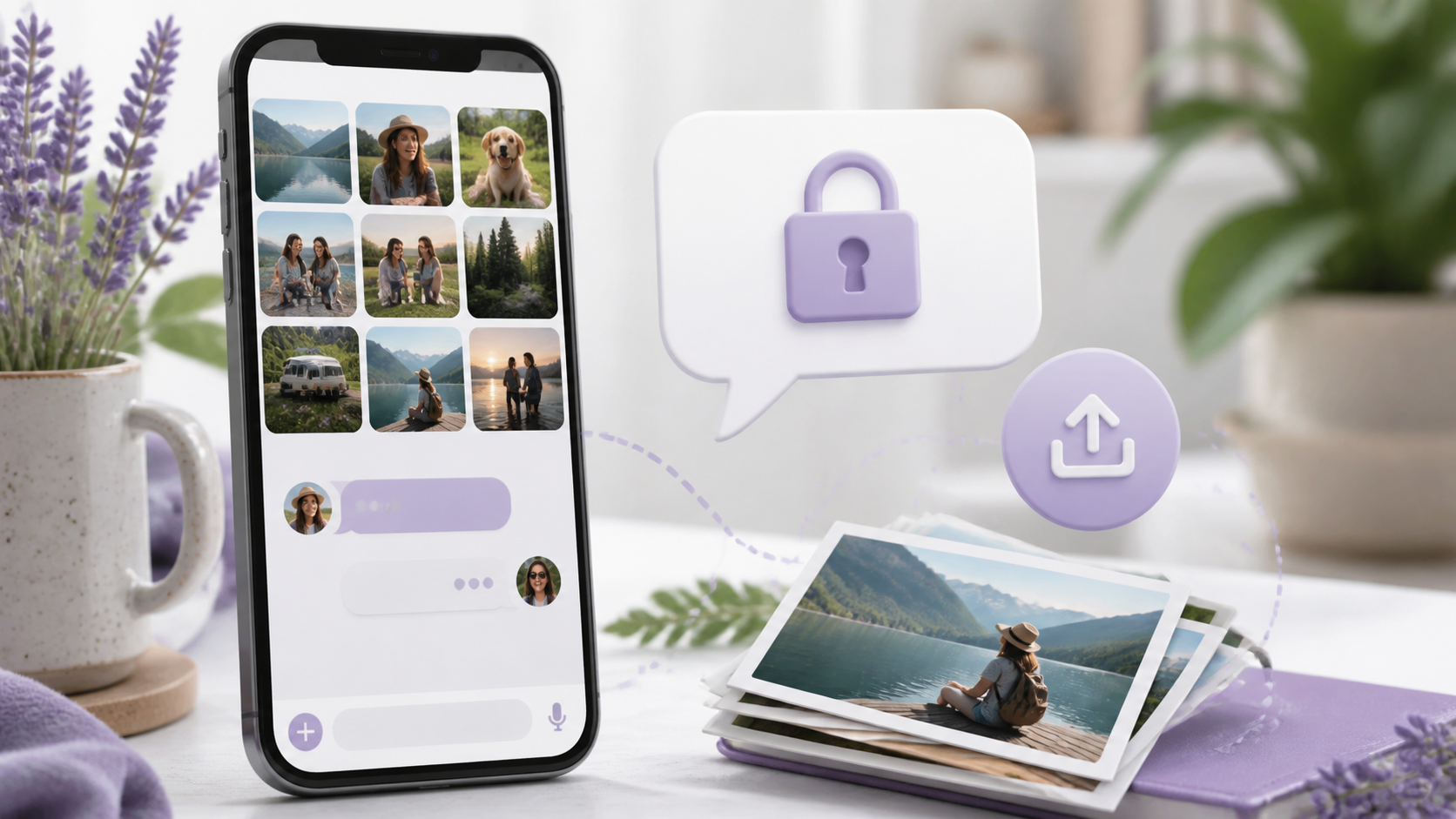
How image sharing works in private chat apps
Image sharing is a key part of modern chat. See how private apps handle photos, previews and control without losing usability.
Private messaging does not have to mean giving up the everyday things people rely on, and image sharing is a good example. In a well designed private chat, sending a photo should feel as simple as sending a text, while still keeping the conversation protected from unwanted eyes.
That balance matters because images are often the quickest way to share something useful. A receipt, a map pin, a product photo, a sketch, or a picture of a problem can say more than a long message. The best chat features make that easy without turning the experience into a maze of menus or weakening privacy.
If you are comparing options, it helps to understand what actually happens when you tap attach, choose an image, and hit send. Whether you use a service like PigeonChat or another private chat app, the principles are usually similar.
What image sharing means in a private chat
In a private chat, image sharing is simply the transfer of a photo or graphic between the people in the conversation, with protection built into the delivery and storage process. The goal is to let you exchange pictures naturally, while limiting exposure to outsiders and reducing how much the service itself can inspect.
That does not mean every app handles images in exactly the same way. Some store media briefly on their servers before delivery, some encrypt it end to end, and some add optional controls such as expiry, download limits, or device based access. The important point is that the process should remain straightforward for the user.
Good private chat design keeps the image workflow close to normal messaging. You should be able to open a conversation, select a picture from your gallery, add a caption if you want, and send it in a few taps. Privacy should work in the background, not make the feature awkward.
How private messaging handles images behind the scenes
Most modern apps move images through a sequence of upload, encryption, transfer, and display. When you send a photo, the app may compress it first, then package it for delivery. If the app offers strong privacy, the image is encrypted before it leaves your device, so the service cannot read the contents in transit.
On the receiving side, the app checks whether the message belongs to the right chat, then decrypts or retrieves the image and shows it in the thread. A practical private chat app should do this fast enough that the message feels instant, even if the security steps are doing work in the background.
There is also the question of where images live after delivery. Some apps keep a temporary copy on their infrastructure, while others minimise retention and rely more heavily on device to device protection. The details vary, but the principle stays the same: private chat should reduce unnecessary exposure at every stage.
Why usability still matters for image sharing
Privacy only works if people are willing to use the feature. If image sharing is too slow, too hidden, or too difficult on mobile, users will drift to less secure habits such as sending images through ordinary email, public links, or multiple apps. A private chat app has to be convenient enough to become the default choice.
That is why the best chat features are the ones you barely notice. A clear attachment button, a simple preview before sending, and reliable delivery all matter more than clever branding. People want to share photos with family, friends, colleagues, or a small group without having to learn a new workflow each time.
Usability also includes small details. Can you crop before sending? Can you add a short note? Does the image still look sharp enough after compression? Does the app show when the file is uploading? These touches shape whether image sharing feels effortless or frustrating.
- Keep the send flow short and obvious.
- Show a preview before the image leaves your device.
- Preserve enough quality for the image to remain useful.
- Make captions, reactions, and replies easy to use.
- Allow users to control who can see or forward content where possible.
Privacy choices that affect image sharing
The strongest private chat apps think carefully about metadata as well as the image itself. A photo can reveal timing, location hints, or device information even when the picture contents are protected. Reducing this extra data is part of making image sharing truly private, not just encrypted in name.
Retention policies matter too. If a chat app keeps every shared image forever by default, that creates more risk than many people realise. Better systems give clear explanations of what is stored, for how long, and whether deleted images are removed from backups as well as from the visible chat.
It also helps when the app gives users control over device behaviour. For example, you might want images saved locally for convenience, or you might prefer a view once style setup for sensitive conversations. Different situations call for different settings, and a good private chat should make those options easy to understand.
Common image sharing issues and how to avoid them
Even in a well built app, image sharing can go wrong in predictable ways. Large files may take longer to upload on mobile data. Poor compression can make text in screenshots hard to read. Old devices may struggle with previews. These are not privacy failures, but they can make people think the app is unreliable.
Another common issue is confusion about what is actually protected. Users may assume that a private chat means screenshots, forwarding, and downloads are all blocked by default, when that is not always the case. Clear explanations are better than vague promises, because they help people choose the right chat for the right conversation.
When evaluating a service such as PigeonChat, it is worth asking practical questions rather than chasing jargon. Can you send images quickly? Does the app handle compressed previews well? Are deleted messages handled transparently? Is the interface simple enough that you can use it without thinking?
How to choose a private chat app for everyday use
Start with the basic workflow. Open a chat, attach an image, check the preview, and send it. If that process feels natural, the app is likely designed with real conversation in mind. If it feels like a technical exercise, it may be secure in theory but awkward in practice.
Then look at the surrounding chat features. Does the app support captions, replies, and easy navigation through shared images? Can you search past conversations without exposing more than necessary? Does it work equally well on desktop and mobile? These small details matter more than flashy extras.
Finally, read the privacy information in plain language if it is available. A trustworthy service should explain what it stores, how images are protected, and what happens if you remove a message. The best products do not hide behind vague claims. They make private messaging understandable.
Frequently asked questions
Can image sharing still be simple in a private chat app?
Yes. A well designed private chat app lets you attach and send photos in much the same way as any mainstream messenger. The difference is that privacy protections run quietly in the background, so the experience remains easy without exposing the conversation unnecessarily.
Are images in private chat always end to end encrypted?
No, not always. Some apps use end to end encryption for images, while others protect them in transit but still process them on their own systems. If encryption matters to you, check how the app describes image handling specifically, not just messaging in general.
What should I look for if I send screenshots often?
Look for fast upload performance, clear previews, and enough image quality to keep text readable. It also helps if the app makes it obvious whether screenshots are stored locally, kept in the chat history, or removed when you delete a message. For frequent screenshot sharing, convenience and clarity are both important.
Private messaging works best when it fits ordinary life, and image sharing is a good test of that. If a chat app can protect a photo, deliver it quickly, and keep the process intuitive, it is doing the job most people actually need. That is the standard worth looking for, whether you are comparing tools or simply trying to make your daily conversations easier.
Ready to try PigeonChat?

Writer & Editor at PigeonChat
Related Articles

Why chat folders matter for busy group conversations

How image sharing works in private chat apps

What chat features users expect in modern private apps

Why chat folders help busy groups stay organized

How chat groups help schools and universities stay organized
