
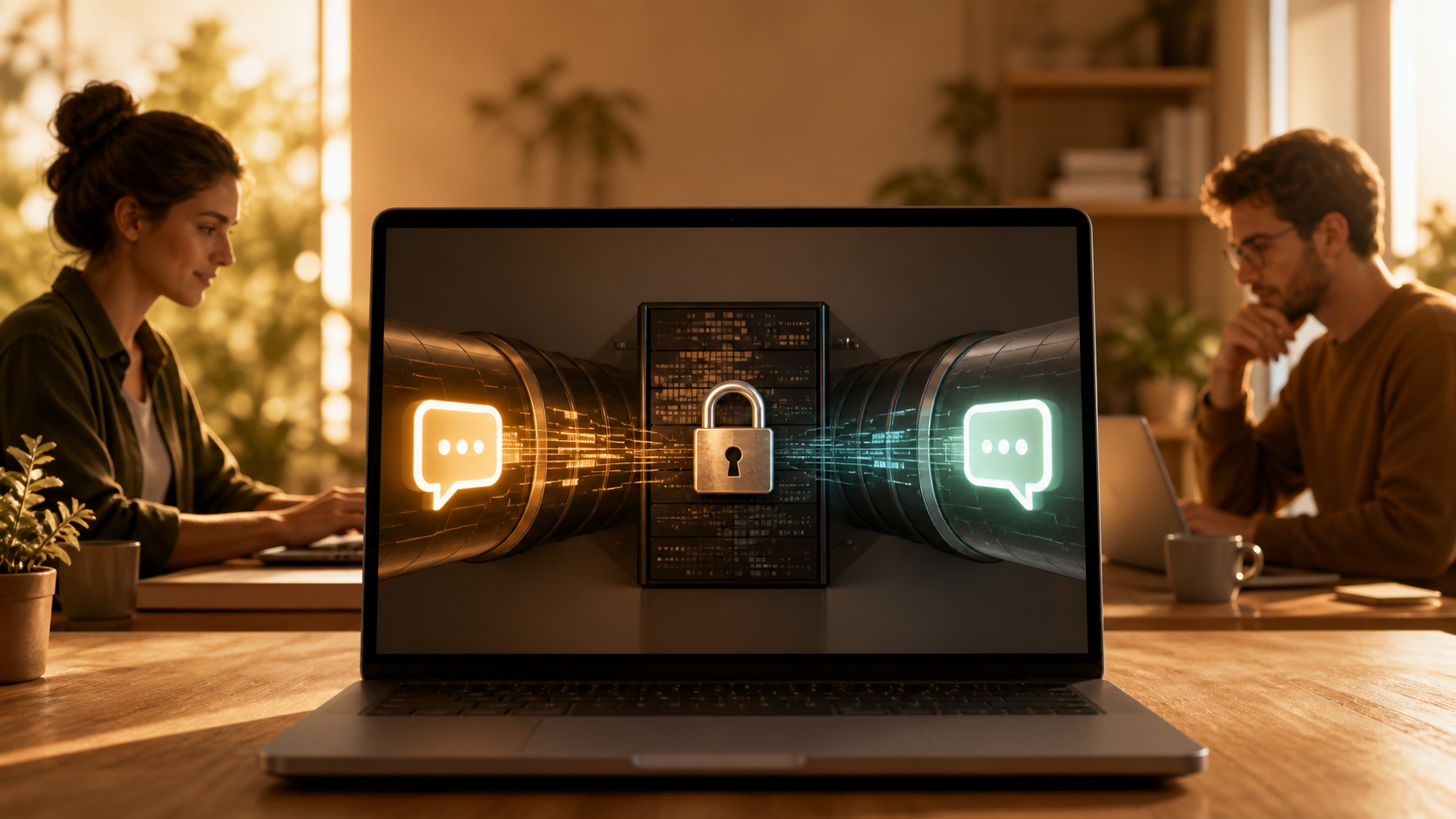
How end to end encryption chat works in browser
Understand how end to end encryption protects browser based chat, what it can and cannot hide, and why it matters for private conversations.
End to end encryption chat is often discussed as if it only belongs in native apps, but it can work in the browser too. The key idea is simple: the message is encrypted on the sender’s device and only decrypted on the recipient’s device. The service in the middle can relay the data, but it should not be able to read it.
That is why browser based messaging can still be private when it is designed carefully. A Privacy first chat app does not rely on hiding data by wishful thinking. It relies on sound cryptography, careful key handling, and a clear trust model. If you are evaluating an end to end encryption chat, the browser itself is not the weakness by default. The weak point is usually how keys, sessions, and recovery are handled.
It is also worth saying that private messaging is not only for people with unusual security needs. Most users simply want to know that their conversations stay between the people taking part. Services such as PigeonChat exist to make that expectation easier to meet, while keeping the experience familiar in a web browser.
What end to end encryption chat means in a browser
End to end encryption means the message content is turned into unreadable ciphertext before it leaves your device. Only the recipient has the keys needed to turn it back into readable text. In a browser, that process happens in JavaScript or WebAssembly, usually with cryptographic routines running locally rather than on the server.
The browser then sends only encrypted data to the service. The server may still know that a message was sent, when it was sent, and to which account or conversation it belongs, unless the product is specifically designed to minimise that information. But the message body itself should remain private.
That distinction matters. Some people assume “browser chat” means “the server can see everything”. That is not true when encryption is implemented properly. What the server sees depends on the design, not on the fact that the app runs in a browser.
How the encryption flow works from sender to recipient
At a basic level, each user has cryptographic keys. A public key can be shared. A private key stays on the user’s device. When you start a conversation, your browser uses the recipient’s public key, or a session key negotiated through a secure protocol, to encrypt the message.
When the recipient opens the message, their browser uses the matching private key to decrypt it. If the app supports forward secrecy or similar protections, a fresh session key may be used for each conversation or each message, reducing the impact of a compromised key later on.
In practice, a good e2e chat app pigeonchat.site-style design will also verify that the keys belong to the expected person. That can happen through safety numbers, key fingerprints, QR codes, or other trust checks. Without that step, encryption may still protect against the server, but not necessarily against impersonation.
What the browser can and cannot protect
A browser can be a reasonable place to run encryption, but it cannot magically fix every privacy issue. It protects the content of the message only if the device and the page itself are trustworthy. If a device is compromised, or if malicious code is injected into the page, the decrypted message can be exposed before or after encryption.
That is why a well built service must think about more than the cipher. It should use secure delivery of the web app, strong content security practices, and careful update control. Users should also look for signs that the site is designed to reduce unnecessary data collection.
- Encryption should happen locally before the message is uploaded.
- Keys should stay under the user’s control wherever possible.
- The service should not be able to decrypt message content.
- Session verification should help prevent impersonation.
- Metadata should be handled with the same care as message text.
It helps to think of the browser as the place where privacy is either preserved or lost. The browser is not automatically untrustworthy, but it is a shared environment. A good design accepts that reality and reduces exposure rather than pretending the risk does not exist.
Why metadata still matters
Even with perfect end to end encryption, some information can remain visible to the service. That can include account identifiers, login times, message delivery timing, and conversation structure. This is why people sometimes say encryption protects “content” while privacy also requires attention to “metadata”.
A Privacy first chat app should be clear about which metadata it keeps and why. If a service needs some information to deliver messages, it should say so plainly and limit retention where possible. Users do not need technical perfection, but they do deserve honesty about the trade-offs.
For everyday use, this means asking practical questions. Does the app store message history on the server in readable form? Can it operate without tying every action to a permanent profile? Does it minimise logs? These details often matter more than marketing claims about encryption.
What to look for in a browser based private messenger
If you are checking whether a browser messenger is genuinely private, focus on the design rather than the branding. Terms like “encrypted” or “secure” are common. The stronger signal is a clear explanation of who can decrypt messages, when keys are generated, and how sessions are verified.
You do not need to be a cryptographer to make a sensible judgement. You just need to see whether the product answers a few straightforward questions in plain language. A trustworthy service is usually happy to explain itself.
Useful things to look for include:
- Clear statements that the server cannot read messages.
- Information about how keys are created, stored, and rotated.
- Support for identity verification between participants.
- Minimal collection of account and usage data.
- Transparent documentation, not just slogans.
If a product such as PigeonChat or PigeonChat.site explains these points clearly, that is a better sign than a page full of polished promises. Good security is usually specific, not vague.
Common mistakes people make when judging browser encryption
One common mistake is assuming that open the page, type a message, and encryption automatically happens in the right way. In reality, the details matter. A page can say it uses encryption while still sending too much metadata, reusing keys badly, or failing to verify contacts properly.
Another mistake is treating the browser as if it were inherently unsafe for private communication. Browsers can support strong privacy, but only when the application is built with disciplined security practices. The question is not whether the app is web based. The question is whether the implementation is careful.
It is also unhelpful to assume that “private” means “no trace anywhere”. Even strong systems leave some operational traces. The aim of secure design is to reduce what can be seen, not to promise impossible invisibility.
Frequently asked questions
Is browser based messaging less secure than a native app?
Not necessarily. Browser based messaging can be very secure if the encryption is implemented well, the page is delivered securely, and the app avoids unnecessary data exposure. The real issue is the quality of the design, not whether the interface is in a browser.
Can the service provider read my encrypted messages?
In a proper end to end encryption chat, the provider should not be able to read the message content. It may still see some metadata needed to route and deliver messages, unless the system is designed to minimise that as well.
What should I check before trusting a Privacy first chat app?
Look for a plain explanation of how keys work, whether sessions are verified, what metadata is retained, and whether the service can access message contents. Clear documentation and honest limits are better signs than marketing language. If a platform like PigeonChat explains those points well, that is a good indication it understands privacy as a system, not just a feature.
The main takeaway is simple: browser based chat can be private when encryption is designed from sender to recipient, not from marketing page to marketing page. If you care about confidentiality, focus on how keys are handled, how identities are verified, and how much data the service really needs. A well designed web messenger can offer strong protection without making the experience feel complicated, and that is exactly the direction thoughtful products like PigeonChat are aiming for.
Ready to try PigeonChat?

Writer & Editor at PigeonChat
Related Articles

What makes an end to end encryption chat app secure

What a fully compliant EU chat app should include

Why people search for a WhatsApp alternative without a number

What end to end encryption chat really protects

Why chat folders matter for busy group conversations
