
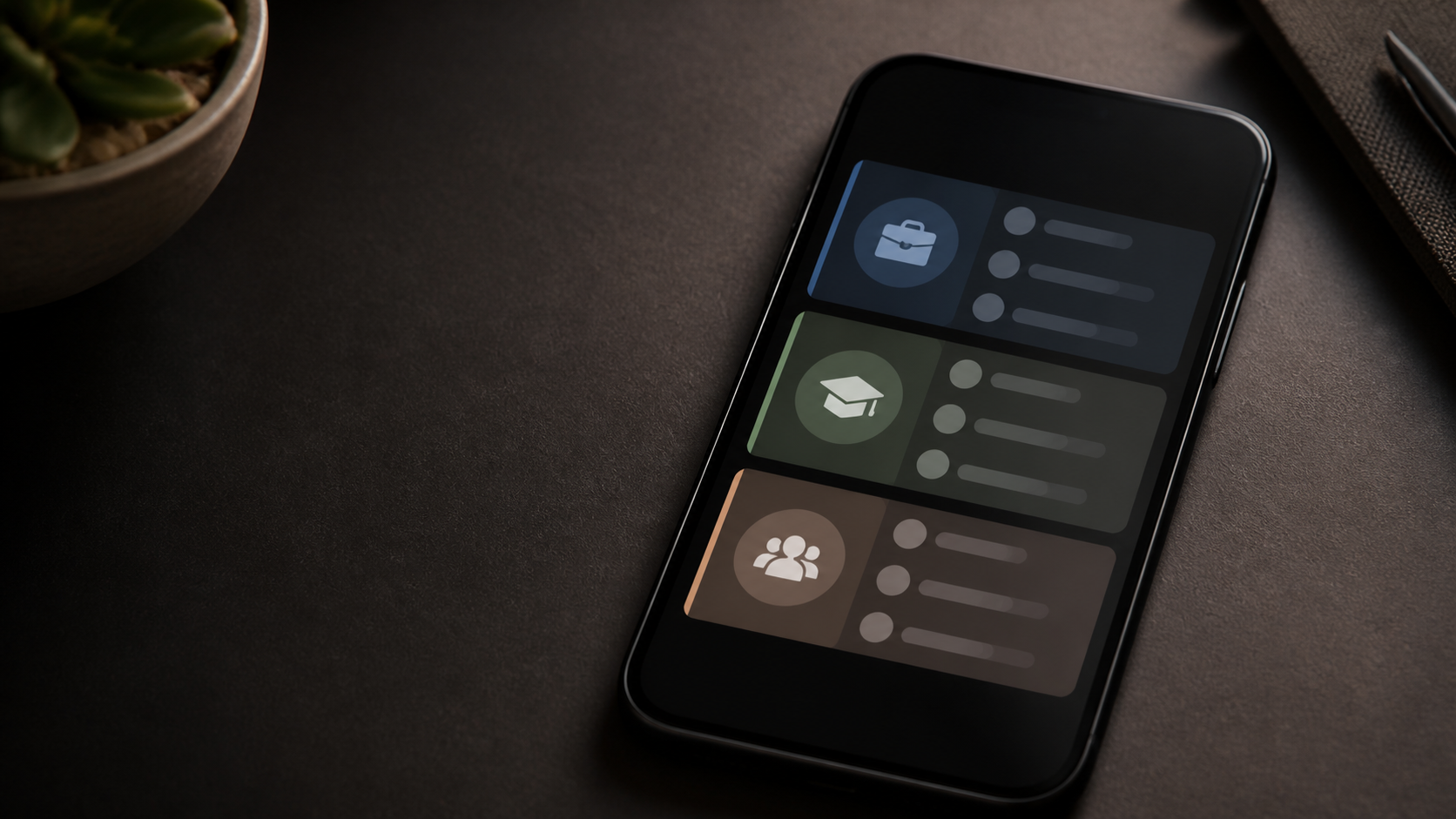
How chat folders help busy groups stay organized
Learn how chat folders can separate family, school, work, and community conversations so important messages are easier to find.
Busy group chats can become hard to follow very quickly. One thread for project updates, another for social plans, a few private chat conversations, and before long important messages are buried under noise.
That is where chat folders come in. They give people a simple way to sort conversations by purpose, team, priority, or topic, so the right messages are easier to find at the right time. For people juggling many chat groups, that small bit of structure can make a noticeable difference.
This is not about making messaging feel formal or rigid. It is about reducing friction. When your conversations are separated into useful spaces, you spend less time searching and less time wondering what you have missed.
Why chat folders solve a real organisation problem
Most people do not struggle because they have too few messages. They struggle because everything arrives in one long stream. Work updates sit beside event planning, family coordination, and side projects, and each chat has its own pace and importance.
Chat folders help by creating a lightweight filing system for live conversations. Instead of leaving every thread to compete for attention, you can group similar chats together and keep high-priority ones visible.
That matters for busy groups because attention is often the scarcest resource. If a message needs action, it should not be hidden three screens down because a dozen lighter conversations arrived first.
How chat folders help busy groups stay organised
The main benefit is clarity. A folder for team discussions, another for friends, and perhaps one for planning or announcements gives people an instant sense of where to look. It is easier to stay on top of many moving parts when the layout reflects real life.
Folders also reduce decision fatigue. When every chat appears equally urgent, you have to re-evaluate each one every time you open the app. With folders, you can scan by category and focus only on the conversations that matter in that moment.
For group chats in particular, this can prevent a common problem: the important thread gets ignored because it is mixed in with casual chatter. A well-chosen folder system keeps chat groups visible without forcing everything into the same queue.
Common folder setups that actually work
There is no perfect folder structure, but there are a few patterns that suit most people. The best setup is the one that matches how you already think about your conversations.
- Work and personal - a simple split that keeps professional threads separate from everything else.
- Projects and planning - useful if you have multiple ongoing tasks or events.
- High priority and low priority - helps if you need to check some chats often and others less frequently.
- Private chat and group chats - practical for people who want direct messages apart from larger conversations.
- Teams or communities - useful when you belong to several different chat groups with distinct purposes.
A good rule is to avoid too many folders. If your structure becomes too detailed, you end up spending more time maintaining it than benefiting from it. Three to six sensible categories is usually enough for most busy users.
What makes folders better than simply pinning messages
Pinned messages are useful, but they solve a different problem. Pinning highlights a specific conversation or note. Folders help you manage the whole inbox, not just one important item.
Think of pinning as a spotlight and folders as shelving. A spotlight is helpful when something needs attention right now. Shelving is better when you need to keep many items sorted in a way that still makes sense later.
For people with several active group chats, folders are often the more scalable choice. They give you room to grow without turning the main chat list into a cluttered wall of alerts.
Simple habits that make folders more useful
Folders work best when they are paired with a few small habits. The aim is not to create a perfect system, just one that stays tidy enough to be useful.
Start by naming folders in plain language. Use labels that match how you speak, not clever names you will forget later. Clear names make it easier to decide where a conversation belongs.
It also helps to review your folders occasionally. A chat that was once temporary may now be ongoing, and a folder that was useful last month may no longer fit. Small adjustments keep the system honest.
- Move inactive chats out of the way rather than leaving them in front of you.
- Keep only truly active group chats near the top of your workflow.
- Use one folder for urgent threads if you need a fast daily check-in.
- Separate private chat from broader group chats when the tone or purpose is different.
- Do not be afraid to simplify if your folder list starts feeling messy.
Where PigeonChat fits into a calmer workflow
Tools only help if they fit the way people already communicate. That is why folder support is valuable in chat products like PigeonChat: it gives busy people a way to sort conversations without changing how they message.
If you are exploring options for your own team or community, PigeonChat is worth a look because it keeps the focus on practical organisation rather than unnecessary complexity. The point is not more features for their own sake. It is making daily messaging easier to manage.
Pigeonchat.site is a good reminder that organisation features do not need to be flashy to be effective. A straightforward folder system can quietly remove a lot of stress from everyday communication.
Frequently asked questions
Are chat folders only useful for work?
No. They are often just as helpful for personal life. You might use them for family planning, hobbies, local communities, volunteering, or social group chats. Any time several conversations compete for your attention, folders can help.
Do folders replace muting or archiving?
Not really. They work alongside those tools. Muting helps reduce interruptions, archiving clears space, and folders help you organise what remains. Together, they create a more manageable inbox.
What is the easiest way to start using folders?
Begin with one simple split, such as work and personal, or active and less active. Once that feels natural, add only one or two more categories if needed. The best system is the one you can maintain without thinking too hard about it.
In the end, chat folders are not about perfection. They are about giving busy people a calmer way to handle many conversations at once. When group chats, private chat threads, and ongoing projects all have their place, it becomes much easier to keep up without feeling overwhelmed.
Ready to try PigeonChat?

Writer & Editor at PigeonChat
Related Articles

Why chat folders matter for busy group conversations

How image sharing works in private chat apps

What chat features users expect in modern private apps

Why chat folders help busy groups stay organized

How chat groups help schools and universities stay organized
