
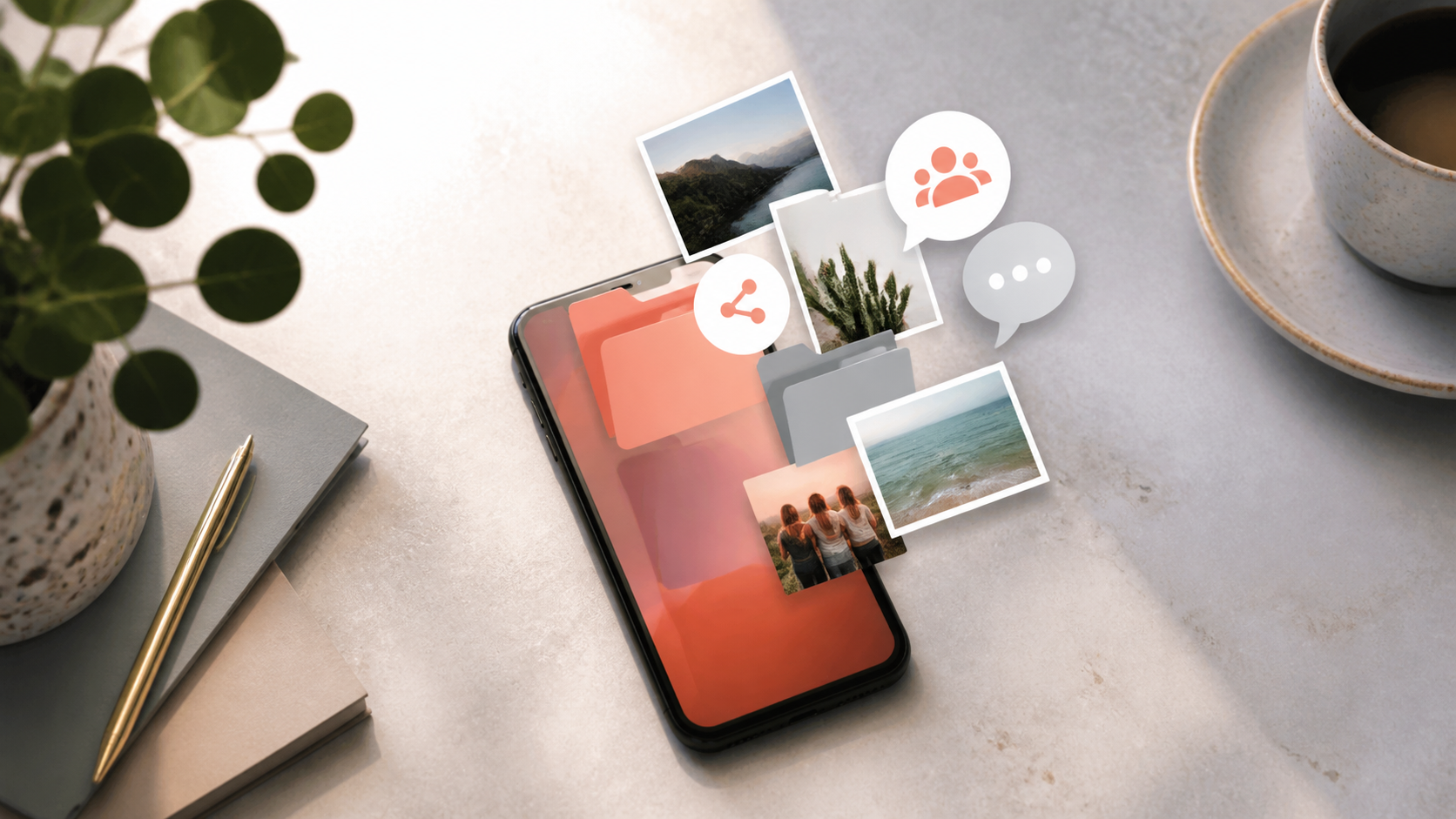
What chat features matter most in private apps
A practical look at the chat features people ask for most, including folders, groups, image sharing, stories, stickers, and AI help.
Private chat apps are often judged by their security claims first, but most people keep using them only if the day to day experience feels smooth. The best chat features are the ones that reduce friction, help you stay organised, and make conversations easier to follow without forcing you to think about the app itself.
If you are choosing a private messenger, it helps to separate the essential features from the nice extras. Some apps look polished but make simple things awkward, such as finding an old thread, sharing a photo, or managing a busy group. Others, including PigeonChat, aim to keep the core experience practical as well as private.
This guide focuses on the chat features that matter most in private apps, and why they matter in normal use rather than in theory.
Chat features that make a private app usable every day
The most important feature in any private chat app is still the message thread itself. That sounds obvious, but the details matter. Fast loading, clear delivery states, readable timestamps, search, and sensible notifications all affect whether an app feels reliable enough to use for real conversations.
Privacy is only useful if people actually stay in the app. If sending a message feels slow or cluttered, users drift back to less private tools because they are familiar. Good chat features should make the secure choice feel like the convenient choice too.
Useful basics often include the following:
- Clear one-to-one chats that are easy to scan
- Reliable notifications without excessive noise
- Message search that helps you find old details quickly
- Editing, deleting, or unsending messages where appropriate
- Simple media previews for photos, files, and links
Why chat folders help when conversations pile up
Chat folders are one of those features that seem minor until your inbox fills up. They let you separate work, family, friends, community groups, and one-off chats so you can check what matters without scrolling through everything else.
For a private app, chat folders are especially helpful because people often use private messaging for several different parts of life. A good folder system makes the app feel calmer and more intentional. It also reduces the chance that an important message gets buried under group chatter.
Not every app needs advanced organisation, but some kind of grouping or pinning is very useful. Even a small set of tools, such as favourites, archived chats, and custom folders, can improve the daily experience a great deal.
How chat groups should work in a private app
Chat groups are where many private apps either become genuinely useful or start to feel hard to manage. The challenge is not just letting lots of people talk at once. It is helping the conversation stay legible, controllable, and pleasant to return to later.
Good group design includes sensible membership controls, moderation options, and easy ways to mute noise without leaving entirely. In private settings, people often want both closeness and discretion. They may want a shared space for a team, a household, or a small community, but they do not want that space to become chaotic.
When evaluating chat groups, look for practical details such as admin roles, invite links or approvals, mention controls, and notification settings. These are the features that decide whether a group feels manageable on a busy day.
Image sharing and other media should be simple, not clumsy
Image sharing is one of the most common reasons people reach for messaging in the first place. A private app should make it easy to send a photo, preview it clearly, and understand whether it is being shared just once, saved locally, or protected in some other way.
The same applies to voice notes, documents, and short video clips. A private messenger does not need to be a media platform, but it should not make people fight with file limits, vague uploads, or awkward previews. If a conversation often includes screenshots or pictures, media handling becomes a core part of the product rather than an extra.
Good media features also reduce misunderstandings. When a photo is easy to view, a file is clearly labelled, and links open predictably, the app feels much more trustworthy. That trust matters in private communication because people are often sharing things they would not post publicly.
Where stories and stickers fit in private messaging
Stories and stickers are not essential in the strictest sense, but they can make an app feel more human. Stickers help people communicate tone quickly, which is useful when a message might otherwise sound blunt. Stories, meanwhile, can support lightweight updates for a close group if they are handled with clear privacy controls.
That said, these features only add value when they fit the app’s purpose. In a private chat app, flashy extras should never crowd out the basics. If stories distract from messaging, or stickers become a cluttered novelty, the app can feel less focused rather than more engaging.
Think of these features as social texture. They are worth having when they help people express themselves, but they should remain secondary to communication, organisation, and privacy.
Should a private app include an ai assistant?
An ai assistant can be useful in a private chat app, but only when it solves a real problem. For example, it might help summarise a long conversation, draft a reply, or surface a message you forgot to follow up on. Those are practical benefits if the implementation is transparent and easy to control.
At the same time, privacy-minded users are right to be cautious. Any ai assistant needs clear boundaries around what it can access, where processing happens, and whether the user has to opt in. If the feature feels intrusive or vague, it can undermine confidence in the app.
The key question is simple: does the assistant save time without adding confusion? If not, it is probably just decoration. In a private app, useful automation should stay in service of the conversation, not the other way round.
How to judge the right mix of features
When comparing private chat apps, try not to be distracted by long feature lists. A better approach is to ask which tools you will actually use every week. For many people, the winning combination is basic messaging, thoughtful organisation, reliable media sharing, and a few social touches that do not get in the way.
Here is a simple way to think about priorities:
- Must have - dependable messaging, notifications, search, and media handling
- Very useful - chat folders, groups, message controls, and easy privacy settings
- Nice to have - stickers, stories, and an ai assistant if they are well integrated
- Optional - extras that look impressive but do not improve daily use
If you are testing an app, try doing a normal week’s worth of tasks in it. Send a few photos, organise chats, manage a group, and look for old messages. That tells you far more than a feature checklist ever will. It is the difference between a private app that sounds good and one that actually feels good to live in.
Frequently asked questions
What are the most important chat features in a private app?
The most important chat features are the ones that support everyday use: fast and reliable messaging, clear notifications, search, media sharing, and some form of organisation such as folders or pinned chats. Privacy matters, but the app also has to be easy enough that people keep using it.
Are chat folders really necessary?
They are not essential for everyone, but they become very helpful once you have more than a handful of conversations. Chat folders make it easier to separate work, family, and group discussions, which keeps a private app from feeling messy.
Do I need stories, stickers, or an ai assistant?
Not necessarily. Stickers can help with tone, stories can be useful in some small groups, and an ai assistant may save time if it is handled carefully. But none of these should be treated as more important than the core messaging experience. If you want a private app that feels practical, focus first on the basics. That is the approach we try to keep in mind at PigeonChat.
In the end, the best private chat apps are not the ones with the longest feature list. They are the ones that make communication feel straightforward, organised, and comfortable to return to every day. If a tool helps you talk naturally while staying in control, it has done its job well. If you want to see how that balance can look in practice, PigeonChat is a good place to start.
Ready to try PigeonChat?

Writer & Editor at PigeonChat
Related Articles

Why chat folders matter for busy group conversations

How image sharing works in private chat apps

What chat features users expect in modern private apps

Why chat folders help busy groups stay organized

How chat groups help schools and universities stay organized
