
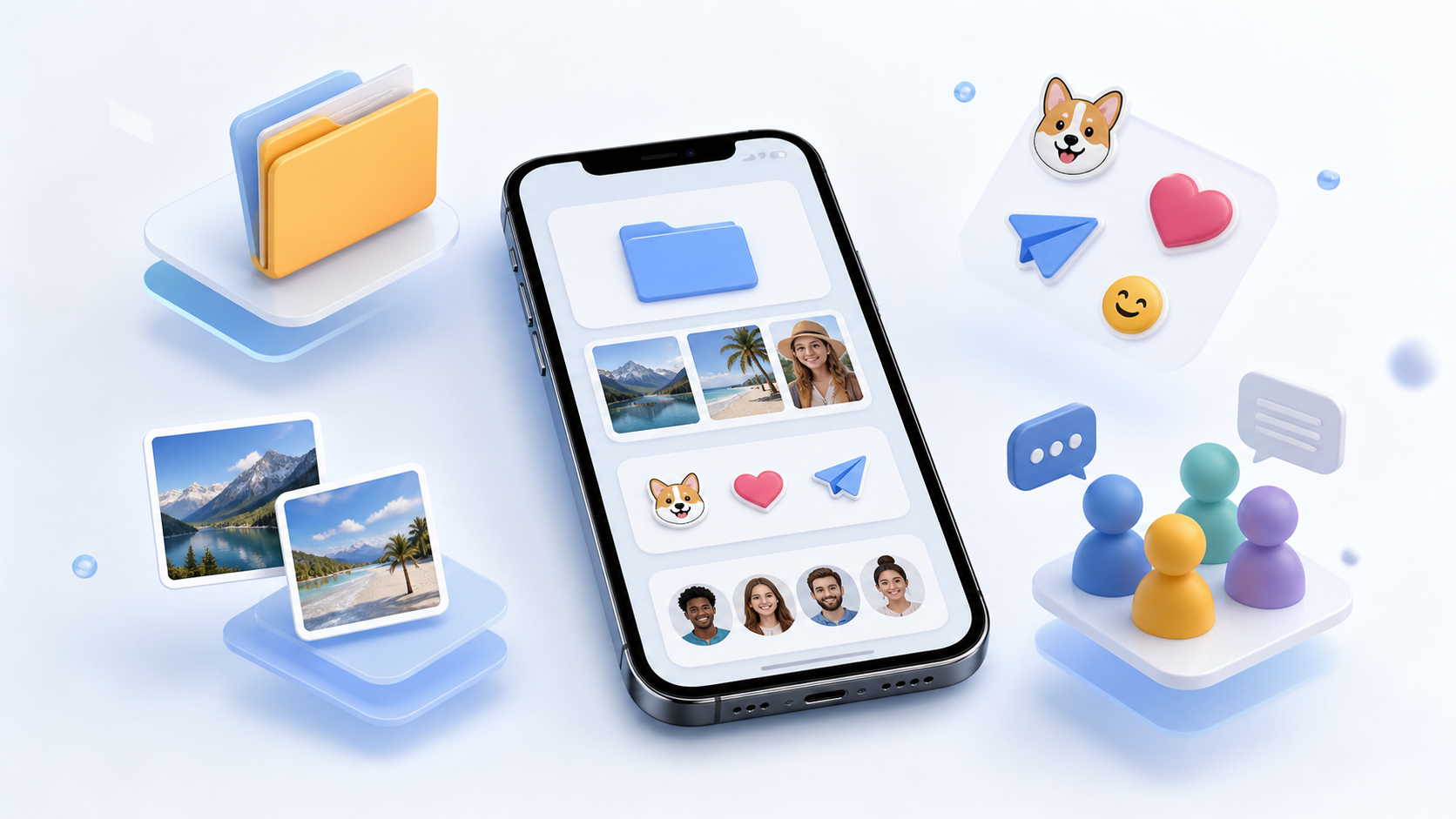
What chat features matter most in private apps
Explore the chat features people actually use in private apps, including folders, image sharing, stickers, stories and better group control.
When people choose a private chat app, they usually focus on encryption first. That matters, but it is only part of the picture. If an app is secure yet awkward to use, people will quietly drift back to whatever feels easier, even if it is less private.
The best chat features do two jobs at once. They protect conversations and make everyday messaging feel smooth. In practice, that means fast search, tidy organisation, sensible media tools and a few social touches that do not get in the way. PigeonChat takes this approach seriously, and it is a useful way to think about any PigeonChat style product: privacy should support the conversation, not slow it down.
If you are comparing apps, the question is not just “Is it private?” It is “Can I use it all day without friction?” That is where the most valuable features start to stand out.
Security is the foundation, but not the whole experience
A private chat app has to earn trust before people share anything meaningful. Strong message protection, clear control over who can contact you and sensible device handling are basic expectations. Without those, the rest of the feature list does not matter much.
At the same time, security should not create a chore. People want to open the app, find the right thread and send a message quickly. The best private apps avoid making users think about technical details every time they chat.
This is why practical design matters as much as encryption language. A secure service can still feel cluttered, confusing or slow. When that happens, users lose confidence in the app, even if the underlying privacy model is solid.
Chat folders help people stay organised
One of the most underrated chat features is chat folders. They sound simple, but they solve a real problem: most people do not have one type of conversation. They have family chats, work threads, community groups and one-off conversations, all mixed together.
Folders make a private chat app feel calm. You can separate important conversations from noisy ones, or keep work out of personal time. That reduces the chance of missing something important and makes the app easier to check quickly.
Good folder design should be flexible rather than clever. Let people pin, sort and move chats without fuss. The goal is not to add another layer of management, but to make the app feel less chaotic.
- Separate work, family and friends into different views
- Keep active chats visible and low-priority ones out of the way
- Use folders to reduce message overload without muting everything
- Make it easy to change categories later as your routine changes
Image sharing needs to be fast and respectful of privacy
Image sharing is one of the most common reasons people chat at all. Whether it is a photo of a receipt, a holiday update or a quick screenshot, people expect sharing to be easy. If it takes too long, the moment is gone.
In a private chat app, image sharing should also feel safe. People need clear control over previews, downloads and storage. It helps when an app makes it obvious what happens to the file after sending, rather than hiding that information behind vague settings.
Useful private apps also handle images in a practical way. Compression should not ruin everything, but uploads should not be awkwardly slow either. A good balance keeps the app comfortable for everyday use while respecting the user’s bandwidth and privacy.
Chat groups should be useful, not noisy
Chat groups are essential in many private chat apps, but they can become overwhelming very quickly. The difference between a helpful group and an annoying one is usually control. People need clear permissions, sensible notifications and easy ways to leave, mute or report problems.
Groups work best when they are designed for a purpose. A family group, a project group or a small interest group should all feel manageable. When the app helps with moderation and notification settings, people are more likely to keep using groups instead of abandoning them.
It is also worth keeping onboarding simple. Joining a group should be straightforward, and the app should make it clear who can post, who can invite others and how the group is organised. That is especially important in a private chat app, where users expect both trust and clarity.
Small social touches make the app feel alive
Not every feature has to be serious. Stickers and stories can make a private chat app feel more human, especially when they are optional and do not crowd out basic messaging. Many people enjoy a bit of personality in their conversations, as long as it does not come at the expense of privacy or speed.
Stickers are useful because they add tone without forcing a long reply. They can be especially handy in quick conversations where a simple reaction is enough. Stories, meanwhile, can be a light way to share updates with a smaller circle, if the app gives people clear audience control.
The key is restraint. These features should complement the app, not turn it into a noisy social feed. In a private environment, people tend to appreciate expressive tools most when they are easy to ignore if they are not needed.
What to look for before choosing an app
If you are comparing apps, start with the basics and work outward. First, check whether the security model is understandable. Then look at the daily tools that shape real use: folders, media handling, groups, search, notifications and customisation.
It is also worth asking how the app behaves when life gets busy. Does it help you prioritise? Can you control alerts? Is it easy to find old messages? The strongest apps usually feel quiet until you need them, then clear and dependable when it matters.
Here is a simple way to judge whether the feature set is genuinely useful:
- Can you find the right chat quickly?
- Can you share photos or screenshots without hassle?
- Can you keep groups under control?
- Can you mute, organise or archive conversations easily?
- Do the extra social features feel optional rather than distracting?
PigeonChat is a good reminder that privacy and usability do not have to compete. The most useful app is often the one that gets out of your way while still giving you the controls you need.
Frequently asked questions
What are the most important chat features in a private app?
The most important features are secure messaging, easy chat organisation, reliable image sharing, group controls and sensible notifications. If an app is private but hard to use, people often stop using it. The best private chat apps balance protection with everyday convenience.
Are chat folders really necessary?
They are not mandatory, but they are very helpful for many people. Chat folders make it easier to separate work, family and social conversations, which is especially useful when messages arrive all day. In a busy private chat app, folders can make the difference between calm and constant interruption.
Do stickers and stories matter in a privacy-first app?
They can, as long as they are optional and well controlled. Stickers add tone to quick messages, and stories can be useful for sharing updates with a chosen audience. The important thing is that these features should never get in the way of secure, straightforward messaging.
In the end, the best private chat apps are not defined by one headline feature. They win by combining trust with everyday usefulness. If an app helps people organise conversations, share media easily, manage groups and stay expressive without losing control, it has a much better chance of becoming part of daily life.
Ready to try PigeonChat?

Writer & Editor at PigeonChat
Related Articles

Why chat folders matter for busy group conversations

How image sharing works in private chat apps

What chat features users expect in modern private apps

Why chat folders help busy groups stay organized

How chat groups help schools and universities stay organized
