
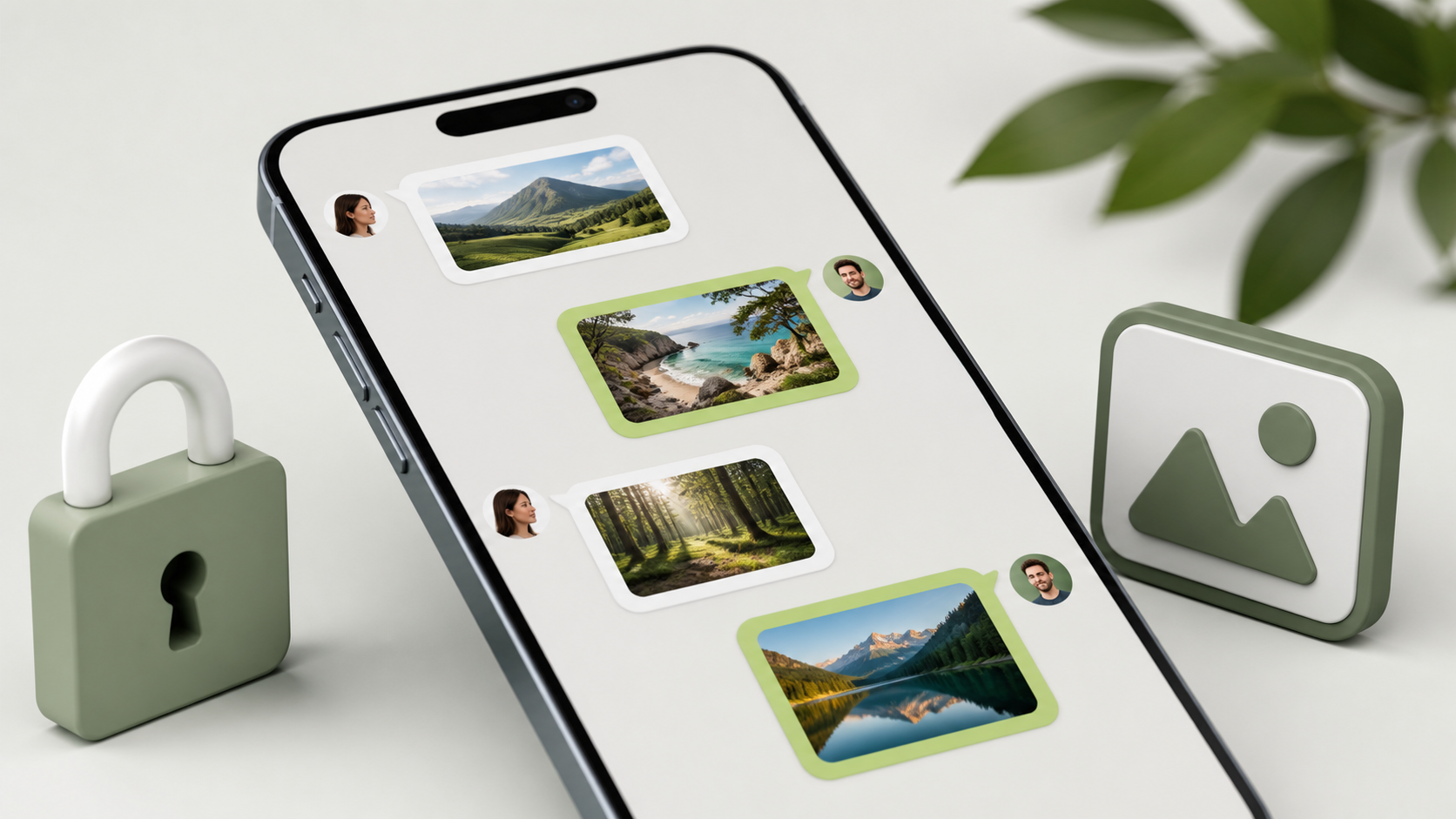
How image sharing works in private chat apps
See how private apps handle image sharing, quality, previews, and security while keeping chats simple for everyday use.
Image sharing is one of the most useful features in private chat apps, but it can also be one of the easiest to get wrong. People want the convenience of sending a photo, screenshot, scan or document without turning their chat into a public gallery or cluttering it with extras they never asked for.
That balance is what makes secure image sharing interesting. The best private chat apps keep the flow simple: pick an image, send it, view it quickly, and decide who can see it. Done well, the process feels ordinary. The privacy protections stay in the background instead of demanding attention at every step.
This matters whether you are comparing private chat apps for personal use, team coordination, or a small community. Good chat features should make sharing easy, but they should not push the app towards a social feed model where everything is surfaced, recommended, reshared or indexed by default.
What image sharing should do in a private chat app
At its simplest, image sharing is just attachment handling with a preview. You choose a file, the app uploads or prepares it for transfer, and the recipient sees it in the conversation. The core job is to make that path quick and reliable without exposing the image to people outside the chat.
In a private chat app, the image should belong to the conversation, not to a public profile or timeline. That means no forced likes, no follower counts, no visible discovery features, and no assumption that every image is meant for wider sharing. It should feel like sending a message, not publishing a post.
Apps such as PigeonChat are useful examples of this mindset when they keep the focus on private conversation first. The experience should stay close to how people already communicate, while making the security model strong enough that users do not have to think about it constantly.
How private chat apps move images safely
Most secure systems start by protecting the file during transfer. In an end to end encryption chat, the app should ensure that only the sender and the intended recipient can read the image contents. The service handling the message should not be able to inspect the picture in plain form if the design truly keeps the encryption boundary intact.
That does not mean the app never touches the file. It may still need to resize a preview, manage delivery, or handle temporary storage. The important point is that any such processing should fit the privacy promise and be explained clearly. Users should understand what happens to their images, even if they never see the technical details.
Good design also avoids making encryption feel like a special mode you have to enable every time. In a private chat app, it should be part of the normal experience. If sharing an image takes five extra steps, people will look for easier workarounds. Security that is awkward tends not to survive contact with real life.
Key privacy choices behind image sharing
There are several design choices that shape whether image sharing stays private or becomes messy.
- Access control - only the people in the conversation should be able to open the image.
- Minimal metadata - do not expose more information than needed, such as unnecessary identifiers or public links.
- Clear retention rules - users should know whether images are stored, cached, or deleted after delivery.
- Preview handling - thumbnails can be useful, but they should not become an easy leak path.
- No social feed spillover - private images should stay in private chats rather than appearing in shared discovery surfaces.
These choices sound technical, but they affect everyday trust. A photo of an ID, a medical document, or a family snapshot carries different expectations from a joke image sent to a friend. Private chat apps need to support all of these without creating confusion about who else might see them.
It also helps when the app is honest about trade-offs. For example, reducing image size can improve speed and storage use, but it may affect quality. A sensible product will make that behaviour understandable, not hidden behind vague labels.
How to keep secure image sharing easy to use
The best private chat apps remove friction without removing control. A sensible flow usually starts with a clear attachment button, a simple preview, and one obvious send action. If users need to navigate through layers of menus just to send a screenshot, the feature is already too complicated.
Useful chat features often include things like basic image previews, optional download controls, and clear indicators for whether a file has been delivered or viewed. These do not need to be flashy. In fact, the calmer the interface, the easier it is to preserve privacy without drawing attention to it.
When people are comparing tools such as Pigeonchat.site or alternatives, it helps to ask a simple question: does the app make private sharing feel natural, or does it keep nudging users towards public behaviour? The right answer should be obvious in the interface.
What users should check before sharing sensitive images
Even if an app claims to be private, it is worth checking a few basics before sending something sensitive.
- Is the chat private by default, or do you have to change a setting?
- Does the app explain how images are stored and for how long?
- Can you tell who can access the conversation?
- Are image previews and downloads handled in a way that matches the privacy promise?
- Does the app keep your private chats separate from public profiles, directories, or feeds?
You do not need to become a security engineer to ask these questions. A trustworthy app should make the answers easy to find. If the privacy story is hard to explain, that is often a sign that the product is optimised for convenience first and confidentiality second.
For day-to-day use, a little caution goes a long way. Avoid sharing images you would not want copied, forwarded, or kept indefinitely unless you understand the app’s behaviour. Private chat apps can reduce risk, but no interface can remove judgement from the user entirely.
Why image sharing should not turn into a social feed
Some products blur the line between messaging and broadcasting. They begin with a chat and quietly add reactions, public profiles, algorithmic discovery, reposts, and content recommendations. That can be useful in a social app, but it is usually the wrong direction for private conversation.
Private image sharing works best when the app treats each file as part of a direct exchange. The goal is not to maximise engagement. The goal is to let two or more people communicate clearly and securely, then move on. That is a different design philosophy, and it matters.
When done properly, privacy does not make the app harder to use. It simply keeps the right boundaries in place so the conversation stays a conversation. The user gets simplicity, and the product avoids becoming a half-private, half-public system that nobody fully trusts.
Frequently asked questions
Is image sharing in private chat apps always encrypted?
No. Some apps encrypt messages and images end to end, while others use different protection models. If encryption matters to you, look for an app that states clearly how image contents are protected and whether the service itself can read them.
Does secure image sharing have to be slow or awkward?
Not necessarily. Good private chat apps aim to make sending an image feel as quick as sending a text. Security should happen behind the scenes, with only the necessary controls shown to the user.
How do I know if a private chat app is acting like a social feed?
Watch for public profiles, recommended content, open discovery, visible follower systems, or resharing features that pull private images into broader spaces. A private app should keep your images inside the conversation unless you choose otherwise.
In the end, secure image sharing is not about adding more complexity. It is about making a simple action safe by default, clear in its rules, and free from social-media style spillover. That is the standard private chat apps should aim for, whether you are choosing a tool for work, family, or everyday conversation.
Ready to try PigeonChat?

Writer & Editor at PigeonChat
Related Articles

Why chat folders matter for busy group conversations

How image sharing works in private chat apps

What chat features users expect in modern private apps

Why chat folders help busy groups stay organized

How chat groups help schools and universities stay organized
