
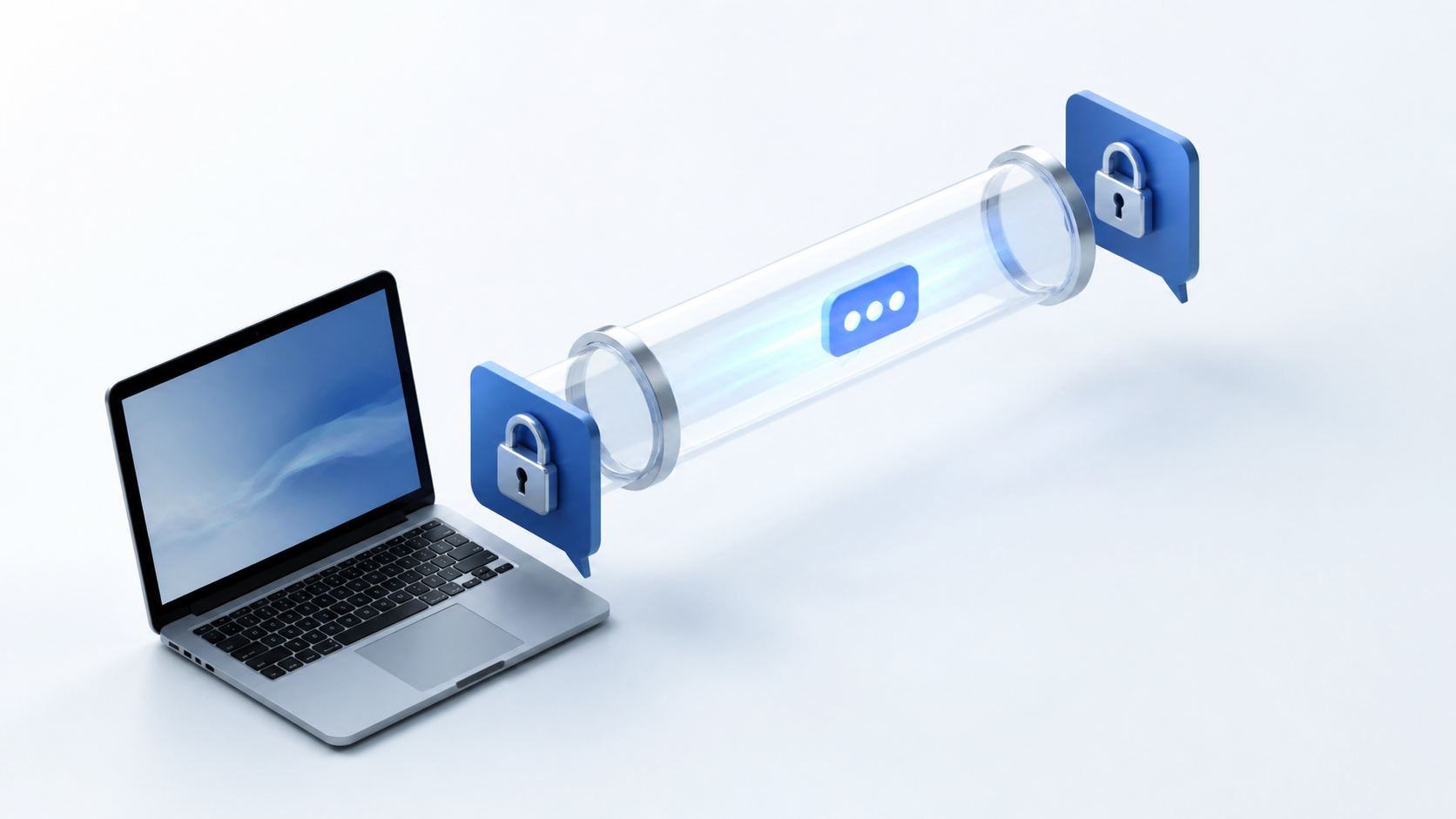
How end to end encryption chat works in browser
Understand how encrypted browser chats protect private messages, what e2e means, and what to check before trusting a web app.
Browser-based messaging has a reputation problem. Many people assume that if a chat runs in a browser, the service provider can see everything. In reality, that is not how a well-built end to end encryption chat works. The browser is only the place where messages are created, encrypted and decrypted. The server can move encrypted data around without being able to read the content.
The key idea is simple: encryption happens on your device before anything leaves it, and only the intended recipient can unlock the message. That can be true in a desktop app, a mobile app, or a web app. The difference is not the browser itself, but how carefully the messaging system is designed. A privacy first chat app can run in the browser while still keeping message content private.
If you are comparing tools such as Signal, or looking at a browser-based option like PigeonChat, it helps to understand the mechanics rather than the marketing. Once you know where encryption happens, what keys are used, and what the server can and cannot see, you can judge a chat app on substance instead of assumptions.
What end to end encryption chat means in practice
End to end encryption means that messages are encrypted on the sender's device and only decrypted on the recipient's device. The service in the middle, including the web server, should only see ciphertext. That ciphertext is unreadable without the right private key. If the system is built properly, even the platform operator cannot inspect the message text.
This is different from ordinary HTTPS. HTTPS protects data between your browser and the server, but the server still receives the plain message and can store or process it. End to end encryption adds another layer so that the server never gets the unencrypted content in the first place.
For a browser-based product, that means the page you load must include the code that performs encryption locally. The browser is not the weak point by default. The weak point is any design that sends cleartext to the server, uses poor key handling, or allows the server to swap in altered client code unnoticed.
How a browser encrypts messages before they leave your device
When you type a message in an e2e chat app pigeonchat.site style setup, the browser first uses a cryptographic library to generate a message key or session secret. The message is then encrypted with that secret. Only after that does the app send the encrypted payload to the server for delivery.
The recipient's browser does the reverse. It receives the encrypted message, uses its private key or session state to derive the correct decryption key, and displays the plaintext locally. At no point should the server need access to the plaintext, the private keys, or the decrypted message content.
Good implementations also separate message transport from message secrecy. The server may still know some operational details, such as when a message arrived or which account it belongs to. But message content, attachments and most metadata should be protected as much as the design allows. In a browser, that separation is what makes private messaging possible.
What keys do, and why they matter more than the app label
End to end encryption depends on keys. A public key can be shared openly, while a private key stays on the user's device. Senders use the recipient's public key to encrypt a message. Only the recipient's private key can unlock it. In some systems, both sides also establish session keys for more efficient ongoing messaging.
The important detail is key control. If your private key is stored only on your device, the provider has a much harder time reading your messages. If the service can access your key material, or can quietly replace the browser code that handles it, then the privacy promise is weaker than it looks.
That is why browser-based secure chat should be assessed carefully. Ask where keys live, whether they are encrypted at rest, and whether they ever leave the browser in usable form. These are more important questions than whether the product looks modern or uses familiar branding like Signal-style simplicity.
Why browser-based privacy can still be strong
Browsers have improved a great deal. They support strong TLS, secure storage options, modern cryptographic APIs, and sandboxing that helps limit damage if something goes wrong. A browser-based system can therefore be a serious privacy tool, not a toy.
There are trade-offs, of course. A browser app is exposed to the code delivered by the server each time it loads, so integrity matters. If the website is compromised, or if the provider serves a tampered client, encryption can be undermined before it even starts. This is why trust in a privacy first chat app is not only about algorithms, but also about delivery and update security.
Still, browser delivery is not inherently insecure. With careful design, signed updates, strict content policies, transparent code review and well-managed keys, a browser can host a private messaging experience that is perfectly reasonable for daily use.
What to check before trusting a browser chat
If you want to evaluate a web-based messenger, focus on practical signs that the architecture respects privacy. A flashy interface is not enough. Neither is a claim that the app is encrypted, unless the message flow supports it end to end.
- Messages are encrypted locally in the browser before upload.
- Private keys never leave the device in readable form.
- The server stores only encrypted payloads, not plaintext messages.
- The web app uses secure delivery and integrity protections.
- The provider explains what metadata is collected and why.
- Account recovery does not quietly weaken the encryption model.
If a service like PigeonChat explains these points clearly, that is a good sign. Clear technical explanations are more useful than vague promises. A trustworthy system should be able to describe what it protects, what it cannot hide, and where the limits are.
Common mistakes that break the privacy promise
One common mistake is moving encryption to the server for convenience. That may simplify development, but it means the server can see message content. Another is storing private keys in a way that makes them easy to sync without strong protection. Convenience is valuable, but it should not come at the expense of message secrecy.
Another issue is client-side code integrity. If the browser downloads fresh chat code from the server every time, the code itself becomes part of the trust model. That does not make browser chat bad, but it means the provider must take software delivery seriously. Without that, the encryption design can be technically sound yet practically fragile.
Finally, metadata matters. Even when content is hidden, a server might still learn who is talking, when messages are sent, or which devices are active. Some metadata is unavoidable for routing and reliability, but a good system should minimise what it keeps and be honest about the rest.
Frequently asked questions
Is browser chat less private than a native app?
Not necessarily. A browser chat can be just as private if it encrypts messages locally, keeps private keys on the device, and protects the app code it serves. The privacy level depends on the design, not simply on whether the app is browser-based.
Can the server read my messages in an end to end encryption chat?
If the system is designed correctly, no. The server should only receive encrypted data and should not have the keys needed to decrypt it. It may still see some metadata needed to deliver messages, but not the message content itself.
Why do people mention Signal when talking about secure messaging?
Signal is often used as a reference point because it is widely associated with strong messaging privacy. People mention it when discussing secure architecture, not because every private chat app must work the same way. The important thing is to understand the underlying model, especially key handling and message encryption.
Browser-based messaging can absolutely be private when the architecture is built around local encryption, careful key management and honest limits. If you are choosing between tools, look past the platform and inspect the design. That is the real difference between ordinary web chat and a genuinely secure, end to end encryption chat system. PigeonChat and similar services are worth judging on those basics, because privacy is earned through engineering, not slogans.
Ready to try PigeonChat?

Writer & Editor at PigeonChat
Related Articles

What makes an end to end encryption chat app secure

What a fully compliant EU chat app should include

Why people search for a WhatsApp alternative without a number

What end to end encryption chat really protects

Why chat folders matter for busy group conversations
