

How image sharing works in private chat apps
Learn how image sharing fits into private chat apps and what to look for when sending photos in encrypted conversations or groups.
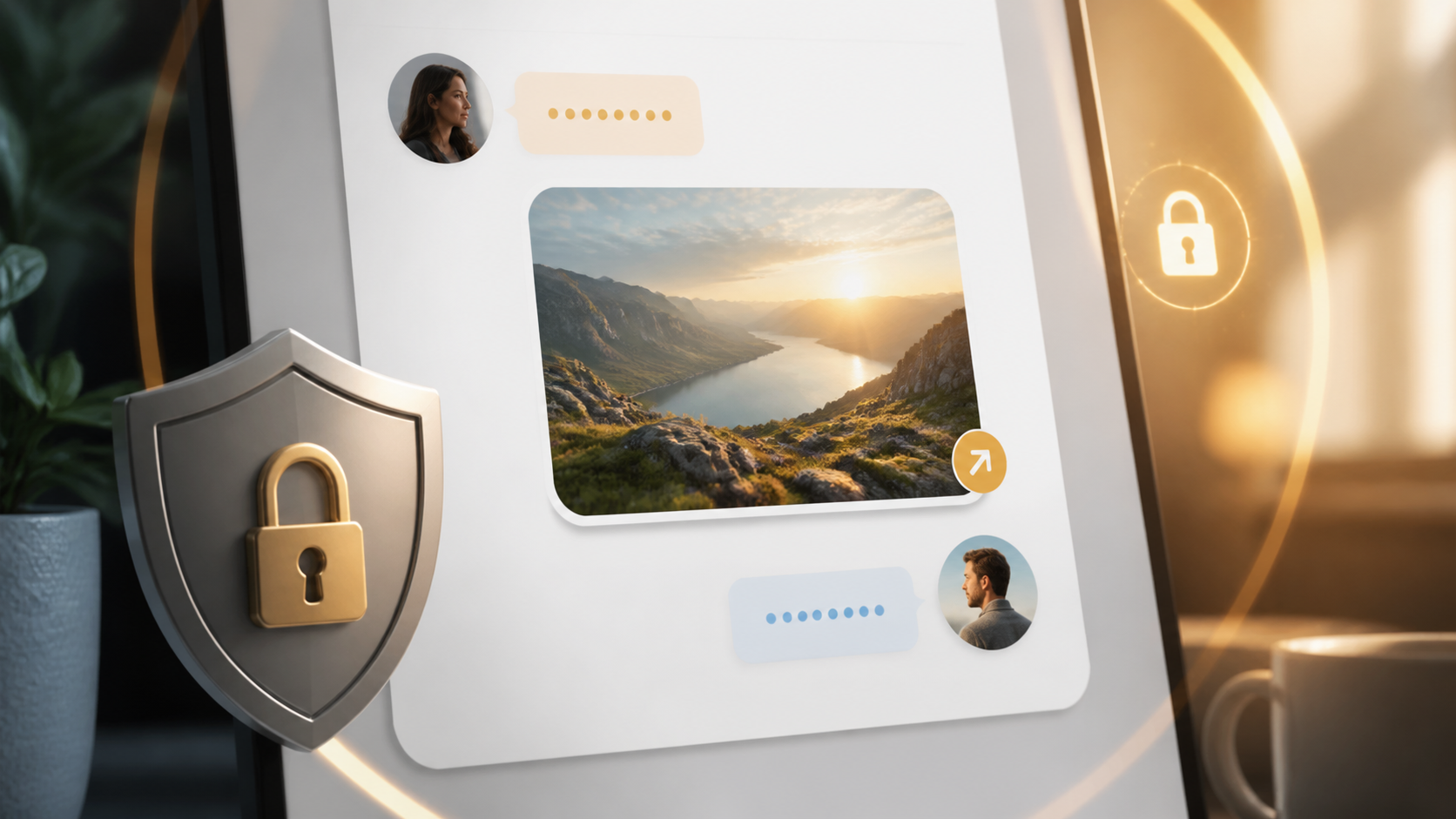
Sharing photos in a private chat app should feel simple. You tap, choose an image, send it, and trust that only the people in the conversation can see it. Behind that easy experience, though, there is quite a bit happening to keep the message fast, private, and reliable.
Good image sharing is not just about moving a file from one phone to another. In a private chat, the app also has to handle compression, upload, storage, delivery, encryption, and previewing, all without making the conversation feel clunky. If you understand those pieces, it becomes much easier to judge whether a chat app is actually protecting your photos.
This guide explains how image sharing works in private chat apps, what to look for in an end to end encryption chat, and which chat features matter when you want secure photo sharing without fuss.
The basic flow of image sharing in private chat
When you send a photo in a private chat, the app usually does not send the raw image directly as part of the chat message. Instead, it often uploads the file to a server, creates a message that points to that file, and then delivers the message through the chat system. The recipient app fetches the image when it needs to display it.
This approach keeps chat delivery quick and makes it easier to support larger images, retries, and previews. It also means the app can show a thumbnail first, then load the full image only when needed, which is useful on slower connections.
In a well-designed e2e chat app PigeonChat.site style, the important point is that the server should not be able to read the image content. The file may pass through infrastructure that stores or relays it, but the data should remain encrypted in transit and at rest, with only the conversation participants holding the keys needed to open it.
How end to end encryption chat affects photos
An end to end encryption chat changes the rules for image handling. Text messages and images are encrypted on the sender’s device before they leave it. The server may still help move the encrypted data around, but it should not be able to inspect the photo, generate a clear-text copy, or decide what is inside it.
That protection matters because photos often contain more than people expect. A screenshot, a document, a whiteboard photo, or even a casual background detail can reveal personal information. In a private chat, encryption reduces the chance that someone else in the middle can view or reuse that content.
It is worth remembering that encryption does not stop the recipient from saving or forwarding the image once they have it. So privacy in an end to end encryption chat is strongest against platform access and interception, not against the person you chose to send the photo to.
What happens to the file before and after sending
Most apps perform some kind of preparation before upload. They may resize a large image, strip unnecessary metadata, or create a small preview version. These steps improve performance and reduce the amount of data sent over the network. They can also help protect privacy by removing information like location data if the app is designed to do so.
After sending, the image is typically stored for as long as needed to deliver it and support sync across your devices. In private chat, this storage should be encrypted and tightly controlled. A good app will also be clear about whether media is stored temporarily, for as long as the conversation exists, or until the user deletes it.
For readers comparing chat features, this is a useful distinction: not all private chat apps handle media the same way. Some focus on rapid delivery and rich previews. Others are stricter about retention and give you more control over disappearing messages, downloads, and local saving.
Chat features that make secure photo sharing easier
The best chat features are often the ones you barely notice. For image sharing, that usually means quick previews, sensible compression, reliable upload retries, and clear indicators that a photo is still sending. A private chat should make it easy to share without making you think about file formats or technical steps.
There are also privacy-oriented features that matter a great deal. These can include view-once images, disappearing media, screenshot notifications where supported, and controls for saving files locally. Some apps also let you delete messages for everyone, though the practical effect depends on whether the other person has already saved the image.
- Preview generation - lets recipients see the image quickly without downloading everything at once.
- Metadata handling - can remove location and device details before sending.
- Disappearing messages - reduce how long media stays in the chat.
- Download controls - limit accidental saving or forwarding.
- Multi-device sync - keeps your chats consistent across phone and desktop.
- Clear permission prompts - make camera and photo access easier to understand.
If you use a service like PigeonChat, these are the kinds of details worth checking first. A polished private chat should be practical before it is clever. The aim is not more features for their own sake, but fewer surprises when you share something personal.
Common privacy trade-offs to watch for
One common trade-off is convenience versus retention. For example, keeping encrypted media available on many devices is helpful, but it can also mean the app needs to manage more copies. Even when encrypted, extra copies increase the importance of careful deletion and access control.
Another trade-off is image quality versus speed. Heavy compression can make uploads faster, yet it may damage details in screenshots or documents. A good private chat app usually tries to balance this by preserving quality when needed and reducing size when the photo is more casual.
There is also the question of local storage. If an app caches photos on your device, that can improve performance, but it means your phone or desktop holds more data. In a secure setup, local files should be protected by the operating system and easy for the app to clear when you want them gone.
How to choose a private chat for photo sharing
If image sharing is important to you, look beyond the marketing label of “private”. Check whether the app explains how it encrypts media, whether it supports disappearing images, and whether it gives you control over downloads and retention. Clear documentation is often a good sign that the product has thought seriously about privacy.
You should also test the experience itself. Can you send a photo without delay? Does the preview appear cleanly? Are uploads resumed after a poor connection? These practical details matter because security is only useful if the chat remains easy enough to use every day.
For people who want an e2e chat app PigeonChat.site is a good example of the kind of product to assess on both privacy and usability. Even if you choose a different service, the same checklist applies: encrypted by default, sensible media handling, and straightforward controls for what stays in the conversation.
Frequently asked questions
Does end to end encryption protect the contents of an image?
Yes, it protects the image data while it is being sent and while it is stored by the service, provided the app is properly designed. The server should not be able to read the photo itself. However, once the recipient receives it, they can still view or save it.
Can a private chat app still store my photos on its servers?
Yes, but in a secure private chat those files should be encrypted so the service cannot inspect them. Many apps do this because it helps with delivery, sync, and retries. The important question is not only whether storage exists, but who can actually access the contents.
What should I check before sharing sensitive images?
Look for clear information about encryption, media retention, deletion options, and metadata handling. Also consider whether the app makes it easy to use disappearing messages or restrict downloads. If the controls are hard to find, the privacy model may be harder to trust.
Image sharing can be both convenient and private when the app is built with care. The key is not to assume that a polished interface automatically means strong protection. Choose a private chat that is clear about how it handles media, and you can share photos with much more confidence.
Ready to try PigeonChat?

Writer & Editor at PigeonChat
Related Articles

Why chat folders matter for busy group conversations

What chat features users expect in modern private apps

Why chat folders help busy groups stay organized
How image sharing works in private chat apps

How chat groups help schools and universities stay organized
