
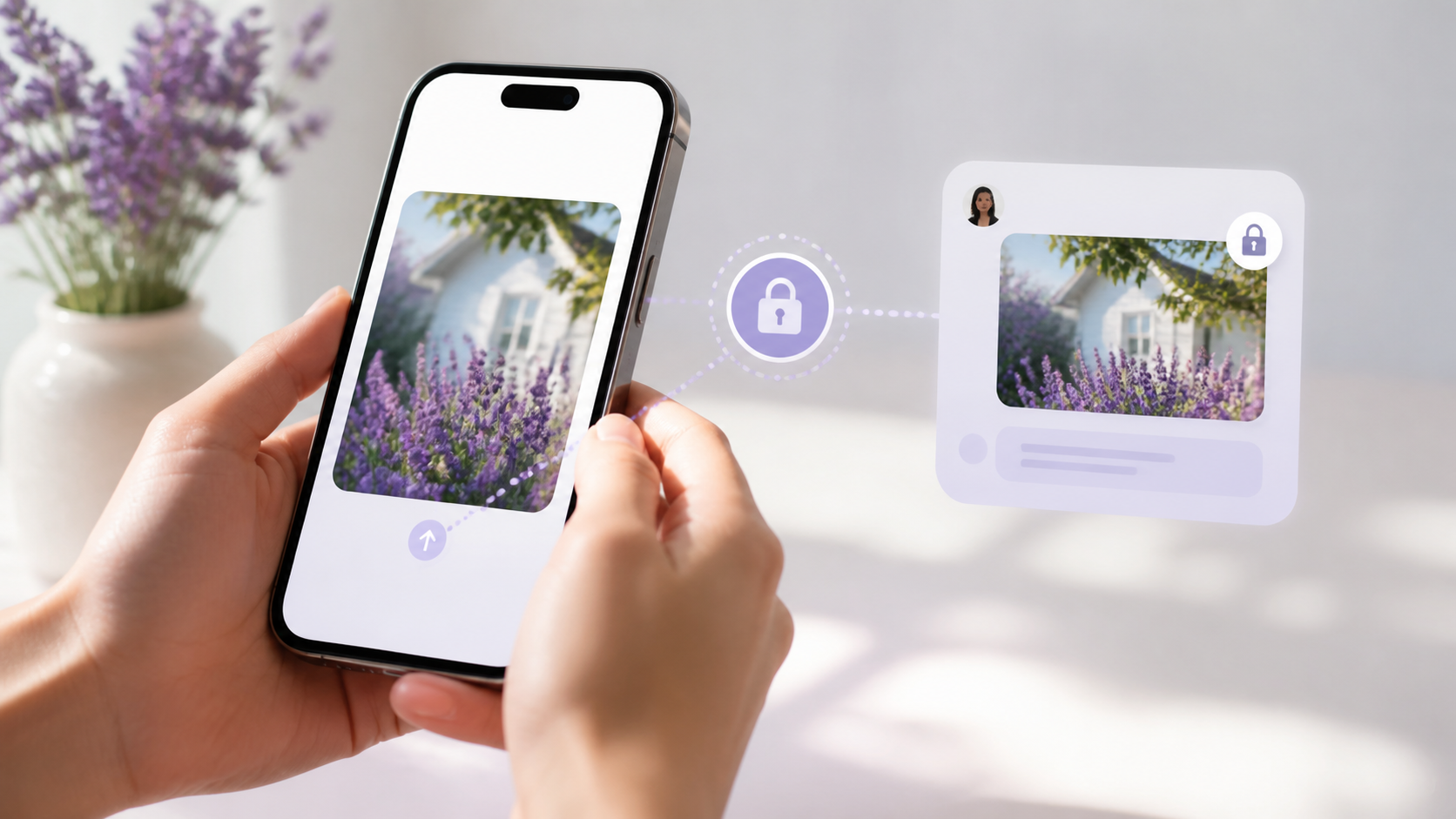
How image sharing works in private chat apps
Understand how image sharing fits into private messaging, what encryption covers and why users want control over shared media.
Image sharing in private chat apps is often treated as a simple feature, but it is really a test of how much control the app gives you. A photo is not just another message. It can contain faces, locations, documents, rooms, screens, or moments you only meant to share with a small trusted group.
That is why the best private chat app designs think carefully about where images are stored, who can decrypt them, how long they stay available, and what happens when a chat is forwarded, backed up, or opened on another device. In an end to end encryption chat, the goal is not only to hide text. It is to keep media inside the same secure boundary.
If you are comparing apps, it helps to look past the marketing and ask a simple question: when I send an image, who can actually see it, copy it, cache it, or keep it? A service like PigeonChat is only useful if it helps people understand that control matters as much as convenience.
What image sharing really means in a private chat app
At its core, image sharing is the transfer of a file from one device to another through the app’s messaging system. That sounds straightforward, but there are several moments where privacy can weaken. The image may be resized, uploaded to a server, cached temporarily, stored in backups, or previewed through a link or thumbnail.
In a private chat app, the ideal flow keeps the image encrypted during transit and at rest, and only decrypts it on the devices that are supposed to see it. That means the server acts more like a courier than a reader. It can move the data, but it should not be able to inspect the picture itself.
This is where media behaves differently from plain text. Images are larger, more likely to be processed for previews, and often more tempting to save or share again. A good design recognises that the moment a photo leaves the chat window, control can start to slip.
Why end to end encryption chat matters for images
End to end encryption is the main technical safeguard for private media. In an end to end encryption chat, only the sender and the intended recipients should hold the keys needed to read the image. Even the service provider should not be able to open it.
That matters because images are often more revealing than messages. A screenshot, a scan of a letter, or a casual photo in the background may expose information that was never meant for wider circulation. Encryption helps make sure that a compromise of the platform does not automatically expose your media archive.
It is worth remembering, though, that encryption does not stop the recipient from copying what they can already see. It protects the transport and storage path, not human judgement. So image sharing is never only a technical issue. It is also about trust and the social rules inside the conversation.
Control over media is as important as encryption
People often assume that if a chat is encrypted, the job is done. In practice, control is just as important. A private chat app should make it clear whether images are saved automatically, whether they can be downloaded, and whether they can be opened on new devices without reapproval.
Good control also means sensible defaults. For example, an app might keep images inside the chat rather than exporting them to a shared gallery by default. It might let you delete a message for everyone, set expiry timers, or stop images from being forwarded easily. These are not perfect defences, but they do raise the bar.
When you are evaluating a product, watch for features that quietly widen access. Multi-device sync, cloud backup, link previews, and automatic thumbnail generation can all be useful, but they can also create extra copies of the same file. More copies mean more risk.
- Check whether images are encrypted before they leave the device.
- Look for controls on downloads, forwarding, and auto-save.
- Ask whether backups include media, and if so, whether they are encrypted too.
- See if the app reduces metadata, such as location data, before sending.
- Prefer apps that keep media inside trusted chats by default.
What happens to metadata, previews, and backups
Images carry more than pixels. They can include metadata such as the time they were taken, the model of the device, and sometimes location information. Even when the image content is encrypted, metadata can still reveal useful clues if the app does not handle it carefully.
Previews are another hidden layer. Some apps create thumbnails or temporary previews so messages load quickly. That is convenient, but it also means extra processing and extra storage points. If those previews are not protected in the same way as the original image, they can become a weak spot.
Backups deserve special attention. If a chat app stores media in a cloud backup, then privacy depends on how that backup is protected. A secure design should make it clear whether the backup is encrypted, who holds the key, and whether restoring on a new device exposes old image history.
Practical habits for safer image sharing
You do not need to be a security specialist to reduce risk. A few habits make a real difference when sending photos in a private chat app. First, think before you send. If an image contains an address, a document, a whiteboard, or someone else’s face, it may need more care than a casual picture.
Second, use the app’s controls deliberately. If it offers disappearing media, private albums, or restricted forwarding, use them where appropriate. If an image is only needed once, do not leave it sitting in a long-lived group thread without a reason.
Third, assume the device at the other end matters as much as the network. Encryption protects the route, but the recipient can still save a screenshot, photograph the screen, or export the file. That is why trust remains central to image sharing, even in a strong end to end encryption chat.
How to judge a private chat app’s image-sharing design
When assessing a private chat app, it helps to ask a small set of direct questions. Where is the image stored? Who can decrypt it? Does the app create extra copies? Can the server see thumbnails or previews? Can the media be moved into other parts of the product without your permission?
These questions are practical because they focus on control rather than slogans. An app may call itself private, but if media is automatically backed up, indexed, or shared across services, then the privacy story is weaker than it first appears. Good messaging design makes the path of the file obvious.
That is also where products such as PigeonChat can be useful as a reference point. Even if you never sign up, it is worth looking for a platform that treats media as something to be contained, not something to be casually harvested into every connected service.
Frequently asked questions
Is image sharing in a private chat app always secure?
No. Security depends on the full path the image takes, not just on the app’s branding. Even in a strong private chat app, risks can come from device backups, previews, metadata, screenshots, and the person receiving the image.
Does end to end encryption chat protect images the same way it protects text?
In principle, yes. The image should be encrypted so only intended recipients can read it. In practice, media often has extra complications such as thumbnails, caching, and backups, so it is worth checking how the app handles those pieces too.
What is the biggest mistake people make with image sharing?
The biggest mistake is assuming that privacy is automatic once a chat is encrypted. The sender still needs to think about what is visible in the image, how long it should remain available, and whether the recipient should be able to keep or forward it.
Private image sharing works best when the app is designed for control, not just convenience. If a service keeps media inside trusted chats, limits unnecessary copies, and makes encryption part of the whole journey, it gives people a much better chance of sharing confidently. That is the standard to look for, whether you are comparing tools today or simply trying to understand how modern messaging should work.
Ready to try PigeonChat?

Writer & Editor at PigeonChat
Related Articles

What makes an end to end encryption chat app secure

What a fully compliant EU chat app should include

Why people search for a WhatsApp alternative without a number

What end to end encryption chat really protects

Why chat folders matter for busy group conversations
