
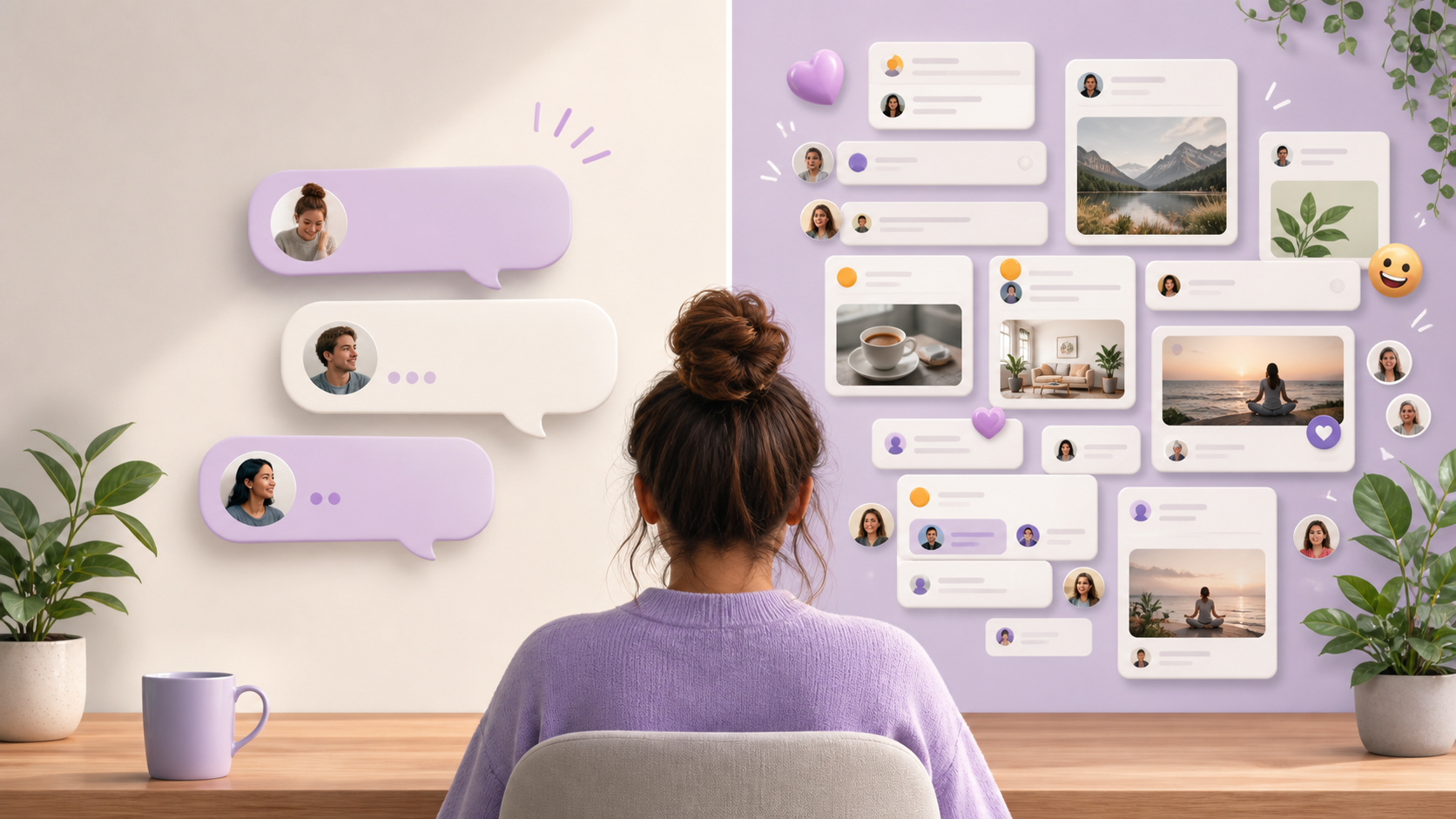
What PigeonChat offers for private messaging and groups
See how PigeonChat combines encrypted one-to-one chats, public channels, stickers, stories, and group tools in one browser app.
If you are comparing chat tools, it is easy to assume they all do the same thing: send direct messages, perhaps create a group, and that is the end of it. In practice, the best messaging products feel different because they handle private conversations and community spaces with equal care. That balance matters if you want both quiet one-to-one chat and the energy of larger rooms.
That is where PigeonChat stands out. It is built as a PigeonChat experience that can support private messaging, chat groups, and broader community features without making the product feel crowded or confusing. For people browsing Pigeonchat.site, the appeal is not just in sending a message quickly. It is in having a sensible place for each kind of conversation.
This article looks at the chat features that make that possible. Whether you are considering a group chat app for friends, a team space, or a community with public channels, it helps to know how the pieces fit together before you commit time to setting everything up.
Private messaging that stays personal
Private messaging works best when it feels simple, immediate, and easy to control. A good private chat should let two people talk without distractions from bigger group threads or busy feeds. PigeonChat is designed with that in mind, so direct conversations can stay focused and easy to return to later.
That matters for everything from quick check-ins to longer, more thoughtful exchanges. In a well-designed messaging app, private spaces do not feel like a second-class feature. They are a core part of how people communicate day to day, and they should be easy to find from the same place you manage the rest of your chats.
There is also a practical side to private messaging. When your personal messages sit alongside other chat features in a clear way, you spend less time switching contexts. That reduces friction and makes the app feel calmer, especially if you also belong to active chat groups or public channels.
Chat groups for friends, teams, and communities
Chat groups are where a messaging app starts to show personality. A small family group, a project discussion, or a hobby community all need slightly different behaviour, but they share one thing in common: people need to follow the conversation without feeling lost.
PigeonChat is built to handle those group chat app use cases without treating them as an afterthought. You can keep private messaging for direct conversations and use chat groups when the message needs to reach several people at once. That separation is useful because it gives each conversation the right level of visibility.
Good group chat design is less about adding more buttons and more about making it obvious where to talk, how to join in, and when a message belongs in a wider room rather than in a private thread. That is the sort of clarity that helps both casual users and more organised communities.
- Use private messages for one-to-one conversations
- Move shared planning into chat groups
- Keep ongoing announcements in public channels
- Use media and expressive tools to make chats feel alive
- Keep the app structure simple enough that new people can follow it quickly
Public channels for broader conversation
Public channels are useful when a discussion is meant to be seen by more than a small circle. They work well for updates, community announcements, topic-based discussion, and places where people want to observe before they contribute. In a healthy chat environment, public channels sit alongside private messaging rather than replacing it.
That mix is important. Not everything should be public, and not everything belongs in a small group. PigeonChat gives communities a way to separate open conversation from more personal or targeted discussion, which can make the whole experience easier to manage.
For many users, the value of public channels is not just reach. It is also discoverability. People can find the right space for a subject more easily when the app offers a clear structure rather than trying to push every conversation into one big room.
Expressive tools like stickers and stories
Messaging does not have to be plain text all the time. Small expressive touches can make a chat feel more human, especially in groups where tone can be hard to read. Stickers are one of the simplest ways to add personality without complicating the conversation.
Stories can also support a lighter kind of sharing. They are useful for quick updates, moments worth broadcasting, or content that should be visible for a short time without becoming the main thread of the conversation. In the context of a group chat app, that can help keep the main rooms cleaner while still letting people share more casually.
The key is restraint. Well-chosen expressive tools should enhance chat features, not overwhelm them. Used well, stickers and stories give people more ways to participate, while leaving private messaging and chat groups easy to follow.
Why a strong group chat app needs both structure and flexibility
Many people choose a messaging platform for one reason and then discover they need several. A work group might also need private messaging for side discussions. A community might want public channels for announcements and smaller chat groups for focused topics. A good product should support that mix without turning into a maze.
PigeonChat appears to be built with that reality in mind. It is not just about having chat features in name only. It is about creating a structure where each kind of conversation has a clear home. That helps conversations feel more organised, even when the community itself is active and varied.
If you are evaluating a platform like Pigeonchat.site, it is worth asking whether it handles the everyday basics gracefully. Can you move from a private message to a group discussion without confusion? Can you keep open channels readable? Can people choose the right format for the right moment? Those are the questions that separate a useful app from a merely functional one.
How to think about the right chat setup
If you are choosing messaging software for yourself or for a community, start with the kinds of conversations you expect to have. A small circle of friends may need strong private messaging and a few chat groups. A larger community may rely more heavily on public channels, with private chats used for coordination. The best tools can support both patterns.
It also helps to think about member experience. People should not need a long explanation to understand where to post, who can see what, or how to switch between direct and group conversation. The simpler the mental model, the more likely people are to keep using the space.
PigeonChat fits well into that kind of thinking because it is framed around both personal and shared communication. That balance makes it easier to imagine using the same platform for quiet conversations, active groups, and broader community spaces.
Frequently asked questions
Does PigeonChat work only for one-to-one messaging?
No. The point of PigeonChat is that it supports private messaging as well as chat groups and more open community spaces. That makes it suitable for people who want both direct conversation and broader participation in one place.
What makes chat groups different from public channels?
Chat groups are usually better for defined circles of people, such as friends, teams, or project members. Public channels are more open and are often used for announcements or topic-based discussion where a wider audience is welcome. Both have a place, but they serve different needs.
Are stickers and stories useful, or just decorative?
They can be genuinely useful when used with restraint. Stickers help people express tone quickly, while stories are good for short-lived updates or light sharing. In a busy group chat app, these features can make communication feel more natural without replacing plain conversation.
In the end, the best messaging tools are the ones that respect different kinds of conversation. Private messages need calm and clarity, chat groups need organisation, and public channels need structure. PigeonChat brings those ideas together in a way that feels practical rather than cluttered, which is exactly what most people want from modern chat features.
Ready to try PigeonChat?

Writer & Editor at PigeonChat
Related Articles

How chat groups help schools and universities stay organized

How chat groups support schools and universities

Why chat folders help busy groups stay organized

How chat groups support schools and universities

Why chat folders matter for busy group conversations
