
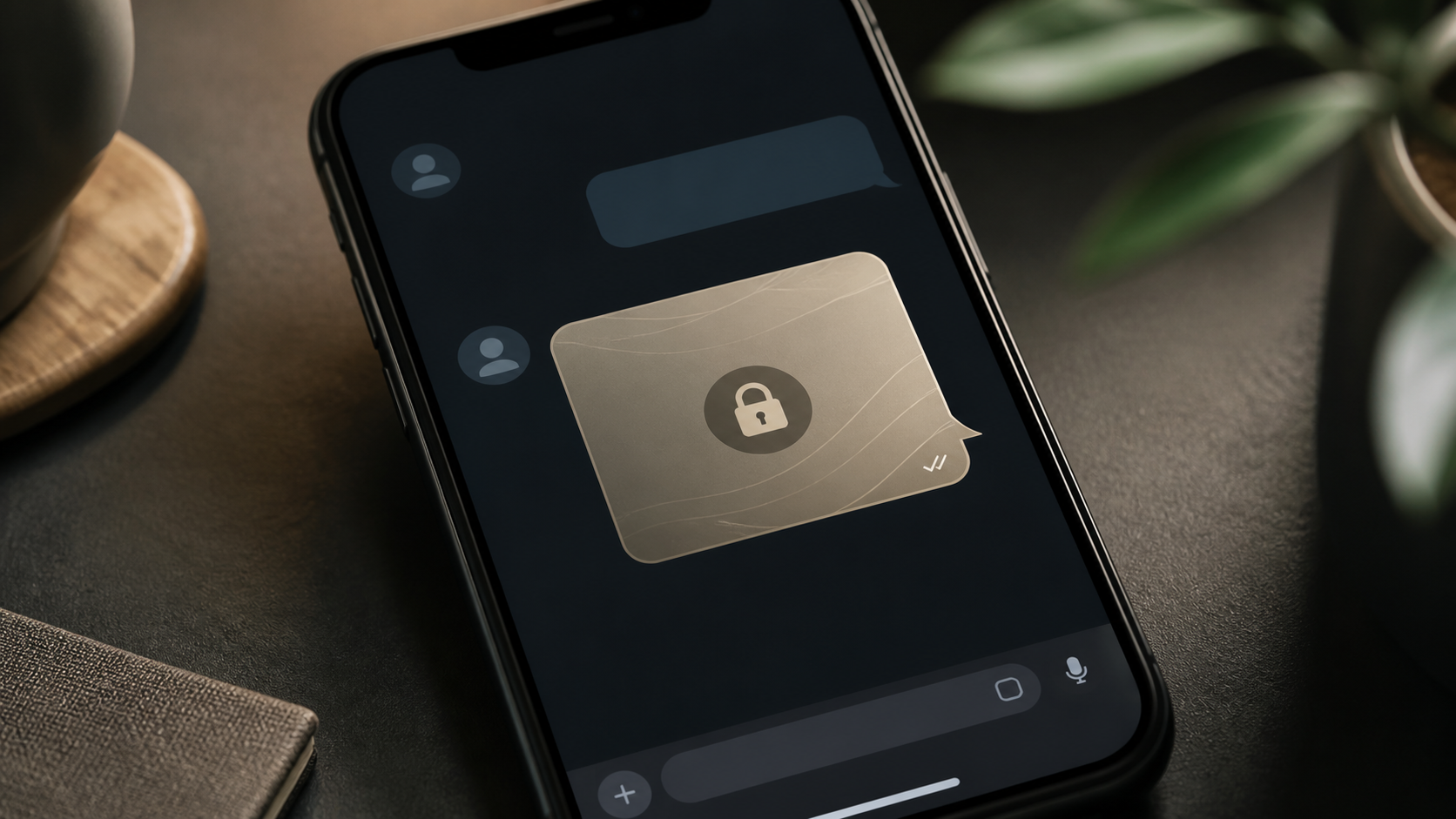
How image sharing works in private chat apps
Image sharing is a core chat feature, but privacy matters too. Learn what to check when sending photos in a private messaging app.
When people think about private messaging, they often picture the text itself. But image sharing is where privacy can get more complicated. Photos can reveal faces, locations, documents, screenshots, and other details that are easy to overlook in a quick chat.
A good private chat app does more than hide the words. It also needs to handle media carefully, from the moment an image is selected to the moment it reaches the recipient. That means combining end to end encryption chat design with clear rules for storage, previewing, forwarding, and deletion.
This guide explains how image sharing works in private apps, what encryption does and does not protect, and which chat features matter most if you want conversations and media to stay private. The ideas apply whether you use a mainstream messenger or a newer option such as PigeonChat.
What image sharing means in a private chat app
In a private chat app, image sharing usually starts with a simple action: choose a photo, attach it to a message, and send it. Under the surface, the app may resize the image, create a preview, compress the file, and prepare it for delivery across the network.
The important question is not just whether the image is sent, but how it is sent. A privacy-focused app should limit who can read the image data, who can access the metadata, and how long the file remains available on servers or devices.
That is where design matters. Some apps keep a copy of the media on their servers in readable form, which makes delivery easier but creates more exposure. A stronger private chat app uses encryption so the service can move the file without being able to inspect it.
How end to end encryption chat protects images
In an end to end encryption chat, only the sender and intended recipient can decrypt the content. The app provider can still route the message, but it should not be able to open the image itself. This is the core promise that makes private image sharing possible.
For images, encryption usually happens before upload. The app turns the file into encrypted data on the sender’s device, sends that protected package across the network, and lets the recipient device decrypt it locally. If the app is well designed, even a server breach should not expose the readable photo contents.
Encryption does not make every aspect invisible. File size, timing, contact relationships, and other operational details may still exist in some form. So while encryption is essential, it works best alongside careful handling of attachments and minimal data retention.
What happens to an image before it is sent
Many apps process images before encryption. They may resize large photos, reduce file weight, rotate them correctly, or create a thumbnail for the chat list. These steps can improve usability, but they also raise privacy questions if the app stores intermediate copies unnecessarily.
A secure app should be clear about what it does on-device and what it does on a server. Ideally, image preparation happens locally, then the encrypted file is transmitted with as little extra handling as possible. This reduces the number of places where a private photo could linger.
- Local compression can reduce upload size without exposing the image to a server.
- Thumbnails should be generated and stored with the same privacy expectations as the full image.
- Metadata stripping can remove location and camera details if the app offers that option.
- Temporary caches should be small, short-lived, and easy to clear.
These details are not always visible to users, which is why privacy documentation matters. If an app is vague about how it handles attachments, that vagueness is itself a warning sign.
Chat features that support private image sharing
Good chat features make privacy easier to maintain. For image sharing, the most useful features are often the simplest ones: expiration controls, device-level privacy settings, clear download behaviour, and the ability to delete media cleanly.
Look for controls that let you decide whether images stay in the conversation indefinitely or disappear after a set time. Also useful are options for blocking automatic saves to the camera roll, preventing previews on the lock screen, and disabling cloud backups that might store messages outside the encrypted path.
A few other features are worth checking:
- View-once or timed image messages
- Screenshot warnings or restrictions, where supported
- Manual approval for downloads and forwarding
- Per-chat privacy settings for media visibility
- Clear device sync controls for phones, tablets, and desktops
These are not just convenience features. They shape how much control you keep after pressing send. In a private chat app, control over the image lifecycle is as important as the encryption itself.
What encryption does not protect
It is easy to assume that encryption solves everything, but it does not. Once a recipient opens an image, they can still view it, save it, or re-share it. No messaging system can fully prevent a person from photographing their screen or copying the file elsewhere.
Encryption also does not remove the privacy risks inside the device. If a phone is unlocked, if a cloud backup is accessible, or if another app can read cached files, the image may still be exposed. In other words, the strongest network security can still be undermined by weak device habits.
This is why privacy is really a chain of protections. A secure transport layer, careful attachment handling, sensible defaults, and good user behaviour all need to work together. A platform such as PigeonChat can help with the first part, but users still need to understand the rest.
Practical ways to keep image sharing private
If you want image sharing to stay private, start by checking the app settings before sending anything sensitive. Turn off automatic cloud backups if possible, review download rules, and decide whether images should disappear after reading.
It also helps to think about the image itself. A screenshot of a bank statement, a passport photo, or a work document can contain more than the obvious content. Crop, redact, or blur details before sending if the recipient does not need the full file.
Here are some sensible habits:
- Send the smallest version of the image that still makes sense.
- Avoid sharing sensitive photos over devices you do not control.
- Use lock-screen protection and strong device passcodes.
- Check whether metadata such as location is included before sending.
- Delete old attachments where the app allows you to do so.
These steps are useful even if the app is already secure. Privacy is rarely one setting. It is a series of small decisions that reduce exposure at each stage.
How to evaluate a private chat app for image handling
When comparing apps, ask practical questions. Does the service explain where media is stored? Does it say whether images are encrypted before upload? Can you control retention, backups, and downloads? If the answer to these questions is unclear, the app may be optimised for convenience rather than privacy.
Transparency is especially important. A trustworthy private chat app should explain its media path in plain language, not hide behind vague marketing terms. If the app tells you how attachments are handled, you can make a better judgment about whether its privacy model fits your needs.
You do not need technical expertise to do a basic check. Read the privacy notes, inspect the media settings, and see whether the app gives you meaningful control over your files. That is often enough to separate genuine privacy tools from apps that simply look private.
Frequently asked questions
Does end to end encryption protect image sharing automatically?
It protects the image content during transmission and while stored in encrypted form, but only if the app actually encrypts attachments before upload. It does not stop the recipient from saving or forwarding the image once it is decrypted on their device.
Can a private chat app store my photos on a server?
Yes, it can, but the important detail is whether those files are stored in a way that the provider can read them. A better design stores only encrypted media and keeps retention limited. If the app is not clear about this, treat that as a privacy risk.
Are thumbnails and previews safe in private messaging?
They can be, but only if they are handled with the same care as the full image. Thumbnails may still reveal enough to matter, so it is worth checking how the app stores them, whether they sync across devices, and whether you can disable them if needed.
Private image sharing is less about magic and more about disciplined design. When an app combines encryption with honest media handling, careful defaults, and useful controls, it can keep photos far more private than a typical messenger. That is the standard to look for, whether you are evaluating a familiar service or trying something like PigeonChat.
Ready to try PigeonChat?

Writer & Editor at PigeonChat
Related Articles

Why chat folders matter for busy group conversations

How image sharing works in private chat apps

What chat features users expect in modern private apps

Why chat folders help busy groups stay organized

How chat groups help schools and universities stay organized
