
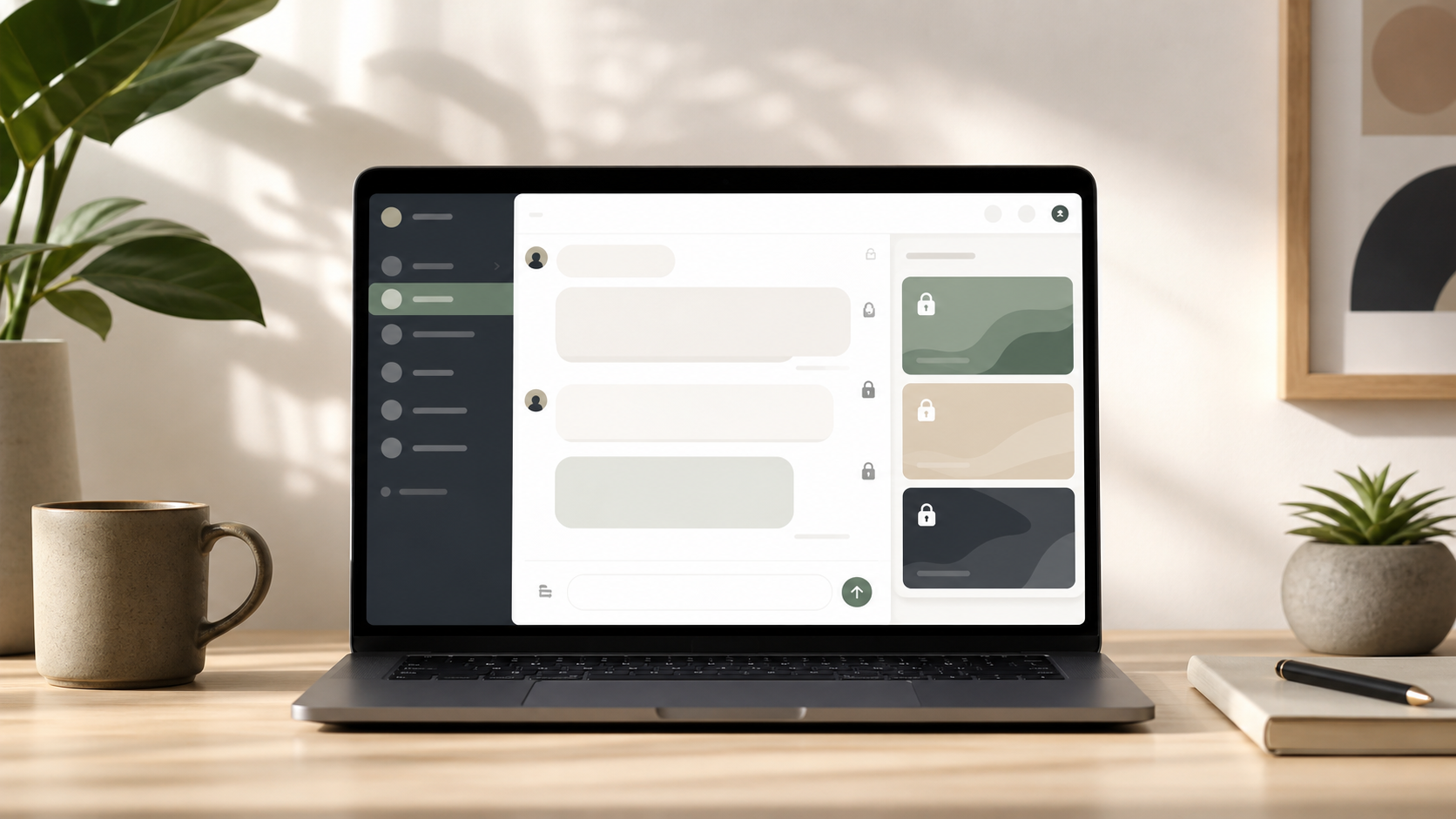
PigeonChat.site explained for private browser messaging
A clear guide to PigeonChat.site, a browser-based private chat app with encrypted chats, public channels, AI, and no phone number needed.
If you have seen the name PigeonChat.site and wondered what it actually is, the short answer is this: it is a browser-first private chat app designed to make messaging feel lighter, more direct, and less tied to a phone number. In a world where so many chat tools begin by asking for a mobile number, a contact sync, or a desktop install, that is a noticeable difference.
This matters because private messaging is not just about hiding words from strangers. It is also about reducing friction, limiting the amount of personal data you hand over, and keeping the experience simple enough that people can actually use it. That is the basic appeal behind a new European chat app like this one.
Below, I will explain what PigeonChat.site is, who it is for, and why browser-based messaging is worth paying attention to, even if you never sign up for a service like this.
What PigeonChat.site is
PigeonChat.site is a web-based chat service built around private browser messaging. Instead of starting with a downloaded app or a phone-first workflow, you use it in your browser. That can be useful if you want a quick way to chat without installing another app on your device.
The idea is straightforward: open the site, create or enter a chat, and communicate in a private setting. For people who value convenience, this kind of setup removes a lot of the usual steps that make messaging services feel heavier than they need to be.
It is also part of a broader trend. More users are becoming cautious about how much personal information they share just to send a message. Services that lean into browser access, simpler onboarding, and less identity friction are responding to that concern.
Why browser-first private chat matters
Browser-first messaging can be genuinely practical. You do not always want another app on your phone, another login on your laptop, or another account tied to your everyday identity. A browser-based service is easier to try, easier to leave, and easier to use on devices where you do not want to leave traces behind.
This is where private browser messaging stands out. It is not only about end-to-end privacy features, although those are important where they exist. It is also about reducing the data collected at the edges: account details, contact lists, and unnecessary profile information.
For many people, the best private chat is the one that asks for the least and gets out of the way. That is why a browser-first model can feel refreshing compared with chat apps that are built around constant sign-ins and mobile permissions.
- Less setup before you can start chatting
- No need to install software for every device
- Often a better fit for temporary, shared, or work-based use
- Lower friction for people who prefer not to share a phone number
No phone number chat and why it appeals
One of the main reasons people look for a no phone number chat option is simple: phone numbers are personally identifying, and many users would rather not give them away for every online conversation. A phone number can become a durable link between accounts, contacts, and identity, even when all you want is a private discussion.
A no phone number model can be helpful for small communities, one-off conversations, support exchanges, or situations where you want to keep your chat identity separate from your mobile identity. It can also be a relief for people who are wary of spam, contact harvesting, or unwanted social discovery.
That said, removing the phone number does not automatically solve every privacy issue. A service can still collect other metadata or operate in ways that affect your privacy. The useful question is whether the product gives you a cleaner boundary between your real-world identity and your messaging identity.
Encrypted private chats and trust
When people hear encrypted private chats, they often think only about message content. Encryption is important because it helps protect what is said from being read by outsiders in transit or storage, depending on how the system is designed. But trust in a chat app also depends on the wider design.
For example, who can create an account? What information is required? How are links handled? How easy is it to access chats from different devices? These details matter because privacy is a system, not a slogan. A private chat app should make it easier to communicate without exposing more than necessary.
If you are evaluating any messaging tool, including PigeonChat, it is sensible to ask practical questions: What data is needed to get started? What is the default visibility of your chats? What happens when you close the tab or leave a conversation? Good privacy tools should be able to answer those questions clearly.
Who PigeonChat.site is for
PigeonChat.site is most appealing to people who want a simpler and more privacy-aware way to message. That includes users who dislike tying every app to a phone number, people who prefer browser access, and anyone who wants to separate one conversation from the rest of their digital life.
It may also suit small teams, communities, and casual users who need a lightweight chat space without a big onboarding process. Some people simply want to send a message without committing to a full social platform or another permanent account.
In that sense, PigeonChat is less about replacing every mainstream messenger and more about offering a different default. It gives people an option that feels more restrained, more direct, and more in line with the idea that not every conversation needs to be attached to your everyday identity.
What to look for before using any private browser chat
If you are exploring a service like the PigeonChat site or any other browser-based messenger, it helps to look past the marketing and focus on the basics. The most useful privacy products are usually the ones that explain themselves clearly.
Think about how the service handles accounts, messages, links, and device access. If a chat app says it is private, try to understand what that means in practice. Privacy can be strong in one area and weaker in another, so a calm, specific read is better than broad assumptions.
- Check whether a phone number is required
- Look for clear information about encryption
- See whether it works cleanly in your browser
- Consider how much identity information you need to provide
- Think about whether it suits short-term or ongoing use
For many users, the real benefit of browser-first chat is not novelty. It is control. When a messaging tool is easier to open, easier to close, and less demanding about identity, it can become a better fit for everyday private communication.
Frequently asked questions
Is PigeonChat.site only for technical users?
No. A browser-based chat service is often appealing precisely because it is simple. If you can use a normal website, you can usually use a private browser messaging tool without much learning. The main idea is to reduce friction, not add complexity.
Does no phone number chat mean complete anonymity?
Not necessarily. A no phone number chat removes one common identifier, but anonymity depends on the whole service design and how you use it. The important point is that it can reduce the amount of personal information attached to your conversations.
Are encrypted private chats always enough on their own?
Encryption is important, but it is only one part of privacy. You still want to know how the service handles accounts, metadata, and access across devices. A private chat app should be judged on the full experience, not just one feature.
In practical terms, PigeonChat.site is interesting because it points toward a quieter kind of messaging. It does not ask you to treat every conversation like a full digital identity project. For people who want more privacy and less fuss, that is a useful direction.
Ready to try PigeonChat?

Writer & Editor at PigeonChat
Related Articles

Why people want a best chat app UAE option

PigeonChat.site: what the private browser app is for

PigeonChat.site explained for private browser messaging

What chat features users expect in modern private apps

Why chat folders matter for busy group conversations
