
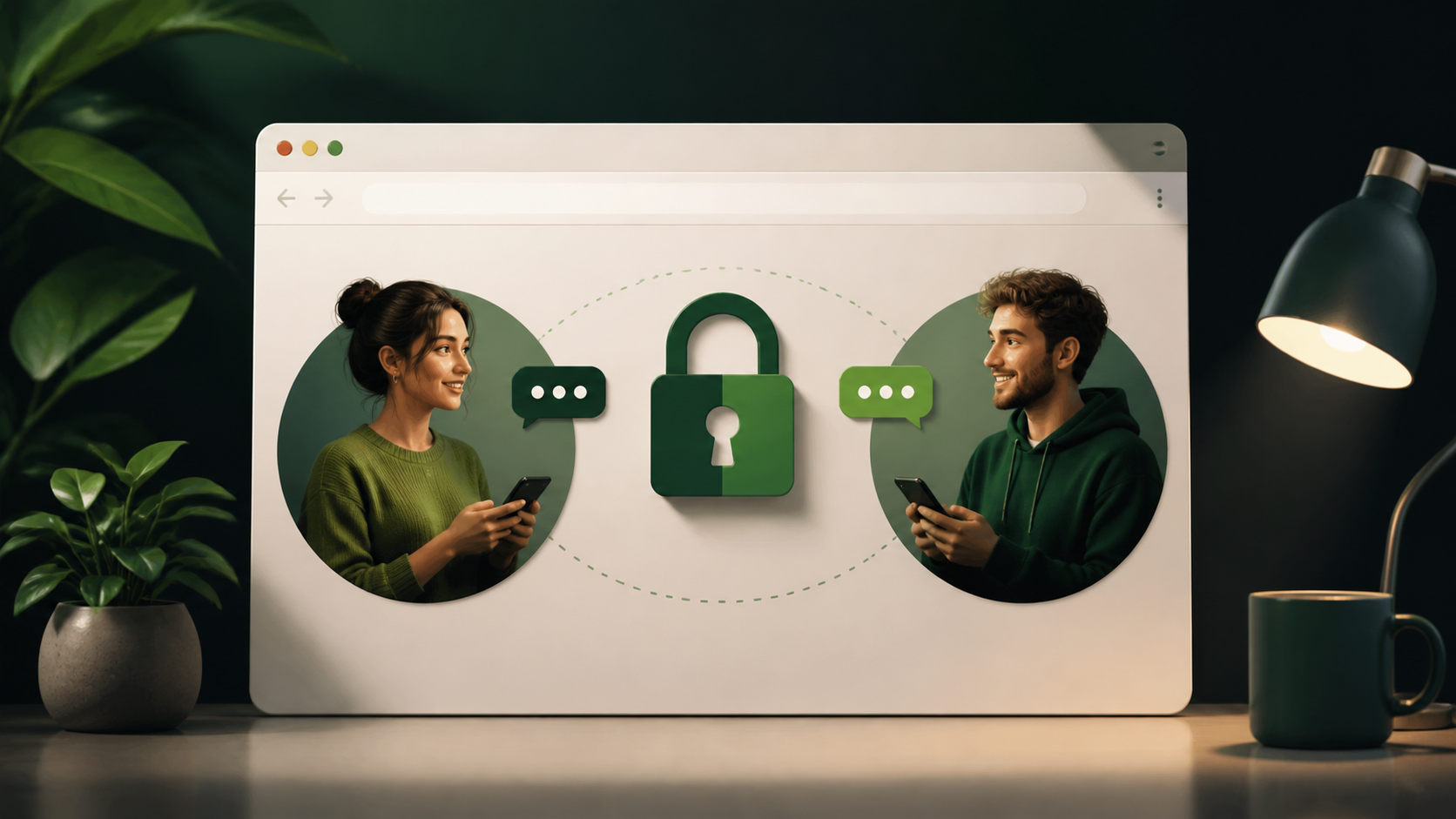
How end to end encryption chat works in browser
Learn how end to end encryption protects private chats in a browser app, what it does, and what it does not guarantee.
Browser-based messaging can feel convenient and private at the same time, but only if the security model is designed properly. The key idea behind an end to end encryption chat is simple: your message is encrypted on your device before it leaves the browser, and only the intended recipient can decrypt it.
That means the messaging service in the middle can help move data around without being able to read the content. Done well, this makes encrypted private chats possible even in a browser chat interface, where people often assume privacy is weaker than in a native app.
This is not magic, and it is not a promise that every part of the experience is hidden. Metadata, account details, and browser behaviour can still matter. But when encryption is built into the messaging flow, a browser can support strong privacy in a practical way. Services such as PigeonChat use this principle to make secure chat easier to understand and use.
What end to end encryption means in browser chat
In an end to end encryption chat, the message is protected from the moment you type it. Your browser uses cryptographic keys to turn readable text into ciphertext before it is sent to the server. The server then passes that encrypted data along without learning what it says.
Only the recipient’s device has the matching key needed to unlock the message. In practice, this means the server can transport messages, but it cannot read them in plain text. That is the central difference between ordinary browser chat and encrypted private chats.
The important detail is where encryption happens. If encryption is applied after the message leaves your device, the service could still see the original text. If it happens in the browser, before transmission, the message content never needs to be exposed to the operator in readable form.
How the encryption flow works step by step
Most secure systems use a similar flow. First, each user has cryptographic keys. One key is public and can be shared. The other is private and must stay on the device. The public key helps others send you secure messages, while the private key unlocks what arrives for you.
When you send a message, your browser creates or uses a session key to encrypt the content. That encrypted package is then sent to the server. The server relays it to the recipient, who decrypts it locally in their own browser or app. If the service is well designed, it cannot read the content at any stage in the middle.
- Your browser creates or stores the keys locally.
- The message is encrypted before it is uploaded.
- The server receives only encrypted data.
- The recipient decrypts the message on their device.
- Conversation content stays private from the service operator.
This is why people often compare modern secure messengers with systems like Signal. Signal is well known for using end to end encryption by default, and the same basic idea can be used in browser chat. The browser is just the place where the cryptographic work happens.
Why a browser chat can still be private
A browser is not automatically insecure. It is just software running on a device, and it can perform encryption locally like any other client. The real question is whether the messaging flow is designed so the service never needs access to plain text content.
When that design is in place, browser chat can be just as private in principle as many installed apps. What matters is not the interface, but the architecture. If the encryption keys remain on the user’s device and the server only handles encrypted payloads, the conversation stays protected from the provider.
That does not mean all risks disappear. A browser environment can still be affected by compromised devices, malicious extensions, weak passwords, or phishing. But those are separate issues from whether the chat content itself is protected in transit and at rest on the service side.
What end to end encryption does not hide
Encryption protects the message body, but it does not make every trace of communication invisible. A service may still see when an account connects, which devices are active, or roughly when a message is sent. Some systems also retain contact lists or delivery information. This is why people talk about metadata as a separate privacy concern.
It is also worth noting that encryption does not protect a message after it has been decrypted on the recipient’s screen. If someone takes a screenshot, copies the text, or has access to the unlocked device, the content can still be exposed. End to end encryption reduces exposure in transit and on the provider side, but it cannot control what happens on endpoints.
For that reason, encrypted private chats should be viewed as one part of a wider privacy approach. Good device security, careful account recovery, and sensible browser hygiene all help keep the conversation private in practice.
How to judge whether a chat service is really secure
If you are trying to evaluate an e2e chat app pigeonchat.site style service or any other browser messenger, look for clear explanations of where encryption happens and which parts of the system can read messages. Vague language is not enough. A trustworthy product should explain whether encryption is default, how keys are managed, and what data the server can see.
It also helps to check whether the service is explicit about browser support, key storage, and device trust. If keys stay only in your browser profile or local device storage, that can be a good sign, though the details matter. You want to know whether the system is built so the provider can operate the service without reading your conversations.
Useful questions to ask include:
- Are messages encrypted before they leave the browser?
- Who holds the decryption keys?
- Can the provider read message content?
- What metadata is collected or logged?
- What happens if I use a new device or clear browser data?
If a service can answer those questions plainly, you are in a better position to judge it. PigeonChat, for example, is easier to assess because the core privacy promise is tied to the messaging flow itself rather than marketing language.
Common trade-offs in encrypted browser messaging
There is always a trade-off between security, convenience, and recoverability. If private keys never leave the device, you may get stronger privacy, but you may also have to be careful not to lose access. If account recovery is too easy, it can become weaker. If it is too strict, it can frustrate legitimate users.
Browser chat can also depend on the browser’s own security model. Extensions, shared computers, and sync features can complicate things. That does not make encrypted private chats a bad idea. It just means the surrounding environment matters as much as the encryption layer itself.
The good news is that many of these trade-offs are manageable. Clear onboarding, local key protection, and sensible defaults can give people strong privacy without making the product unusable. That is the direction modern secure chat systems are trying to move in.
Frequently asked questions
Is browser chat less secure than an installed app?
Not necessarily. A browser can handle end to end encryption securely if the messaging flow is designed correctly. The security question is about where encryption happens and who controls the keys, not simply whether the app is installed or web-based.
Can the service provider read my messages?
In a properly designed end to end encryption chat, the provider should only see encrypted data and delivery information, not the readable message content. If encryption is not built into the flow before upload, the provider may be able to read the messages.
Is Signal the same as browser chat encryption?
Signal is an example of a service that uses strong end to end encryption by default. A browser-based chat can use the same underlying idea, even though the interface is different. The important point is that the client encrypts locally before the message is sent.
Browser chat can be private if the cryptography is implemented correctly and the system is honest about its limits. The safest mindset is to treat encryption as a strong protection for message content, while still paying attention to devices, metadata, and account security. If you want a clear example of this approach in practice, PigeonChat is built around the idea that encrypted private chats should work without turning privacy into a technical puzzle.
Ready to try PigeonChat?

Writer & Editor at PigeonChat
Related Articles

What makes an end to end encryption chat app secure

What a fully compliant EU chat app should include

Why people search for a WhatsApp alternative without a number

What end to end encryption chat really protects

Why chat folders matter for busy group conversations
