
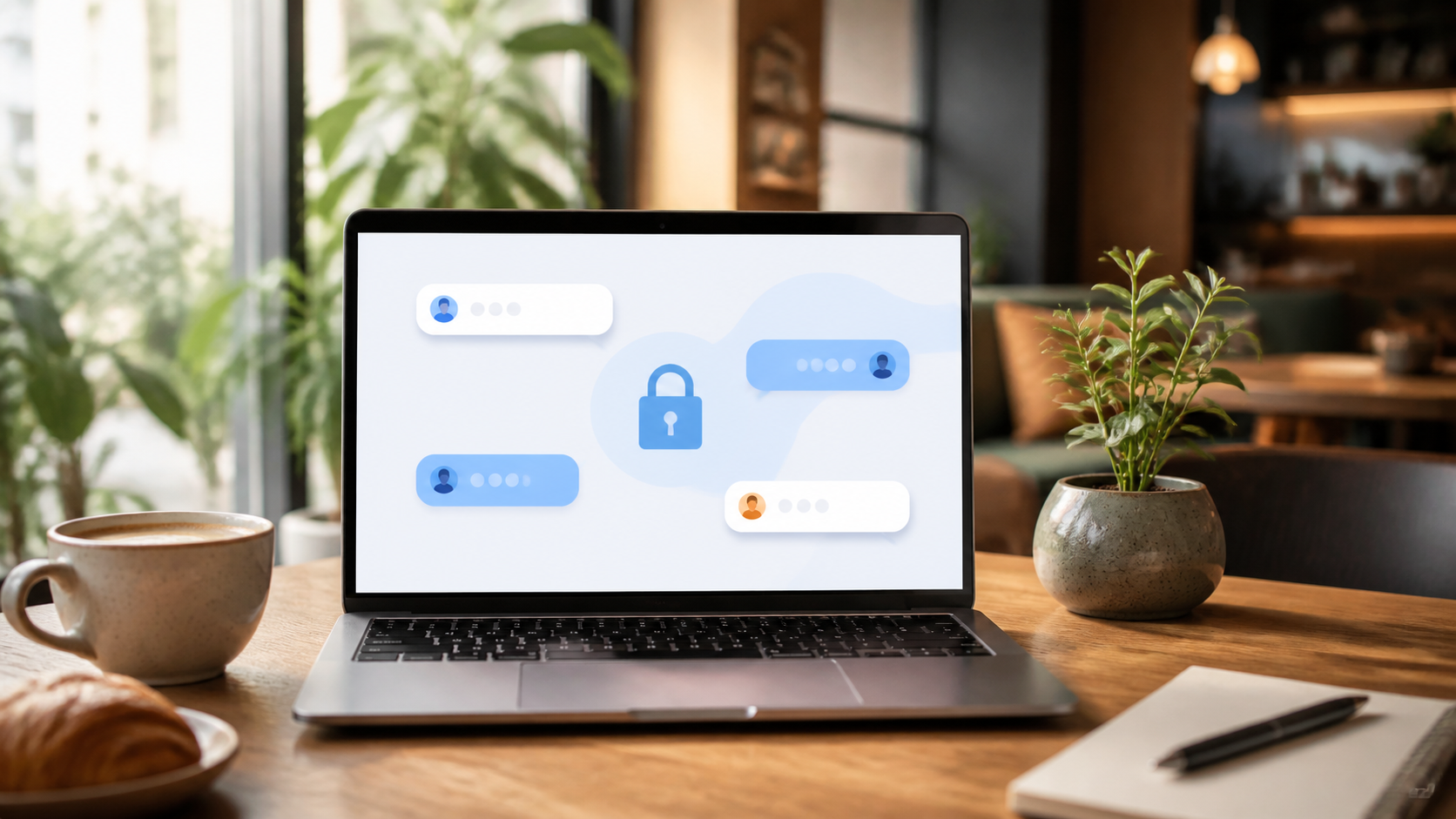
PigeonChat.site for private browser messaging
Introduce PigeonChat.site as a private browser-based messenger with encrypted chats, public channels, stickers, stories and AI, without any phone number.
Private messaging in the browser is no longer a strange edge case. For many people, it is the most convenient way to send a message quickly without downloading another app, handing over a phone number, or creating a long account trail.
PigeonChat is built around that idea. It focuses on private browser messaging, with end to end encryption chat at the centre of the experience. The aim is simple: let people talk securely in a web browser, while keeping setup light and personal data collection to a minimum.
If you are comparing browser-based chats, it helps to know what matters and what does not. A clean interface is useful, but privacy, encryption, and the need for a phone number are the real questions.
What private browser messaging actually means
Private browser messaging means you can open a chat in your browser and communicate without installing a desktop client or mobile app first. In practical terms, that lowers friction. You can send a link, start a conversation, and move on with your day.
Privacy, though, is where the difference lies. Some browser chats are just convenient wrappers around a standard service. Others are designed so that the browser itself is part of the secure path, with messages protected in transit and, ideally, beyond the server layer too.
That is why terms like end to end encryption chat matter. If a service supports it properly, only the people in the conversation should be able to read the message contents. The provider can help deliver the message, but should not be able to simply open it.
How PigeonChat.site approaches security
PigeonChat.site is designed for browser use first, which means security choices have to work smoothly in a web environment. The service is positioned around encrypted conversation rather than public posting or noisy social features.
The phrase end to end encryption chat is not just marketing language. It describes a model where the content is encrypted on the sender’s side and decrypted on the receiver’s side. That reduces exposure if traffic is intercepted or if storage systems are inspected later.
For everyday users, the benefit is straightforward. You can keep a conversation private without needing to understand every technical detail, while still asking the right questions about how the system handles keys, storage, and access.
No phone number required, which changes the experience
One of the most practical differences with PigeonChat is that no phone number is required. That may sound minor, but it affects how a service feels from the start. Without a number, you avoid tying the conversation to a personal SIM card or a contact list you may not want to share.
This also makes it easier to use a service for one-off conversations, community projects, or situations where you want to keep your main identity separate from a chat handle. It is a useful design choice for anyone who values privacy by default.
- No phone number to hand over at sign-up
- Less personal data needed to begin a chat
- Quicker setup for casual or temporary conversations
- Cleaner separation between your chat identity and your mobile number
That said, no phone number required does not automatically mean total anonymity. You still need to think about what you share in messages, who you invite, and whether your browser or device is secure.
Why browser-based encrypted chat is appealing
There is a strong case for private browser messaging because it fits the way people already use the web. You can move from a link to a conversation in seconds, without app stores, updates, or device-specific setup.
That convenience matters for mixed audiences. Some people want a simple place to talk with a friend. Others need a lightweight option for a project team, an online community, or a short-lived collaboration. In those cases, browser access can be more practical than a dedicated app.
If you have seen references to a pigeonchat.site new european chat app, the useful takeaway is not the label itself but the direction of travel. The service is trying to make secure conversation feel easy, web-native, and accessible without demanding a phone number.
Things to check before trusting any private chat service
Whenever you use a privacy-focused messenger, it is worth checking a few basics. Not every service means the same thing when it says encrypted, and not every web chat gives you the same level of control.
Look for clear explanations of how messages are protected, whether the service can read your content, and what information is retained. If those answers are vague, treat that as a sign to be cautious.
Useful checks include:
- Whether encryption is end to end or only in transit
- Whether the service needs a phone number or other strong identifier
- How long messages, metadata, or logs are kept
- Whether browser sessions are protected with sensible defaults
- How invitations, links, or room access are controlled
With PigeonChat, the key selling points are easy to understand: browser-based use, encryption, and no phone number requirement. Those are sensible starting points, but you should still use good personal security habits. Choose a strong password where relevant, keep your browser updated, and avoid reusing links in places you would not want exposed.
Who private browser messaging is best for
Private browser messaging suits people who want speed without the baggage of a full app ecosystem. That can include freelancers, small teams, organisers, friends coordinating plans, or anyone who prefers not to attach a conversation to their mobile number.
It is also a sensible choice for readers who care about simplicity. A lot of people do not want a complex settings page or a phone-centric workflow. They just want to open a browser and message securely.
PigeonChat fits that use case well because it keeps the focus on messaging rather than platform lock-in. It is not trying to be everything at once, which can be a strength when privacy is the priority.
Frequently asked questions
Is PigeonChat.site the same as a regular messaging app?
Not quite. It is built for private browser messaging, so the experience is web-first rather than app-first. That makes it easier to start chatting without installing software or handing over a phone number.
What does end to end encryption chat mean in practice?
It means the message content is encrypted so that only the intended participants can read it. Even if the service helps route or store the message, it should not be able to open the contents in plain text.
Do I need a phone number to use PigeonChat?
No. One of the main features of PigeonChat is that it does not require a phone number, which helps reduce friction and avoids linking the account to your mobile identity.
Private browser messaging is not about removing every risk. It is about reducing unnecessary exposure while keeping communication easy enough that people will actually use it. If that balance matters to you, a browser-first, encrypted service can be a practical choice.
Ready to try PigeonChat?

Writer & Editor at PigeonChat
Related Articles

Why people want a best chat app UAE option

PigeonChat.site: what the private browser app is for

PigeonChat.site explained for private browser messaging

What chat features users expect in modern private apps

Why chat folders matter for busy group conversations
