
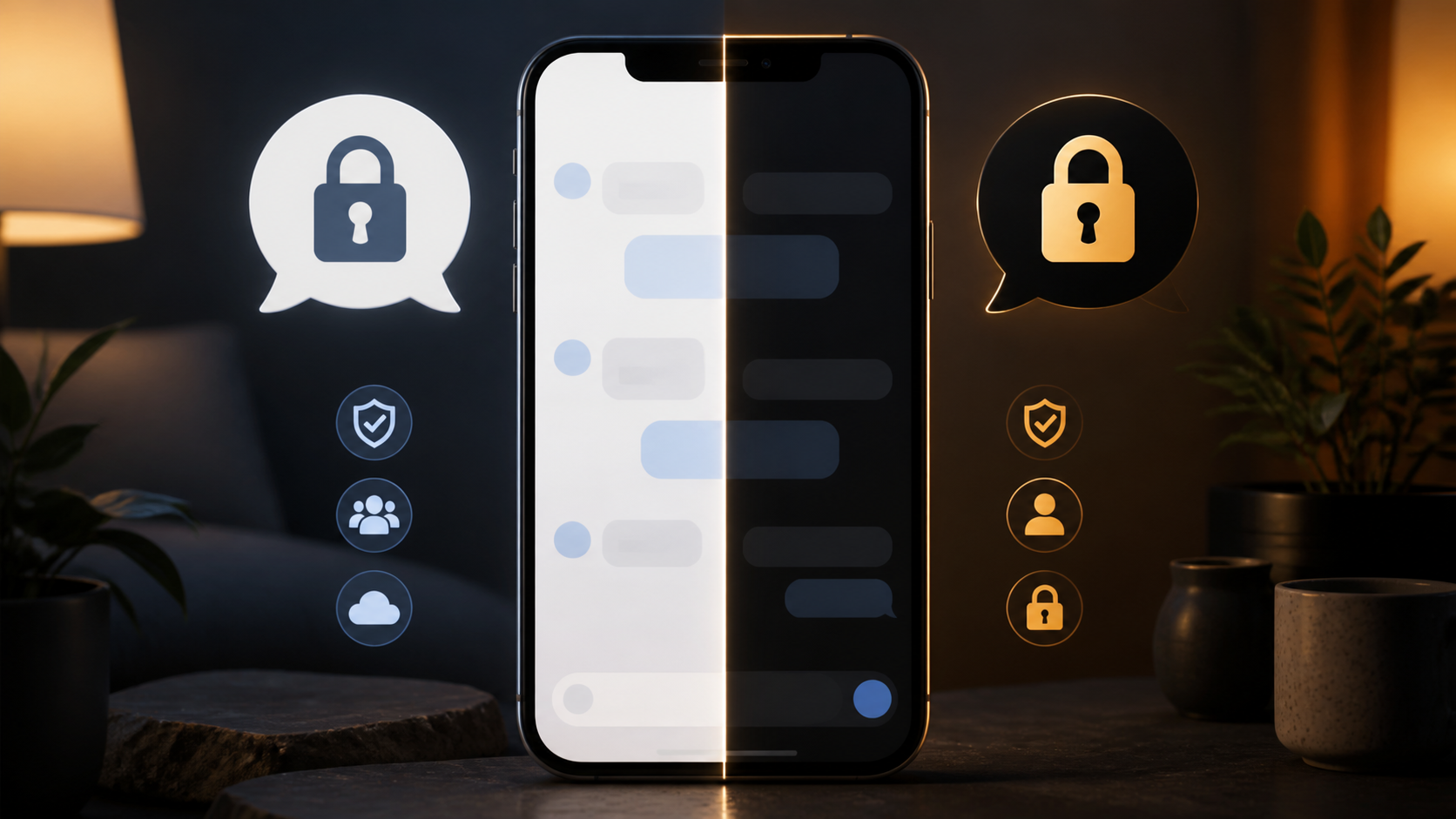
What makes a true Signal alternative chat app
See the features people expect from a Signal alternative chat app, from encryption and privacy controls to groups, folders, and image sharing.
A true Signal alternative chat app has to do more than mirror private messaging. Encryption matters, but people live in the details: how quickly they can find a conversation, share a file, start a group, or move between devices without friction. If those everyday jobs feel awkward, most people will quietly drift back to whatever is easiest, even if it is less private.
That is why comparing apps only on security is too narrow. A serious alternative chat app should combine strong protection with the chat features people actually rely on day to day. In practice, the best option is the one that lets privacy support real communication rather than getting in the way of it.
If you are weighing up options like Signal, or simply trying to understand what good modern messaging looks like, it helps to think in terms of habits. A messaging app has to fit family chats, work coordination, community groups, and one-to-one conversation. PigeonChat is one example of how product design can aim for that balance, but the broader lesson applies to any platform: privacy should be useful, not merely promised.
Why private messaging is necessary, but not sufficient
End to end encryption is the baseline for any modern privacy-conscious messenger. It protects message contents from being read in transit by the service provider or intermediaries. For many people, that is the first thing they look for when comparing a Signal alternative chat app.
But encrypted delivery alone does not make a messaging app pleasant or practical. People still need simple tools for replying in context, managing contacts, organising groups, and recovering from device changes. If those basics are missing, the app may be secure in theory and frustrating in practice.
That gap is important because users do not experience security in isolation. They experience the whole workflow. A truly useful end to end encryption chat app keeps the privacy layer strong while making everyday tasks feel natural.
Practical chat features that people actually notice
The most valuable chat features are often the least flashy. Search, message replies, media handling, voice notes, file sharing, link previews, and reliable notifications can matter more than niche extras. These are the things that decide whether a conversation flows or stalls.
A strong alternative chat app should also make group communication manageable. That usually means clear membership controls, sensible permissions, and tools for reducing noise. In real life, people use chat for plans, decisions, and reminders, not just for banter.
Common practical features to look for include:
- Fast message search across chats
- Reliable file and image sharing
- Voice notes and quick media capture
- Group chats with clear moderation tools
- Multi-device support that does not feel clumsy
- Readable conversation history and easy replies
When these pieces work together, privacy becomes part of a useful product rather than a separate promise. That is the difference between a secure toy and a messenger people keep using.
What separates a Signal alternative chat app from a barebones clone
Many apps copy the idea of private messaging but stop at the surface. They may advertise encryption and still leave users struggling with sync, attachment limits, or poor organisation. The result is an app that looks modern but behaves like a prototype.
A real signal alternative chat should feel complete. It should support the rhythms of daily communication, from a quick one-line update to a long group thread with documents and links. It should also handle the unglamorous parts, such as onboarding, contact discovery, and device switching.
Security is still central, of course. But the best products treat it as a foundation, not the full story. If the interface hides essential functions or makes people think too hard about basic actions, the design is working against the conversation.
How end to end encryption chat should fit real-world use
A good end to end encryption chat app should protect messages without forcing users to change how they communicate. People should not need a manual every time they want to send a photo, start a group, or move to a new phone. The app should support privacy in the background and stay out of the way.
That also means thinking carefully about trade-offs. Some apps minimise stored metadata and simplify features to reduce risk. Others add conveniences that make the product easier to live with. There is no perfect answer for every use case, but there is a clear test: does the design help ordinary people communicate securely without constant friction?
For many teams and communities, the best fit is not the most austere messenger. It is the one that balances protection, clarity, and practical communication. That is why comparisons should look beyond the word “private” and into the quality of the experience.
Choosing an alternative chat app with your actual habits in mind
When you compare messaging apps, start with how you really use them. Do you mostly send short updates, or do you manage large group discussions? Do you move between laptop and phone often? Do you need file sharing, search, or voice messages every day? Those answers matter more than abstract feature lists.
It can help to think in layers. First, confirm the privacy basics. Then ask whether the app supports your main routines without extra effort. Finally, look at whether it remains pleasant to use after a week, not just impressive on first glance.
A useful checklist for comparison might be:
- Does it offer strong privacy by default?
- Are the key chat features easy to find?
- Does it support groups and media well?
- Can you use it comfortably on multiple devices?
- Does it make everyday messaging simpler, not harder?
If the answer to most of those questions is yes, you are probably looking at something closer to a real-world messaging tool than a privacy demo. That is where a platform like PigeonChat aims to be useful, whether you are testing it or just learning what to expect from modern chat software.
Frequently asked questions
Is Signal still the best choice for private messaging?
For many people, Signal remains a strong choice because it is well known for privacy and security. But “best” depends on your needs. If you want more practical chat features or a different workflow, another app may fit better. The right answer is the one that balances privacy with how you actually communicate.
What features should I expect from a good Signal alternative chat app?
Look for dependable messaging, group support, media sharing, search, replies, and multi-device use. An app can have excellent encryption and still be awkward if those everyday functions are weak. The best alternative chat app makes secure communication feel normal and easy.
Does end to end encryption chat mean the app can never see anything?
End to end encryption protects message content in transit, so the service should not be able to read the contents of those messages. However, different apps may still handle account data, contact data, backups, or metadata in different ways. It is sensible to read the privacy documentation carefully and not assume every encrypted messenger works the same way.
In the end, a true Signal alternative chat app is not defined by one feature. It is defined by the combination of privacy, reliability, and everyday usefulness. If an app gives you strong protection but makes ordinary communication awkward, it is only halfway there. The most credible options are the ones that respect both security and the practical realities of how people chat.
Ready to try PigeonChat?

Writer & Editor at PigeonChat
Related Articles

Viber, Telegram, and Messenger compared for private chat

Signal alternative chat app: what users actually want
What a true WhatsApp alternative should include
WhatsApp, Signal, Viber, and Telegram compared

Why chat folders matter for busy group conversations
