
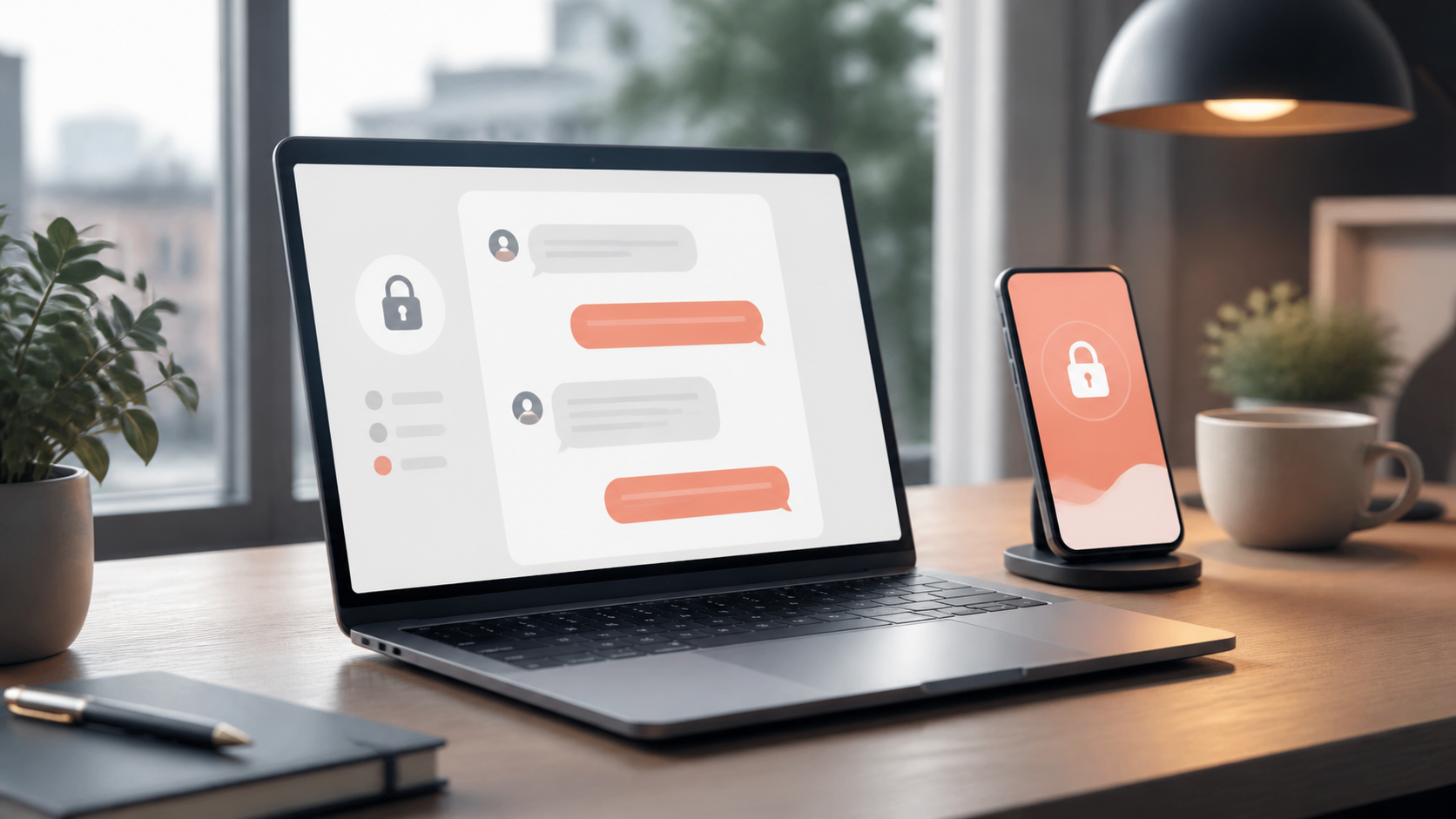
PigeonChat.site explained for private browser messaging
See how PigeonChat.site works as a browser-based private messenger with encrypted chats, no phone number, public channels and AI tools.
Private browser messaging has become appealing for a simple reason: many people want the convenience of chatting in a browser without committing to a full mobile app. If you are on a shared computer, a work laptop, or a device where you prefer to keep things light, a browser-based service can feel far easier to start using.
PigeonChat is one example of that idea in practice. The name PigeonChat.site points to a straightforward model for private browser messaging: open a website, start a chat, and avoid some of the friction that often comes with app installs, account creation, and phone-based sign-up flows.
This does not mean browser chat is always the right choice for everyone. It does mean there is a clear audience for tools that focus on quick access, privacy-conscious design, and simple everyday messaging. If you want to understand what PigeonChat.site is and why people look for a no phone number chat app, it helps to look at the problem it is trying to solve first.
What PigeonChat.site is designed to do
PigeonChat.site is aimed at private browser messaging. In plain terms, it is built for people who want to send messages from a web browser rather than installing a dedicated app on a phone or desktop. That can be useful when you want a chat to stay separated from your main apps, or when you simply prefer a cleaner setup.
The appeal is not just technical. It is also practical. A browser-based service can be easier to open on different devices, easier to leave after a conversation, and easier to adopt for one-off or occasional use. For many people, that is enough to make the whole experience feel less heavy.
When a service is positioned around encrypted private chats, the basic promise is that the content of the conversation should remain private between the people involved. You should always read the actual product documentation and settings, because privacy features can vary, but that is the general expectation people have when they choose this kind of tool.
Why private browser messaging appeals to so many people
The main reason is convenience. A browser-based chat can be opened quickly, with no app store search, no download waiting, and no extra storage use on your device. That sounds small, but when you are trying to message someone in the moment, small frictions matter.
Another reason is separation. Some people do not want a messaging app sitting beside their personal and work notifications all day. A browser window gives a more deliberate feel. You open it when you need it, finish the conversation, and close it when you are done.
For others, the attraction is privacy. A no phone number chat app removes one common source of personal data sharing at sign-up. That does not automatically make a service anonymous or fully private, but it does reduce one layer of exposure that many users would rather avoid.
How encrypted private chats usually work in a browser
When people hear the phrase encrypted private chats, they often think of complete invisibility. In practice, encryption is more specific than that. It usually means message content is protected while it moves between devices and servers, and possibly while it is stored, depending on the system design.
In browser messaging, the browser is simply the place where you access the service. Encryption can still happen behind the scenes, but the exact model matters. Some systems protect messages end to end, while others protect transport but not necessarily every stored copy. The difference is important, especially if you plan to discuss sensitive topics.
If you are evaluating a private browser messaging tool, it helps to look for clear explanations of how the service handles keys, storage, and message retention. Good privacy design tends to be explained in plain language, not hidden behind vague marketing. PigeonChat is best understood in that context: as a browser-first chat experience where simplicity and privacy are part of the pitch.
What to look for in a no phone number chat app
Not every no phone number chat app is equal. Removing a phone number requirement is only one piece of the puzzle. You still need to think about how the service handles identity, device access, message history, and account recovery.
Here are a few practical things worth checking before you rely on any service for important conversations:
- Whether sign-up requires an email address or other personal details
- Whether chats are end to end encrypted or only partially protected
- Whether messages are stored temporarily or for longer periods
- Whether you can log out cleanly from shared devices
- Whether the service explains its privacy model in clear terms
- Whether it works well on the browsers you actually use
These details matter because privacy is not a single feature. It is a chain of design choices. Even if a tool feels simple on the surface, the underlying account and storage model can affect how private it really is in daily use.
When browser chat is a better fit than a mobile app
Browser chat is often the better fit when you need speed and flexibility rather than constant presence. If you are coordinating a short conversation, using a work computer, or sharing a link in a temporary situation, opening a browser may be much easier than installing something new.
It can also suit people who want less attachment to a particular device. A mobile app tends to become part of your daily routine, while a browser service can remain more situational. That can be helpful if you want to keep certain conversations separate from your main phone life.
There are limits, of course. Browser-based tools may not be as convenient for ongoing notification handling, offline access, or deep integration with your device. The point is not that browser chat replaces every other messaging format. It is that for some people, it is the most comfortable middle ground.
Using PigeonChat.site thoughtfully and safely
Whatever service you choose, good habits matter. If you are trying out PigeonChat.site or another similar platform, start by testing it with low-risk conversations. Learn how logout works, how to clear a session, and how the site behaves on the devices you actually use.
Also think about your surroundings. Browser messaging can feel private, but that does not protect you from someone looking over your shoulder or from leaving a session open on a shared machine. Basic device hygiene still matters, even with encrypted private chats.
It is also wise to match the tool to the conversation. A convenient private browser messaging service can be ideal for casual coordination or short-lived chats. For highly sensitive material, you should always verify the security model yourself rather than assuming any platform is suitable by default.
Frequently asked questions
Is PigeonChat.site the same as a normal messaging app?
Not quite. PigeonChat.site is better thought of as browser-based messaging rather than a traditional installed app. That means you use it through a web browser, which can make access easier and reduce the need for downloads.
Does no phone number chat app mean anonymous chat?
Not necessarily. A no phone number chat app removes one common identifier, but a service may still ask for an email address, use device data, or keep other records. Anonymous and private are related ideas, but they are not the same thing.
Are encrypted private chats always fully secure?
No system is perfect. Encryption is an important layer of protection, but the overall privacy picture also depends on account handling, session management, device security, and the service’s retention policies. It is best to read the details rather than relying on the label alone.
In the end, PigeonChat.site and similar services appeal because they make private browser messaging feel easy. That simplicity is the selling point, but it also makes it worth asking the right questions before you rely on any platform. If the convenience matches your needs, a browser-first chat can be a very practical option.
Ready to try PigeonChat?

Writer & Editor at PigeonChat
Related Articles

Why people want a best chat app UAE option

PigeonChat.site: what the private browser app is for

PigeonChat.site explained for private browser messaging

What chat features users expect in modern private apps

Why chat folders matter for busy group conversations
