
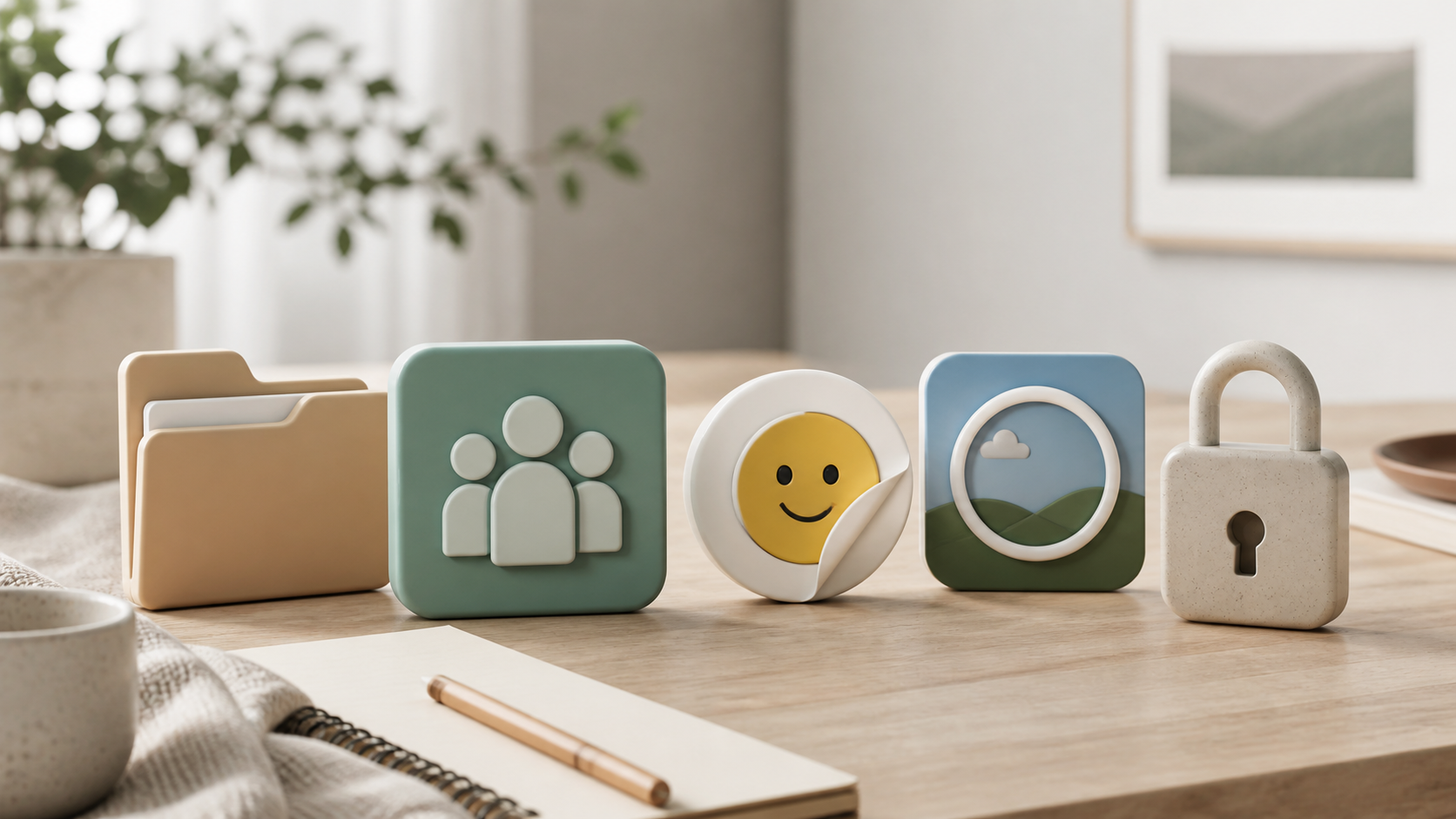
What chat features matter most in private apps
A practical look at the private chat features users actually notice: encryption, folders, groups, image sharing, channels and language support.
When people compare private messaging apps, security often gets all the attention. That matters, of course, but it is only part of the picture. A privacy first chat app still has to be pleasant to use every day, or people will drift back to whatever is easiest.
The best apps usually win on practical chat features that reduce friction, keep conversations organised, and make sharing feel simple without exposing more than necessary. If you are choosing a private messenger for work, friends, or community groups, it helps to look past the headline claims and focus on the details that shape real use.
This guide looks at the features that matter most in private apps, why they matter, and where some products get the balance right. It is written to be useful even if you are just comparing options rather than planning to sign up today. PigeonChat is one example worth exploring if you want a calmer, privacy minded approach to messaging.
Start with the basics: the chat features people use every day
The most important features are often the least glamorous. Fast message delivery, clear typing indicators, reliable read receipts, easy search, and intuitive conversation threads all affect whether people actually enjoy using the app. If these core functions feel clumsy, even strong privacy controls will not save the experience.
Think about what happens in a normal week. You may need to check a message on mobile, continue on desktop, search for an old address, or reply to a photo without losing context. Good private apps handle these tasks in a way that feels natural, with little explanation required.
It is also worth asking whether the app is sensible in the small moments. Can you pin a chat, mute a noisy group, or jump back to a message you were sent yesterday without a lot of tapping around? These everyday details are usually where the best products separate themselves from the merely secure ones.
- Search that finds people, dates, and key phrases quickly
- Pinning or starring important conversations
- Mute and notification controls that are easy to understand
- Reliable syncing across devices
- Simple replies, forwards, and message reactions
Why image sharing and media handling matter so much
Image sharing is one of the clearest examples of how usability and privacy need to work together. People send screenshots, receipts, location details, memes, and quick photos all the time. If an app makes that process slow or awkward, it will feel incomplete, no matter how strong its security posture may be.
A useful private app should make it straightforward to preview media, save what you need, and understand what is being shared. In some apps, the problem is not the sending itself but the lack of control afterwards. Good tools give users confidence about what stays in the chat, what is downloaded, and what can be removed later.
Compression and quality matter too. If photos become unusably blurred, or if video uploads are unreliable, people start looking for workarounds. That can lead them to send sensitive material through less appropriate channels, which defeats the point of using a private chat in the first place.
Organisation tools like chat folders help private apps feel usable
Chat folders are a small feature with a big effect. Once you have more than a handful of active conversations, folders or labels make it far easier to separate family chats, project groups, customer support threads, and one-to-one messages. Without that structure, private messaging can become noisy very quickly.
This is especially relevant in apps that are trying to serve both personal and professional use. A good folder system lets you keep the app tidy without forcing you to create separate accounts or sacrifice privacy. It also reduces the chance of missing something important simply because the interface is crowded.
Organisation features do not need to be complicated. Even a simple system based on pinned chats, custom folders, or filtered views can make a large difference. In practice, that kind of design often matters more than a long list of niche extras.
Privacy should support the experience, not hide behind it
A privacy first app should explain its protections clearly. Users do not need a lecture, but they do need to understand what is protected, what is stored, and how the app behaves on their devices. If the language is vague, people are left guessing whether the feature they need is actually there.
Good privacy design tends to appear in everyday decisions. For example, can you lock the app quickly? Can you control who adds you to groups? Are backups handled in a way that matches your expectations? These are the kinds of questions that matter when you are choosing a messenger for real life, not just a brochure.
PigeonChat is a useful example of this balance. It does not make sense to treat privacy as a separate layer that sits on top of a poor interface. The better approach is to build useful, understandable messaging first, then protect it thoughtfully.
Look for flexibility across different kinds of conversations
Private apps are rarely used for one type of chat only. You may need one-to-one messaging for close contacts, group chat for plans, and a more formal space for teams or communities. The best apps adapt to those settings without making everything feel identical.
That flexibility can show up in small but important ways: custom notifications, message threading, moderation tools, or the ability to separate work from personal conversations. If an app cannot handle different contexts gracefully, users end up working around it rather than working with it.
When comparing options, it helps to ask whether the app supports your habits, not just its own ideal user. A platform that gives you control over the layout, notifications, and organisation is usually easier to live with than one that only excels at a single polished use case.
What to prioritise when comparing private chat apps
If you are deciding between apps, a practical checklist is often more useful than broad marketing claims. Focus on the features that directly affect daily messaging, then look at privacy as the foundation underneath them. That approach keeps you from being distracted by packaging alone.
Here is a simple way to judge the field:
- Does it make core messaging feel fast and clear?
- Are image sharing and other media controls easy to use?
- Can you organise conversations with chat folders or similar tools?
- Does it support your real communication patterns, not just one scenario?
- Are the privacy controls understandable rather than hidden in jargon?
In practice, the best private apps are the ones that respect your time. They do not force you to choose between convenience and control. Instead, they make everyday communication easier while keeping your data handling restrained and transparent.
Frequently asked questions
Are security claims enough when choosing a private chat app?
No. Strong security is essential, but the app also needs to be usable. If core features are awkward, people will avoid them or switch to less suitable tools. The best choice combines privacy with sensible everyday design.
What is the most underrated feature in a privacy first chat app?
Organisation tools are often underestimated. Features like chat folders, pinning, and good search can save a lot of time and help users manage busy conversation lists without losing important messages.
Should I care about image sharing in a private messenger?
Yes. Most people exchange photos, screenshots, and documents regularly, so image sharing is a core part of the messaging experience. It should be easy, predictable, and controlled in a way that fits the app’s privacy model.
Choosing a private messenger is really about balance. Security matters, but the best apps earn trust by being useful, organised, and calm to use every day. If you keep your eye on the practical chat features that shape real conversations, you will be much better placed to pick something that works for you, whether that is PigeonChat or another well designed option.
Ready to try PigeonChat?

Writer & Editor at PigeonChat
Related Articles

Why people want a best chat app UAE option

PigeonChat.site: what the private browser app is for

PigeonChat.site explained for private browser messaging

What chat features users expect in modern private apps

Why chat folders matter for busy group conversations
