
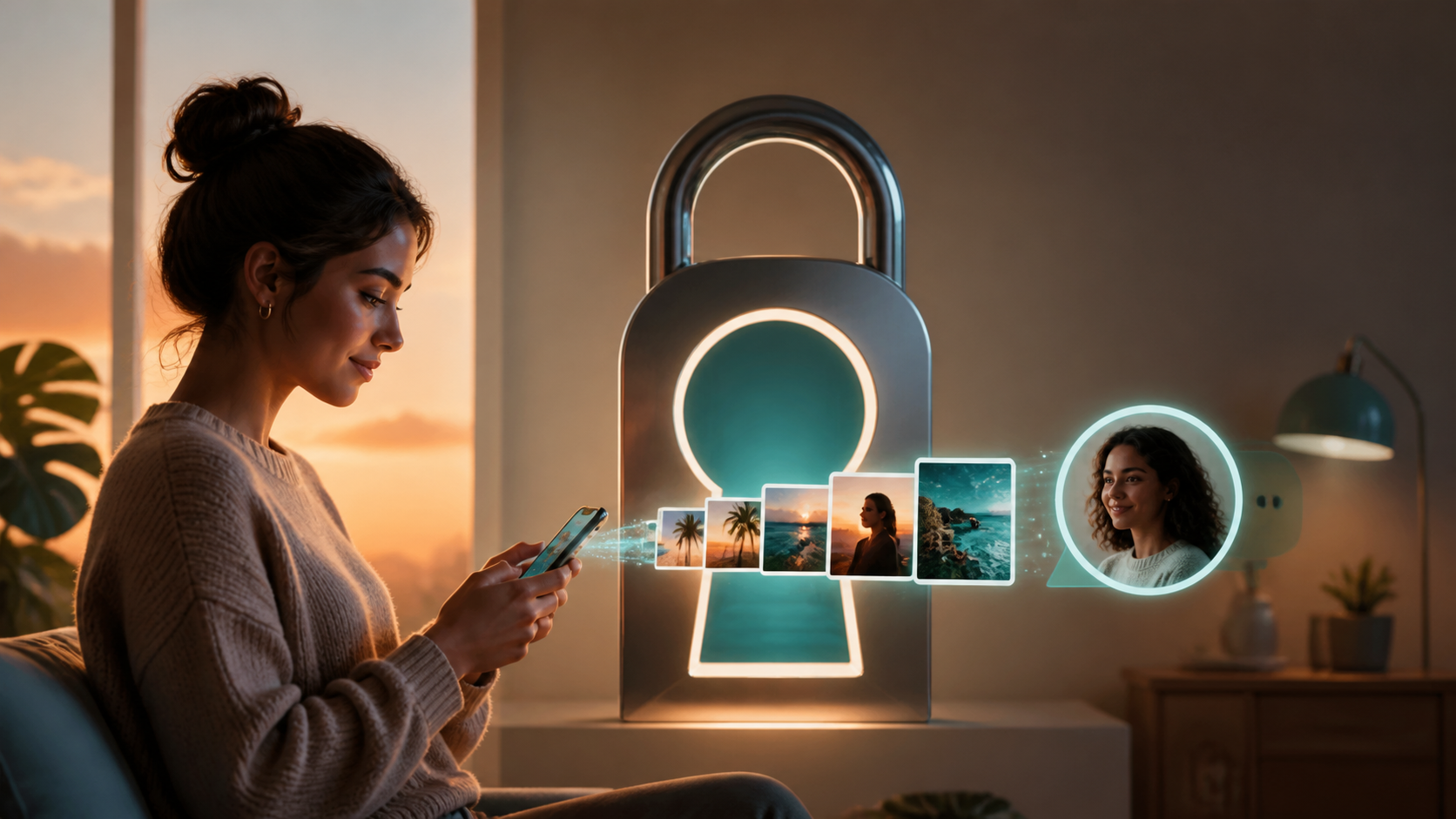
How image sharing works in private chat apps
Image sharing in private chat should stay simple without exposing more data than needed, especially in encrypted chats and group conversations.
Image sharing is one of the most useful parts of modern messaging, but it is also one of the easiest places for privacy to slip. A private chat app should make sending a photo feel simple, while still limiting who can see it, where it is stored, and how long it remains accessible.
That balance is possible when the app is designed carefully. In an end to end encryption chat, the experience can stay quick and familiar, yet the app provider should not be able to read the contents of your images or casually inspect your conversations. The details matter, from how files are uploaded to how thumbnails are handled and how devices keep local copies safe.
This guide explains how image sharing works in private chat apps, what a sensible privacy design looks like, and what to check before you trust any app with personal photos. Even if you never use PigeonChat, the same principles will help you judge any encrypted private chats service more clearly.
What image sharing actually means in a private chat app
When you send an image in a chat app, the app usually does more than transfer a file. It may compress the photo, create a preview, generate a thumbnail, and sync it across your devices. Each of those steps can affect privacy if the app is not careful.
In a well designed private chat app, the image is treated as data that should be protected end to end. That means the app should encrypt the file before it leaves your device, and only the intended recipient should be able to decrypt it. The service may still need to move encrypted data across its servers, but it should not be able to open the file itself.
Convenience does not have to disappear in this model. Good chat features can still include tap to view previews, quick sending from the camera roll, and smooth delivery across mobile and desktop. The key is that these conveniences are built on top of encryption, rather than replacing it.
How end to end encryption chat protects photos
In an end to end encryption chat, your device encrypts the image locally before upload. The server acts more like a postal system than a reader. It passes along the encrypted package, but cannot see the contents in plain form.
This matters because photos often contain more than you first think. A picture might show a location, a person, a document on a desk, a home interior, or a visible notification on another screen. With encrypted private chats, the app provider is not in a position to inspect those details as it transports the message.
It is also worth remembering that encryption protects the content, not every possible clue around it. The app may still know that a file was sent, when it was sent, and to whom. Good privacy design tries to minimise even that metadata where practical, but content encryption and metadata reduction are separate goals.
Typical chat features for image sharing and their privacy trade-offs
Many people want image sharing to be fast and forgiving. That often means chat features such as automatic compression, image previews, captions, reactions, disappearing messages, and multi device sync. None of these are inherently bad, but each needs a privacy decision behind it.
For example, automatic compression can make uploads quicker and reduce bandwidth use, but it may slightly change image quality. Previews are convenient, yet they should be generated in a way that does not expose the original file to the server. Disappearing messages can reduce long term exposure, but only if deletion is handled honestly and clearly.
When judging features, ask a simple question: does this make the chat more usable without giving the provider more access than necessary? If the answer is yes, the feature is probably compatible with encrypted private chats. If not, convenience may be coming at the cost of your privacy.
- Look for local encryption before upload, not after the file reaches the server.
- Check whether thumbnails and previews are protected in the same way as full images.
- See whether backups are encrypted separately from the live chat.
- Confirm whether the app stores images on its servers after delivery, or only for a limited time.
- Review whether link sharing or public forwarding is disabled by default.
What a private chat app should do differently
A trustworthy private chat app should make privacy the default, not an optional setting hidden in a menu. That means clear encryption language, sensible defaults for downloads and backups, and no vague claims about "security" without explanation.
It should also be transparent about device storage. Your phone may keep local copies of images for offline access, and that is not necessarily a problem. The important point is whether those copies are protected with the device’s own security features and whether the app gives you control over cache, gallery saving, and export options.
PigeonChat, for example, is positioned around private messaging design rather than attention grabbing extras. That kind of product thinking is useful because it keeps the focus on the basic question: who can actually see the photo, and under what conditions?
Practical checks before you trust image sharing
If you are comparing apps, do not get lost in brand language. A careful review of a few details will tell you more than a glossy feature list. Look for plain explanations of how image sharing works, where images are stored, and what happens when a chat is deleted.
It also helps to test the app with a non sensitive image first. Send a harmless picture, then check what appears on the other device, what remains in the app’s gallery, and whether the app creates copies in places you did not expect. A good design should feel predictable.
Useful things to check include:
- Can you send images without saving them to the phone gallery?
- Does the app let you disable auto download on mobile data?
- Are disappearing messages applied consistently to images as well as text?
- Does the app explain backup behaviour in clear language?
- Is there a simple way to clear cached media from the device?
It is also sensible to think about social habits, not just software. Even in encrypted private chats, the recipient can still screenshot, forward, or photograph the screen with another device. Technical protections reduce risk, but they do not remove human judgement.
How to keep image sharing convenient without overexposing yourself
The best privacy habits are usually small and repeatable. Before sending a photo, crop out anything unnecessary, check the background, and avoid sharing metadata heavy originals unless they are needed. If the app offers a choice between an image and a high resolution document scan, pick the format that matches the purpose.
Consider the audience too. A casual image for a friend and a sensitive document for a colleague should not be treated the same way. In a private chat app, you can still use the same simple workflow, but you should apply different levels of care based on the content.
If you want to explore a service built around these ideas, you can look at PigeonChat. Even if you are only comparing products, it can be useful to see how a privacy first app describes media handling, rather than assuming all messaging tools treat images the same way.
Frequently asked questions
Does end to end encryption chat make image sharing completely private?
It protects the contents of the image from the service provider and other intermediaries, which is a major improvement. However, it does not stop the recipient from saving, forwarding, or copying the image, and it may not hide all metadata. So it is strong protection, but not total control.
Can a private chat app still offer fast image previews?
Yes. A good private chat app can generate previews and thumbnails while still keeping the underlying file encrypted. The important point is that convenience features should not require the server to read the image in plain text.
What should I check before sending sensitive photos?
Check whether the app uses end to end encryption, whether backups are encrypted, whether auto download is enabled, and whether local media can be cleared easily. Also remember that the safest photo is often the one with less unnecessary detail in it.
Image sharing can be both convenient and respectful of privacy, but only when the app is built with care. If the design is thoughtful, encrypted private chats can feel almost as easy as ordinary messaging while giving you far better control over who can access your images. That is the standard users should expect from any serious private chat app.
Ready to try PigeonChat?

Writer & Editor at PigeonChat
Related Articles

What makes an end to end encryption chat app secure

What a fully compliant EU chat app should include

Why people search for a WhatsApp alternative without a number

What end to end encryption chat really protects

Why chat folders matter for busy group conversations
